
Listen to this Post
Introduction:
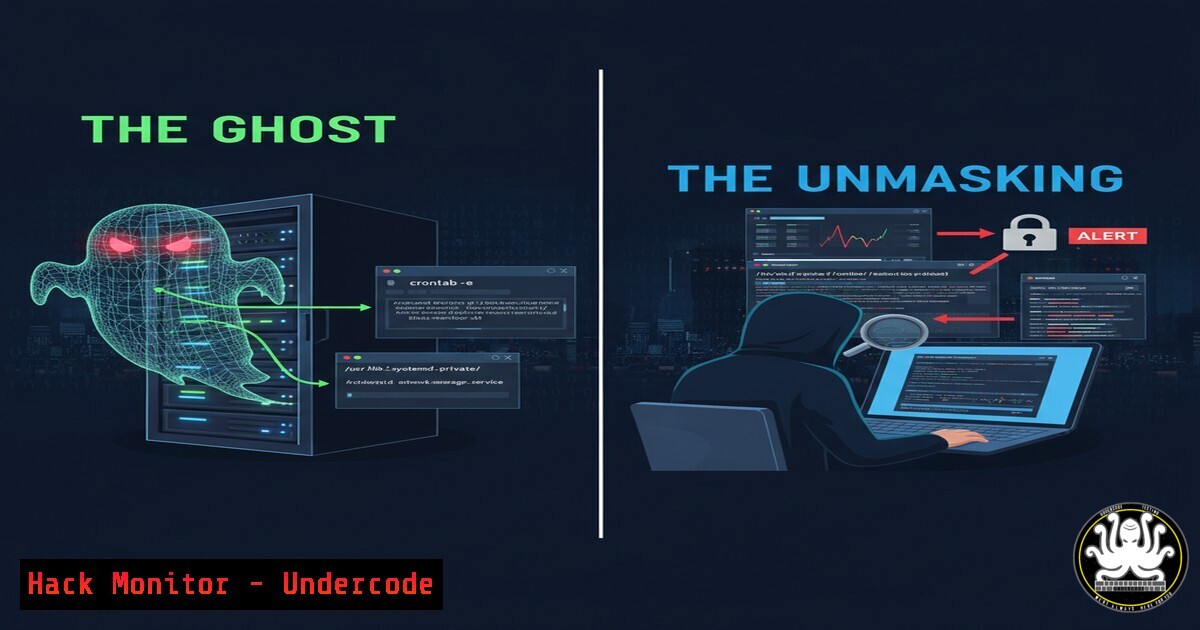
In modern cyber attacks, the initial breach is only the beginning. Advanced adversaries specialize in establishing stealthy, persistent footholds within networks, often hiding in plain sight using kernel-level rootkits and service hijacking. This forensic deep-dive, inspired by a real-world CTF investigation, reveals how attackers maintain control and redirect traffic through sophisticated memory-based persistence mechanisms.
Learning Objectives:
- Master Linux memory forensics using Volatility3 to identify malicious kernel modules and processes
- Detect and analyze rootkit techniques including DNS/service hijacking and update mechanism compromises
- Implement defensive strategies to counter credential reuse and privilege escalation pathways
You Should Know:
1. Linux Memory Acquisition and Profile Setup
`sudo dd if=/proc/kcore of=/tmp/memory.dump bs=1M` OR `sudo lime -format lime -output /tmp/memory.lime`
Before analyzing memory with Volatility3, you must first acquire a complete memory dump. The `dd` command can be used to copy the kernel’s memory space, while specialized tools like LiME (Linux Memory Extractor) provide more reliable, complete captures of physical memory. This creates a forensic image that preserves the state of running processes, network connections, and loaded kernel modules at the time of acquisition.
2. Volatility3 Symbol Configuration
`vol3 -s /path/to/symbols -f memory.dump linux.banner`
Volatility3 requires Linux kernel symbols to properly interpret memory structures. This command checks if your symbol files match the dumped kernel version. Symbols are typically downloaded as .json.xz files from the Volatility3 GitHub repository and placed in a dedicated symbols directory, enabling the tool to correctly parse kernel data structures and extract meaningful forensic artifacts.
3. Process Tree Analysis for Anomalies
`vol3 -f memory.dump linux.pstree –output=json`
This command extracts the complete process tree in JSON format, revealing parent-child relationships between processes. Look for processes with mismatched parentage, processes running from unusual directories, or system processes that should be children of init (PID 1) but show different parentage, which can indicate process injection or hijacking.
4. Kernel Module Enumeration
`vol3 -f memory.dump linux.lsmod –verbose`
Lists all loaded kernel modules with detailed information. Compare this output against known good baselines of your system. Pay special attention to modules without digital signatures, modules loaded from non-standard paths like /tmp or /dev/shm, and modules with names that closely resemble legitimate system modules (typosquatting).
5. Hidden Module Detection
`vol3 -f memory.dump linux.check_modules`
This plugin specifically hunts for unlinked kernel modules – a common rootkit technique where modules remove themselves from kernel module lists to avoid detection while remaining active in memory. The plugin compares various kernel data structures to identify discrepancies that reveal hidden modules.
6. Network Connection Analysis
`vol3 -f memory.dump linux.netstat –all-connections`
Displays all network connections from the memory dump, including TCP, UDP, and RAW sockets. Look for unexpected listening ports, connections to suspicious external IP addresses, or services running on non-standard ports. Rootkits often establish backdoors on uncommon ports.
7. Bash History Extraction from Memory
`vol3 -f memory.dump linux.bash`
Recovers bash command history from memory, which can reveal attacker commands even if they cleared the .bash_history file. Look for suspicious commands like wget/curl downloads to untrusted sources, privilege escalation attempts, kernel module manipulation, or configuration changes to critical services.
8. SSH Key Extraction
`vol3 -f memory.dump linux.sshkeys`
Extracts SSH keys from memory, which attackers might steal for lateral movement. This can reveal private keys that were loaded in memory during SSH sessions, potentially exposing credential reuse across systems that enables attackers to expand their foothold.
9. File Carving from Memory
`vol3 -f memory.dump linux.dump_files –pid [bash]`
Dumps files cached in memory for a specific process. This is particularly useful for extracting malicious scripts, configuration files, or binaries that the attacker loaded into memory but may have deleted from disk to cover their tracks.
10. Malware Configuration Extraction
`vol3 -f memory.dump linux.malfind –pid [bash]`
Scans process memory for indicators of injected code, such as executable memory regions with mismatched protection flags or content that resembles shellcode, packed executables, or known malware patterns.
11. DNS Cache Poisoning Detection
`vol3 -f memory.dump linux.dns_cache`
Examines the DNS cache in memory to identify potential poisoning attacks. Look for legitimate domains resolving to malicious IP addresses, which indicates DNS hijacking – a technique used to redirect update mechanisms or service traffic to attacker-controlled servers.
12. Process Memory Dumping for Deep Analysis
`vol3 -f memory.dump linux.dump_map –pid [bash] –base [bash]`
Dumps specific memory regions of a suspicious process for offline analysis with tools like strings, YARA, or disassemblers. This allows deeper investigation of potentially malicious processes without relying solely on Volatility3 plugins.
13. Kernel Symbol Table Analysis
`vol3 -f memory.dump linux.check_syscall`
Compares system call table addresses against known good values to detect rootkits that hook system calls for stealth or persistence. Discrepancies indicate that system calls have been redirected to malicious code.
14. Timeline of Events Creation
`vol3 -f memory.dump linux.timeline –output=bodyfile`
Generates a timeline of file system activity from memory artifacts, helping correlate process creation, file accesses, and network connections to reconstruct the attack sequence and identify persistence mechanisms.
15. Service Hijacking Detection
`systemctl list-unit-files –type=service | grep enabled`
On a live system, this command lists all enabled services. Compare this against baselines to identify unauthorized services that attackers may have installed for persistence. In memory forensics, look for evidence of such services being active.
16. Update Mechanism Verification
`grep -r “deb\|rpm” /etc/apt/sources.list /etc/yum.repos.d/`
Check package repository configurations for unauthorized additions or modifications. Attackers often add malicious repositories to distribute backdoored software through legitimate update channels, ensuring their tools remain installed even after cleanup attempts.
17. Interprocess Communication Inspection
`vol3 -f memory.dump linux.ipcs`
Examines System V interprocess communication objects (message queues, shared memory, semaphores) that malware might use for covert communication between components. Unexpected IPC objects can reveal sophisticated malware infrastructures.
18. User Session Enumeration
`vol3 -f memory.dump linux.lsof -p [bash]`
Shows files and network connections opened by specific processes. This can reveal unauthorized access to sensitive files, hidden network sockets, or files opened from suspicious locations that indicate malicious activity.
19. Container Escape Detection
`vol3 -f memory.dump linux.check_containers`
Identifies containerized environments and checks for evidence of escape attempts. Look for processes running on the host that originated from within containers or kernel modules loaded from container contexts.
20. Boot Persistence Locations
`ls -la /etc/rc.d/ /lib/systemd/system/.service /etc/init.d/`
On a live system, these directories contain service startup configurations. In memory, look for evidence of malicious services configured to start at boot. Rootkits often install boot persistence to survive reboots.
21. Credential Dumping Detection
`vol3 -f memory.dump linux.keyboard_notifiers`
Checks for keyboard notifiers – a technique used by keyloggers to capture keystrokes, including passwords. Also look for processes with open handles to credential files like /etc/shadow or memory regions containing password hashes.
22. Network Backdoor Identification
`vol3 -f memory.dump linux.netfilter`
Examines the Netfilter hooks (iptables/NFtables) in kernel memory for unauthorized modifications that could indicate network-level backdoors or traffic redirection rules established by rootkits.
23. Fileless Malware Detection
`vol3 -f memory.dump linux.proc_maps –pid [bash]`
Shows memory mappings for processes, helping identify fileless malware that exists only in memory without corresponding files on disk. Look for executable memory regions without file backing, especially in processes like Apache, Nginx, or SSH.
24. DNS Configuration Manipulation
`cat /etc/resolv.conf /etc/systemd/resolved.conf /etc/hosts`
Check DNS resolution configurations that attackers modify to hijack domain resolutions. In memory, look for evidence of these files being accessed or modified, or malicious DNS servers being configured dynamically.
25. Kernel Integrity Verification
`vol3 -f memory.dump linux.kernel_opened_files`
Shows files opened by the kernel, which can reveal malicious kernel modules accessing user-space files they shouldn’t need, potentially indicating data exfiltration or configuration manipulation by rootkits.
What Undercode Say:
- Memory forensics has become non-negotiable for detecting modern rootkits that bypass traditional disk-based detection
- Attackers are increasingly abusing trusted mechanisms like DNS, update services, and kernel modules for undetectable persistence
- The line between user-space and kernel-space attacks is blurring, requiring defenders to master both domains
The investigation reveals a troubling evolution in attacker tradecraft. Rather than relying on disk-based malware that antivirus can detect, sophisticated actors now weaponize memory residency and kernel privileges to achieve near-perfect stealth. The demonstrated techniques of DNS hijacking and update mechanism compromise represent a strategic shift toward subverting trust itself – making legitimate system processes work against the organization. This approach renders traditional IOC hunting insufficient, demanding instead continuous memory analysis and runtime behavioral monitoring. Defenders must now assume that determined adversaries will achieve kernel-level access and focus on detecting the subtle anomalies this creates rather than hoping to prevent all initial breaches.
Prediction:
Within two years, memory-based persistence will become the default for advanced threat actors, forcing a industry-wide shift toward continuous memory monitoring and hardware-assisted rootkit detection. Kernel-level compromises will increasingly target cloud infrastructure and container orchestration platforms, enabling attackers to hijack entire clusters through malicious control plane components. The defensive focus will necessarily move from prevention-centric models to assumed-breach postures where rapid detection of memory anomalies and runtime integrity violations becomes the primary security control.
🎯Let’s Practice For Free:
IT/Security Reporter URL:
Reported By: Hxn0n3 Hackthebox – Hackers Feeds
Extra Hub: Undercode MoN
Basic Verification: Pass ✅


