
Listen to this Post
Introduction:
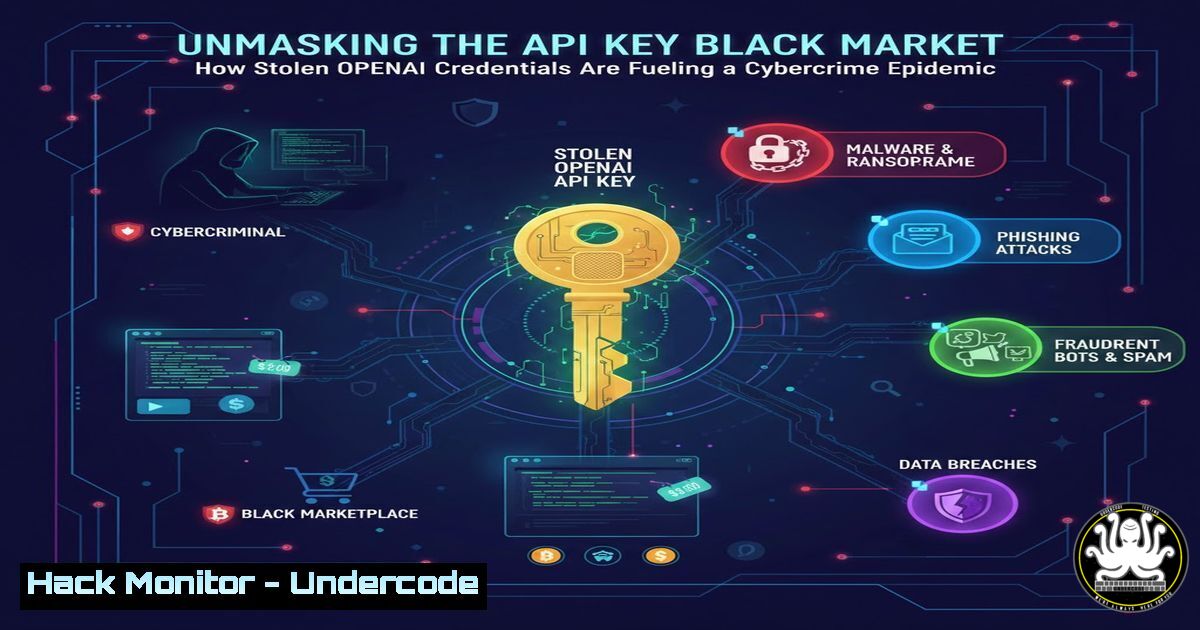
The digital underworld is witnessing a burgeoning new economy built on the theft and resale of proprietary API keys. A recent discovery on a popular hacker forum has revealed a massive dump of allegedly stolen OpenAI API keys being sold for shockingly low prices, highlighting a critical and escalating threat to corporate security and AI infrastructure. This isn’t just about stolen credentials; it’s about the weaponization of artificial intelligence, enabling everything from sophisticated phishing campaigns to the automation of malicious code, all on the victim’s dime.
Learning Objectives:
- Understand the methods used by threat actors to harvest and monetize API keys.
- Learn how to validate the security status of your organization’s API keys.
- Implement robust security measures to prevent credential theft and misuse.
You Should Know:
1. The Anatomy of an API Key Heist
The illicit sale of OpenAI API keys typically follows a predictable pattern. Threat actors employ a multi-pronged approach to gather these credentials. First, they scour public code repositories like GitHub, using automated scripts to find accidentally committed API keys. Second, they deploy information-stealing malware (e.g., RedLine Stealer) that harvests credentials from infected developer machines. Finally, they aggregate these keys and sell them on dark web marketplaces or hacker forums in bulk, often for as little as $0.10 per key. The buyers then use these keys to power their own applications, bypassing OpenAI’s paywalls, or to conduct malicious activities that are financially and legally attributed to the original key owner.
Step‑by‑step guide explaining what this does and how to use it.
Step 1: Identify the Leak Vector. Use automated secret scanning tools to check your own code.
For GitHub Repositories: Enable GitHub’s built-in secret scanning feature in your repository settings. It will automatically scan for over 200 token formats and notify you of any leaks.
For Local Codebases: Use truffleHog, a tool that searches through git histories for high-entropy strings.
 Install truffleHog
pip install truffleHog

Scan a git repository
truffleHog git https://github.com/your-organization/your-repo --json
Step 2: Hunt for Stealer Malware. Deploy Endpoint Detection and Response (EDR) solutions configured with rules to detect common information stealers. Monitor for suspicious processes accessing browser data directories or credential management software.
- Immediate Triage: Check if Your Key is Compromised
If you suspect an API key has been leaked, immediate action is required. You can quickly check its usage and status directly through the OpenAI platform or via its API. This allows you to see recent calls, usage volumes, and associated costs, which can confirm unauthorized activity.
Step‑by‑step guide explaining what this does and how to use it.
Step 1: Access the OpenAI Platform. Log into your account at platform.openai.com.
Step 2: Navigate to Usage Dashboard. Go to the “Usage” section from your account dashboard. Here, you can review detailed logs of all API requests, including timestamps, endpoints, and token counts. A sudden, unexpected spike in usage is a major red flag.
Step 3: Use the API to Check Key Details (Programmatic Approach). You can also use a simple script to fetch your account’s usage information. First, you must revoke the potentially compromised key and generate a new one for this diagnostic purpose.
 Replace 'your-new-key' with a valid, secure key for checking
curl "https://api.openai.com/v1/usage?date=2024-01-15" \
-H "Authorization: Bearer your-new-key"
This command will return the usage details for the specified date, helping you audit past activity.
3. Containment and Eradication: Rotate and Revoke
The fundamental principle of a compromised credential is to immediately invalidate it. In cybersecurity terms, this is “key rotation.” Leaving a stolen key active is an open invitation for threat actors to continue their abuse, leading to financial loss and potential reputational damage.
Step‑by‑step guide explaining what this does and how to use it.
Step 1: Generate a New Key. In your OpenAI account settings, navigate to the “API Keys” section. Click “Create new secret key.” Give it a descriptive name (e.g., “Production-App-X-2024-01”).
Step 2: Update Your Applications. Replace the old, compromised key with the new one in all your applications, services, and environment variables. This is the most critical and often complex step.
Step 3: Revoke the Old Key. Immediately after updating your applications, return to the API keys page and delete the old key. This action is irreversible and instantly blocks all requests using that key.
4. Hardening Your API Security Posture
Prevention is paramount. Secure your API keys using industry best practices that treat them as the high-value secrets they are. Never hardcode them in application source code or client-side applications.
Step‑by‑step guide explaining what this does and how to use it.
Step 1: Use Environment Variables. Store your keys in environment variables, which are external to your application code.
Linux/macOS:
 Add to your ~/.bashrc or ~/.zshrc
export OPENAI_API_KEY="your-secret-key-here"
 Then, in your Python code
import os
api_key = os.getenv('OPENAI_API_KEY')
Windows (PowerShell):
 Set for the current session
$env:OPENAI_API_KEY="your-secret-key-here"
 To make it permanent, use the System Environment Variables GUI
Step 2: Utilize Secret Management Services. For production environments, use dedicated services like AWS Secrets Manager, Azure Key Vault, or HashiCorp Vault. These services provide secure storage, access logging, and automated rotation.
Step 3: Implement API Key Restrictions. OpenAI and other cloud providers allow you to set usage limits and permissions on keys. Apply the principle of least privilege by creating keys with only the necessary permissions (e.g., read-only, specific models only) and set hard spending limits to cap potential financial damage from a leak.
5. Proactive Defense: Monitoring and Alerting
Establish a continuous monitoring system to detect anomalous activity related to your API keys. Unusual usage patterns, such as requests from unexpected geographic locations or at unusual times, can be the first indicator of a breach.
Step‑by‑step guide explaining what this does and how to use it.
Step 1: Configure Budget Alerts. Within the OpenAI platform, set up usage and budget alerts to notify you via email when spending exceeds a predefined threshold.
Step 2: Create Custom Monitoring Scripts. For more granular control, write a simple script that periodically checks your usage and alerts you to anomalies.
 Example Python script for anomaly detection (conceptual)
from openai import OpenAI
import smtplib
from email.mime.text import MIMEText

client = OpenAI(api_key=os.getenv('OPENAI_API_KEY_MONITOR'))
usage = client.usage.today()  Hypothetical function, check actual SDK

if usage.amount_daily > 50.00:  Set your threshold
 Send an alert email
msg = MIMEText(f"High OpenAI API usage alert: ${usage.amount_daily}")
msg['Subject'] = 'API Usage Alert'
msg['From'] = '[email protected]'
msg['To'] = '[email protected]'
 Configure your SMTP server here
 s.send_message(msg)
6. The Developer Mindset: Shifting Left on Security
Integrate security checks early and often in the software development lifecycle (SDLC). This “shift-left” approach prevents secrets from being committed to code repositories in the first place.
Step‑by‑step guide explaining what this does and how to use it.
Step 1: Implement Pre-commit Hooks. Use tools like `pre-commit` that can scan for secrets before a commit is even made.
 .pre-commit-config.yaml
repos:
- repo: https://github.com/pre-commit/pre-commit-hooks
rev: v2.3.0
hooks:
- id: check-merge-conflict
- repo: https://github.com/Yelp/detect-secrets
rev: v1.4.0
hooks:
- id: detect-secrets
Step 2: Educate Your Team. Conduct regular training sessions to ensure all developers understand the risks of hardcoding secrets and are proficient in using environment variables and secret managers.
What Undercode Say:
- The Cost is More Than Financial: While the immediate threat is unexpected bills, the greater risk is the misuse of your corporate identity to power malicious AI operations, which could lead to legal liability and severe reputational harm.
- Vigilance is Non-Negotiable: API keys are the new crown jewels. Their protection requires a layered strategy combining robust technology (secret managers, EDR), rigorous processes (key rotation, monitoring), and a pervasive culture of security awareness among all technical staff.
The emergence of a thriving black market for OpenAI API keys is a watershed moment for AI security. It signals that AI assets have become high-value targets for the cybercriminal ecosystem. The low barrier to entry—both in terms of the low cost to acquire keys and the ease of exploiting them—means this threat will scale rapidly. Organizations that fail to adapt their security posture to defend these new assets are not just risking financial loss; they are inadvertently funding and enabling the very threat actors that seek to undermine them. This incident is a stark reminder that in the age of AI, every new capability introduces a new attack surface.
Prediction:
The commoditization of stolen AI API keys will catalyze a new wave of AI-powered cybercrime. We will see a rise in highly personalized phishing campaigns generated in real-time, automated vulnerability research, and scalable social engineering attacks, all laundered through legitimate, compromised corporate accounts. This will force a paradigm shift in API security, moving beyond simple key management towards behavioral biometrics, AI-driven anomaly detection that understands context, and zero-trust architectures for AI services, where every API call is rigorously authenticated and scrutinized regardless of its origin.
🎯Let’s Practice For Free:
IT/Security Reporter URL:
Reported By: Activity 7396982134269423616 – Hackers Feeds
Extra Hub: Undercode MoN
Basic Verification: Pass ✅


