
Listen to this Post
Introduction:
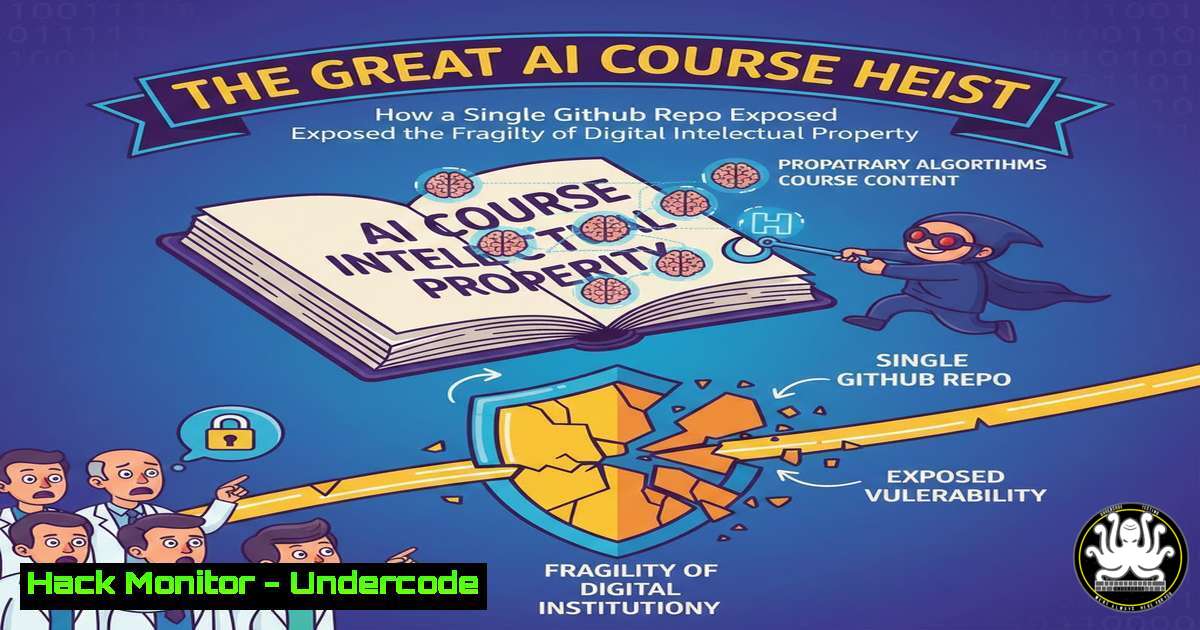
A recent data scraping incident involving a popular AI training course has sent shockwaves through the tech education sector, highlighting critical vulnerabilities in how digital intellectual property is protected. This event, where an entire course library was allegedly scraped and uploaded to a public GitHub repository, serves as a stark case study in cybersecurity, data ethics, and the enforcement of digital rights. It underscores the ease with which valuable content can be exfiltrated and distributed, challenging the business models of online educators.
Learning Objectives:
- Understand the technical mechanisms of web scraping and data exfiltration in the context of content theft.
- Learn defensive strategies to detect and mitigate unauthorized scraping activities.
- Analyze the legal and ethical ramifications of data scraping and intellectual property distribution.
You Should Know:
- The Anatomy of the Scrape: How Content is Systematically Looted
The core of this incident lies in the automated extraction of content, likely using scripts to bypass paywalls and access controls. Attackers rarely manually download content; they use bots.
Step-by-Step Guide to a Basic Scraper (For Educational Purposes Only):
A simple Python script using libraries like `requests` and `BeautifulSoup` can be used to scrape web content. Here is a conceptual breakdown:
import requests
from bs4 import BeautifulSoup
import time

Target URL (This is a hypothetical example)
target_url = "https://example-course-site.com/lesson1"

Headers to mimic a real browser and avoid simple blocks
headers = {
'User-Agent': 'Mozilla/5.0 (Windows NT 10.0; Win64; x64) AppleWebKit/537.36'
}

Send a GET request to the course page
response = requests.get(target_url, headers=headers)

Check if the request was successful
if response.status_code == 200:
 Parse the HTML content
soup = BeautifulSoup(response.content, 'html.parser')

Find the specific HTML elements containing the video and text (requires inspection of the site)
video_tag = soup.find('video')
text_content = soup.find('div', {'class': 'lesson-content'})

Extract the video source URL
if video_tag:
video_src = video_tag.get('src')
 Download the video file
video_data = requests.get(video_src, headers=headers).content
with open('lesson1_video.mp4', 'wb') as f:
f.write(video_data)

Save the text content
if text_content:
with open('lesson1_text.txt', 'w', encoding='utf-8') as f:
f.write(text_content.get_text())

Be polite - add a delay between requests
time.sleep(1)
else:
print(f"Failed to retrieve the page. Status code: {response.status_code}")
What this does: This script fetches a web page, parses its HTML to find specific elements (like video tags and text divs), and then downloads the media and text content to local files. A real-world malicious scraper would iterate through hundreds of lesson URLs, handle logins and sessions, and bypass more advanced protections like CAPTCHAs.
- Infrastructure as a Launchpad: Using Cloud Services for Scraping
Attackers often use cloud virtual machines (VMs) to run their scraping operations. This provides anonymity, a clean IP address, and scalable computing power.
Step-by-Step Guide to Launching a Scraper on a Cloud VM (AWS EC2 Example):
- Create an AWS Account: Use a service like Amazon EC2. Attackers may use stolen or fake credentials.
- Launch an EC2 Instance: Choose an Amazon Machine Image (AMI) like Ubuntu Server.
- Configure Security Groups: Open SSH (port 22) and potentially HTTP/HTTPS outbound traffic.
4. Connect via SSH:
ssh -i "your-key.pem" ubuntu@your-ec2-public-ip
5. Install Dependencies: On the Ubuntu instance, install Python and necessary libraries.
sudo apt update
sudo apt install python3 python3-pip -y
pip3 install requests beautifulsoup4
6. Upload and Run the Scraper: Use `scp` to transfer your Python script and execute it.
scp -i "your-key.pem" scraper.py ubuntu@your-ec2-public-ip:/home/ubuntu/
python3 scraper.py
What this does: This isolates the scraping activity from the attacker’s personal machine, making it harder to trace and block based on IP address. The cloud VM’s IP is seen as the source of the requests.
- The Exfiltration and Distribution Point: GitHub as an Unwitting Accomplice
Once data is scraped, it needs to be stored and shared. Public repositories on platforms like GitHub offer a perfect, albeit risky, solution.
Step-by-Step Guide to Uploading Scraped Data to GitHub:
- Create a New Repository: On GitHub, create a new public repo, e.g., “AI-Course-Materials.”
2. Initialize Git and Push Files:
 On the local machine or cloud VM with the scraped data
git init
git add .
git config user.email "[email protected]"
git config user.name "Anonymous"
git commit -m "Upload course materials"
git branch -M main
git remote add origin https://github.com/AnonymousUser/AI-Course-Materials.git
git push -u origin main
3. Share the Link: The repository URL is then shared on forums, social media, or direct messages.
What this does: This provides a free, highly available, and easily shareable distribution hub for the stolen content. While GitHub has mechanisms for DMCA takedowns, the process takes time, during which the content is widely disseminated.
- Defensive Tactic: Rate Limiting and User Agent Monitoring on the Web Server
The first line of defense is detecting and blocking scraping bots at the server level.
Step-by-Step Guide for Nginx Rate Limiting:
Edit your Nginx configuration file (e.g., /etc/nginx/nginx.conf) to include rate limiting in the `http` block.
http {
 Define a rate limit zone (10 requests per minute per IP)
limit_req_zone $binary_remote_addr zone=api:10m rate=10r/m;

Apply it to a specific location or server block
server {
location /courses/ {
 Apply the limit, delay processing when exceeded
limit_req zone=api burst=20 nodelay;
 Your usual proxy_pass or root directive
proxy_pass http://your_backend;
}
}
}
What this does: This configuration will slow down or block IP addresses that make an excessive number of requests to the `/courses/` path, a common characteristic of automated scrapers.
- Defensive Tactic: Deploying a Web Application Firewall (WAF)
A WAF can identify and block malicious traffic patterns that simple rate limiting might miss.
Step-by-Step Guide: Basic AWS WAF Rule for Scraping:
- Create a Web ACL: In the AWS WAF & Shield console.
- Add a Rate-Based Rule: This is similar to the Nginx method but managed at the cloud edge.
- Add Managed Rule Groups: Use AWS Managed Rules, which include rules to block common threats and known bad bots.
- Associate the Web ACL: Attach the Web ACL to your CloudFront distribution or Application Load Balancer.
What this does: A WAF provides a robust, managed layer of defense that can adapt to evolving scraping techniques without requiring constant server configuration changes.
- The Legal Counter-Attack: Crafting a DMCA Takedown Notice
When technical defenses fail, the legal process is the primary recourse.
Step-by-Step Guide to Filing a DMCA Takedown with GitHub:
- Identify the Infringement: Locate the specific GitHub repository URL.
- Go to GitHub’s DMCA Page: Navigate to `https://github.com/contact/dmca`.
- Fill out the Takedown Form: You will need to provide:
Your contact information.
Links to the original, copyrighted work.
Links to the infringing material.
A statement of good faith belief that the use is not authorized.
A statement that the information in the notification is accurate.
Your physical or electronic signature.
- Submit and Wait: GitHub will process the request, typically disabling access to the content and notifying the repository owner.
What this does: This is the formal, legal process for compelling a service provider like GitHub to remove copyrighted material. It is the essential final step for content owners to reclaim their intellectual property.
What Undercode Say:
- Scraping is a Business Continuity Threat: For companies whose product is digital content, unauthorized scraping is not a minor nuisance; it is a direct threat to revenue and viability. Defenses must be proportional to the value of the content.
- The Cat-and-Mouse Game is Asymmetric: Defenders must secure every potential vulnerability, while an attacker only needs to find one. This necessitates a multi-layered defense strategy combining rate limiting, WAFs, behavioral analysis, and legal readiness.
The incident reveals a fundamental tension in the digital economy. The very tools and platforms that enable innovation and collaboration—like Python, cloud computing, and GitHub—can be weaponized against creators. While the script used might be simple, the operational security of using cloud resources and the audacity of using a high-profile platform for distribution demonstrates a calculated effort. This isn’t a casual download; it’s a systematic extraction and distribution operation. The long-term impact will force EdTech and similar industries to invest more heavily in application security, moving beyond simple paywalls to sophisticated bot detection and client-side protection mechanisms, ultimately changing the user experience for legitimate customers as well.
Prediction:
This event is a precursor to a more intense arms race in digital content protection. We will see a rapid adoption of client-side obfuscation technologies (e.g., Javascript-based challenges that execute in the user’s browser), increased use of AI to detect anomalous browsing patterns that differ from human behavior, and a potential shift towards more dynamic, ephemeral content delivery that is harder to scrape at scale. Furthermore, the legal landscape will evolve, with potential lawsuits not just against the individuals, but also exploring the liability of platforms that host the tools and tutorials used to conduct such scraping, pushing the conflict into new legal territories.
🎯Let’s Practice For Free:
IT/Security Reporter URL:
Reported By: Liam Wadman – Hackers Feeds
Extra Hub: Undercode MoN
Basic Verification: Pass ✅


