
Listen to this Post
Introduction:
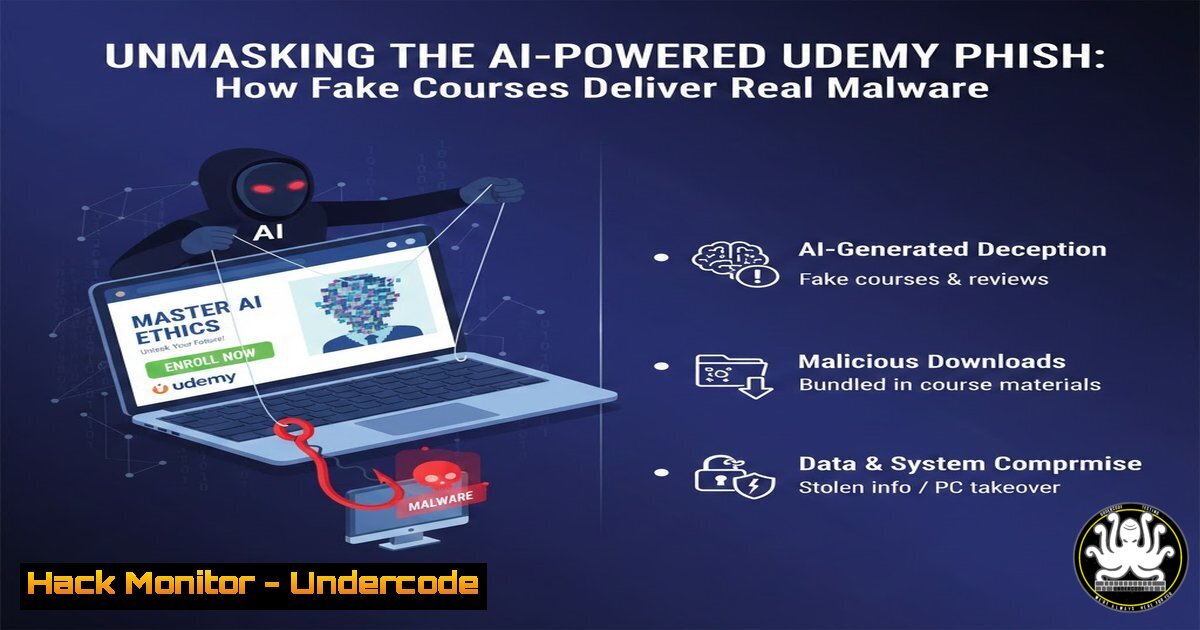
A sophisticated new phishing campaign is exploiting the trust in online learning platforms by distributing fake Udemy course notifications that deliver information-stealing malware. This attack vector combines social engineering with technical obfuscation, using a malicious Python script disguised as a course module to harvest sensitive data from unsuspecting users. Understanding this threat is critical for both individuals and organizations to prevent credential theft and system compromise.
Learning Objectives:
- Identify the hallmarks of a sophisticated social engineering attack leveraging trusted platforms like Udemy.
- Analyze the technical execution of a Python-based information stealer, including its data exfiltration methods.
- Implement defensive measures to detect and prevent similar attacks on both Windows and Linux systems.
You Should Know:
1. The Lure: Deconstructing the Phishing Email
The attack begins with a highly convincing email, meticulously crafted to appear as an official notification from Udemy. The attackers employ several psychological tricks to bypass suspicion. The email features professional branding, a sender address designed to mimic Udemy, and urgent, personalized language prompting the user to access a new course or required training. The core of the attack is a hyperlink, often disguised with friendly text like “Access Content,” which redirects the user away from the legitimate Udemy domain to a compromised or newly registered domain controlled by the attackers. This site then hosts the malicious download, typically named to look like a legitimate course file (e.g., Course_Materials.zip).
Step‑by‑step guide explaining what this does and how to use it.
Step 1: Inspect the Sender’s Address. Hover your mouse over the “from” address to reveal its true source. Look for subtle misspellings or incorrect domains (e.g., `[email protected]` instead of @udemy.com).
Step 2: Analyze Hyperlinks. Before clicking any link, hover your cursor over it. The true destination URL will appear in the bottom-left corner of your browser or email client. Verify that the domain is the official `udemy.com` and not a look-alike.
Step 3: Manual Domain Verification. If unsure, never click the link. Instead, manually navigate to the official Udemy website by typing `www.udemy.com` into your browser and checking your course library directly.
2. The Payload: Inside the Malicious Python Script
The downloaded archive contains a Python script (e.g., course_module.py) that functions as a potent information stealer. This script is often obfuscated to evade basic antivirus detection. Once executed, it performs a multi-stage data harvesting operation. Its primary functions include scanning the system for browser-stored passwords, cookies, and autofill data, targeting popular browsers like Chrome, Firefox, and Edge. It also seeks out cryptocurrency wallets, SSH keys, and system information. The stolen data is collected into a new archive and silently exfiltrated to a remote server controlled by the attacker.
Step‑by‑step guide explaining what this does and how to use it.
Step 1: Never Execute Unsolicited Files. The fundamental rule is to never run executable files, scripts, or macros from unverified sources.
Step 2: Static Analysis with `strings` (Linux/Mac). You can perform a basic analysis of the suspicious file without running it. The `strings` command can reveal hidden URLs, file paths, and keywords.
strings course_module.py | grep -E '(http|token|key|password|login)'
Step 3: Use a Sandbox for Analysis. For deeper inspection, upload the file to a sandboxed environment like VirusTotal, Hybrid-Analysis, or Any.run. These services will safely execute the file and provide a detailed report on its behavior, including network connections and file system changes.
3. The Extraction: How Browsers are Compromised
The script exploits the fact that browsers locally store login data in databases like `Login Data` for Chrome. These databases are encrypted, but the script uses the operating system’s own APIs to decrypt them, as it has access to the user’s logged-in session. It targets the specific file paths where this sensitive data is stored, copies the files to a temporary location, and then uses the system’s credential manager to extract plaintext passwords.
Step‑by‑step guide explaining what this does and how to use it.
Step 1: Know Your Browser’s Data Location. Understand where your browser stores its profile.
Windows Chrome: `C:\Users\%USERNAME%\AppData\Local\Google\Chrome\User Data\Default\`
Linux Chrome: `~/.config/google-chrome/Default/`
Step 2: Use Full-Disk Encryption. Tools like BitLocker (Windows) or LUKS (Linux) can protect data at rest, but they are ineffective once the system is unlocked and the malware is running.
Step 3: Employ a Dedicated Password Manager. Using a third-party password manager (like Bitwarden, 1Password) that is separate from the browser’s built-in manager adds a significant layer of security, as the stealer script would not know how to access its data vault.
- The Exfiltration: Data Theft and Command & Control
After collection, the malware packages the stolen data into a new ZIP file, often named with the victim’s machine name or a unique identifier. It then uses a simple HTTP POST request to transmit this data archive to the attacker’s server. The server’s URL is typically hardcoded into the script. This communication with the Command & Control (C2) server is what allows the attacker to harvest the fruits of the campaign from a centralized location.
Step‑by‑step guide explaining what this does and how to use it.
Step 1: Monitor Outbound Network Connections. Use command-line tools to spot suspicious outbound traffic.
Windows (Command Prompt):
netstat -anb | findstr "ESTABLISHED"
Linux:
ss -tunp | grep ESTAB
Step 2: Implement Host-Based Firewall Rules. Use a firewall to block unknown outbound connections. For example, on Windows with Advanced Firewall, you can create a rule to block a specific IP address or domain that was identified during analysis.
5. Defensive Measures: Hardening Your Systems
Proactive defense is the most effective way to neutralize this threat. This involves a combination of user training, system configuration, and application control to create multiple layers of security.
Step‑by‑step guide explaining what this does and how to use it.
Step 1: Principle of Least Privilege. Ensure users do not have administrative rights on their daily-use accounts. This would prevent the Python script from having the necessary permissions to access critical system areas.
Step 2: Application Whitelisting. Use tools like AppLocker (Windows) or a Mandatory Access Control system like SELinux (Linux) to block the execution of unauthorized scripts and binaries from user directories like `Downloads` and Temp.
Example AppLocker Rule (Conceptual): Create a rule that allows executables to run only from `C:\Program Files\` and `C:\Windows\` by default, blocking all others.
Step 3: Advanced Endpoint Protection. Deploy a modern EDR (Endpoint Detection and Response) or antivirus solution that uses behavioral analysis to detect and block the suspicious activities of an information stealer, such as mass file reading and network exfiltration.
What Undercode Say:
- The Human Firewall is the First and Last Line of Defense. No amount of technical security can fully compensate for a user who is tricked into executing a malicious file. Continuous security awareness training is non-negotiable.
- Open-Source Tools are a Double-Edged Sword. Attackers are weaponizing simple Python scripts, a tool widely used by IT professionals. This blurs the lines and makes heuristic detection more challenging, pushing the need for robust execution policies.
This campaign is a stark reminder that the attack surface is constantly evolving. By masquerading as a legitimate educational resource, the attackers have significantly increased their success rate. The technical simplicity of the payload is its greatest strength, allowing for rapid modification to evade signature-based detection. The focus on persistent data like passwords and crypto wallets means the damage extends far beyond the initial infection, potentially leading to long-term identity theft and financial loss. Defending against this requires a shift from purely technical controls to a culture of security, where verification and skepticism are standard operating procedures.
Prediction:
The success of this Udemy-focused campaign will inevitably lead to its replication across other high-trust platforms such as Coursera, LinkedIn Learning, and internal corporate training portals. We will see a rise in AI-generated, highly personalized phishing lures that are virtually indistinguishable from legitimate communications. Furthermore, the information stealers will evolve to target a broader range of data, including AI API keys (e.g., for OpenAI, Anthropic) and session cookies for SaaS applications, enabling attackers to bypass multi-factor authentication and maintain persistent access to corporate environments. The arms race will center on behavioral biometrics and AI-powered EDR solutions trying to outpace the increasing sophistication of socially engineered attacks.
🎯Let’s Practice For Free:
IT/Security Reporter URL:
Reported By: M Kadiri – Hackers Feeds
Extra Hub: Undercode MoN
Basic Verification: Pass ✅


