
Listen to this Post
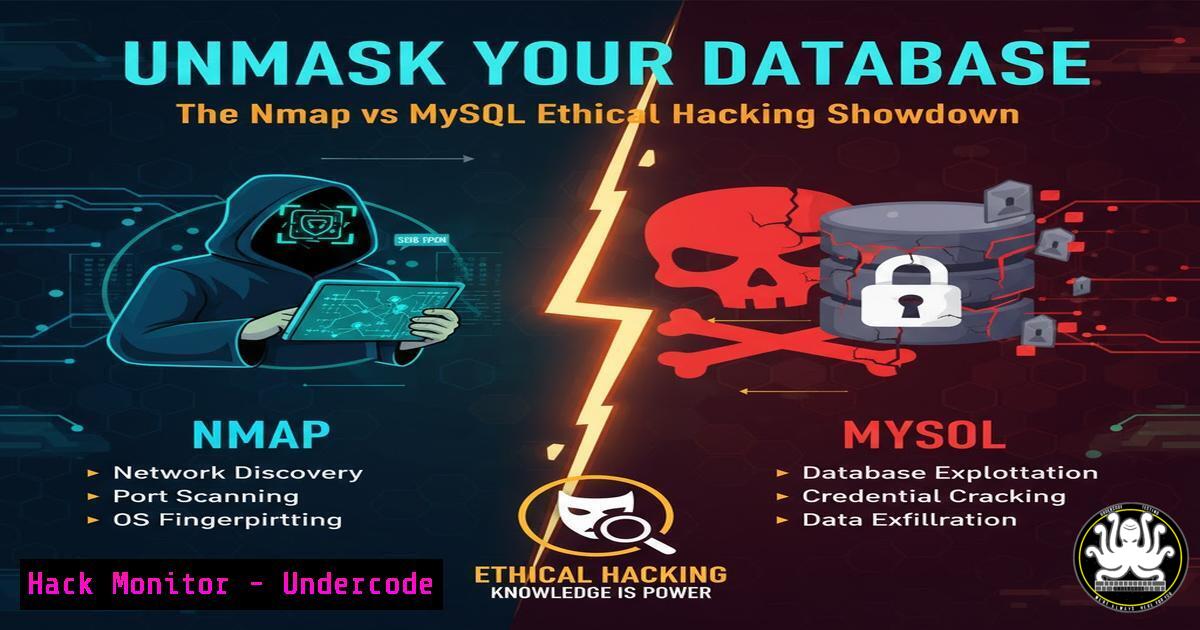
Introduction:
MySQL databases are the backbone of countless web applications, yet their misconfiguration can expose critical data to malicious actors. Ethical penetration testing using a tool like Nmap allows security professionals to proactively identify and remediate these vulnerabilities before they are exploited. This hands-on approach is fundamental to building a robust defensive posture in any organization.
Learning Objectives:
- Understand the core Nmap scripting engine (NSE) commands used for MySQL enumeration and exploitation.
- Learn how to extract critical information from a MySQL database, including schemas, users, and password hashes, for security assessment purposes.
- Develop mitigation strategies to harden a MySQL server against the reconnaissance and attacks demonstrated.
You Should Know:
1. Discovering MySQL Services with Nmap
`nmap -sV -p 3306 192.168.1.100`
This command performs a service version detection scan on the default MySQL port (3306) against the target IP.
Step-by-step guide: The `-sV` flag probes the open port to determine the service and its version number. Identifying the exact MySQL version is the first step, as it allows an attacker or tester to search for version-specific vulnerabilities and exploits.
2. Aggressive MySQL Service Interrogation
`nmap -sV -sC -p 3306 192.168.1.100`
This command combines version detection (-sV) with the default script scan (-sC), which runs a set of common NSE scripts against the target.
Step-by-step guide: The default scripts often include the `mysql-info` script, which can extract detailed information such as the protocol version, the server’s status, and its capabilities without requiring authentication, providing a deeper insight into the database’s configuration.
3. Enumerating MySQL Database Names
`nmap -p 3306 –script mysql-databases –script-args mysqluser=,mysqlpass= 192.168.1.100`
This NSE script attempts to list all databases on the server using supplied credentials.
Step-by-step guide: After discovering valid credentials (or if the server allows anonymous access), this script connects to the MySQL instance and runs a `SHOW DATABASES` query. The output reveals the database names, which is crucial for an attacker to identify valuable targets, such as mysql, information_schema, or application-specific databases.
4. Dumping MySQL User Password Hashes
`nmap -p 3306 –script mysql-dump-hashes –script-args mysqluser=,mysqlpass= 192.168.1.100`
This powerful script extracts the username and password hash pairs from the `mysql.user` table.
Step-by-step guide: The script executes a `SELECT user, password FROM mysql.user` query. The resulting hashes can be saved to a file and subjected to offline password cracking tools like John the Ripper or Hashcat. Cracking these hashes can lead to privilege escalation or lateral movement within the network.
5. Executing a Custom MySQL Query via Nmap
`nmap -p 3306 –script mysql-query –script-args mysqlquery=”SELECT user, host FROM mysql.user”, mysqluser=
This script allows for the execution of an arbitrary SQL statement on the target database.
Step-by-step guide: This is a versatile command for extracting any specific data. In this example, it retrieves usernames and their associated hostnames from the user table. An attacker could modify the query to read, update, or delete data from any accessible table, demonstrating a full compromise of data integrity.
6. Checking for MySQL Empty Password Vulnerabilities
`nmap -p 3306 –script mysql-empty-password 192.168.1.100`
This script checks if any MySQL user accounts are configured with an empty password.
Step-by-step guide: The script attempts to connect to the MySQL service with a blank password for various common usernames like ‘root’, ‘admin’, or ‘test’. A successful connection indicates a critical misconfiguration, providing immediate and unauthorized access to the database.
7. Brute-Forcing MySQL User Credentials
`nmap -p 3306 –script mysql-brute 192.168.1.100`
This script performs a brute-force attack against the MySQL service to guess valid username and password combinations.
Step-by-step guide: The script uses a built-in list of common credentials. It systematically tries each pair until a successful login is found. This highlights the importance of enforcing strong password policies and implementing account lockout mechanisms to thwart such automated attacks.
8. Auditing MySQL Server Security with mysql-audit
`nmap -p 3306 –script mysql-audit –script-args “mysql-audit.username=’
This advanced script audits the MySQL database against the Center for Internet Security (CIS) benchmarks.
Step-by-step guide: It requires valid credentials and a path to the audit file. The script runs numerous checks against the database’s configuration, user privileges, and logging settings, providing a comprehensive report of security compliance and highlighting areas for hardening.
9. Exploiting MySQL with a User-Defined Function (UDF)
This is a multi-step process often involving Nmap for initial reconnaissance.
Step-by-step guide: First, an attacker uses Nmap to confirm the MySQL version and OS. Then, they might upload a shared library (e.g., `lib_mysqludf_sys.so` for Linux) containing a malicious UDF to the server using the `INTO OUTFILE` directive. Finally, they create a function from the UDF to execute arbitrary system commands, effectively achieving remote code execution. This demonstrates a critical exploit chain.
10. Hardening MySQL: Disabling Remote Root Login
`UPDATE mysql.user SET host=’localhost’ WHERE user=’root’; FLUSH PRIVILEGES;`
This SQL command is a fundamental mitigation step.
Step-by-step guide: Log into the MySQL server as an administrative user and run this command. It ensures the ‘root’ user can only connect from the localhost, preventing direct brute-force attacks from the network. This is a primary defense-in-depth measure.
What Undercode Say:
- The line between reconnaissance and exploitation is thin; Nmap’s NSE scripts effectively weaponize a simple port scan, turning it into a potent data extraction tool.
- Database security is not just about strong passwords; it requires a layered approach combining configuration hardening, network segmentation, and strict access controls.
The demonstration of using a standard network scanning tool like Nmap to directly interact with and extract sensitive data from a MySQL database is a sobering reminder of the power of integrated scripting engines. This isn’t theoretical; it’s a practical, low-barrier-to-entry attack methodology. The true analysis lies in the defensive mirror of each offensive command. Every script that successfully retrieves data points to a specific misconfiguration or weak policy—be it anonymous access, weak credentials, or excessive privileges. For blue teams, replicating these attacks is the most effective way to validate security controls and move from a presumed state of security to a tested and verified one.
Prediction:
The automation and sophistication of database attack scripts within common tools like Nmap will continue to increase, lowering the skill threshold for attackers. This will lead to a rise in automated, large-scale scanning for exposed and vulnerable MySQL instances, making unpatched or misconfigured databases low-hanging fruit for ransomware groups and data-harvesting bots. The future of database security will rely heavily on AI-driven anomaly detection to identify these scanning patterns and automated patching systems to remediate vulnerabilities faster than attackers can weaponize them.
🎯Let’s Practice For Free:
IT/Security Reporter URL:
Reported By: Michael Tchuindjang – Hackers Feeds
Extra Hub: Undercode MoN
Basic Verification: Pass ✅


