
Listen to this Post
Introduction:
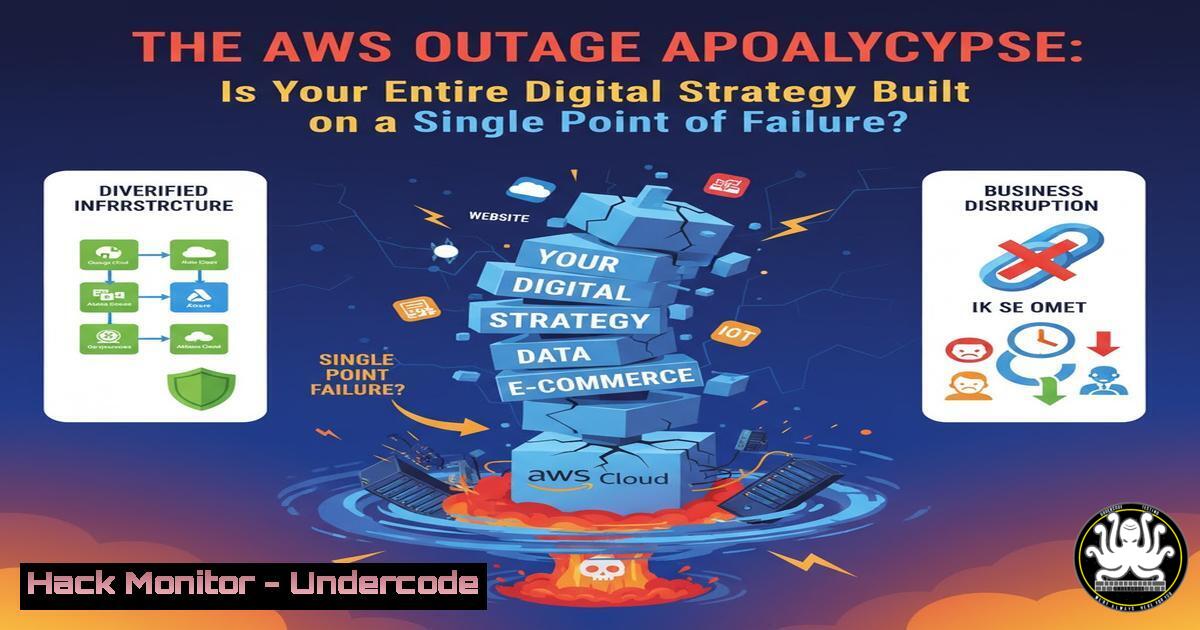
The recent major outage in AWS’s US-EAST-1 region was a stark reminder of the fragility of our hyper-centralized digital ecosystem. Platforms like Snapchat, Signal, and Zoom experienced partial or total failures, triggering over 4 million incident reports and demonstrating that cybersecurity is not just about thwarting hackers, but also about ensuring resilience against unexpected infrastructure collapse. This event underscores the critical need for robust business continuity and disaster recovery (BCDR) planning that extends beyond traditional threat models.
Learning Objectives:
- Understand the core technical causes behind cloud provider outages and how to monitor for them.
- Develop and implement a multi-cloud and hybrid-cloud strategy to mitigate single-provider risk.
- Master essential commands for hardening cloud configurations, verifying service health, and executing failover procedures.
You Should Know:
1. Cloud Provider Health Monitoring and Incident Verification
Before assuming an internal error, verify the health of your external dependencies.
 Check a specific URL for HTTP status and response time (Linux/macOS)
curl -s -o /dev/null -w "HTTP Code: %{http_code}\nTotal Time: %{time_total}s\n" https://your-critical-app.com

Use the `dig` command to verify DNS resolution for AWS endpoints
dig us-east-1.console.aws.amazon.com

Check cloud provider status pages programmatically (example for AWS status page)
curl -s https://health.aws.amazon.com/health/status | grep -A 10 "US-EAST-1"
Step-by-step guide: The `curl` command is a vital tool for quick health checks. The first command tests a web service’s availability and performance. A non-200 HTTP code or a long response time indicates potential issues. The `dig` command queries DNS servers to ensure domain names are resolving correctly, a common failure point. Automating these checks with cron jobs or monitoring tools like Nagios can provide early warning.
2. Multi-Cloud Network Connectivity Testing
Ensure your failover environment can be reached. Test connectivity and latency to alternative cloud regions or providers.
 Use `tcping` to check if a specific port (e.g., 443 for HTTPS) is open, bypassing potential ICMP blocks.
tcping -t 8 alt-cloud-provider.com 443

For Windows PowerShell, use Test-NetConnection
Test-NetConnection -ComputerName alt-cloud-provider.com -Port 443

Traceroute to identify network path and potential bottlenecks
traceroute us-west-2.console.aws.amazon.com  AWS Oregon region
mtr --report --report-cycles=10 us-central1-gcp-service.com  GCP Central Region
Step-by-step guide: `tcping` is more reliable than standard `ping` as many firewalls block ICMP echo requests. A successful `tcping` on port 443 confirms the service’s endpoint is listening. `Traceroute` and `mtr` (My Traceroute) map the network path your traffic takes, helping to identify where delays or failures occur if a primary cloud region is having network issues.
3. Containerized Application Failover with Kubernetes
If your services are containerized, use Kubernetes commands to manage failover across clusters in different regions.
 Get the status of all pods in a namespace across all nodes
kubectl get pods -o wide --namespace=production

Drain a node in a failing region to gracefully evict pods
kubectl drain <node-name-in-us-east-1> --ignore-daemonsets --delete-emptydir-data

Scale a deployment in your secondary cluster (e.g., in EU-CENTRAL-1)
kubectl scale deployment frontend-deployment --replicas=10 --context=my-eu-cluster
Step-by-step guide: The `kubectl get pods -o wide` command provides a comprehensive view of your application’s health and location. The `drain` command safely cordons a node and reschedules its workloads, which is crucial during a regional outage. The `scale` command allows you to rapidly increase capacity in a healthy cluster, a key step in a geo-redundant architecture.
4. Cloud CLI for Instant Infrastructure Verification
Use cloud provider CLIs to get real-time status of your resources and services.
 AWS CLI: Describe the health of your EC2 instances
aws ec2 describe-instance-status --region us-east-1

AWS CLI: Check if an S3 bucket is accessible and its region
aws s3api get-bucket-location --bucket my-critical-bucket

Azure CLI: Get the status of a Web App
az webapp show --resource-group MyResourceGroup --name MyAppName --query "state"

Google Cloud CLI: List running VM instances in a project and zone
gcloud compute instances list --filter="status:RUNNING"
Step-by-step guide: These CLI commands move you beyond the GUI, allowing for scripted health checks. The `aws ec2 describe-instance-status` command provides detailed instance health from AWS’s perspective. The S3 command verifies bucket accessibility, which is critical for static assets and data. Integrating these into scripts automates the first layer of diagnosis during an incident.
5. Database Failover and Read-Replica Promotion
A critical step in recovery is failing over your database.
 For Amazon RDS: Promote a read replica in a different AZ/Region to be a standalone DB instance
aws rds promote-read-replica --db-instance-identifier my-replica-us-west-2 --region us-west-2

For PostgreSQL (if managing yourself): Check replication lag on a standby
SELECT pg_last_wal_receive_lsn(), pg_last_wal_replay_lsn(), pg_is_in_recovery();

For MySQL: Promote a replica by stopping replication and making it writable
STOP REPLICA;
RESET REPLICA ALL;
Step-by-step guide: Promoting a read-replica is a common DR strategy. The AWS CLI command automates this for RDS. For self-managed databases, the SQL queries are essential. The PostgreSQL query checks if the replica is still in recovery mode and how far behind it is from the primary. The MySQL commands halt the replication process and prepare the replica to accept writes, a irreversible but necessary step.
6. Infrastructure as Code (IaC) for Rapid Re-deployment
Use IaC to rebuild entire environments in a healthy region.
 Terraform: Initialize and plan a deployment in a different region
terraform init -reconfigure -backend-config=region=eu-west-1
terraform plan -var="aws_region=eu-west-1" -out=failover.tfplan

Terraform: Apply the plan to build the infrastructure
terraform apply failover.tfplan

Ansible: Run a playbook to configure servers in a new region
ansible-playbook -i eu-west-1-inventory.ini site.yml
Step-by-step guide: This is the ultimate resilience tactic. By having your entire infrastructure defined as code, you can redeploy it in an alternative region with a few commands. The `terraform init -reconfigure` command points your Terraform state to a new backend. The `plan` and `apply` commands then build the infrastructure according to the new regional variables.
7. Security Hardening for Hybrid Cloud Configurations
When failing over, ensure security groups and firewalls are correctly configured.
 AWS CLI: Authorize a security group ingress rule for critical access
aws ec2 authorize-security-group-ingress --group-id sg-0123456789example --protocol tcp --port 22 --cidr 203.0.113.0/24

Use `ufw` on Linux servers to quickly enable only necessary ports
sudo ufw allow from 10.0.0.0/8 to any port 443 comment 'Allow Internal HTTPS'
sudo ufw --force enable

Windows: Open a firewall port using PowerShell (e.g., for a web server)
New-NetFirewallRule -DisplayName "Allow HTTP" -Direction Inbound -Protocol TCP -LocalPort 80 -Action Allow
Step-by-step guide: During a chaotic failover, security can be overlooked. These commands allow for rapid, scripted updates to access controls. The AWS CLI command modifies a security group. The `ufw` (Uncomplicated Firewall) commands on Linux provide a simple interface for `iptables` to manage host-based firewalls, while the PowerShell command does the same for Windows.
What Undercode Say:
- Key Takeaway 1: The cloud’s greatest strength—centralization—is also its greatest weakness. Architecting for failure is no longer optional; it is the foundational principle of modern digital resilience.
- Key Takeaway 2: Technical preparation is only half the battle. A documented, practiced runbook that encompasses technical commands, communication plans, and decision-making authority is what separates a managed incident from a catastrophic outage.
The AWS US-EAST-1 outage was not a security breach, but it had the same operational impact as one. It proves that risk management must evolve to include dependency risk on a handful of global cloud providers. Organizations that treat their cloud vendor as an immutable, 100% available entity are building on a foundation of sand. The commands and strategies outlined are not just for a rainy day; they are the drills that must be run regularly. The goal is not to avoid the cloud, but to use it intelligently, with a plan for when—not if—a single region disappears from the grid.
Prediction:
Future cloud disruptions will increasingly be caused by cascading failures stemming from complex interdependencies between SaaS, PaaS, and IaaS layers within a single provider’s ecosystem. This will accelerate the adoption of automated, AI-driven failover systems that can detect regional degradation and execute a full environment migration to a competing cloud provider within minutes, making true multi-cloud agility a standard business requirement rather than a luxury. The cybersecurity industry will pivot to include “resilience engineering” as a core discipline, focusing as much on availability and integrity during provider outages as on defending against malicious actors.
🎯Let’s Practice For Free:
IT/Security Reporter URL:
Reported By: J%C3%A9r%C3%B4me Copin – Hackers Feeds
Extra Hub: Undercode MoN
Basic Verification: Pass ✅


