
Listen to this Post
Introduction:
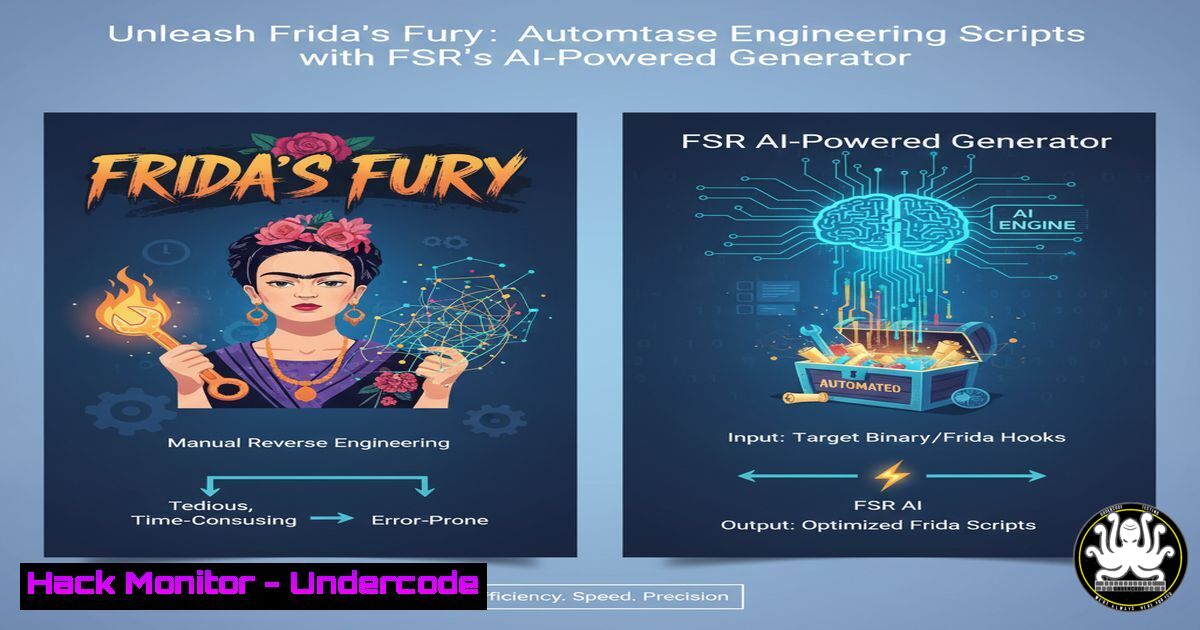
Reverse engineering and mobile security testing are revolutionized by dynamic instrumentation frameworks like Frida. However, crafting Frida scripts from scratch remains a time-consuming, repetitive hurdle. Frida Script Runner (FSR) emerges as a game-changing solution, automating script generation to supercharge analyst productivity and deepen application introspection.
Learning Objectives:
- Understand the core functionality and installation process of Frida Script Runner (FSR).
- Master the automated generation of Frida scripts for hooking functions and tracing classes.
- Develop proficiency in advanced FSR techniques for bypassing root detection and SSL pinning.
You Should Know:
1. Installing FSR and Core Dependencies
Before leveraging automation, you must establish the foundational environment. This requires both Frida and FSR.
Verified Commands & Code:
 Install Frida and its tools via pip
pip install frida-tools

Clone the Frida Script Runner (FSR) repository from GitHub
git clone https://github.com/z3n70/frida-script-runner.git

Navigate into the FSR directory
cd frida-script-runner

Install FSR's required Python dependencies
pip install -r requirements.txt
Step-by-step guide:
This setup is the critical first step. The `pip install frida-tools` command installs the core Frida framework, which allows you to inject scripts into running processes. Cloning the FSR repository gives you access to the automation toolkit. Finally, installing the requirements ensures all necessary Python libraries, such as `colorama` for console output or `prompt-toolkit` for the interactive interface, are present for FSR to function correctly.
2. Automated Script Generation for Function Hooking
FSR’s flagship feature is its ability to auto-generate Frida scripts for hooking Java and native functions, eliminating manual boilerplate coding.
Verified Commands & Code:
Start FSR and connect to a device:
python fsr.py
Within the FSR interactive console:
[bash] > list devices
[bash] > attach com.example.targetapp
[bash] > generate hook --class android.util.Log --method e
Generated Frida Script Snippet:
Java.perform(function() {
var Log = Java.use("android.util.Log");
Log.e.overload('java.lang.String', 'java.lang.String').implementation = function(tag, msg) {
console.log("[bash] Log.e called - Tag: " + tag + " | Message: " + msg);
var result = this.e(tag, msg);
return result;
};
});
Step-by-step guide:
After launching FSR, use `list devices` to see available emulators or connected Android devices. The `attach` command connects FSR to the target application’s process. The `generate hook` command is the core of the automation; by specifying a class and method, FSR intelligently produces a ready-to-run Frida script. This script, when executed, will intercept every call to Log.e, print the parameters to the console, and then allow the original method to execute, providing crucial runtime intelligence.
3. Automated Class Tracing and Method Enumeration
Understanding an app’s structure is paramount. FSR can automatically generate scripts to trace all methods within a class, revealing hidden or obfuscated logic.
Verified Commands & Code:
Within the FSR console:
[bash] > generate trace --class javax.crypto.Cipher
Generated Frida Script Snippet:
Java.perform(function() {
var Cipher = Java.use("javax.crypto.Cipher");
var methods = Cipher.class.getDeclaredMethods();
for (var i = 0; i < methods.length; i++) {
var method = methods[bash];
console.log("[bash] Found method: " + method.getName());
// Auto-generate hooks for each method here...
}
});
Step-by-step guide:
The `generate trace` command instructs FSR to introspect the specified class and generate code that lists all its methods. This is invaluable for reverse engineering applications where the core security logic is not immediately apparent. The generated script gives you a complete map of the class’s capabilities, allowing you to then target specific methods for deeper hooking and analysis using the techniques from the previous section.
4. Bypassing Common Root Detection Mechanisms
Many security-sensitive applications implement root detection. FSR can generate scripts to bypass these checks by hooking the methods that perform them.
Verified Commands & Code:
FSR Console Command:
[bash] > generate hook --class com.example.security.RootCheck --method isDeviceRooted
Generated Frida Script Snippet:
Java.perform(function() {
var RootCheck = Java.use("com.example.security.RootCheck");
RootCheck.isDeviceRooted.implementation = function() {
console.log("[bash] RootCheck.isDeviceRooted() called. Returning FALSE.");
return false; // Force the method to return false, indicating a non-rooted device.
};
});
Step-by-step guide:
This technique involves identifying the class and method responsible for the root detection check. Once identified, you use FSR’s `generate hook` command to create a script that overrides the method’s implementation. The key here is to have the method return `false` unconditionally, tricking the application into believing it is running on a non-rooted device. This is a fundamental technique for enabling dynamic analysis on production applications.
5. Defeating SSL Certificate Pinning
SSL pinning is a significant obstacle for analyzing network traffic. FSR can automate the generation of scripts to bypass various pinning implementations.
Verified Commands & Code:
Using a community-script generator within FSR:
[bash] > load script --name ssl-pinning-bypass.js
Or generating a hook for common pinning libraries:
[bash] > generate hook --class com.android.org.conscrypt.TrustManagerImpl --method checkServerTrusted
Generated Frida Script Snippet (Generic):
Java.perform(function() {
var TrustManagerImpl = Java.use("com.android.org.conscrypt.TrustManagerImpl");
TrustManagerImpl.checkServerTrusted.overload('[Ljava.security.cert.X509Certificate;', 'java.lang.String', 'java.lang.String').implementation = function(chain, authType, host) {
console.log("[SSL-BYPASS] Bypassing checkServerTrusted for: " + host);
// Do nothing, effectively accepting all certificates.
};
});
Step-by-step guide:
SSL pinning works by having the app verify the server’s certificate against a hardcoded or pre-defined value. To defeat it, you must prevent this verification from occurring. By using FSR to generate a hook for critical methods like `checkServerTrusted` in the Android conscrypt library, you can neutralize the pinning logic. The generated script replaces the method’s implementation with an empty function, causing it to accept any certificate presented, thus allowing tools like Burp Suite or mitmproxy to intercept HTTPS traffic.
6. Intercepting and Manipulating Native Library Calls
For applications using C/C++ libraries, FSR can generate scripts to hook native functions, extending your analysis beyond the Java layer.
Verified Commands & Code:
FSR Console Command for a native function:
[bash] > generate hook --native --library libnative-lib.so --function Java_com_example_app_NativeHelper_secureFunction
Generated Frida Script Snippet:
Interceptor.attach(Module.findExportByName("libnative-lib.so", "Java_com_example_app_NativeHelper_secureFunction"), {
onEnter: function(args) {
console.log("[bash] secureFunction called.");
this.arg0 = args[bash]; // Save arguments for later use
},
onLeave: function(retval) {
console.log("[bash] secureFunction returning: " + retval);
// retval.replace(0x1); // Uncomment to manipulate the return value
}
});
Step-by-step guide:
Hooking native code requires a different Frida API (Interceptor.attach). FSR abstracts this complexity. You specify the target library (.so file) and the function name. The generated script attaches callbacks for `onEnter` (when the function is called) and `onLeave` (when it returns). This allows you to log parameters, modify arguments, or even change the return value, which is critical for analyzing and bypassing cryptographic operations or integrity checks implemented in native code.
7. Automating Workflows with FSR Scripts
For repeatable testing, you can save and load generated scripts, creating a personalized arsenal of reverse engineering tools.
Verified Commands & Code:
Within FSR console after generating a useful script:
[bash] > save script --name my_root_bypass.js
[bash] > load script --name my_root_bypass.js
Batch Execution Command:
 You can also run FSR with a script from the command line for automation.
python fsr.py -s my_root_bypass.js -a com.example.targetapp
Step-by-step guide:
This transforms FSR from an interactive tool into an automated testing pipeline. After perfecting a script in the interactive console, use `save script` to store it. For future sessions or different applications, you can quickly `load script` to apply the same technique instantly. Furthermore, by using the command-line interface to run FSR with a specific script and app package, you can integrate these bypasses and hooks into continuous testing or CI/CD security gates.
What Undercode Say:
- Democratization of Advanced Reverse Engineering: FSR’s script generator dramatically lowers the barrier to entry for dynamic instrumentation. Analysts no longer need encyclopedic knowledge of Frida’s API to perform complex hooks, shifting the focus from writing boilerplate to strategic analysis.
- The Shift from Manual Crafting to Strategic Automation: The core value proposition is the reallocation of human effort. By automating the repetitive and error-prone task of script writing, FSR allows security professionals to concentrate on the higher-order tasks of interpreting results, understanding business logic flaws, and developing sophisticated exploits. This represents a fundamental evolution in the penetration tester’s workflow, prioritizing cognitive load over syntactic knowledge.
Prediction:
The automation of reverse engineering tasks, as pioneered by tools like FSR, will become the standard within five years. This will be accelerated by tighter integration with AI, moving beyond script generation to intelligent, context-aware analysis that suggests critical functions to hook based on application behavior. The result will be a new class of “augmented pentesters” who can deconstruct complex applications in hours rather than days, forcing a corresponding evolution in defensive obfuscation and runtime application self-protection (RASP) technologies. The arms race between app shielding and dynamic analysis will intensify, with automation being the key weapon for both sides.
🎯Let’s Practice For Free:
IT/Security Reporter URL:
Reported By: Aminivan Reverseengineering – Hackers Feeds
Extra Hub: Undercode MoN
Basic Verification: Pass ✅


