Listen to this Post
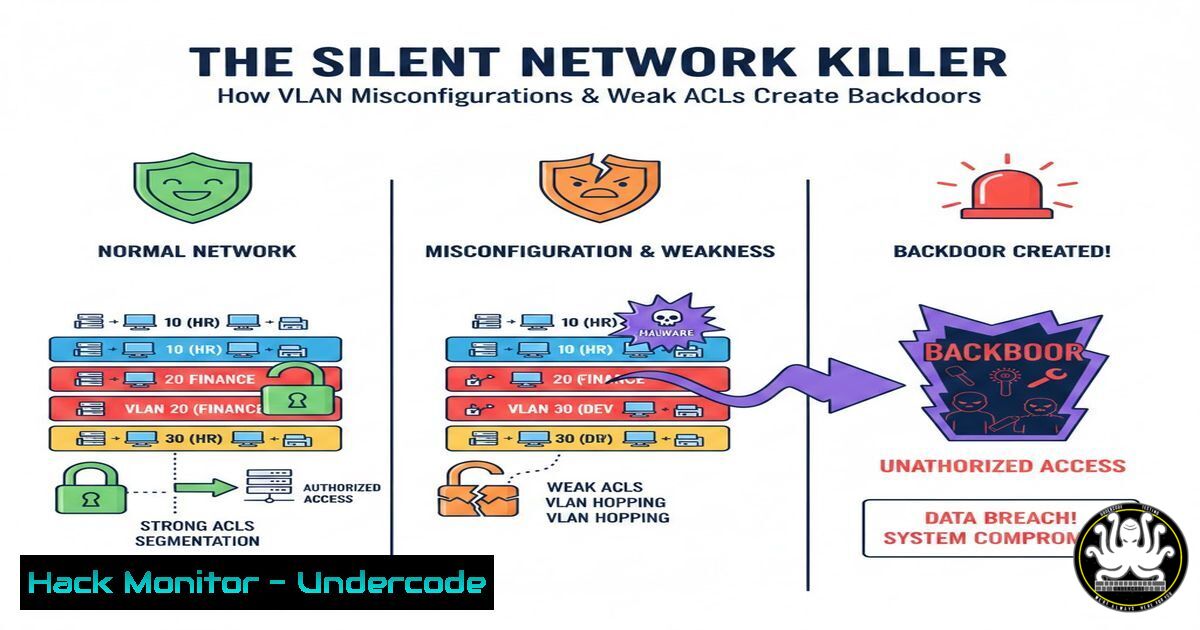
Introduction:
In an era where network segmentation is the first line of defense against lateral threat movement, the fundamentals of VLAN and ACL configuration have never been more critical. A single misstep in inter-VLAN routing or access control logic can transform a segmented network into a hacker’s superhighway, granting undetected access to your most sensitive financial and HR data. This article deconstructs a practical networking project to expose the common—and often overlooked—security pitfalls in enterprise network design.
Learning Objectives:
- Implement and secure VLAN segmentation to prevent unauthorized lateral movement.
- Configure and troubleshoot Router-on-a-Stick inter-VLAN routing with security best practices.
- Design and apply robust Access Control Lists (ACLs) to enforce the principle of least privilege.
You Should Know:
1. VLAN Segmentation: Your First Wall of Defense
A Virtual LAN (VLAN) logically segments a physical network into separate broadcast domains. This is cybersecurity 101: containing breaches. Without VLANs, an attacker who compromises one device can eavesdrop on all traffic. The project correctly segregated HR, Finance, and IT into distinct VLANs.
Step-by-Step Guide:
1. Create VLANs on the Switch:
Switch> enable
Switch configure terminal
Switch(config) vlan 10
Switch(config-vlan) name HR
Switch(config-vlan) exit
Switch(config) vlan 20
Switch(config-vlan) name Finance
Switch(config-vlan) exit
Switch(config) vlan 30
Switch(config-vlan) name IT
2. Assign Access Ports to VLANs: This is a critical security step. An access port carries traffic for only one VLAN.
Switch(config) interface gigabitethernet0/1
Switch(config-if) switchport mode access
Switch(config-if) switchport access vlan 10
Switch(config-if) description HR-Desktop
3. Configure the Trunk Port: The link between the switch and the router must be a trunk, carrying multiple VLANs.
Switch(config) interface gigabitethernet0/24
Switch(config-if) switchport mode trunk
Switch(config-if) switchport trunk native vlan 999
Security Note: Always change the native VLAN from the default VLAN 1 to an unused VLAN to prevent VLAN hopping attacks.
2. The Router-on-a-Stick: Gateway and Gatekeeper
For VLANs to communicate, a Layer 3 device is needed. The “Router-on-a-Stick” model uses a single router interface with sub-interfaces to route between VLANs.
Step-by-Step Guide:
- Create Sub-interfaces on the Router: Each sub-interface corresponds to a VLAN and requires an IP address that will serve as the default gateway for that VLAN.
Router> enable
Router configure terminal
Router(config) interface gigabitethernet0/0.10
Router(config-subif) encapsulation dot1Q 10
Router(config-subif) ip address 192.168.10.1 255.255.255.0
Router(config-subif) description HR-VLAN-Gateway
Router(config-subif) exit
Router(config) interface gigabitethernet0/0.20
Router(config-subif) encapsulation dot1Q 20
Router(config-subif) ip address 192.168.20.1 255.255.255.0
Router(config-subif) description Finance-VLAN-Gateway
- Enable IP Routing: Ensure the router is configured to route traffic between these newly created networks.
Router(config) ip routing
3. DHCP Server Hardening: Preventing Rogue Servers
A dynamic IP address pool is convenient but introduces risk. A malicious actor could set up a rogue DHCP server to hand out incorrect DNS settings, leading to man-in-the-middle attacks.
Step-by-Step Guide:
- Configure DHCP Scopes on the Router: Define the pool of addresses for each VLAN.
Router(config) ip dhcp pool HR-NETWORK
Router(dhcp-config) network 192.168.10.0 255.255.255.0
Router(dhcp-config) default-router 192.168.10.1
Router(dhcp-config) dns-server 192.168.30.5
Router(dhcp-config) exit
- Mitigate Rogue DHCP Servers: Use DHCP Snooping on the switch. This is a non-negotiable security feature.
Switch(config) ip dhcp snooping
Switch(config) ip dhcp snooping vlan 10,20,30
Switch(config) interface gigabitethernet0/24
Switch(config-if) ip dhcp snooping trust
This configuration trusts DHCP offers only from the uplink port (connected to the legitimate router) and will block offers from untrusted access ports.
-
Access Control Lists (ACLs): Enforcing the Principle of Least Privilege
ACLs are the firewall on your router. The project’s goal to restrict HR from accessing Finance and IT is a classic example of applying the principle of least privilege.
Step-by-Step Guide:
- Create an Extended ACL: Use numbered (100-199, 2000-2699) or named ACLs to define precise rules.
Router(config) ip access-list extended BLOCK-HR
Router(config-ext-nacl) deny ip 192.168.10.0 0.0.0.255 192.168.20.0 0.0.0.255
Router(config-ext-nacl) deny ip 192.168.10.0 0.0.0.255 192.168.30.0 0.0.0.255
Router(config-ext-nacl) permit ip any any
Note: The final `permit ip any any` is crucial. ACLs have an implicit “deny all” at the end. Without this permit statement, all other traffic would be blocked.
- Apply the ACL to the Correct Interface: ACLs are applied inbound or outbound on an interface. To block HR at the source, apply it inbound on the HR VLAN sub-interface.
Router(config) interface gigabitethernet0/0.10
Router(config-subif) ip access-group BLOCK-HR in
5. Internal DNS and Web Server Security
An internal DNS server (e.g., 192.168.30.5) is a high-value target. Compromising it allows an attacker to redirect internal traffic to malicious sites.
Step-by-Step Guide:
- Harden the DNS Service: If running on a Linux server, use BIND and disable version recursion for external clients.
/etc/bind/named.conf.options options { directory "/var/cache/bind"; version "DNS Server - Restricted"; recursion no; allow-query { 192.168.0.0/16; localhost; }; }; - Harden the Web Server: For the internal website, ensure it uses HTTPS. On an Apache server, force SSL redirects.
/etc/apache2/sites-available/default-ssl.conf
<VirtualHost :443>
SSLEngine on
SSLCertificateFile /path/to/cert.pem
SSLCertificateKeyFile /path/to/private.key
</VirtualHost>
Redirect HTTP to HTTPS
<VirtualHost :80>
Redirect permanent / https://your-internal-site.com/
</VirtualHost>
What Undercode Say:
- Segmentation is Not Security By Itself: Simply creating VLANs without robust ACLs and monitoring is like building walls without gates. It provides a false sense of security.
- The ACL “Deny Any” Implicit Rule is a Silent Killer: Forgetting to include a `permit ip any any` statement after specific deny rules is one of the most common configuration errors that causes widespread network outages, effectively creating a self-inflicted Denial-of-Service (DoS) attack.
The project demonstrates a solid foundational understanding of network operations. However, from a security perspective, the focus must shift from “does it work?” to “can it be bypassed?” The configuration of ACLs is a good start, but modern threats demand deeper inspection. Stateful firewalls that understand session context are replacing simple ACLs at the perimeter between sensitive VLANs. Furthermore, the trust placed in internal systems (like the DNS and web server) highlights the need for a “Zero Trust” approach, where internal traffic is also encrypted and verified. This project is a perfect microcosm of the entire cybersecurity landscape: the basics are essential, but complacency with them is the greatest vulnerability.
Prediction:
The convergence of IT and Operational Technology (OT) networks will see VLAN and ACL misconfigurations become a primary vector for critical infrastructure attacks. As IoT and industrial devices are integrated into enterprise VLANs for management, attackers will exploit weak inter-VLAN policies to jump from corporate networks directly into industrial control systems, causing physical disruption. The future of network security lies in intent-based networking and AI-driven policy enforcement, which will automatically verify and remediate configuration drifts that create these dangerous backdoors.
🎯Let’s Practice For Free:
IT/Security Reporter URL:
Reported By: Janet Anya – Hackers Feeds
Extra Hub: Undercode MoN
Basic Verification: Pass ✅


