Listen to this Post
Introduction:
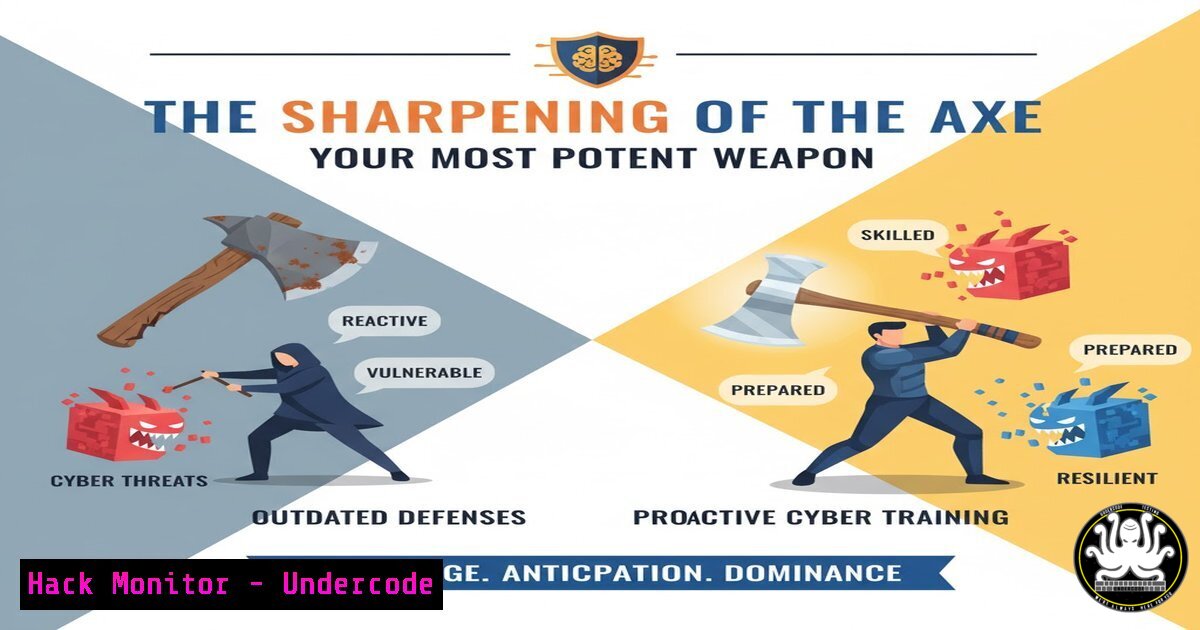
In the relentless battle against cyber threats, the adage “give me six hours to chop down a tree and I will spend the first four sharpening the axe” has never been more relevant. This principle underscores a critical shift in cybersecurity strategy, moving from reactive firefighting to proactive skill development and tool mastery. This article deconstructs the core cybersecurity disciplines where “sharpening your axe”—through verified commands, scripts, and configurations—directly translates to a more resilient security posture.
Learning Objectives:
- Master essential command-line tools for threat detection and system hardening on both Linux and Windows platforms.
- Implement practical scripts for automating security monitoring and vulnerability assessments.
- Understand and apply critical configurations for API security, cloud hardening, and network defense.
You Should Know:
1. Linux Process and Network Forensics
A critical first step in incident response is identifying malicious activity. The following Linux commands provide a foundational toolkit for live forensics.
`ps aux –sort=-%mem | head -10`
This command lists all running processes (ps aux), sorts them by memory usage in descending order (--sort=-%mem), and displays only the top 10 consumers (head -10). This is crucial for identifying potential malware or resource-hogging unauthorized processes.
`netstat -tulnpe`
This command displays all listening sockets (-l), showing the TCP (-t) and UDP (-u) ports, numerical addresses instead of trying to determine names (-n), the process that owns each socket (-p), and extended information (-e). Use this to spot unauthorized services listening on your network interfaces.
`lsof -i :443`
Lists all files (including network connections) opened by processes. The `-i :443` flag filters the output to show only processes using port 443. This helps identify which application is actually running a service on a specific port.
2. Windows PowerShell for Security Auditing
Windows PowerShell provides deep introspection capabilities for security professionals. These cmdlets are essential for system audits.
`Get-NetTCPConnection | Where-Object {$_.State -eq “Listen”}`
This PowerShell command fetches all active TCP connections and filters them to show only those in the “Listen” state, analogous to netstat -l. This helps enumerate all services waiting for a connection on the host.
`Get-WinEvent -LogName Security -MaxEvents 10 | Format-List`
This retrieves the 10 most recent events from the Security log and displays them in a list format. Analyzing the Security log is fundamental for detecting login attempts, privilege changes, and other critical security events.
`Get-LocalUser | Format-Table Name, Enabled, LastLogon`
This cmdlet lists all local user accounts, their status (enabled or disabled), and the last logon time. It is a quick way to audit for stale or unauthorized user accounts that could be used as a backdoor.
3. API Security Hardening with cURL and jq
APIs are a primary attack vector. Testing and hardening them is non-negotiable. These commands help validate security headers and authentication.
`curl -I -X GET https://api.yoursite.com/v1/users \ -H “Authorization: Bearer $TOKEN” | grep -i “authorization”`
This command sends a HEAD request (-I) to an API endpoint and inspects the response headers. The `grep` filters for authorization-related headers to check for their presence and potential misconfigurations, like missing `WWW-Authenticate` headers.
`curl -s https://api.yoursite.com/health | jq ‘.status’`
This command silently (-s) fetches a health endpoint and pipes the JSON output to jq, a lightweight command-line JSON processor, to extract the value of the `status` field. Automating health and status checks is key for monitoring API availability and integrity.
4. Cloud Infrastructure Hardening (AWS CLI)
Misconfigured cloud storage is a leading cause of data breaches. The AWS CLI is your tool for enforcement.
`aws s3api get-bucket-policy –bucket my-bucket-name –query Policy –output text`
This retrieves the bucket policy for the specified S3 bucket. You should regularly audit these policies to ensure they are not overly permissive (e.g., using `”Effect”: “Allow”` with a "Principal": "").
`aws ec2 describe-security-groups –group-ids sg-1234567890example –query ‘SecurityGroups[].IpPermissions’`
This command describes the ingress rules for a specific security group. Look for rules that allow `0.0.0.0/0` on sensitive ports like SSH (22) or RDP (3389), which expose your instances directly to the internet.
5. Network Vulnerability Scanning with Nmap
Active reconnaissance is a key offensive and defensive skill. Nmap is the industry standard.
`nmap -sS -sV -O -T4 192.168.1.0/24`
This command runs a SYN scan (-sS), attempts to determine service/version info (-sV), enables OS detection (-O), and uses aggressive timing (-T4) on the entire subnet. This provides a comprehensive map of the network, its hosts, and their services.
`nmap –script vuln 10.0.0.5`
This instructs Nmap to run all scripts in the “vuln” category against the target host 10.0.0.5. These scripts check for a wide range of known vulnerabilities, providing a quick automated assessment.
6. System Hardening with Sysinternals Suite
The Sysinternals suite provides advanced utilities for the Windows platform, offering deep visibility.
`Autoruns.exe`
This GUI tool shows all programs configured to run at system boot or login. It is far more comprehensive than the Task Manager startup tab and is indispensable for finding persistence mechanisms used by malware.
`Procmon.exe`
Process Monitor shows real-time file system, Registry, and process/thread activity. It captures every single operation, allowing you to trace what a program is doing, making it perfect for analyzing suspicious software behavior.
7. Container Security Scanning with Docker
Container images must be scanned for vulnerabilities before deployment.
`docker scan my-app-image:latest`
This command uses Snyk’s engine (integrated with Docker Desktop) to scan the specified local image for known vulnerabilities in its operating system and application dependencies. It provides a detailed report listing CVEs and their severity.
`docker history my-app-image:latest`
This shows the layers that make up the image. Reviewing this can help you spot if sensitive files, such as private keys, were accidentally included in an intermediate layer, even if deleted in a later one.
What Undercode Say:
- Proactive Skill Investment is a Force Multiplier. The time invested in mastering foundational commands and scripts pays exponential dividends during a crisis, turning a panicked response into a methodical investigation.
- Automation is the Cornerstone of Modern Defense. Manual security checks are unreliable and non-scalable. The true “sharpening of the axe” lies in scripting these checks into continuous monitoring and enforcement systems.
The paradigm articulated in the “sharpening the axe” philosophy is a direct challenge to the reactive, alert-fatigued state of many security teams. The commands and techniques detailed are not merely academic; they are the tangible manifestation of preparedness. They represent a shift from being a passive victim of alerts to an active hunter of weaknesses. This approach does not just mitigate individual threats; it builds a systemic culture of resilience and deep technical competence, which is the ultimate defense against an ever-evolving adversary.
Prediction:
The future of cybersecurity will be dominated by organizations that institutionalize the “sharpening the axe” principle. We will see a stratification between those who treat security as a continuous learning and automation discipline and those who treat it as a checklist of compliance tasks. The former will leverage AI-assisted code analysis, automated penetration testing, and self-healing infrastructures, effectively “auto-sharpening” their axes. The latter will remain in a perpetual cycle of breach and response, ultimately unable to keep pace with the sophistication and scale of automated attacks, leading to a significant competitive disadvantage and higher operational risk.
🎯Let’s Practice For Free:
IT/Security Reporter URL:
Reported By: Rajeevmamidanna If – Hackers Feeds
Extra Hub: Undercode MoN
Basic Verification: Pass ✅


