Listen to this Post
Introduction:
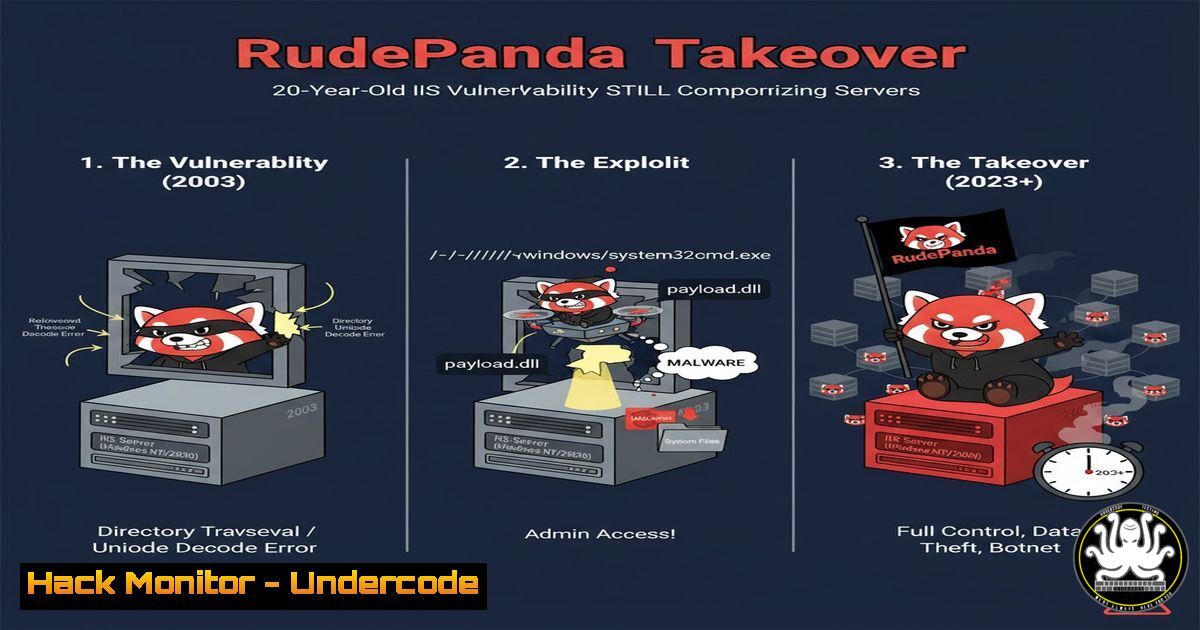
A recent threat campaign, dubbed “RudePanda,” has demonstrated the severe consequences of neglecting legacy infrastructure. By exploiting publicly exposed ASP.NET machine keys—some dating back to 2003—financially motivated, Chinese-speaking threat actors are achieving initial access and deploying a customized rootkit, owning IIS servers with alarming ease. This incident serves as a stark reminder that outdated example code and unrotated secrets present a critical attack vector in modern enterprise environments.
Learning Objectives:
- Understand the mechanics of the ASP.NET ViewState deserialization vulnerability and how machine keys are exploited.
- Learn how to audit, secure, and rotate machine keys on IIS servers to prevent such attacks.
- Identify the tactics, techniques, and procedures (TTPs) of the RudePanda campaign, including rootkit deployment.
You Should Know:
1. The Fundamental Flaw: Exploiting the ASP.NET ViewState
The ASP.NET ViewState is a server-side mechanism for preserving page and control state between postbacks. When the `ViewStateMac` is enabled (the default), it is signed with a `Message Authentication Code (MAC)` using a server-side machine key. If an attacker can obtain this key, they can forge a malicious ViewState that the server will trust, leading to deserialization attacks and remote code execution.
Verified Command/Tutorial:
To check if a web application is using ViewState and if it’s potentially vulnerable, you can use the browser’s developer tools. The ViewState is a hidden form field.
<!-- In the Page Source -->
<input type="hidden" name="__VIEWSTATE" id="__VIEWSTATE" value="/wEPDwUKMT..." />
Step-by-step guide:
1. Navigate to the target ASP.NET web application.
- Right-click on the page and select “View Page Source.”
- Search for the `__VIEWSTATE` field. Its presence confirms the use of ViewState.
- A long, encrypted-looking value suggests `ViewStateMac` is enabled, but it is only secure if the underlying machine key is protected. Tools like `Blacklist3r` (https://github.com/NotSoSecure/Blacklist3r) can be used to test if known, weak machine keys are in use.
-
Auditing Your IIS Servers for Vulnerable Machine Keys
The machine keys are defined in the `Web.config` or `Machine.config` files. Weak or publicly known keys must be identified and removed.
Verified Commands (PowerShell):
Use PowerShell on the IIS server to search for machine key declarations.
 Search for 'machineKey' in all Web.config files on the C: drive
Get-ChildItem -Path C:\ -Filter "web.config" -Recurse -ErrorAction SilentlyContinue | Select-String -Pattern "machineKey"
Step-by-step guide:
1. Open PowerShell with administrative privileges.
- Run the above command. It will recursively search all drives for `web.config` files containing the string “machineKey.”
- Review the results. Pay close attention to any files that explicitly define the `validationKey` and
decryptionKey. If these keys are hardcoded and weak (e.g., short, or known from public examples), the server is critically vulnerable.
3. Securing the Machine Key Configuration
The most secure practice is to allow IIS to auto-generate unique, rotating machine keys. Explicit definitions should be avoided unless absolutely necessary for a web farm scenario, and even then, they must be strong and secret.
Verified Configuration Snippet (Web.config):
A secure configuration for a standalone server omits the machine key, allowing auto-generation. For a web farm, it must be explicitly defined using strong, random keys.
<!-- SECURE for Web Farm (Generate strong keys) -->
<system.web>
<machineKey validationKey="AutoGenerate,IsolateApps" decryptionKey="AutoGenerate,IsolateApps" validation="SHA1" />
</system.web>

<!-- INSECURE Example (Hardcoded, weak keys from MSDN 2003) -->
<system.web>
<machineKey validationKey="F20113869A0C0FF0CF0C882C0A0B0A0B0A0A0A0B0A0A0B0" decryptionKey="0A0B0A0B0A0A0B0A0A0B0A0A0B0A0B0A0A0B0A0" validation="SHA1" />
</system.web>
Step-by-step guide:
1. Locate your application’s `Web.config` file.
- If a `
` element exists with hardcoded, weak values, remove it entirely to revert to auto-generation (for a single server). - For a web farm, you must generate new, strong, random keys for the `validationKey` and `decryptionKey` attributes. Use a secure random generator; the key length should be 128 characters (64 bytes) for AES (decryption) and 256 characters (128 bytes) for HMACSHA512 (validation).
4. Detecting the RudePanda Payload: Wingtb.sys Rootkit
The attackers deployed a customized rootkit derived from the open-source “Hidden” project, named Wingtb.sys. Rootkits operate at the kernel level to hide processes, files, and network connections.
Verified Command (Windows Command Prompt – Admin):
Use the System File Checker (SFC) tool to scan for and verify the integrity of all protected system files, which can help detect unauthorized kernel-mode drivers.
sfc /scannow
Step-by-step guide:
1. Open Command Prompt as an Administrator.
2. Run the command `sfc /scannow`.
- The tool will scan all protected system files and replace incorrect versions with genuine Microsoft versions. If it reports that it repaired `wingtb.sys` or another file, this is a strong indicator of a rootkit infection that has been cleaned. A dedicated anti-rootkit scanner like GMER or Sophos Anti-Rootkit is also recommended for deeper analysis.
5. Analyzing Persistence: The HijackDriverManager.exe
The threat actors used a GUI tool, HijackDriverManager.exe, to deploy the rootkit. This tool likely facilitates the installation of a malicious driver, a common persistence mechanism.
Verified Command (PowerShell):
Use PowerShell to list all non-Microsoft signed drivers on a system, which can help identify malicious ones like the one installed by HijackDriverManager.
Get-WindowsDriver -Online | Where-Object {$_.DriverProvider -notlike "Microsoft"} | Format-Table Driver, ProviderName, Version
Step-by-step guide:
1. Open PowerShell as an Administrator.
2. Execute the command above.
- Review the output for any drivers from providers that are not “Microsoft Corporation.” Investigate any unknown drivers, especially those with generic names or from unknown publishers. The presence of a driver named “Hidden” or similar is a major red flag.
6. Network Monitoring for ViewState Exploitation
Monitoring web server logs for unusually long `__VIEWSTATE` values or POST requests to .aspx pages that result in unusual errors (like deserialization errors) can indicate exploitation attempts.
Verified Command (Linux – Grep for Log Analysis):
If you have centralized logs on a SIEM or Linux analysis machine, you can search for suspicious ViewState activity.
 Search web server logs for POST requests with a large content-length, focusing on .aspx pages
grep "POST..aspx" web_server.log | awk -F' ' '{if ($10 > 10000) print}'
Step-by-step guide:
- Access your IIS or web application firewall (WAF) logs.
- Use a command like the one above (adapting the log file path and field separator
-F) to filter for POST requests to .aspx pages. - The `awk` command filters for requests with a content-length (often the 10th field) greater than 10,000 bytes, which is atypical for a normal ViewState and may indicate a serialized payload. Investigate these requests further.
7. The Ultimate Mitigation: Patching and Hardening
Beyond key management, general server hardening is essential. This includes applying patches, disabling unnecessary features, and using a WAF.
Verified Command (Windows – DISM for Health Check):
Ensure your server’s core components are healthy and up-to-date as a baseline defense.
DISM /Online /Cleanup-Image /RestoreHealth
Step-by-step guide:
1. Open Command Prompt as an Administrator.
- Run
DISM /Online /Cleanup-Image /RestoreHealth. This command repairs the Windows image, which is a prerequisite for a successful system update. - Following the DISM repair, run `sfc /scannow` again to fix any remaining corrupted system files. Finally, ensure Windows Update is run regularly to patch known vulnerabilities that could be used as part of a broader attack chain.
What Undercode Say:
- Legacy Code is a Liability: Copy-pasting example code, especially from decades-old sources, introduces dormant vulnerabilities that are easily weaponized by threat actors. Development and security teams must proactively audit and modernize legacy applications.
- Secrets Management is Non-Negotiable: Hardcoded cryptographic keys are one of the most critical security failures. Organizations must enforce strict secrets management policies, using automated tools to generate, rotate, and secure keys, moving them out of configuration files entirely.
The RudePanda campaign is not sophisticated in its core exploit; it is opportunistic. It preys on systemic failures in IT hygiene and the “if it isn’t broken, don’t fix it” mentality. The real story is the persistence of these ancient vulnerabilities in production environments. This incident should serve as a catalyst for organizations to initiate comprehensive secret discovery and rotation projects, targeting not just machine keys but all forms of embedded credentials. The operational cost of this cleanup is far less than the cost of a breach involving a kernel-level rootkit.
Prediction:
The success of RudePanda will catalyze a wave of automated scanning and exploitation campaigns targeting other forgotten ASP.NET artifacts and similar legacy vulnerabilities in Java, PHP, and other frameworks. We will see a rise in the commoditization of “legacy exploit kits” designed to automatically find and weaponize old example code, hardcoded secrets, and deprecated configuration patterns. This will force a major industry shift towards automated secrets detection and remediation as a core component of DevOps and security pipelines, making “secret sprawl” a top-priority attack surface.
🎯Let’s Practice For Free:
IT/Security Reporter URL:
Reported By: Mgreen27 Rudepanda – Hackers Feeds
Extra Hub: Undercode MoN
Basic Verification: Pass ✅


