Listen to this Post
Introduction:
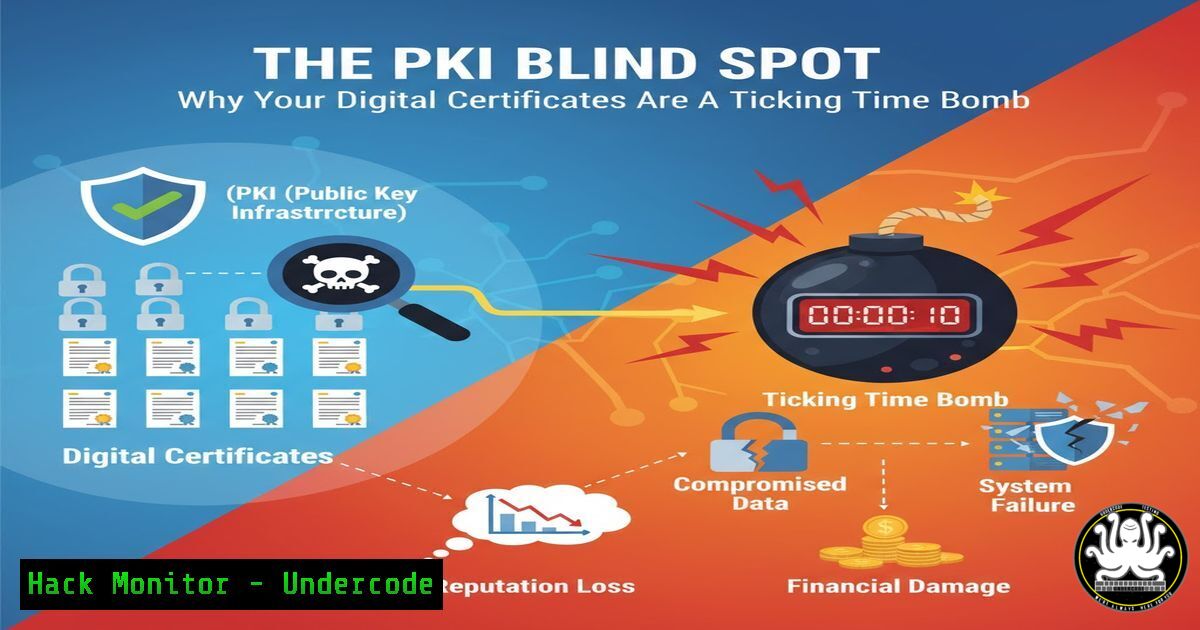
Public Key Infrastructure (PKI) is the bedrock of digital trust, authenticating everything from websites to internal services. However, a recent survey by Keyfactor reveals a critical industry-wide blind spot in certificate management, leading to widespread outages and security gaps that organizations are struggling to automate and control.
Learning Objectives:
- Understand the critical risks associated with poor certificate visibility and lifecycle management.
- Learn practical commands and techniques to inventory and analyze certificates across hybrid environments.
- Implement automation strategies to prevent costly certificate-related outages and security breaches.
You Should Know:
1. Discovering Your Certificate Landscape
The first step to managing certificates is discovering them. Lack of visibility is a primary failure point. These commands help you find certificates across different systems.
OpenSSL SClient for Quick Check:
`openssl s_client -connect example.com:443 -servername example.com 2>/dev/null | openssl x509 -noout -dates`
This command initiates a TLS handshake and extracts the certificate’s validity dates. Pipe it to `openssl x509 -noout -subject -issuer` to also see who issued it and for which domain.
Nmap for Network-Wide Certificate Scanning:
`nmap –script ssl-cert -p 443,8443,9443 192.168.1.0/24`
This Nmap script scans a range of IP addresses for SSL certificates on common HTTPS ports, providing a quick network-level inventory.
PowerShell for Windows Certificate Store Inventory:
Get-ChildItem -Path Cert:\LocalMachine\My | Where-Object {$_.HasPrivateKey -eq $true} | Format-List Subject, NotBefore, NotAfter, Thumbprint
This PowerShell command lists all certificates with private keys in the local machine’s personal store, displaying key details like validity periods.
Linux OpenSSL for Local Certificate Parsing:
`openssl x509 -in /path/to/certificate.crt -text -noout | grep -A 2 -B 2 “Validity\|Issuer\|Subject”`
Use this to read and display the critical details of a local certificate file.
2. Automating Certificate Expiry Monitoring
Manual checking is unsustainable. Automating expiry checks is a foundational step towards full lifecycle automation.
Bash Script for Expiry Alerting:
!/bin/bash
HOST="example.com"
PORT="443"
expiry_date=$(openssl s_client -connect $HOST:$PORT -servername $HOST 2>/dev/null | openssl x509 -noout -enddate | cut -d= -f2)
expiry_epoch=$(date -d "$expiry_date" +%s)
current_epoch=$(date +%s)
days_until_expiry=$(( ($expiry_epoch - $current_epoch) / 86400 ))
if [ $days_until_expiry -lt 30 ]; then
echo "ALERT: Certificate for $HOST expires in $days_until_expiry days."
fi
This script checks a certificate’s expiry and triggers an alert if it expires in less than 30 days. Integrate it into a cron job for continuous monitoring.
PowerShell for Windows Certificate Expiry:
$certs = Get-ChildItem -Path Cert:\LocalMachine\My
foreach ($cert in $certs) {
$daysLeft = ($cert.NotAfter - (Get-Date)).Days
if ($daysLeft -lt 30) {
Write-Warning "Certificate $($cert.Subject) expires in $daysLeft days."
}
}
This PowerShell script performs a similar check within the Windows certificate store.
3. Leveraging ACME for Automated Certificate Issuance
The Automated Certificate Management Environment (ACME) protocol, popularized by Let’s Encrypt, is key to solving the automation challenge.
Certbot for Automated Web Server Certificates:
`sudo certbot –apache -d yourdomain.com`
This Certbot command automatically obtains a certificate and configures it for an Apache server. The `–nginx` flag does the same for Nginx. Combining this with a cron job for renewal (certbot renew) fully automates the lifecycle for web-facing certificates.
ACME.sh for Complex Environments:
`acme.sh –issue –dns dns_cf -d example.com -d ‘.example.com’`
This command from the versatile `acme.sh` client uses a DNS challenge to issue a wildcard certificate, which is essential for complex internal domains and APIs where HTTP validation is impractical.
4. Hardening Your Certificate Authority (CA) Trust Stores
Not all certificates are created equal. A compromised CA can undermine your entire PKI. Managing your system’s trust store is a critical security control.
Linux: Listing Trusted Root CAs:
`awk -v cmd=’openssl x509 -noout -subject’ ‘/BEGIN/{close(cmd)};{print | cmd}’ < /etc/ssl/certs/ca-certificates.crt | grep "CN=SomeCA"` This complex command parses the system's CA bundle to find a specific Certificate Authority. Simpler tools like `update-ca-certificates` are used to manage this bundle.
Windows: Exporting Trusted Root CAs via PowerShell:
Get-ChildItem -Path Cert:\LocalMachine\Root | Export-Csv -Path "C:\trusted_roots.csv" -NoTypeInformation
This exports a list of all trusted root CAs on the local machine for audit and analysis purposes.
OpenSSL: Verifying a Certificate Chain:
`openssl verify -CAfile /path/to/root-ca.pem -untrusted /path/to/intermediate.pem /path/to/server-cert.pem`
This command verifies that a server certificate is valid and chains up correctly to a trusted root, through a specified intermediate CA.
5. Mitigating Risks with Certificate Pinning
For high-security applications, certificate pinning can mitigate the risk of a rogue CA issuing a valid certificate for your domain.
HTTP Public Key Pinning (HPKP) Example (Historical):
While HPKP is now deprecated due to risk of misuse, the concept lives on. A modern implementation involves using `Expect-CT` headers and reporting to Certificate Transparency logs.
Mobile App Pin Configuration (Conceptual):
In mobile app development (e.g., Android Network Security Config), you can pin the exact public key or certificate hash.
<!-- Example Android Network Security Configuration -->
<network-security-config>
<domain-config>
<domain includeSubdomains="true">example.com</domain>
<pin-set expiration="2023-01-01">
<pin digest="SHA-256">7HIpactkIAq2Y49orFOOQKurWxmmSFZhBCoQYcRhJ3Y=</pin>
<!-- Backup Pin -->
<pin digest="SHA-256">fwza0LRMXouZHRC8Ei+4PyuldPDcf3UKgO/04cDM1oE=</pin>
</pin-set>
</domain-config>
</network-security-config>
This ensures the app only communicates with servers presenting a certificate matching one of the pinned keys.
6. Scripting Renewals and Deployments in the Cloud
True automation requires seamless integration into CI/CD pipelines and cloud provisioning tools.
Terraform for Automated Certificate Deployment in AWS:
resource "aws_acm_certificate" "example" {
domain_name = "example.com"
validation_method = "DNS"
lifecycle {
create_before_destroy = true
}
}
This Terraform code defines an AWS ACM certificate resource, letting Infrastructure-as-Code (IaC) tools manage the certificate’s lifecycle as part of your stack.
Kubernetes Secret for TLS Certificate:
`kubectl create secret tls my-app-tls –cert=path/to/cert.crt –key=path/to/private.key`
This command creates a Kubernetes secret from a certificate and key, which can then be mounted by pods or used by Ingress controllers.
7. Auditing and Compliance with Certificate Transparency Logs
Certificate Transparency (CT) logs are public ledgers of all issued certificates. Monitoring them is crucial for detecting misissued certs for your domains.
Using `curl` and `jq` to Query crt.sh:
curl -s "https://crt.sh/?q=example.com&output=json" | jq '.[] | {issuer_name, not_before, not_after}'
This command queries the crt.sh database, a popular CT log search tool, for all certificates issued for `example.com` and uses `jq` to parse the JSON output for relevant fields. This helps you discover certificates you didn’t know existed.
What Undercode Say:
- The automation gap is the single biggest point of failure. Organizations are aware of the problem but are failing at implementation, leaving them exposed to both outages and security incidents.
- Certificate management is no longer just an operational task; it is a core cybersecurity function. Poor visibility means you cannot secure what you do not know exists.
The Keyfactor data paints a picture of an industry in transition, caught between the legacy of manual processes and the urgent need for automation. The 74% outage rate is a stunning indictment of current practices, proving that manual PKI management is not just inefficient but fundamentally unreliable. The real security threat lies in the “shadow certificate” ecosystem—certificates deployed in cloud environments, on IoT devices, and in DevOps pipelines that are completely invisible to central security teams. This creates a massive attack surface for man-in-the-middle attacks and service impersonation. The struggle to automate is not a technical problem alone; it’s a cultural and organizational one, requiring collaboration between security, operations, and development teams to embed certificate lifecycle management into the very fabric of IT operations.
Prediction:
The consequences of failing to close the PKI automation gap will escalate dramatically. We will see a major, public-facing breach directly attributed to an expired or misissued certificate that was lost in an unmanaged environment. This will serve as a catalyst, forcing regulatory bodies to incorporate strict certificate lifecycle management and CT log monitoring into compliance frameworks like PCI DSS, HIPAA, and SOC 2. Organizations that have not integrated PKI automation into their DevSecOps pipelines will face significant operational and financial penalties, making automated certificate management as fundamental as patch management is today.
🎯Let’s Practice For Free:
IT/Security Reporter URL:
Reported By: Mthomasson Keyfactor – Hackers Feeds
Extra Hub: Undercode MoN
Basic Verification: Pass ✅


