
Listen to this Post
Introduction:
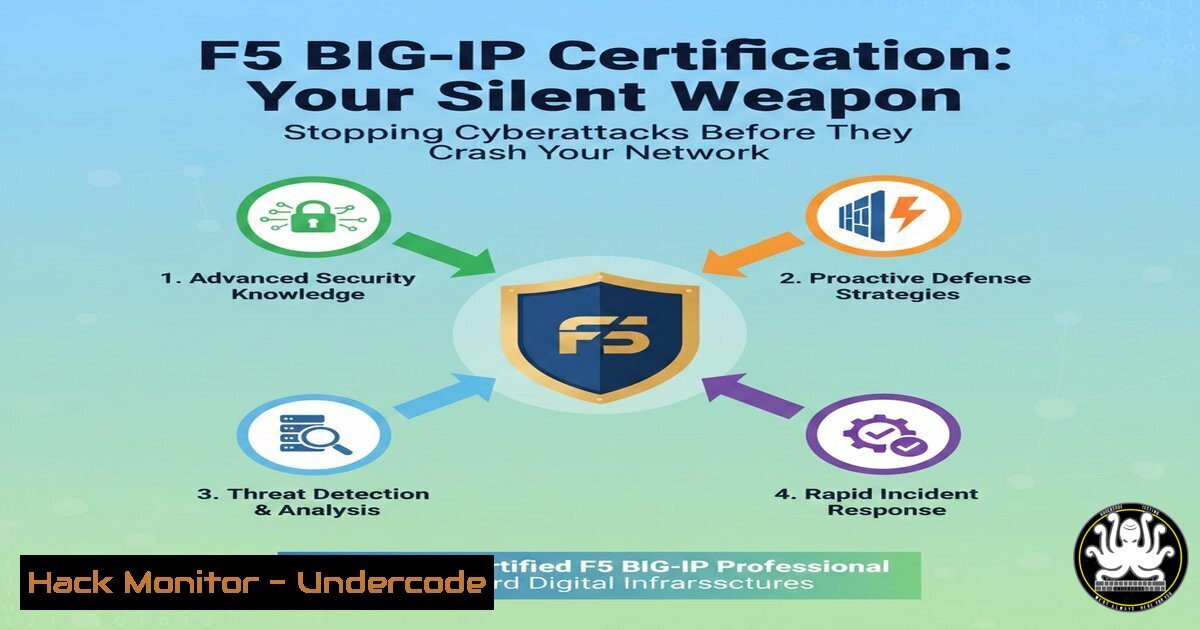
In the modern digital battlefield, application availability is synonymous with business survival. The F5 BIG-IP certification, particularly the F5-CA BIG-IP credential, represents far more than a line on a resume; it is a deep dive into the architectural controls that govern traffic, secure data, and ensure relentless uptime. This expertise is critical for defending against volumetric DDoS attacks, securing application APIs, and implementing robust disaster recovery protocols in high-stakes environments.
Learning Objectives:
- Understand the core security functionalities of F5 BIG-IP Local Traffic Manager (LTM) beyond simple load balancing.
- Learn to implement key security policies and iRules to mitigate common application-layer threats.
- Master high-availability (HA) configurations to build resilient, fault-tolerant network architectures.
You Should Know:
- Beyond Balancing: The BIG-IP as a Security Gatekeeper
The F5 BIG-IP platform, specifically the LTM module, is a full proxy architecture. This means it terminates client and server connections independently, giving it unprecedented control to inspect, manipulate, and secure traffic.
Step-by-step guide explaining what this does and how to use it:
A primary security use is mitigating application-layer (Layer 7) DDoS attacks, like HTTP floods.
1. Access the BIG-IP GUI: Log into the BIG-IP Configuration Utility (https://
2. Navigate to Security Policies: Go to Security > Application Security > Policies. Here, you can create a policy to detect abnormal request rates.
3. Create an iRule for Rate Limiting: For granular control, an iRule using Tcl can be deployed. Navigate to Local Traffic > iRules > Create.
when HTTP_REQUEST {
 Set a key based on client IP
set key [IP::client_addr]
 Check request rate (more than 50 requests in 10 seconds)
if { [table lookup -subtable req_rates $key] > 50 } {
 Log the event and drop the connection
log local0. "DDoS mitigation triggered for IP: [IP::client_addr]"
drop
} else {
 Increment the counter for this IP
table incr -subtable req_rates $key
}
}
4. Apply the iRule: Attach this iRule to the relevant Virtual Server. The `table` commands with expiry handle the counting window, silently dropping malicious bots while allowing legitimate traffic.
- Hardening Application Delivery with SSL Orchestration and Offloading
SSL/TLS encryption is mandatory, but it also blinds traditional security tools. BIG-IP performs SSL offloading/termination, decrypting traffic so it can be inspected by internal security stacks (IPS, WAF) before re-encrypting it to the servers.
Step-by-step guide explaining what this does and how to use it:
1. Create a Client SSL Profile: Navigate to Local Traffic > Profiles > SSL > Client. Create a profile specifying the certificate and key for your domain (e.g., `www.yourdomain.crt` and www.yourdomain.key).
2. Create a Virtual Server: Go to Local Traffic > Virtual Servers > Create.
Name: `VS-HTTPS-Secure`
Destination Address/Mask: `10.0.1.100/32`
Service Port: `443`
SSL Profile (Client): Select the profile you created.
Default Pool: Select your pool of application servers.
3. Security Benefit: This setup allows you to inspect plaintext HTTP traffic internally for malware, data exfiltration, or attack patterns before it reaches your vulnerable backend servers, which only receive decrypted traffic.
3. Implementing High Availability for Critical Infrastructure
The core mandate for a Network Security Engineer is ensuring zero downtime. BIG-IP’s high-availability configuration uses a failover pair of devices sharing configuration sync and a floating IP address.
Step-by-step guide explaining what this does and how to use it:
1. Configure Redundant Pair: On the primary BIG-IP, go to Device Management > High Availability > Connectivity.
2. Set up Failover Network: Configure a dedicated failover network (e.g., a secondary NIC on 192.168.1.0/24) between the two BIG-IP devices for heartbeat signals.
3. Establish Device Trust and Sync: In Device Management > Devices, add the peer device’s management IP. Establish a trust relationship and configure a ConfigSync IP and Failover IP on the dedicated failover network.
4. Verify Failover: Use the command line on the active unit to test:
 Show the HA status
tmsh show sys failover
 Force a failover for testing (execute on active unit)
tmsh run sys failover standby
The floating IP should migrate to the standby unit, maintaining service availability with zero packet loss for existing connections.
4. Securing APIs and Microservices with Advanced iRules
APIs are the backbone of modern apps and a prime attack vector. BIG-IP iRules can enforce strict API behavior, validate tokens, and route traffic intelligently.
Step-by-step guide explaining what this does and how to use it:
Create an iRule to perform basic API routing and security header injection.
1. Navigate to iRules: Go to Local Traffic > iRules > Create.
2. Create API Routing & Security Rule:
when HTTP_REQUEST {
 Example: Route based on URI path for microservices
switch -glob [HTTP::path] {
"/api/v1/users" {
pool pool_users_servers
 Inject HSTS header for security
HTTP::header insert Strict-Transport-Security "max-age=31536000; includeSubDomains"
}
"/api/v1/orders" {
pool pool_orders_servers
 Validate a custom API token in the header
if { not [HTTP::header exists "X-API-Key"] || [HTTP::header "X-API-Key"] ne "SECURE-API-KEY-12345" } {
HTTP::respond 403 content "Forbidden: Invalid API Key"
}
}
default {
pool pool_default_servers
}
}
}
3. Apply to Virtual Server: Attach this iRule to your API gateway Virtual Server. It provides simple, powerful routing and security logic at the speed of the network.
5. Proactive Monitoring and Attack Forensics
Visibility is key to security. BIG-IP provides extensive logging for forensic analysis during or after an incident.
Step-by-step guide explaining what this does and how to use it:
1. Configure Remote Logging (Syslog): Ensure attack logs survive device failure. Via the CLI:
tmsh modify /sys syslog remote-servers add { security_logs { host <your-syslog-server-ip> remote-port 514 } }
tmsh modify /sys syslog include "filter f5_security { facility(local0); }; log { source(f5_security); destination(security_logs); };"
2. Analyze Traffic Patterns: Use built-in statistics to spot anomalies.
 Show real-time connection counts for a Virtual Server
tmsh show ltm virtual <virtual-server-name> field-fmt
 Show detailed HTTP statistics
tmsh show ltm virtual <virtual-server-name> detail
3. Set Alerting: Integrate BIG-IP SNMP traps or use iControl REST API calls to trigger alerts in your SIEM (e.g., Splunk, QRadar) when connection rates spike or specific iRule drop events occur.
What Undercode Say:
- The Proxy is the Perimeter: The F5 BIG-IP certification validates skills to reshape the network perimeter at the application layer. In a cloud-native world, the load balancer is the new firewall, making this knowledge indispensable.
- Operational Resilience is a Security Feature: True security isn’t just about blocking attacks; it’s about maintaining integrity and availability during an attack. Mastering BIG-IP HA and failover is a direct counter to availability-based threats like ransomware and DDoS.
The F5-CA credential signals a professional who doesn’t just operate network equipment but architects defensible, self-healing application delivery frameworks. It bridges the gap between network operations and security teams, enabling the implementation of security policies that are both powerful and transparent to end-users. This skill set is crucial for mitigating the sophisticated, multi-vector attacks that target business-critical applications.
Prediction:
As applications continue to decentralize across hybrid and multi-cloud environments, the principles embodied by the F5 BIG-IP certification will become even more critical. The intelligent traffic management and security policy enforcement point will evolve into a distributed mesh of controls, often described as “Service Mesh” or “Application Delivery Networking.” Future cybersecurity professionals will need to extend these foundational concepts of proxying, SSL orchestration, and declarative policies into cloud-native ecosystems (e.g., using technologies like Istio or Kubernetes Ingress controllers). The core mandate—to securely deliver, protect, and ensure the availability of applications—will remain, making this foundational knowledge a lasting asset in the fight against cyber threats.
▶️ Related Video (78% Match):
🎯Let’s Practice For Free:
IT/Security Reporter URL:
Reported By: Caio Vin%C3%ADcius – Hackers Feeds
Extra Hub: Undercode MoN
Basic Verification: Pass ✅


