Listen to this Post
Introduction:
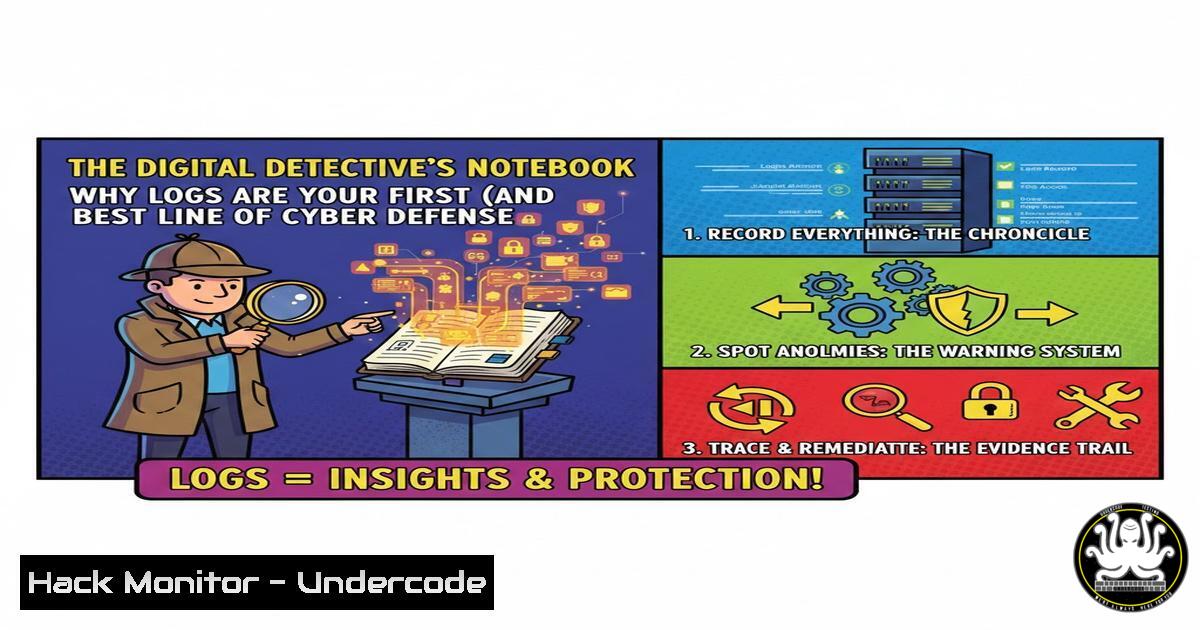
In the silent, digital battleground of cybersecurity, logs are the immutable crime scene. Every authentication attempt, every process execution, and every network connection leaves a footprint. For Security Operations Center (SOC) analysts, mastering log analysis is not just a skill—it’s the foundational art of cyber forensics, turning disparate data points into a coherent narrative of attack and defense.
Learning Objectives:
- Decipher the critical types of logs and their sources across IT infrastructure.
- Apply practical command-line and SIEM techniques to collect, normalize, and analyze log data.
- Construct a proactive threat-hunting methodology using log-derived indicators of compromise (IoCs).
You Should Know:
1. The Five Pillars of Essential Log Sources
Logs are meaningless without proper collection. A robust security posture is built on aggregating data from these core sources.
Step‑by‑step guide:
- Authentication Logs (
Linux: /var/log/auth.log,Windows: Security Event Log): Track logins. On Linux, use `sudo tail -f /var/log/auth.log | grep “Failed password”` to monitor failed SSH attempts in real-time. - System/Application Logs (
Linux: /var/log/syslog,journalctl): Record system and app activity. Query withjournalctl _SYSTEMD_UNIT=ssh.service --since "2 hours ago". - Network Logs (Firewalls, Proxies): Capture allowed/denied connections. In a tool like
tcpdump, a basic capture command issudo tcpdump -i eth0 'port 80' -w http_traffic.pcap. - Endpoint Logs (EDR/XDR Agents): Provide deep process and file system telemetry.
- Cloud Service Logs (AWS CloudTrail, Azure Activity Log): Non-negotiable for hybrid environments. Enable them first in your cloud console.
-
From Raw Data to Actionable Intelligence: Normalization & Parsing
Raw logs are chaotic. A SIEM (Security Information and Event Management) tool like Splunk, Elastic SIEM, or QRadar normalizes data by extracting key fields (timestamp, source IP, user, event ID).
Step‑by‑step guide:
- Ingestion: Configure a forwarder (e.g., Splunk Universal Forwarder, Elastic Beats) on your servers to send logs to the SIEM.
- Parsing: The SIEM applies parsing rules. For a custom Apache log, you might define a regex in the SIEM to extract the
client IP,HTTP method, andstatus code. - Normalization: The SIEM maps the parsed “status code” field from different sources (e.g., 403 from a proxy, 0x5 from Windows) to a common “access_denied” label.
-
Verification: Run a search like `index=web_logs status_code=500 | stats count by host` to see if logs are being parsed correctly.
-
The SOC Analyst’s Playbook: Core Log Analysis Queries
This is where detection happens. These are fundamental queries for any SIEM or log analysis platform.
Step‑by‑step guide:
- Detect Brute-Force Attacks: `source=”/var/log/auth.log” “Failed password” | stats count by src_ip | where count > 10`
2. Identify Unusual Process Execution: `Windows Event ID=4688 | search New_Process_Name=”powershell.exe” OR “cmd.exe” | stats count by user, host`
3. Find Lateral Movement: `(EventID=4624 Logon_Type=3) | stats count by src_ip, dest_host | where count > threshold` (Looks for multiple network logins). - Investigate Data Exfiltration: `index=proxy_logs | search dest_ip != “10.0.0.0/8” AND bytes_out > 1073741824` (Finds >1GB of data sent to external IPs).
4. Threat Hunting with Advanced Log Correlation
Move beyond alerts. Proactively hunt by correlating disparate logs to uncover stealthy tactics, techniques, and procedures (TTPs).
Step‑by‑step guide – Hunting for a PowerShell Attack Chain:
1. Hypothesis: An attacker uses a malicious Office macro to download and execute PowerShell payloads.
2. Correlation Query: `(Windows EventID=4688 New_Process_Name=”winword.exe”) OR (EventID=1 Parent_Process=”winword.exe” Image=”powershell.exe”) OR (EventID=4688 Command_Line=”Invoke-WebRequest” OR “Net.WebClient”)`
3. Analysis: This single query correlates Office spawning PowerShell, and PowerShell making a web request—a high-fidelity indicator of a common attack chain.
5. Hardening Your Logging Infrastructure
Attackers target logs to cover their tracks. Protect the evidence.
Step‑by‑step guide:
- Secure Centralized Logging: Send logs immediately to a dedicated, hardened log server. Use encrypted transport (TLS for Syslog-NG/RSyslog).
- Implement Immutable Storage: Configure WORM (Write-Once-Read-Many) storage or use a vendor that offers immutable log backups. In Linux, you can use `chattr +a /var/log/secure.log` to make a file append-only (root can still reverse this, highlighting the need for a separate server).
- Enforce Least Privilege: Restrict access to log files and SIEM interfaces using Role-Based Access Control (RBAC).
- Monitor Logging Health: Create alerts for `Logger` service stoppages or sudden drops in log volume, which could indicate tampering.
6. Automating Response with SOAR Playbooks
Close the loop by connecting detection to automated action.
Step‑by‑step guide for a Brute-Force Response Playbook:
- Trigger: SIEM alert rule fires on “10+ failed SSH logins from a single IP in 5 minutes.”
- Enrichment: SOAR platform queries threat intelligence APIs to check if the IP is known malicious.
3. Action: If confirmed bad, SOAR executes:
`aws ec2 revoke-security-group-ingress –group-id sg-xxx –protocol tcp –port 22 –cidr $ATTACKER_IP/32` (AWS CLI command to block IP at cloud firewall).
Sends a ticket to the SOC queue with all context.
Blocks the IP on the on-prem firewall via API.
What Undercode Say:
- Logs are the “Source of Truth.” Network scans and alerts can be misleading, but properly configured, timestamped logs provide an undeniable record of system state and user activity. They are the bedrock of any incident response or forensic investigation.
- Context is King. A single “failed login” is noise; ten from the same IP in a minute is an alert; ten from ten different countries linked to one user account in an hour is a critical incident. Correlation and baselining turn data into intelligence.
Analysis:
The original post correctly identifies logs as “the first evidence,” but this is a passive view. The modern paradigm treats logs as an active, queryable security dataset. The gap between recognizing their importance and effectively wielding them is vast, filled with challenges of scale, skill, and tooling. The future SOC analyst is a data scientist, writing precise queries to find needles in haystacks and automating responses. Without the foundational skills to collect, parse, and interrogate logs, higher-order security functions like threat hunting and incident response are built on sand. The tools (SIEM, XDR) are force multipliers, but they cannot replace the analyst’s understanding of what the data fundamentally represents.
Prediction:
The future of log analysis is being shaped by AI, but not as a replacement for analysts. We will see predictive log analytics, where ML models baseline “normal” activity with extreme precision, making anomalous, malicious behavior stand out in stark relief. Furthermore, the rise of OpenTelemetry and standardized log schemas will break down silos between infrastructure, application, and security logs, enabling holistic “full-stack” attack reconstruction. However, this will also demand that cybersecurity professionals possess even stronger data engineering and analytics skills to manage and derive value from these ever-larger, more complex datasets.
▶️ Related Video (78% Match):
🎯Let’s Practice For Free:
IT/Security Reporter URL:
Reported By: Manu Rana – Hackers Feeds
Extra Hub: Undercode MoN
Basic Verification: Pass ✅


