Listen to this Post
Introduction:
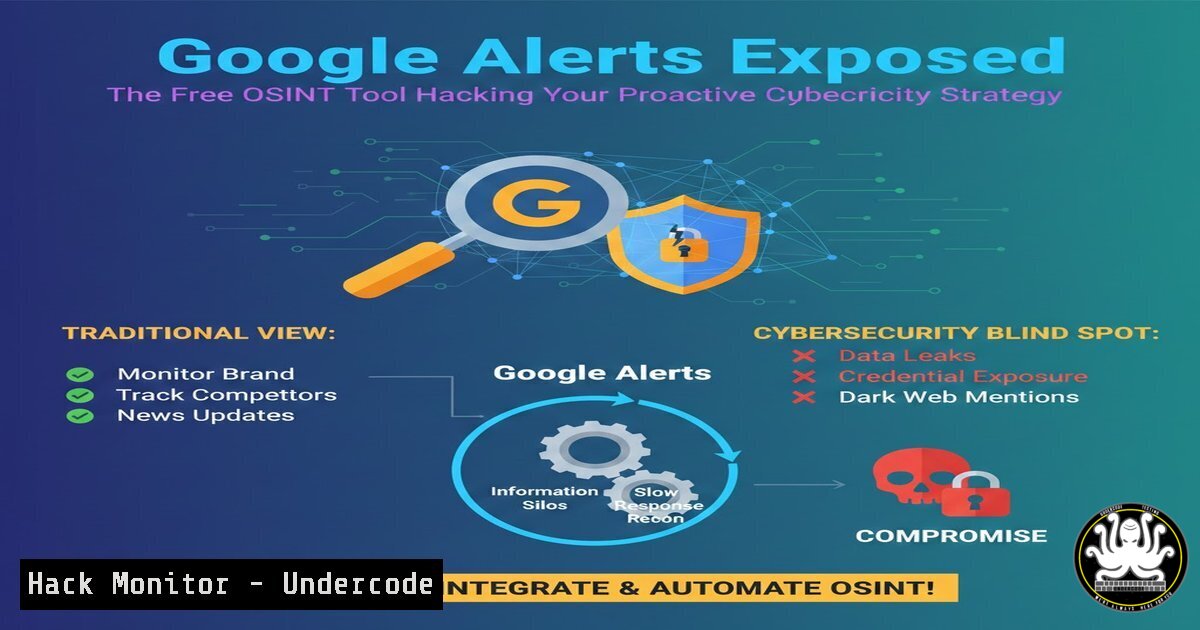
In an era where technology acceleration directly fuels the sophistication and frequency of cyber threats, passive defense is a recipe for disaster. The LinkedIn post correctly identifies proactive monitoring as non-negotiable for business survival, positioning Google Alerts as a critical, free tool for this mission. This article delves deep into transforming this basic service into a powerful, automated Open-Source Intelligence (OSINT) engine, integrating it with security workflows, and hardening your entire digital posture against the top risks brands face today.
Learning Objectives:
- Master advanced Google Alerts configurations for precision threat intelligence gathering.
- Automate alert ingestion and analysis using scripts and APIs to integrate with Security Information and Event Management (SIEM) systems.
- Implement complementary OSINT tools and hardening techniques to create a layered, proactive defense strategy.
- Architecting Your Cyber Threat Intelligence Feed with Google Alerts
Step‑by‑step guide explaining what this does and how to use it.
Google Alerts functions as a continuous web crawler for your specified keywords, delivering results via RSS or email. For cybersecurity, this means real-time awareness of data breaches, zero-day vulnerabilities, phishing campaigns, and brand mentions on paste sites. The key is strategic keyword engineering. - Identify Critical Keywords: Go beyond your brand name. Create alerts for:
"<YourBrandName> data breach","<YourSoftware> vulnerability","<YourCEO> leaked credentials","<YourIndustry> ransomware attack". - Utilize Advanced Operators: Use Google’s search operators within the alert query for precision.
`site:pastebin.com ““` : Monitors paste sites for leaked data.
`”zero-day” AND (“Chrome” OR “Windows 11″)` : Tracks emerging, unpatched vulnerabilities in your tech stack.
`intitle:”password dump”` : Looks for title-specific threats. - Configure for Action: Set the alert frequency to “As-it-happens,” the source to “Blogs,” “News,” and “Web,” and deliver to an RSS reader or a dedicated email alias for your security team.
-
From Alerts to Action: Automating Ingestion with Scripts & APIs
Step‑by‑step guide explaining what this does and how to use it.
Manually reviewing emails is inefficient. Automation parses alerts and feeds them into your security tools. This process involves fetching the RSS feed, filtering, and forwarding.
Linux/Mac (Bash withcron): Use `curl` and `grep` to fetch and filter an RSS feed, then send critical alerts to a Slack webhook or SIEM API.Example cron job to run hourly 0 curl -s "https://www.google.com/alerts/feeds/1234567890/987654321" | grep -i "critical|exploit|breach" | xargs -I {} curl -X POST -H 'Content-type: application/json' --data '{"text":"{}"}' https://hooks.slack.com/services/YOUR/WEBHOOK/URLPython Script for Enrichment: A Python script can fetch the RSS feed, use the `requests` library to cross-reference indicators with threat intelligence APIs (like VirusTotal or AlienVault OTX), and prioritize alerts before creating a ticket in Jira or ServiceNow via their REST APIs.
3. Integrating Intelligence into Security Operations (SIEM/SOAR)
Step‑by‑step guide explaining what this does and how to use it.
For true operationalization, feeds must integrate with your Security Information and Event Management (SIEM) or Security Orchestration, Automation, and Response (SOAR) platform.
1. RSS to Syslog: Use a lightweight tool like `rss2syslog` on a Linux server to convert Google Alerts RSS feeds into syslog messages.
 Install and configure rss2syslog
git clone https://github.com/joshmarshall/rss2syslog.git
cd rss2syslog
 Edit config.yaml to add your RSS feed and target SIEM syslog server
python rss2syslog.py --config config.yaml
2. SIEM-Side Configuration: On your SIEM (e.g., Splunk, IBM QRadar), configure a syslog input source to listen for these messages. Create correlation rules to trigger alerts when high-severity keywords from your external monitoring match internal events (e.g., multiple failed logins following an alert about a password dump for your company).
4. Beyond Google: Expanding Your OSINT Toolkit
Step‑by‑step guide explaining what this does and how to use it.
Google Alerts is one piece of the puzzle. Professional threat hunters use a broader toolkit.
Shodan (shodan.io): The search engine for Internet-connected devices. Use it to find inadvertently exposed assets.
Command: `shodan search “org:’Your Company Name’ http.component:’nginx'”` finds your company’s nginx servers.
Mitigation: Regularly audit Shodan results for your own IP space and misconfigurations.
HaveIBeenPwned (HIBP) API: Proactively check for employee credential breaches.
Scripting: Use the HIBP API (with k-anonymity via SHA-1 hash prefixes) to screen your corporate email domains. Integrate findings with your Identity and Access Management (IAM) system to enforce password resets.
MITRE ATT&CK Navigator: Use this framework to map threats you discover back to adversary tactics and techniques, informing your defensive controls.
5. Hardening Cloud & API Security Posture
Step‑by‑step guide explaining what this does and how to use it.
Monitoring external threats is futile if internal doors are open. Harden key areas.
1. Cloud Storage (AWS S3) Hardening: Misconfigured S3 buckets are a top data leak vector.
Command (AWS CLI): Audit buckets with `aws s3api get-bucket-acl –bucket BUCKET_NAME` and aws s3api get-bucket-policy --bucket BUCKET_NAME.
Enforcement: Use AWS Config rules like `s3-bucket-public-read-prohibited` and `s3-bucket-public-write-prohibited` to automatically enforce and remediate.
2. API Security: Use tools like `OWASP Amass` or `nmap` to discover your external API endpoints, then test them.
Command: `amass enum -d yourdomain.com -passive` for discovery.
Scanning: Use `nmap` with the `http-json-rpc-detection` script or a dedicated API testing tool to check for excessive data exposure, injection flaws, and broken authentication.
6. Vulnerability Management: From Exploitation to Mitigation
Step‑by‑step guide explaining what this does and how to use it.
When your alerts or scans find a vulnerability, you must understand and patch it.
1. Understand the Exploit: Use a controlled environment (e.g., isolated Docker container, VMware VM) to replicate a known vulnerability (e.g., a specific CVE). Tools like `Metasploit` or `searchsploit` provide proof-of-concept code.
 Search for exploit code
searchsploit "Apache 2.4.49"
 NEVER run unknown exploit code on production or non-isolated systems.
2. Prioritize & Patch: Use the Common Vulnerability Scoring System (CVSS) score and context (Is it exposed to the internet? Is there public exploit code?) to prioritize. Automate patching where possible using tools like `WSUS` for Windows or `Ansible` for Linux.
 Example Ansible playbook snippet to update all packages on Ubuntu servers
- hosts: webservers
become: yes
tasks:
- name: Update apt cache and upgrade all packages
apt:
update_cache: yes
upgrade: 'dist'
autoremove: yes
- Building an Incident Response Playbook for Monitored Threats
Step‑by‑step guide explaining what this does and how to use it.
When an alert triggers a real incident, a pre-defined playbook is critical. - Containment Commands: Have ready commands for common scenarios.
Windows (Suspected Compromise): `netstop /y` to stop a malicious service, or PowerShell to isolate a host from the network:Set-NetFirewallProfile -All -Enabled True.
Linux (Malicious Process): `kill -9` to kill a process, `iptables -A INPUT -s -j DROP` to block an IP. - Forensics & Evidence: Use tools like `Sleuth Kit (autopsy)` for disk analysis or `Wireshark` for packet capture. Document every step for potential legal proceedings. The playbook should define roles (who communicates, who analyzes, who patches) and escalation paths.
What Undercode Say:
Proactive Intelligence is a Force Multiplier: Treating Google Alerts as a strategic OSINT feed, rather than a casual news digest, transforms it from an informational tool into a core component of your defensive security architecture. Automation is the key to scaling its value.
Integration is Non-Optional: Intelligence that sits in an email inbox is useless. The true power is unlocked only when external threat data is seamlessly correlated with internal logs and telemetry within a SIEM/SOAR environment, enabling automated detection and response.
The analysis underscores a shift from reactive, perimeter-based security to an intelligence-driven, proactive model. The original post correctly identifies the problem but only scratches the surface of the solution. By engineering alert feeds, automating their processing, and integrating them with robust internal hardening and response practices, organizations can build a resilient defense-in-depth strategy. The tools and methods outlined create a continuous cycle of external monitoring, internal validation, and controlled response, turning scattered public information into a actionable security asset.
Prediction:
The convergence of AI-powered cyber threats (like hyper-realistic phishing and automated vulnerability discovery) with AI-driven defense will define the next five years. Free tools like Google Alerts will become foundational inputs for machine learning models that predict attack vectors against specific industries. Security teams will increasingly rely on fully automated “cyber immune systems” where OSINT feeds, internal telemetry, and AI analysis will trigger autonomous containment and mitigation actions—such as isolating compromised nodes or deploying micro-patches—within milliseconds, far outpacing human response times. The future belongs to those who can weaponize information at machine speed.
▶️ Related Video (84% Match):
🎯Let’s Practice For Free:
IT/Security Reporter URL:
Reported By: Gusskarlis Cybersecurity – Hackers Feeds
Extra Hub: Undercode MoN
Basic Verification: Pass ✅


