Listen to this Post
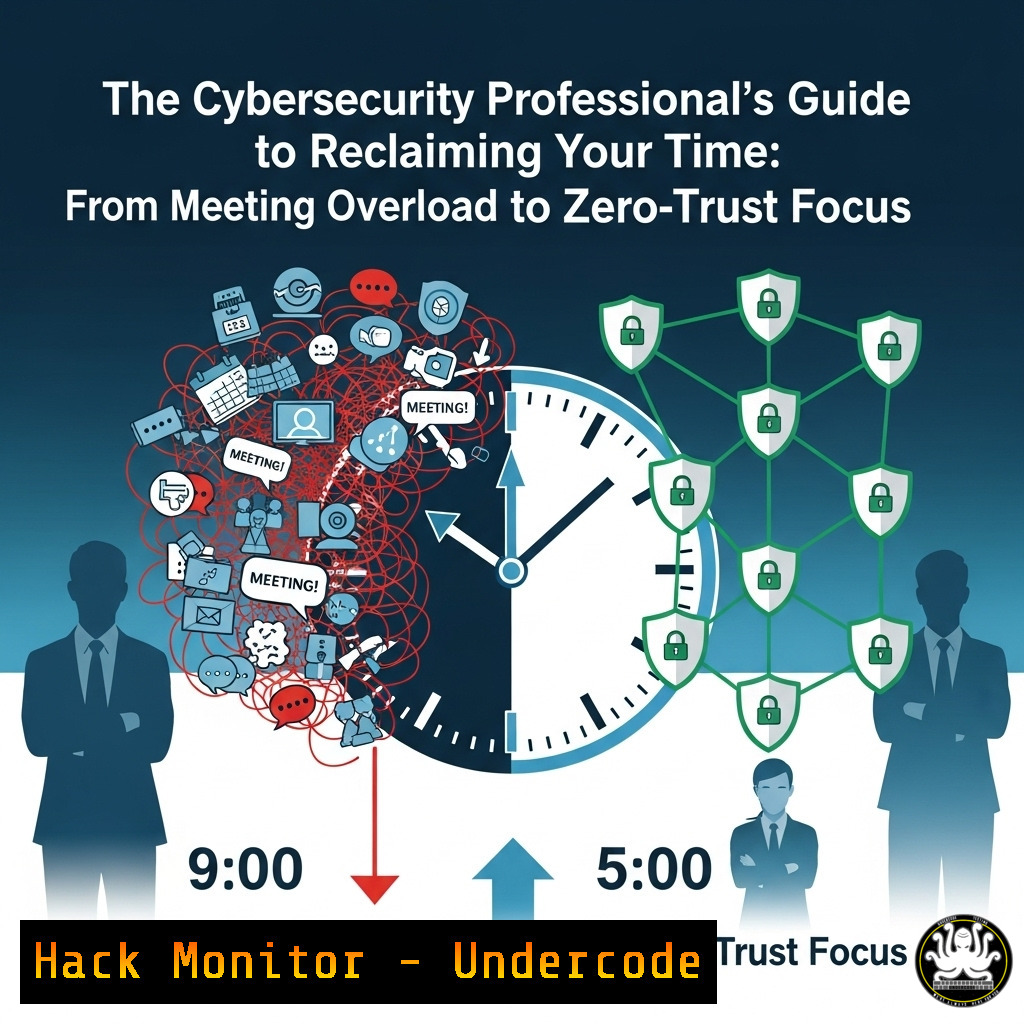
Introduction:
In an era of digital distraction and relentless collaboration tools, the overloaded calendar has become a primary attack vector against professional productivity and security focus. This constant context-switching erodes the deep concentration required for threat hunting, secure code review, and architecting resilient systems, creating vulnerabilities through human fatigue rather than technical flaws.
Learning Objectives:
- Implement technical controls to automate calendar defense and protect focus time
- Apply zero-trust principles to meeting invitations and collaboration requests
- Develop scripts and workflows to audit and secure your digital work environment
You Should Know:
1. Automating Calendar Defense with PowerShell
 Connect to Microsoft Graph API for calendar management
Connect-MgGraph -Scopes "Calendars.ReadWrite"

Get all recurring meetings for the next 30 days
$RecurringMeetings = Get-MgUserEvent -UserId $user -Filter "recurrence ne null" -All

Analyze meetings without agendas and output report
$MeetingsWithoutAgendas = $RecurringMeetings | Where-Object { $<em>.Body.Content -notlike "agenda" -and $</em>.Body.Content -notlike "objective" }
$MeetingsWithoutAgendas | Select-Object Subject, Organizer, Start | Export-Csv -Path "C:\Security\MeetingAudit.csv" -NoTypeInformation
This PowerShell script connects to Microsoft Graph API to audit recurring meetings that lack clear agendas or objectives—a key indicator of low-value commitments. Security professionals can schedule this to run weekly, automatically identifying meetings that potentially waste critical security operation center (SOC) time and resources.
2. Linux Focus Time Protection with Systemd Timers
 Create a systemd service to block distracting websites during focus hours
cat > /etc/systemd/system/focus-mode.service << EOF
[bash]
Description=Focus Mode - Block Social Media and Distractions
After=network.target

[bash]
Type=oneshot
ExecStart=/usr/sbin/iptables -A OUTPUT -p tcp -m multiport --dports 80,443 -m set --match-set distractions dst -j DROP
ExecStop=/usr/sbin/iptables -D OUTPUT -p tcp -m multiport --dports 80,443 -m set --match-set distractions dst -j DROP
RemainAfterExit=yes

[bash]
WantedBy=multi-user.target
EOF

Create timer to activate focus mode during work hours
cat > /etc/systemd/system/focus-mode.timer << EOF
[bash]
Description=Activate Focus Mode 9AM-5PM Weekdays
Requires=focus-mode.service

[bash]
OnCalendar=Mon-Fri 09:00:00
Persistent=true

[bash]
WantedBy=timers.target
EOF
This Linux configuration creates a systemd service and timer that automatically blocks access to predefined distracting websites during work hours using iptables and ipset. For cybersecurity professionals, maintaining deep focus is critical when analyzing logs, reverse engineering malware, or monitoring security alerts.
3. API-Driven Meeting Impact Assessment
import requests
from datetime import datetime, timedelta

Microsoft Graph API endpoint for calendar analysis
endpoint = "https://graph.microsoft.com/v1.0/me/calendarview"
token = "YOUR_ACCESS_TOKEN"
headers = {'Authorization': 'Bearer ' + token}

Calculate time range for next 7 days
start_date = datetime.now()
end_date = start_date + timedelta(days=7)

params = {
'startDateTime': start_date.isoformat() + 'Z',
'endDateTime': end_date.isoformat() + 'Z',
'$select': 'subject,organizer,start,end,body',
'$top': '50'
}

response = requests.get(endpoint, headers=headers, params=params)
meetings = response.json().get('value', [])

Calculate meeting time investment
total_meeting_hours = 0
for meeting in meetings:
start = datetime.fromisoformat(meeting['start']['dateTime'].rstrip('Z'))
end = datetime.fromisoformat(meeting['end']['dateTime'].rstrip('Z'))
total_meeting_hours += (end - start).total_seconds() / 3600

print(f"Time committed to meetings next week: {total_meeting_hours} hours")
This Python script uses the Microsoft Graph API to analyze calendar commitments for the upcoming week, providing data-driven insights into time allocation. For security leaders, this quantifies the operational burden of meetings versus actual security work.
4. Slack/Discord Automation for Meeting Reduction
!/bin/bash
 Slack API integration for meeting consolidation
SLACK_TOKEN="xoxb-your-token"
CHANNEL_ID="C1234567890"

Send automated message to channel about meeting efficiency
curl -X POST -H "Authorization: Bearer $SLACK_TOKEN" \
-H 'Content-type: application/json' \
--data '{
"channel": "'$CHANNEL_ID'",
"text": "Security Team: Remember to add clear agendas and objectives to meeting invites. Meetings without these will be automatically declined per our security focus policy.",
"icon_emoji": ":shield:"
}' https://slack.com/api/chat.postMessage
This bash script automates communication about meeting policies through Slack API, reinforcing security team norms about effective time use. Consistent communication reduces unnecessary meeting requests and sets clear expectations.
5. Windows Group Policy for Focus Protection
 Create Registry Keys to limit notifications during focus hours
$RegPath = "HKLM:\SOFTWARE\Policies\Microsoft\Windows\CurrentVersion\Notifications\Settings"

New-ItemProperty -Path $RegPath -Name "NOC_GLOBAL_SETTING_TOASTS_ENABLED" -Value 0 -PropertyType DWORD -Force
New-ItemProperty -Path $RegPath -Name "NOC_GLOBAL_SETTING_TASKBAR_BADGING_ENABLED" -Value 0 -PropertyType DWORD -Force

Apply during focus hours via scheduled task
$Action = New-ScheduledTaskAction -Execute 'Powershell.exe' -Argument '-File "C:\Security\EnableNotifications.ps1"'
$Trigger = New-ScheduledTaskTrigger -Daily -At 5PM
Register-ScheduledTask -Action $Action -Trigger $Trigger -TaskName "Enable Notifications" -Description "Re-enable notifications after focus hours"
This PowerShell configuration uses Windows Registry and Scheduled Tasks to automatically disable notifications during designated focus hours, preventing distractions during critical security analysis periods. The system automatically re-enables notifications after work hours.
6. Cloud Security Meeting Cost Calculator
 Calculate the actual cost of meetings for security team
team_hourly_rate = 150  Average fully-loaded security professional rate
meeting_participants = 8
meeting_duration_hours = 1
meetings_per_week = 15

weekly_cost = team_hourly_rate  meeting_participants  meeting_duration_hours  meetings_per_week
annual_cost = weekly_cost  48  Accounting for vacation/time off

print(f"Annual meeting cost for security team: ${annual_cost:,.2f}")
print(f"Equivalent security tools that could be purchased:")
print(f"- Enterprise EDR license: {annual_cost // 35000} endpoints")
print(f"- Cloud security posture management: {annual_cost // 60000} environment scans")
This Python script calculates the real financial impact of meeting time, translating hours into security tool equivalents. This helps security leaders make data-driven decisions about time investment versus security ROI.
7. Zero-Trust Meeting Acceptance Policy
!/bin/bash
 Automated meeting evaluation using zero-trust principles
MEETING_INVITE="$1"

Check for required meeting components
if ! grep -q "AGENDA:" "$MEETING_INVITE"; then
echo "REJECT: No agenda provided"
exit 1
fi

if ! grep -q "OBJECTIVE:" "$MEETING_INVITE"; then
echo "REJECT: No objective specified"
exit 1
fi

if grep -q "STATUS_UPDATE" "$MEETING_INVITE"; then
echo "REJECT: Status updates should be async via email/chat"
exit 1
fi

echo "APPROVE: Meeting meets zero-trust criteria"
This bash script implements a zero-trust approach to meeting acceptance, automatically evaluating invitations against strict criteria. This ensures security professionals only attend meetings that truly require their expertise and participation.
What Undercode Say:
- Meeting overload represents a critical vulnerability in security operations, directly impacting threat response times and system resilience
- The zero-trust principle (“never trust, always verify”) must extend beyond technical systems to time management and organizational commitments
The constant context switching induced by meeting saturation creates cognitive fatigue that directly undermines security effectiveness. When security professionals lack uninterrupted focus time, vulnerability assessments become superficial, log analysis misses critical patterns, and incident response slows dangerously. Organizations must treat calendar defense with the same seriousness as network defense—both protect critical assets. The most secure organizations recognize that deep focus is a security control, not a luxury.
Prediction:
Within two years, we will see the first major cybersecurity incident attributed directly to meeting-induced fatigue and context switching, forcing organizations to implement strict “focus time” policies with the same rigor as other security controls. Security frameworks will increasingly include cognitive availability requirements, and insurance providers will begin assessing meeting culture as part of cyber risk evaluations.
🎯Let’s Practice For Free:
IT/Security Reporter URL:
Reported By: Asakrieh Leadership – Hackers Feeds
Extra Hub: Undercode MoN
Basic Verification: Pass ✅


