
Listen to this Post
Introduction:
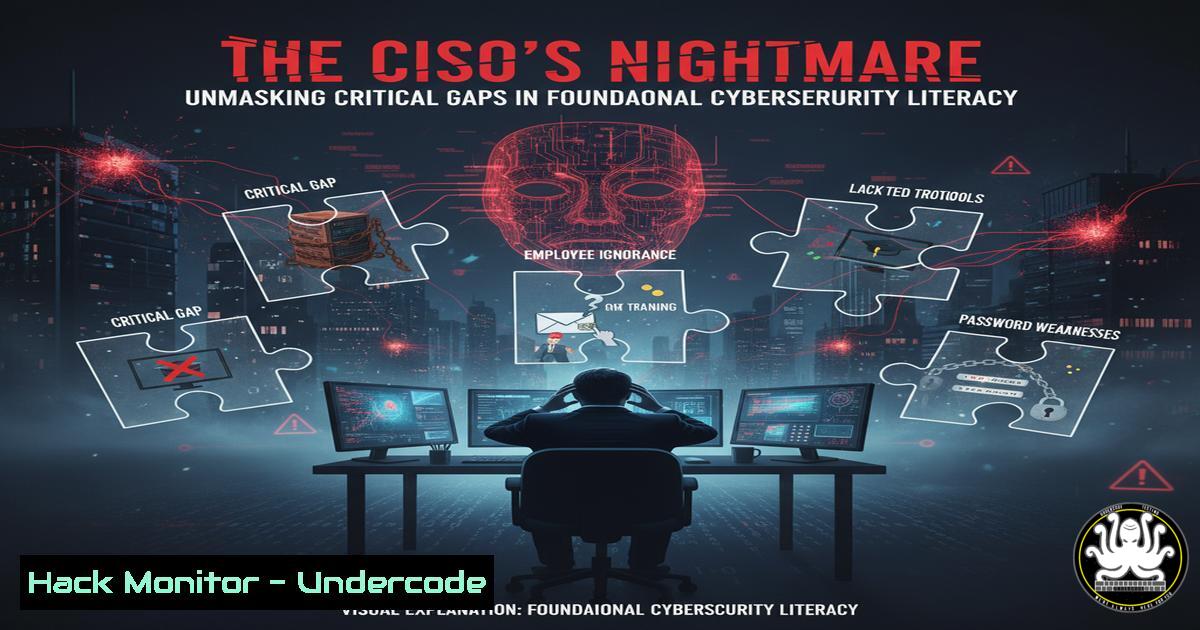
A pervasive and dangerous misconception plagues the boardrooms of countless organizations: the belief that cybersecurity is a binary state of being “secure” or “hacked.” This flawed mindset, as highlighted in industry discussions, ignores the continuous and layered nature of cyber defense, leaving critical assets exposed to threats that evolve faster than static security postures. This article deconstructs this fallacy and provides the essential technical command literacy required to transition from a reactive to a proactive security stance.
Learning Objectives:
- Differentiate between compliance checklists and genuine, actionable security hardening.
- Implement critical command-line controls for Linux and Windows to establish a foundational security baseline.
- Develop a continuous monitoring and assessment methodology to detect and mitigate vulnerabilities before they are exploited.
You Should Know:
1. Asset Discovery and Network Mapping
You cannot secure what you do not know exists. The first step in moving beyond a “hacked/not hacked” mentality is achieving complete visibility of your network assets.
Command (Linux):
sudo nmap -sS -A -O 192.168.1.0/24
Step-by-step guide:
This Nmap command performs a SYN stealth scan (-sS), enables OS and version detection (-A), and attempts remote OS fingerprinting (-O) on the entire 192.168.1.0/24 subnet.
1. Prerequisite: Install Nmap (sudo apt-get install nmap on Debian-based systems).
2. Execution: Run the command in your terminal. Replace the IP range with your own network.
3. Analysis: The output will list all live hosts, open ports, services running on those ports, and guessed operating systems. This map is your primary asset inventory for building defenses.
2. Vulnerability Assessment with OpenVAS
Knowing what’s on your network is step one; knowing its weaknesses is step two. Automated vulnerability scanners are indispensable for continuous assessment.
Command (Linux – OpenVAS):
 Start the OpenVAS services
sudo gvm-start

After services are up, access the web interface at https://127.0.0.1:9392
 Use the CLI client to create a target and task
gvm-cli --gmp-username admin --gmp-password socket --xml "<create_target><name>Corporate Network</name><hosts>192.168.1.1-254</hosts></create_target>"
Step-by-step guide:
- Setup: Install Greenbone Vulnerability Management (OpenVAS) on a dedicated system.
- Access: Use the `gvm-start` command to initialize the scanner and log into the web interface.
- Automation: The `gvm-cli` command demonstrates how to create a scan target via the command line, which can be scripted for regular scans. The scanner will then probe the defined hosts for thousands of known vulnerabilities, providing a detailed report ranked by severity.
3. Linux System Hardening: File Permissions and SUID
Attackers often escalate privileges by exploiting misconfigured file permissions. Regularly audit your systems for dangerous settings.
Command (Linux):
 Find all SUID/SGID files
find / -type f ( -perm -4000 -o -perm -2000 ) -exec ls -l {} \; 2>/dev/null

Find world-writable files
find / -type f -perm -0002 -exec ls -l {} \; 2>/dev/null
Step-by-step guide:
- SUID/SGID Audit: The first `find` command locates all files with the Set-User-ID (SUID) or Set-Group-ID (SGID) bit set. These files run with the permissions of their owner, which can be a security risk if the file is owned by root and is writable.
- World-Writable Audit: The second command finds files that are writable by any user on the system. This is a critical finding, as it allows any user to modify potentially sensitive system files or scripts.
- Remediation: Investigate each result. Remove the SUID bit from non-essential files using
sudo chmod u-s /path/to/file.
4. Windows Security Audit with PowerShell
Windows environments require the same rigorous auditing. PowerShell is the ultimate tool for this task.
Command (Windows PowerShell):
 Get a list of all running processes and their owners
Get-WmiObject -Class Win32_Process | Select-Object Name, ProcessId, Path, @{Name="Owner";Expression={$_.GetOwner().User}}

Audit local user accounts and their group memberships
Get-LocalUser | Format-Table Name, Enabled, LastLogon
Get-LocalGroupMember -Group "Administrators" | Format-Table Name, PrincipalSource
Step-by-step guide:
- Process Audit: Run the first script in an administrative PowerShell window. It lists all running processes, their IDs, file paths, and the user account that owns them. Look for unknown processes or processes running under unexpectedly privileged accounts.
- User Account Audit: The subsequent commands list all local user accounts (and their status) and, crucially, the members of the local Administrators group. Unauthorized members here represent a severe privilege escalation risk.
5. Log Analysis for Intrusion Detection
Security is not just about prevention but also detection. System logs are a goldmine for identifying malicious activity.
Command (Linux – Analyzing Auth Logs):
 Check for failed SSH login attempts
grep "Failed password" /var/log/auth.log

Check for successful SSH logins
grep "Accepted password" /var/log/auth.log

Search for commands run by the root user from the command history
sudo cat /root/.bash_history | grep -v ""
Step-by-step guide:
- Failed Login Monitoring: The first `grep` command filters the authentication log for failed SSH password attempts, which can indicate brute-force attacks. A high volume from a single IP is a clear red flag.
- Successful Login Audit: The second command shows successful logins. Verify that each is authorized.
- Root Command History: The third command displays the command history of the root user. Reviewing this can reveal actions taken by an attacker who gained root access.
6. Web Application Firewall (WAF) Bypass Techniques
Modern attacks often target the application layer. Understanding common WAF bypass methods is key to defending against them.
Code Snippet (SQL Injection Bypass):
-- Standard SQL Injection
' OR 1=1--

-- Obfuscated Bypass Attempts
' OR 0x50=0x50--
' UNI//ON SEL//ECT 1,2,3--
' OR CHAR(108)=CHAR(108)--
Step-by-step guide:
- The Standard Attack: The first line is a classic SQL injection payload designed to bypass authentication.
- Obfuscation Techniques: The subsequent lines show how attackers obfuscate the same payload. They use hex encoding (
0x50), inline comments (//) to break up signature-detecting keywords, and CHAR() functions to hide strings. - Defense: Use parameterized queries (prepared statements) in your application code. No form of obfuscation can bypass properly implemented parameterized queries. Regularly test your WAF rules with these bypass strings.
7. Cloud Security Posture Management (CSPM)
A single misconfiguration in a cloud environment like AWS can lead to a catastrophic data breach.
Command (AWS CLI – S3 Bucket Audit):
 List all S3 buckets
aws s3api list-buckets --query "Buckets[].Name"

Check the ACL and Policy of a specific bucket
aws s3api get-bucket-acl --bucket my-bucket-name
aws s3api get-bucket-policy --bucket my-bucket-name
Step-by-step guide:
- Inventory: The first command lists all S3 buckets in your AWS account. You must know what data stores you have.
- Audit Permissions: The next two commands retrieve the Access Control List (ACL) and the bucket policy for a specific bucket. Look for grants to `http://acs.amazonaws.com/groups/global/AllUsers`, which indicates the bucket is publicly accessible.
3. Remediation: If public access is not explicitly required, block it using the `aws s3api put-public-access-block` command.
What Undercode Say:
- Security is a Continuous Process, Not a Destination: The “hacked/not hacked” binary is a fallacy that creates a false sense of security. True cyber resilience is built on continuous monitoring, assessment, and adaptation. The commands provided are not one-time fixes but tools for an ongoing practice.
- Foundational Hygiene Defeats the Majority of Attacks: Over 90% of successful breaches exploit known vulnerabilities and basic misconfigurations. Mastery of the fundamental commands for system hardening, log analysis, and permission auditing would prevent the vast majority of incidents, making them more valuable in the immediate term than chasing advanced, esoteric threats.
The industry discussion correctly identifies a critical failure in executive mindset. Treating cybersecurity as a checkbox item—akin to achieving a compliance certificate—is a strategic error. Compliance represents a minimum baseline, often outdated by the time it’s published, while security is a dynamic state of defense. The technical controls outlined here are the tangible manifestation of this philosophy. They provide the data and the means to move from vague anxiety about being “hacked” to a quantified, managed, and continuously improved security posture. The gap isn’t just in technology; it’s in the literacy required to ask the right questions and interpret the outputs of these essential tools.
Prediction:
The failure to adopt a continuous, literacy-based security model will lead to an accelerated divergence between resilient and vulnerable organizations. We predict a surge in “baseline breaches” targeting organizations that achieved compliance but failed to maintain operational security. This will force a market correction where cyber insurance premiums become prohibitively expensive for firms that cannot demonstrate proactive technical controls beyond a simple checklist. Consequently, C-level technical literacy in foundational security commands and principles will transition from a niche advantage to a non-negotiable requirement for leadership, fundamentally reshaping executive education and corporate governance standards.
🎯Let’s Practice For Free:
IT/Security Reporter URL:
Reported By: Alistair Greenwood – Hackers Feeds
Extra Hub: Undercode MoN
Basic Verification: Pass ✅


