Listen to this Post
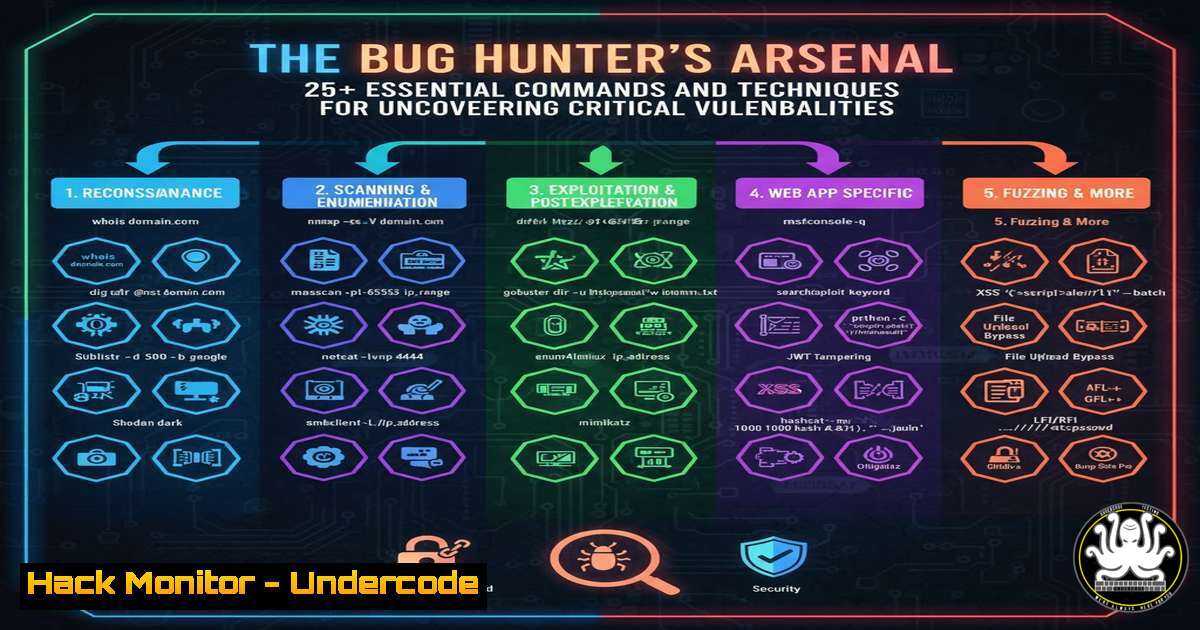
Introduction:
The digital landscape is a perpetual battleground, where security professionals and threat actors are locked in a continuous arms race. Bug bounty hunting has emerged as a critical line of defense, leveraging the power of global security researchers to identify and report vulnerabilities before malicious actors can exploit them. This article provides a comprehensive toolkit of verified commands and methodologies to elevate your reconnaissance and vulnerability discovery processes.
Learning Objectives:
- Master advanced reconnaissance techniques using OSINT and automated scanning tools.
- Identify and exploit common web application vulnerabilities like SQLi and XSS.
- Understand cloud misconfigurations and API security testing fundamentals.
You Should Know:
1. Subdomain Enumeration Mastery
Subdomain discovery is the foundational step in mapping a target’s attack surface. A combination of tools provides the most comprehensive results.
Command 1: Using amass for passive enumeration
amass enum -passive -d example.com -o amass_passive.txt
Step-by-step guide: This command uses the OWASP Amass tool to perform passive reconnaissance on example.com. It gathers subdomain information from various public data sources without sending direct traffic to the target. The `-passive` flag ensures stealth, while `-o` writes the results to a file for further analysis.
Command 2: Bruteforcing with subfinder and brute.rb
subfinder -d example.com -o subfinder_list.txt
cat subfinder_list.txt | httpx -silent | tee live_subdomains.txt
Step-by-step guide: Subfinder discovers valid subdomains using passive sources. The output is then piped to httpx, a fast HTTP toolkit, which probes each subdomain to check if it’s alive. The `-silent` flag suppresses extra output, and `tee` both displays and saves the live subdomains.
2. Probing Live Services and HTTP Headers
Once you have a list of subdomains, the next step is to probe for live web services and analyze their security headers.
Command 3: HTTPX for service discovery
httpx -l subdomains.txt -title -status-code -tech-detect -follow-redirects -o responsive_urls.json
Step-by-step guide: This command takes a list of subdomains (-l subdomains.txt) and probes them to extract the page title, HTTP status code, technology stack, and follows redirects. The output in JSON format (-o responsive_urls.json) provides a structured data source for analysis.
Command 4: Analyzing Security Headers with curl
curl -I https://example.com/ --max-time 5
Step-by-step guide: The `-I` flag fetches only the HTTP headers. This is crucial for checking the presence of security headers like Content-Security-Policy, X-Frame-Options, and Strict-Transport-Security. The `–max-time` flag sets a timeout to avoid hanging.
3. Uncovering Hidden Paths and APIs
Directories and files not linked from the main application can contain sensitive information or debug endpoints.
Command 5: Directory bruteforcing with ffuf
ffuf -w /usr/share/wordlists/dirb/common.txt -u https://example.com/FUZZ -mc 200,301,302,403 -e .php,.bak,.txt -v
Step-by-step guide: FFuf is a fast web fuzzer. Here, it uses a common wordlist (-w) to fuzz for directories and files at `https://example.com/`. The `-mc` flag specifies which HTTP status codes to show (success and interesting client errors). The `-e` flag adds extensions to each fuzz attempt.
Command 6: API Endpoint Discovery with Gospider
gospider -s https://example.com -d 2 -t 10 -c 5 -o output_dir
Step-by-step guide: Gospider crawls the target website (-s) to a depth of 2 links (-d 2), using 10 threads (-t 10) and a delay of 5 seconds (-c 5). It excels at finding JavaScript files and API endpoints within the site’s content, saving all results to an output directory.
4. Identifying SQL Injection Vulnerabilities
SQL Injection remains a top critical vulnerability, allowing attackers to interfere with an application’s database queries.
Command 7: Basic SQLi detection with SQLmap
sqlmap -u "https://example.com/page?id=1" --batch --level=3 --risk=2
Step-by-step guide: This command instructs SQLmap to test the parameter `id` in the given URL for SQL injection vulnerabilities. The `–batch` flag runs it in non-interactive mode, accepting default prompts. `–level` and `–risk` increase the thoroughness of the tests.
Command 8: Manual SQLi testing with curl
curl "https://example.com/page?id=1'"
curl "https://example.com/page?id=1 AND 1=1"
curl "https://example.com/page?id=1 AND 1=2"
Step-by-step guide: These are manual sanity checks. The first introduces a single quote to break the SQL syntax. The second and third use boolean logic. If the page behaves differently for `1=1` (true) and `1=2` (false), it strongly indicates a SQLi vulnerability.
5. Cross-Site Scripting (XSS) Payload Testing
XSS vulnerabilities allow attackers to inject client-side scripts into web pages viewed by other users.
Command 9: Using dalfox for automated XSS scanning
echo 'https://example.com/search?q=test' | dalfox pipe --skip-bav
Step-by-step guide: This pipes a target URL into DalFox, a powerful XSS scanner. The `pipe` argument tells it to read from stdin, and `–skip-bav` skips the blind annotation validation step to speed up initial scanning. It automatically tests for reflected XSS parameters.
Command 10: Manual polyglot XSS payload
jaVasCript:/-/<code>/\</code>/'/"//(/ /oNcliCk=alert() )//%0D%0A%0d%0a//</stYle/</titLe/</teXtarEa/</scRipt/--!>\x3csVg/<sVg/oNloAd=alert()//>\x3e
Step-by-step guide: This is a polyglot XSS payload designed to execute in multiple different contexts (e.g., in an HTML attribute, inside JavaScript code). It’s a valuable test case for filter evasion. Use it in input fields and URL parameters while monitoring for a pop-up alert.
6. Cloud Misconfiguration and S3 Bucket Enumeration
Misconfigured cloud storage, like AWS S3 buckets, is a common source of data breaches.
Command 11: Scanning for open S3 buckets with s3scanner
s3scanner --bucket-lists common_bucket_prefixes.txt --region us-west-2
Step-by-step guide: This tool checks a list of potential S3 bucket names for misconfigurations. The `–bucket-lists` flag specifies a file containing common bucket name prefixes, and `–region` defines the AWS region to check. It reports on buckets that are publicly readable or listable.
Command 12: AWS CLI to check bucket permissions
aws s3api get-bucket-acl --bucket my-bucket-name --region us-east-1
Step-by-step guide: If you have identified a bucket, this AWS CLI command retrieves its Access Control List (ACL). Look for grants to `http://acs.amazonaws.com/groups/global/AllUsers`, which indicates the bucket is public. This requires valid AWS credentials to run.
7. Network Vulnerability Scanning with Nmap
Understanding the broader network services running on a target is essential.
Command 13: Comprehensive Nmap service scan
nmap -sS -sV -sC -O -p- -T4 -oA full_scan example.com
Step-by-step guide: This is a powerful Nmap command. `-sS` is a SYN stealth scan, `-sV` probes open ports to determine service/version info, `-sC` runs default NSE scripts, `-O` attempts OS detection, `-p-` scans all 65,535 ports, `-T4` sets the timing template for faster execution, and `-oA` outputs results in all major formats.
Command 14: NSE script for vulnerability detection
nmap -p 80,443 --script http-vuln- example.com
Step-by-step guide: This command targets common web ports and runs all Nmap Scripting Engine (NSE) scripts that start with http-vuln-. These scripts check for specific known vulnerabilities in web servers and applications, providing a quick way to identify low-hanging fruit.
What Undercode Say:
- The modern bug hunter must be a hybrid, combining the automated power of tools with the nuanced understanding of a manual tester to find logic flaws that scanners miss.
- The attack surface is rapidly expanding beyond traditional web apps into APIs, cloud infrastructure, and mobile backends, demanding a continuous learning mindset.
The tools and commands outlined provide a formidable foundation, but they are merely the starting pistol. The true differentiator in successful bug hunting is the cultivation of a “threat actor mindset.” This involves thinking creatively about how systems can be abused in ways not intended by the developers. Automation handles the breadth, but manual, deep-dive analysis uncovers the depth. As applications become more complex and interconnected, the most critical vulnerabilities will often lie in the chained exploitation of minor flaws across different systems, a scenario that purely automated tools are ill-equipped to handle. The future belongs to hunters who can synthesize information from recon, code review, and interactive testing.
Prediction:
The convergence of AI and offensive security will redefine bug hunting within two years. We predict the emergence of AI-powered vulnerability prediction engines that will analyze code commits, dependency trees, and API schemas to proactively flag potential security weaknesses before they are even deployed. This will shift the bug bounty paradigm from reactive discovery to proactive prevention. Furthermore, threat actors will weaponize AI to create adaptive fuzzing agents and generate sophisticated, context-aware payloads, making traditional signature-based defenses increasingly obsolete. The hunters who adapt to leverage AI as a force multiplier will dominate the next era of cybersecurity.
🎯Let’s Practice For Free:
IT/Security Reporter URL:
Reported By: Abhirup Konwar – Hackers Feeds
Extra Hub: Undercode MoN
Basic Verification: Pass ✅


