
Listen to this Post
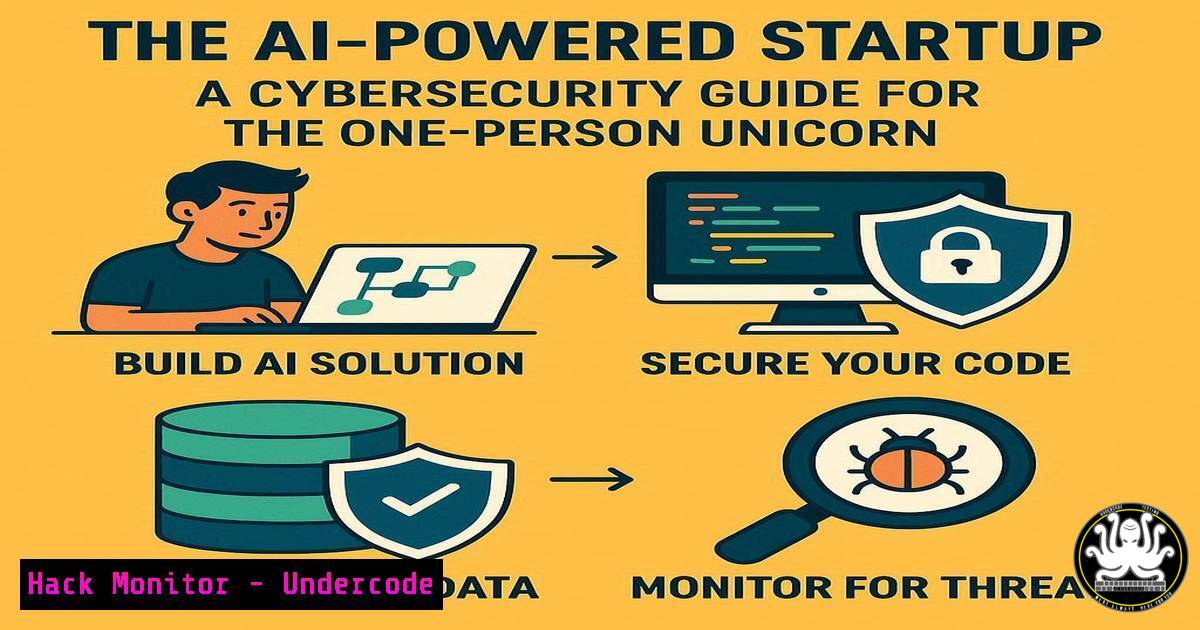
Introduction:
The rise of the AI-augmented solo founder is collapsing the traditional cost of launching a software company. However, this new paradigm introduces a unique set of cybersecurity challenges, where a single individual must architect, deploy, and defend an entire digital infrastructure. This article provides the essential security commandos and configurations to build a resilient, secure foundation from day one.
Learning Objectives:
- Implement foundational cloud security hardening for a solo-developed application.
- Secure API endpoints and automate threat detection.
- Establish robust Identity and Access Management (IAM) policies.
- Configure logging and monitoring for a one-person security operations center (SOC).
- Understand and mitigate common web application vulnerabilities.
You Should Know:
1. Cloud Infrastructure Hardening
A secure startup begins with a hardened cloud environment. Misconfigured cloud storage is a leading cause of data breaches.
`aws s3api put-bucket-encryption –bucket your-bucket-name –server-side-encryption-configuration ‘{“Rules”: [{“ApplyServerSideEncryptionByDefault”: {“SSEAlgorithm”: “AES256”}}]}’`
This AWS CLI command enables default encryption on an S3 bucket, ensuring all objects are encrypted at rest. Step 1: Install and configure the AWS CLI with credentials possessing S3 administrative permissions. Step 2: Run the command, replacing `your-bucket-name` with your actual bucket name. Step 3: Verify the configuration using aws s3api get-bucket-encryption --bucket your-bucket-name. This is a critical first step in protecting user data from exposure due to a simple configuration oversight.
2. Identity and Access Management (IAM) Least Privilege
AI agents generating code might request excessive permissions. Enforce the principle of least privilege.
`aws iam create-policy –policy-name EC2ReadOnlyAccess –policy-document file://ec2-readonly-policy.json`
This command creates a custom IAM policy. You must first create a JSON file (ec2-readonly-policy.json) with the following content:
{
"Version": "2012-10-17",
"Statement": [
{
"Effect": "Allow",
"Action": "ec2:Describe",
"Resource": ""
}
]
}
Step 1: Create the `ec2-readonly-policy.json` file with the above content. Step 2: Execute the `aws iam create-policy` command. Step 3: Attach this policy to a user or role instead of using the managed `AmazonEC2FullAccess` policy. This prevents a compromised AI agent or developer account from being used to spin up expensive cryptocurrency mining instances or terminate critical infrastructure.
3. API Security and Rate Limiting
Your API is your business’s front door. Without proper controls, it is vulnerable to abuse and data scraping.
`npm install express-rate-limit`
This command installs the `express-rate-limit` package for a Node.js application. Step 1: Run the command in your project directory. Step 2: Implement the middleware in your Express application:
const rateLimit = require("express-rate-limit");
const apiLimiter = rateLimit({
windowMs: 15  60  1000, // 15 minutes
max: 100, // Limit each IP to 100 requests per windowMs
message: "Too many requests from this IP, please try again later."
});
app.use("/api/", apiLimiter); // Apply to all /api/ routes
Step 3: Adjust the `max` and `windowMs` values based on your application’s needs. This mitigates brute-force attacks and Denial-of-Wallet (DoW) attacks that can inflate your cloud bill.
4. Container Security Scanning
AI-generated code can inadvertently include vulnerable dependencies. Scan your container images before deployment.
`docker scan your-image-name:tag`
This command uses Docker Scout (or Snyk) to scan a local Docker image for known vulnerabilities. Step 1: Build your Docker image: docker build -t your-image-name:tag .. Step 2: Run the scan command. Step 3: Review the output, which categorizes vulnerabilities by severity (Critical, High, Medium, Low). Step 4: Address critical and high-severity issues by updating your base image or dependencies before pushing to a registry. Integrating this into your CI/CD pipeline is essential for shift-left security.
5. Secret Management with a Cloud Vault
Never hardcode API keys or database passwords in your source code, even if an AI suggests it.
`aws secretsmanager create-secret –name prod/database/password –secret-string “supersecretpassword123″`
This command stores a secret in AWS Secrets Manager. Step 1: Run the command to create the secret. Step 2: Modify your application code to retrieve the secret at runtime using the AWS SDK. Step 3: Ensure your application’s IAM role has a policy granting `secretsmanager:GetSecretValue` permission for this specific secret. This practice prevents credentials from being exposed in public Git repositories and allows for easy key rotation without code changes.
6. Web Application Firewall (WAF) Rule
Protect your application from common web exploits like SQL injection and Cross-Site Scripting (XSS).
`aws wafv2 create-web-acl –name MyStartupWebACL –scope REGIONAL –default-action Allow={} –visibility-config SampledRequests=true,CloudWatchMetricsEnabled=true,MetricName=MyStartupWebACL –rules file://sqli-xss-rules.json`
This complex command creates an AWS WAF v2 Web ACL. Step 1: Create a `sqli-xss-rules.json` file defining the managed rulesets for SQLi and XSS. Step 2: Execute the command. Step 3: Associate the new Web ACL with your Application Load Balancer (ALB) or CloudFront distribution via the AWS Console. This provides a critical layer of defense against OWASP Top 10 threats without requiring deep security expertise from the founder.
7. Centralized Logging and Threat Detection
You can’t protect what you can’t see. Aggregate logs to detect intrusions and operational issues.
`sudo journalctl –since “1 hour ago” -u nginx -p err`
This Linux command filters systemd journal logs for the `nginx` service, showing only errors from the last hour. Step 1: SSH into your server. Step 2: Run the command to quickly diagnose web server issues. For a more robust solution, implement a cloud logging agent. For example, the Google Cloud Ops Agent is installed with:
`curl -sSO https://dl.google.com/cloudagents/add-google-cloud-ops-agent-repo.sh && sudo bash add-google-cloud-ops-agent-repo.sh –also-install && sudo systemctl enable google-cloud-ops-agent”`
This agent automatically collects system and application logs, forwarding them to Cloud Logging for analysis and alerting, effectively acting as your automated security sentry.
What Undercode Say:
- The Attack Surface is Concentrated: The efficiency of a one-person team is also its greatest risk. A single security misconfiguration, API key leak, or unpatched vulnerability can lead to a total compromise, as there is no larger team to provide oversight or redundancy.
- AI is a Double-Edged Sword: While AI agents can generate functional code rapidly, they lack the contextual understanding of security implications. Founders must possess the security literacy to audit and harden AI-generated outputs, transforming from pure coders to security architects.
The paradigm shift towards AI-powered startups does not eliminate risk; it recontextualizes it. The threat is no longer just a competitor out-executing you, but a malicious actor exploiting an architectural weakness you lacked the time or expertise to address. The founder’s new core competency is not just building with AI, but building securely with AI. This requires a fundamental shift from a “build fast and break things” mentality to a “build resiliently and monitor everything” ethos. The startups that survive and earn user trust will be those that treat security as a primary feature, not a technical debt to be paid later.
Prediction:
The emergence of the “one-person unicorn” will be swiftly followed by the rise of the “one-person breach.” We will see a significant increase in security incidents targeting these hyper-efficient but potentially fragile startups, leading to a market correction. This will create a new niche for automated, AI-driven security compliance platforms that can provide enterprise-grade security postures for solo founders, essentially acting as a CISO-as-a-Service. Venture capital, pivoting away from simple SaaS, may find its next “moonshot” in solving the fundamental challenge of democratizing robust cybersecurity.
🎯Let’s Practice For Free:
IT/Security Reporter URL:
Reported By: Pierpaolo28 For – Hackers Feeds
Extra Hub: Undercode MoN
Basic Verification: Pass ✅


