Listen to this Post
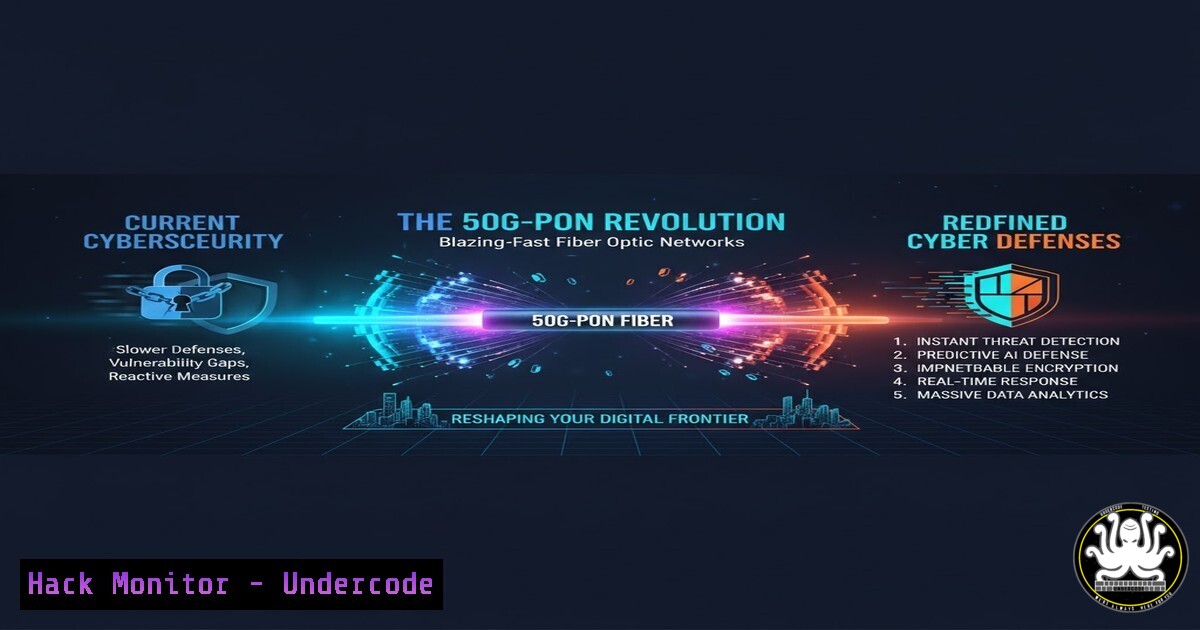
Introduction:
The emergence of 50G-PON (Passive Optical Network) technology, delivering symmetrical speeds up to 50 Gb/s, marks a quantum leap in network infrastructure. While promising unprecedented bandwidth for businesses and consumers, this paradigm shift introduces a new frontier of cybersecurity challenges, where attack surfaces expand and threat velocities reach previously unimaginable levels, demanding a fundamental evolution in defensive postures.
Learning Objectives:
- Understand the unique security implications of 50G-PON architecture for both service providers and end-users.
- Learn how to harden network configurations and implement monitoring capable of operating at multi-gigabit speeds.
- Develop incident response and forensic strategies for a high-velocity network environment.
You Should Know:
1. Architectural Visibility and Flow Monitoring
At 50 Gb/s, traditional packet capture becomes prohibitively expensive. The solution is high-performance flow monitoring.
Command/Configuration:
 Configure sFlow monitoring on a compatible network switch (e.g., Cisco Nexus)
sflow agent-ip 192.168.1.1
sflow collector-ip 192.168.100.100 vrf management
sflow data-source interface Ethernet1/1
sflow polling-interval 30
sflow sample-rate 10000
 On the collector (Linux), run an sFlow receiver like sflowtool
sflowtool -p 6343
Step-by-step guide:
This configuration instructs a network switch to sample traffic and send sFlow datagrams to a collector. The `polling-interval` of 30 seconds and `sample-rate` of 1-in-10,000 packets provide a statistical view of traffic without overwhelming the collector. On the receiving server, `sflowtool` decodes the datagrams for analysis by a SIEM (Security Information and Event Management) system, enabling the detection of DDoS attacks and network anomalies at line rate.
2. Hardening the Customer Premises Equipment (CPE)
The 50G-PON Optical Network Terminal (ONT) is the new perimeter. Its configuration is critical.
Command/Configuration:
 Example commands to check and disable unnecessary services on a Linux-based ONT/CPE
systemctl list-unit-files --type=service | grep enabled
systemctl disable telnetd
systemctl disable sshd  If remote access is not required
systemctl stop telnetd
systemctl stop sshd
 Inspect open ports
netstat -tuln
 Configure a strict host-based firewall (iptables example)
iptables -P INPUT DROP
iptables -A INPUT -i lo -j ACCEPT
iptables -A INPUT -p tcp --dport 80 -j ACCEPT  For web management, ideally restrict source IP
iptables -A INPUT -m state --state ESTABLISHED,RELATED -j ACCEPT
Step-by-step guide:
This process involves identifying and disabling any non-essential services running on the ONT to reduce its attack surface. The `systemctl` commands list, disable, and stop services like Telnet, which uses clear-text passwords. The `netstat` command confirms which ports are listening. Finally, a default-deny `iptables` firewall policy is established, only allowing necessary traffic like the web management interface and established connections.
- Cloud Security Posture Management (CSPM) for Hyper-Scale Connections
With 50G-PON, cloud resources can be saturated in seconds. Automated compliance checking is essential.
Command/Configuration (AWS CLI):
 Use AWS Security Hub and CLI to check for critical misconfigurations
 Check for unrestricted security groups
aws ec2 describe-security-groups --query 'SecurityGroups[?IpPermissions[?ToPort==`22` && IpRanges[?CidrIp==`0.0.0.0/0`]]].GroupId' --output text
 Check for S3 buckets with public read access
aws s3api list-buckets --query 'Buckets[].Name' --output text | xargs -I {} aws s3api get-bucket-acl --bucket {} --query 'Grants[?Permission==`READ` && Grantee.URI==`http://acs.amazonaws.com/groups/global/AllUsers\`]' --output table
 Enable GuardDuty for threat detection
aws guardduty create-detector --enable
Step-by-step guide:
These AWS CLI commands proactively identify high-risk misconfigurations that could be instantly exploited over a high-speed link. The first command lists security groups with SSH (port 22) open to the world. The second pipeline checks all S3 buckets for public read access. Enabling GuardDuty provides intelligent threat detection for your AWS environment. These checks should be automated and run frequently.
4. API Rate Limiting at the Edge
Protect backend services from being overwhelmed by automated attacks originating from high-speed clients.
Command/Configuration (Nginx):
 Configure rate limiting in nginx.conf
http {
limit_req_zone $binary_remote_addr zone=api:10m rate=10r/s;

server {
location /api/ {
limit_req zone=api burst=20 nodelay;
proxy_pass http://backend_server;
}
}
}
Step-by-step guide:
This Nginx configuration creates a shared memory zone (api) to track request counts per client IP address ($binary_remote_addr). The `rate=10r/s` allows 10 requests per second. The `burst` parameter permits a temporary queue of up to 20 requests beyond the rate limit, with `nodelay` meaning those burst requests are processed immediately but count against the burst queue. This prevents API endpoints from being flooded by traffic from a single 50G-PON-connected client.
5. High-Speed Network Forensic Capture
When an incident occurs, you need targeted, efficient packet capture.
Command/Configuration (tcpdump with filters):
 Capture only specific, high-value traffic to avoid full 50G/s capture
 Capture DNS queries for analysis
tcpdump -i eth0 -s 0 -w dns_queries.pcap 'port 53'
 Capture HTTP User-Agent headers from a suspect IP
tcpdump -i eth0 -s 0 -A 'tcp port 80 and host 192.168.1.100 and (tcp[((tcp[12:1] & 0xf0) >> 2):4] = 0x47455420)'
 Use a ring buffer to capture a rolling window of all traffic
tcpdump -i eth0 -s 0 -W 10 -C 1000 -w full_capture.pcap
Step-by-step guide:
These `tcpdump` examples show how to capture forensically relevant data without attempting to log the entire 50 Gb/s stream. The first command captures only DNS traffic. The second, more complex command uses a BPF filter to capture only the HTTP GET request portion of traffic from a specific host. The third command creates a ring buffer of 10 files, each 1000 MB, which captures a rolling window of all traffic for immediate post-incident analysis.
6. Vulnerability Scanning and Patching Velocity
The time between vulnerability disclosure and exploitation will shrink dramatically.
Command/Configuration (Nessus/Nmap):
 Authenticated patch audit with Nessus CLI (example)
nessuscli patch audit --host <target_ip> --user <admin_user> --password <password>
 Rapid network scanning with Nmap to identify new services
nmap -sS -T5 --min-rate 10000 -p- <target_network>
 Use Nmap NSE scripts to check for specific critical vulnerabilities
nmap -sV --script http-vuln-cve2021-44228,ssh-auth-methods -p 80,22 <target_ip>
Step-by-step guide:
This approach emphasizes speed and specificity. The `nessuscli` command performs an authenticated scan to check for missing patches directly on a target system. The `nmap` command uses a SYN scan (-sS) with aggressive timing (-T5) and a minimum packet rate of 10,000/second to quickly scan all ports. Finally, targeted Nmap Scripting Engine (NSE) scripts are used to check for specific, high-profile vulnerabilities like Log4Shell, enabling rapid triage.
- Implementing Zero Trust Principles at the Network Layer
Assume the 50G-PON network is hostile. Micro-segmentation is non-negotiable.
Command/Configuration (Linux Network Namespaces for Micro-Segmentation):
 Create isolated network namespaces for sensitive applications
ip netns add app_ns
 Create a veth pair to connect the namespace to the host
ip link add veth0 type veth peer name veth1
ip link set veth1 netns app_ns
 Configure IPs and bring up interfaces
ip addr add 10.0.1.1/24 dev veth0
ip link set veth0 up
ip netns exec app_ns ip addr add 10.0.1.2/24 dev veth1
ip netns exec app_ns ip link set veth1 up
 Isolate the namespace: no routing to the main namespace by default
ip netns exec app_ns ip route add default via 10.0.1.1
iptables -A FORWARD -i eth0 -o veth0 -j DROP  Explicitly block direct forwarding
Step-by-step guide:
This creates a completely isolated network environment (namespace app_ns) for a sensitive application. The `veth` pair acts as a virtual cable connecting the namespace to the host. By setting up a separate IP subnet and explicitly blocking forwarding from the main network interface (eth0), the application is logically isolated. Communication in and out of this namespace can be strictly controlled with host `iptables` rules, enforcing the principle of least privilege even within a single host.
What Undercode Say:
- The Perimeter is Now a Hyperspeed Lane: Defensive tools and strategies that were “good enough” for 1 Gb/s networks will be rendered utterly useless. The focus must shift from raw packet inspection to intelligent flow analysis, behavioral analytics, and automated policy enforcement.
- Automation is Not an Advantage, It’s a Requirement: The window for human-in-the-loop response to fast-moving attacks will vanish. Security orchestration, automation, and response (SOAR) will be mandatory to contain threats at these data rates.
The arrival of 50G-PON is not just an upgrade; it’s a fundamental reset of the cybersecurity playing field. Defenders can no longer rely on the network itself as a speed bump to slow down adversaries. The new era demands a proactive, intelligence-driven, and heavily automated security model where configuration hardening is perfect, detection is statistical and real-time, and response is instantaneous. Organizations that fail to adapt their security posture in tandem with their bandwidth upgrades will find their digital assets exposed to threats that can strike with the force and speed of a tidal wave.
Prediction:
The widespread adoption of 50G-PON will catalyze the development and integration of AI-driven security controls that can make micro-second decisions on flow data, fundamentally merging Network Operations (NetOps) and Security Operations (SecOps) into a single, automated function. We will see the rise of “bandwidth-tiered” security services, where the cost of defense becomes directly proportional to network speed, creating a new digital divide. Furthermore, the first major cyber-physical attack leveraging this speed to simultaneously disrupt critical infrastructure at a metropolitan scale will occur within 36 months of 50G-PON’s commercial availability, forcing a global reckoning on the security of hyper-connected cities.
🎯Let’s Practice For Free:
IT/Security Reporter URL:
Reported By: Nextinpact 50g – Hackers Feeds
Extra Hub: Undercode MoN
Basic Verification: Pass ✅


