Listen to this Post
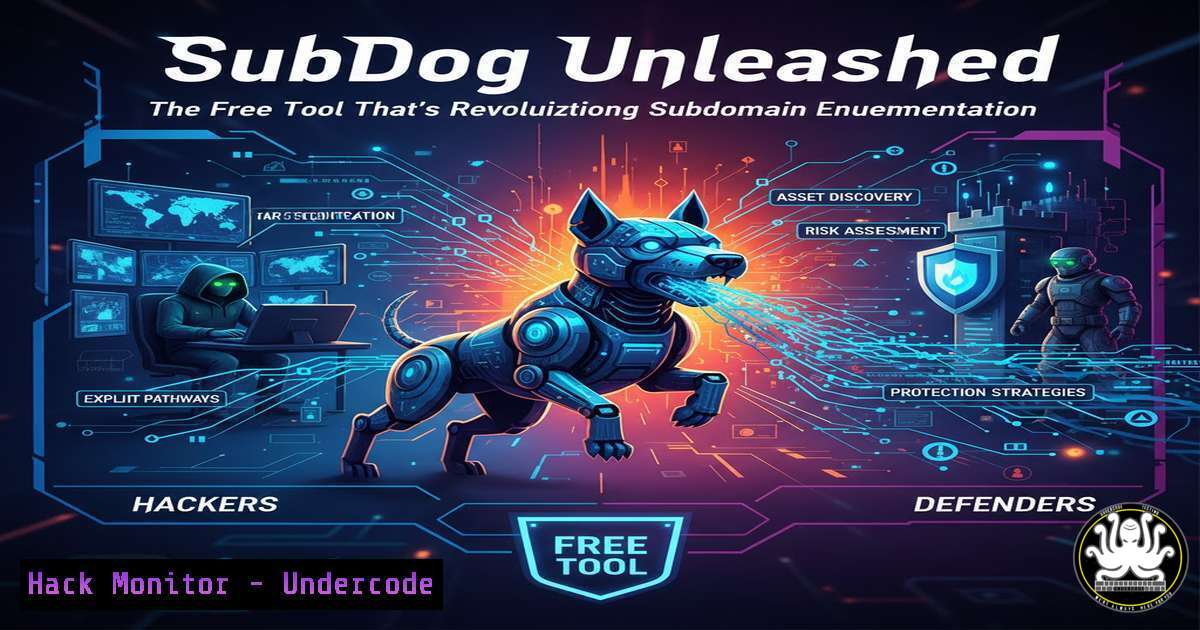
Introduction:
In the critical reconnaissance phase of a security assessment, mapping an organization’s attack surface begins with discovering its subdomains. These often-overlooked digital assets can harbor development sites, outdated applications, and misconfigured services, making them prime targets for threat actors. SubDog emerges as a powerful, open-source tool that automates and streamlines this process by aggregating data from over 16 distinct sources—all without requiring a single API key, lowering the barrier to entry for comprehensive enumeration.
Learning Objectives:
- Understand the critical role of subdomain enumeration in attack surface management and penetration testing.
- Master the installation and basic to advanced usage of the SubDog tool across different operating systems.
- Learn defensive strategies to monitor and protect your organization’s subdomain footprint from malicious enumeration.
You Should Know:
1. The Foundation: Installing SubDog on Your System
SubDog is a Python-based tool, making it cross-platform. Its primary requirement is Python 3.7+ and the `aiohttp` library for asynchronous requests.
Step‑by‑step guide explaining what this does and how to use it.
First, clone the repository from GitHub and install its dependencies. This setup prepares your environment with all necessary libraries for SubDog to query its various sources concurrently.
 Linux/macOS
git clone https://github.com/rix4uni/subdog.git
cd subdog
pip3 install -r requirements.txt

Windows (Using PowerShell or Git Bash)
git clone https://github.com/rix4uni/subdog.git
cd subdog
pip install -r requirements.txt
To verify installation and see the help menu, run:
python3 subdog.py -h
2. Basic Enumeration: Your First Subdomain Scan
The core function of SubDog is passive enumeration. It queries sources like DNSDumpster, Censys, VirusTotal, and others via their public interfaces, avoiding rate limits and API restrictions where possible.
Step‑by‑step guide explaining what this does and how to use it.
Running a basic scan is straightforward. The tool outputs results to the terminal and can save them to a file for further analysis.
 Basic enumeration for a target domain
python3 subdog.py -d example.com

To save the results to a file
python3 subdog.py -d example.com -o subdomains_example.txt
This command fetches subdomains from all available free sources. The `-o` flag is crucial for operational security (OpSec) and workflow, allowing you to archive and process findings.
3. Advanced Tactics: Combining SubDog with Your Workflow
For professional pentesters, raw subdomain lists are just the beginning. The true power is integrating SubDog into a broader reconnaissance pipeline for validation and exploitation.
Step‑by‑step guide explaining what this does and how to use it.
Combine SubDog’s output with tools like `httpx` to identify live hosts and `nuclei` to scan for vulnerabilities.
 Step 1: Enumerate subdomains
python3 subdog.py -d example.com -o subs.txt

Step 2: Resolve and check for live HTTP/HTTPS services (using httpx)
cat subs.txt | httpx -silent -o live_subs.txt

Step 3: Perform basic vulnerability screening (using nuclei)
nuclei -l live_subs.txt -t /path/to/nuclei-templates/ -o vulnerabilities.txt
This pipeline transforms a simple list into an actionable map of live, potentially vulnerable endpoints.
4. Defensive Posture: Monitoring Your Own Subdomain Exposure
As a defender, understanding the same tools attackers use is key. You can use SubDog proactively to audit your own organization’s exposed footprint.
Step‑by‑step guide explaining what this does and how to use it.
Regularly run SubDog against your own domains to discover forgotten or rogue subdomains. Implement monitoring for DNS records.
 Audit your own domain monthly
python3 subdog.py -d yourcompany.com -o monthly_audit_$(date +%Y%m%d).txt

Compare with previous audit to detect new, unauthorized subdomains
diff previous_audit.txt monthly_audit_20231221.txt
Additionally, ensure your DNS zones are tightly controlled and consider implementing DNS auditing tools or services that alert on new record creation.
- Behind the Scenes: How SubDog Queries Its Sources
Understanding the methodology helps in troubleshooting and appreciating the tool’s limitations. SubDog primarily works by scraping and parsing public web interfaces.
Step‑by‑step guide explaining what this does and how to use it.
The tool uses asynchronous HTTP requests (aiohttp) to speed up queries. You can inspect the `sources/` directory in its GitHub repo to see the specific parsing logic for each service. For instance, to understand its Censys module:
cat sources/censys.py
This reveals how it formats requests to `https://censys.io/domain/example.com/subdomains`. Knowing this helps you customize the tool or write your own modules for new sources.
6. Windows Operator’s Guide: Running SubDog Effectively
Windows users can run SubDog natively via Python or through the Windows Subsystem for Linux (WSL). WSL is recommended for easier integration with other CLI-based security tools.
Step‑by‑step guide explaining what this does and how to use it.
Option A: Native Python on Windows (PowerShell):
 Ensure Python is installed and in PATH
python --version
 Clone and run
git clone https://github.com/rix4uni/subdog.git
cd subdog
pip install aiohttp
python subdog.py -d example.com
Option B: Using WSL (Preferred):
- Install WSL (e.g., Ubuntu) from the Microsoft Store.
- Open the WSL terminal and follow the standard Linux installation commands above. This allows seamless use of the pipeline with `httpx` and
nuclei. -
The Attacker’s Edge: From Subdomains to Initial Access
Subdomain discovery is often step one in a kill chain. Found subdomains lead to further analysis for subdomain takeovers, exposed admin panels, or outdated software.
Step‑by‑step guide explaining what this does and how to use it.
After enumeration, probe for common vulnerabilities.
Subdomain Takeover Test: Use tools like `subjack` or `nuclei` with takeover templates on the live subdomains list.
nuclei -l live_subs.txt -t /path/to/takeover-templates/ -o takeover_check.txt
Directory Bruteforcing: On interesting live hosts, look for hidden paths.
ffuf -u https://FUZZ.example.com/ -w /usr/share/wordlists/dirb/common.txt -mc 200,301,302
This process highlights how a simple subdomain list can be the thread that unravels a significant security vulnerability.
What Undercode Say:
- Key Takeaway 1: The democratization of advanced reconnaissance is accelerating. Tools like SubDog, which aggregate multiple premium-source techniques into a free, API-less package, significantly lower the entry bar for both aspiring ethical hackers and malicious actors, leveling the playing field in cybersecurity’s first stage: discovery.
- Key Takeaway 2: Defensive strategy must assume complete subdomain transparency. Since passive enumeration cannot be fully prevented, security teams must shift focus from obscurity to rigorous hardening, continuous monitoring, and automated alerting for every asset in their DNS, treating each discovered subdomain as a potential future attack vector that requires regular assessment and hardening.
Prediction:
The proliferation of intelligent, aggregated open-source reconnaissance tools like SubDog will force a paradigm shift in attack surface management (ASM). In the near future, we will see a tighter integration of AI not just in attack tools for smarter enumeration and prioritization, but more critically in defensive platforms. Defensive ASM solutions will evolve to use similar crawling and correlation techniques proactively, predicting potential attack paths by simulating tools like SubDog and automatically recommending or even applying hardening measures. The cat-and-mouse game will move from discovery to speed of response, where the winner is determined by who can act on the discovered data fastest—attackers launching automated exploits or defenders applying automated patches and configurations.
▶️ Related Video (82% Match):
🎯Let’s Practice For Free:
IT/Security Reporter URL:
Reported By: Abhirup Konwar – Hackers Feeds
Extra Hub: Undercode MoN
Basic Verification: Pass ✅


