
Listen to this Post
Introduction:
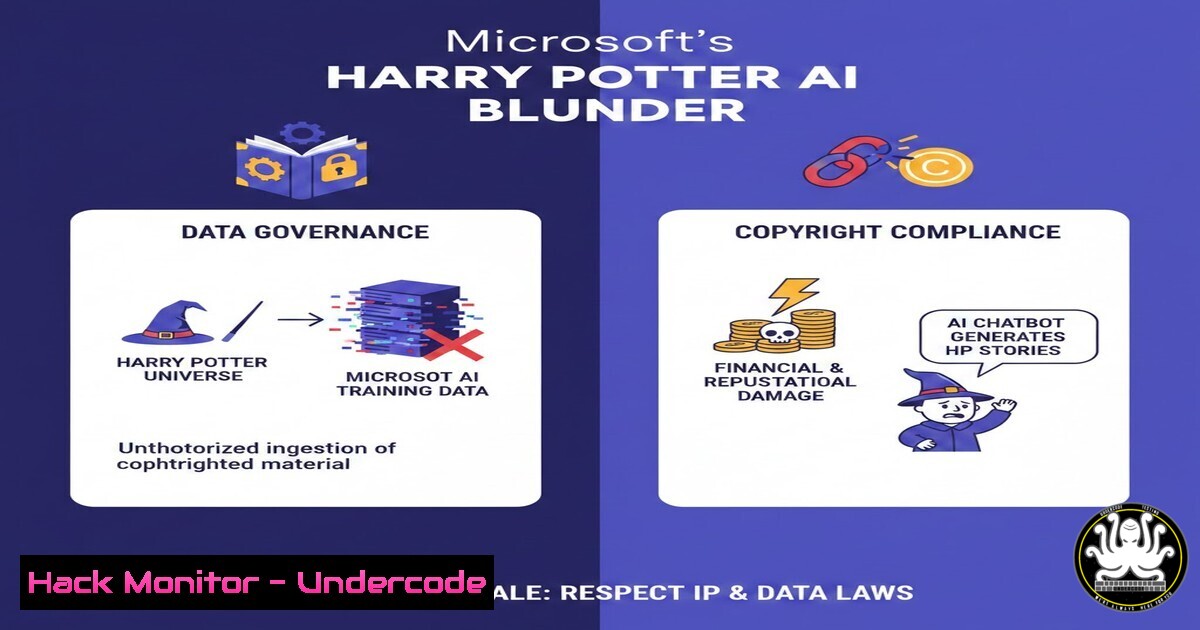
In a move that sparked immediate backlash across the tech community, Microsoft published and subsequently deleted a blog post instructing developers on how to train AI models using pirated copies of the Harry Potter book series. The incident, which gained traction on Hacker News, serves as a critical case study for cybersecurity professionals and AI engineers, highlighting the severe legal and ethical risks associated with neglecting data provenance in AI training pipelines. This article dissects the technical missteps, the implications for data governance, and provides a roadmap for building compliant and secure AI workflows.
Learning Objectives:
- Understand the legal and cybersecurity risks of using copyrighted or unverified data in AI training.
- Learn how to implement data provenance checks and secure storage for datasets.
- Gain practical skills in configuring Azure Blob Storage with proper access controls.
- Explore methods for auditing datasets for copyrighted material before ingestion.
- Review incident response steps for mitigating exposure when infringing data is discovered.
- The Anatomy of the Data Leak: How “Public Domain” Markings Fail
The core issue stemmed from a dataset “mistakenly” marked as public domain. In the world of AI engineering, data labeling and metadata management are critical. Relying on a single flag or user-generated tag without verification is a catastrophic failure in data governance.
Step‑by‑step guide: Auditing a Dataset for Copyright Issues on Linux
Before uploading any dataset to a cloud environment, conduct a basic audit.
1. Inspect File Metadata: Use `exiftool` or `file` to check for embedded copyright information.
 Install exiftool on Debian/Ubuntu
sudo apt-get install libimage-exiftool-perl

Run a recursive scan on a directory
find ./downloaded_dataset -type f -exec exiftool {} \; | grep -i "copyright|rights|author"
2. Content Fingerprinting: For text files, generate hashes and compare them against known copyrighted works.
 Generate SHA256 hashes for all text files
find ./downloaded_dataset -name ".txt" -exec sha256sum {} \; > dataset_hashes.txt

Compare against a known list of copyrighted material hashes (if available)
 This is a simplified example; in reality, this requires a database of protected works.
grep -f known_copyright_hashes.txt dataset_hashes.txt
3. String Matching for Titles: Use `grep` to search for unique phrases.
grep -r -i "Harry James Potter" ./downloaded_dataset
- Secure Data Ingestion: Configuring Azure Blob Storage with Zero Trust
The original blog recommended uploading text files to Azure Blob Storage. Without strict controls, this creates a massive data leak surface. Here is how to securely configure a container for sensitive training data.
Step‑by‑step guide: Hardening Azure Blob Storage Access
- Create a Container with Private Access (Azure CLI): Ensure the container is not publicly accessible.
Login to Azure
az login

Create a storage account (if needed)
az storage account create \
--name mysecuredatastore \
--resource-group AI-Training-RG \
--location eastus \
--sku Standard_LRS

Create a container with 'off' for public access
az storage container create \
--name training-datasets \
--account-name mysecuredatastore \
--public-access off
- Implement Azure Role-Based Access Control (RBAC): Restrict uploads and downloads to specific service principals or managed identities.
Using PowerShell to assign the "Storage Blob Data Contributor" role to a specific Azure AD group New-AzRoleAssignment -ObjectId "a1b2c3d4-..." ` -RoleDefinitionName "Storage Blob Data Contributor" ` -Scope "/subscriptions/{sub-id}/resourceGroups/AI-Training-RG/providers/Microsoft.Storage/storageAccounts/mysecuredatastore" -
Enable Soft Delete and Versioning: To recover from accidental uploads of bad data.
Enable blob soft delete
az storage blob service-properties delete-policy update \
--account-name mysecuredatastore \
--enable true \
--days-retained 7
-
AI Model Training: Sandboxing and Data Leakage Prevention
When training models on potentially sensitive data, network isolation is key to preventing data exfiltration by a malicious insider or a compromised script.
Step‑by‑step guide: Training an LLM in an Isolated Environment (Linux)
1. Create a Network Namespace: Isolate the training process.
 Create a new network namespace
sudo ip netns add ai_training_ns

Run the training script within this namespace, blocking external internet
sudo ip netns exec ai_training_ns python train_model.py --dataset ./harry_potter_books
Note: You would typically pair this with a virtual interface that has no default route, ensuring the process cannot phone home.
2. Monitor for Data Exfiltration Attempts: Use `tcpdump` inside the namespace to verify no connections are made.
 Monitor traffic in the isolated namespace
sudo ip netns exec ai_training_ns tcpdump -i any
3. Windows Equivalent – Windows Sandbox:
For Windows-based training, use Windows Sandbox (if available) or Hyper-V isolated containers.
 Enable Windows Sandbox (requires reboot)
Enable-WindowsOptionalFeature -FeatureName "Containers-DisposableClientVM" -Online

Place training files in the sandbox shared folder and run the process inside.
- Building a Q&A System: The Right Way (Without Pirated Data)
The goal was to build a Q&A system for Potterheads. This can be done legally using metadata, plot summaries, or officially licensed APIs.
Step‑by‑step guide: Using RAG with Public Data (Python Example)
Instead of training on full text, use Retrieval-Augmented Generation (RAG) with sanctioned data sources.
1. Install necessary libraries:
pip install langchain chromadb openai
2. Load data from a public Wiki (which summarizes plot points):
from langchain.document_loaders import WikipediaLoader
from langchain.text_splitter import RecursiveCharacterTextSplitter
from langchain.embeddings import OpenAIEmbeddings
from langchain.vectorstores import Chroma

Load data legally from Wikipedia
loader = WikipediaLoader(query="Harry Potter", load_max_docs=3)
documents = loader.load()

Split and embed
text_splitter = RecursiveCharacterTextSplitter(chunk_size=500, chunk_overlap=50)
docs = text_splitter.split_documents(documents)

vectorstore = Chroma.from_documents(docs, OpenAIEmbeddings())
 Now you can query this vector store legally.
5. Incident Response: When Infringing Data is Discovered
When Microsoft realized the error, the first step was takedown. For an enterprise, this triggers an incident response process.
Step‑by‑step guide: Remediating a Data Governance Incident
- Isolate the Data: Immediately change access policies to block all access (including the engineering team) while an investigation is conducted.
Generate a SAS token with immediate expiry to kill current access
az storage container generate-sas \
--name training-datasets \
--account-name mysecuredatastore \
--expiry 2023-01-01T00:00:00Z \  Set to a past date
--permissions r
- Forensic Analysis: Determine who uploaded the data and when.
Query Azure Activity Log for write events (Azure CLI)
az monitor activity-log list \
--resource-id "/subscriptions/{sub-id}/resourceGroups/AI-Training-RG/providers/Microsoft.Storage/storageAccounts/mysecuredatastore" \
--query "[?operationName.value == 'Microsoft.Storage/storageAccounts/blobServices/containers/blobs/write']" \
--output table
3. Secure Deletion: Permanently delete the blobs.
 Using PowerShell to remove blobs in a specific container
$ctx = New-AzStorageContext -StorageAccountName "mysecuredatastore" -UseConnectedAccount
Get-AzStorageBlob -Container "training-datasets" -Context $ctx | Remove-AzStorageBlob
What Undercode Say:
- Data Provenance is a Security Control: The Harry Potter incident proves that verifying the source and license of training data is not just a legal formality; it is a critical cybersecurity function. Treating datasets as untrusted user input is the only safe approach.
- Automation Amplifies Risk: The ease of uploading to cloud storage and spinning up training jobs lowers the barrier to entry, but it also amplifies the speed at which a company can violate intellectual property laws. Automated pipelines require automated guardrails.
This incident underscores a fundamental shift: AI engineers must now operate with the same security and compliance mindset as traditional cybersecurity teams. The days of downloading datasets from random internet sources and feeding them directly into corporate cloud infrastructure are over. The convergence of AI and security mandates a new discipline—AI Governance and Security (AISec)—where tools like Azure Policy, network isolation, and cryptographic hashing of source material become standard parts of the ML lifecycle.
Prediction:
We will see the emergence of “AI Provenance as a Service” (APaaS) startups within the next 12 months. These platforms will use a combination of digital watermarking, semantic fingerprinting, and blockchain-based ledgers to verify the licensing status of datasets before they enter a training pipeline. Major cloud providers like Microsoft and AWS will integrate these checks directly into their blob storage and SageMaker offerings, automatically scanning uploads against databases of copyrighted works and flagging violations in real-time to prevent incidents like this before they occur.
▶️ Related Video (80% Match):
🎯Let’s Practice For Free:
IT/Security Reporter URL:
Reported By: Michael Tchuindjang – Hackers Feeds
Extra Hub: Undercode MoN
Basic Verification: Pass ✅


