Listen to this Post
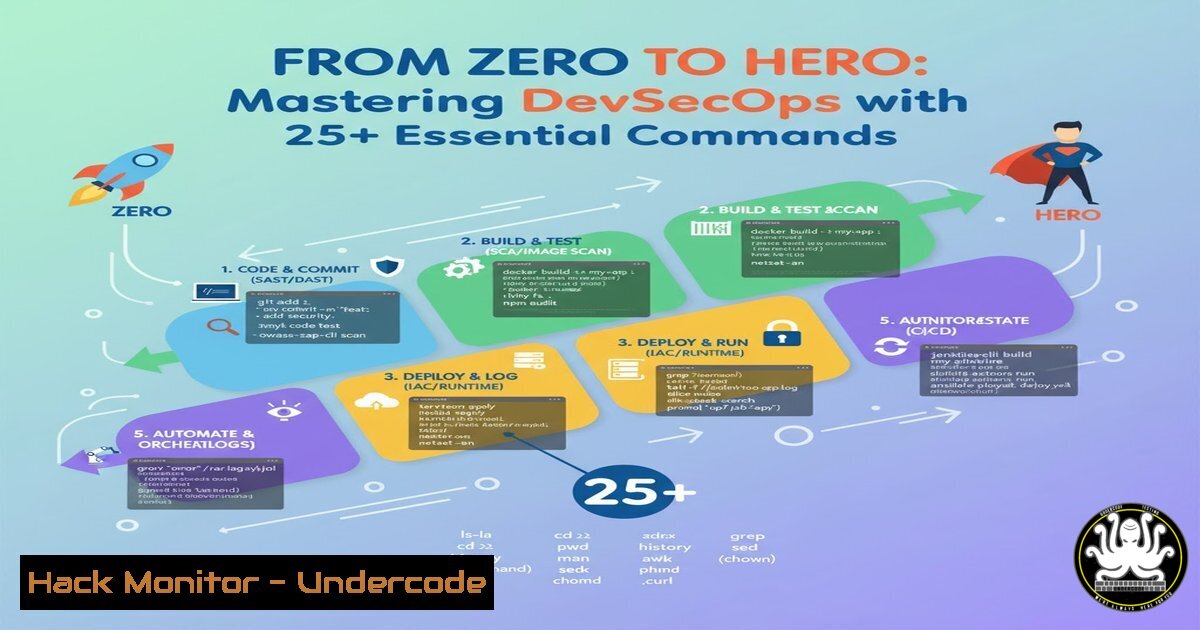
Introduction:
The transition to DevSecOps represents a fundamental shift in how organizations build and deploy software, integrating security practices directly into the DevOps lifecycle. This paradigm move from reactive security to a “shift-left” proactive model is critical for modern cloud-native applications. Mastering the core tools and commands is the first step toward building a secure, automated pipeline.
Learning Objectives:
- Understand and execute fundamental Linux and Git commands for secure repository management.
- Implement container security scanning and hardening for Docker and Kubernetes.
- Automate security checks within a CI/CD pipeline using GitHub Actions.
- Apply essential cloud security commands for infrastructure hardening.
- Utilize command-line tools for vulnerability scanning and system monitoring.
You Should Know:
1. Linux Foundation for Security
A secure environment starts with a hardened operating system. Linux is the bedrock of most DevOps toolchains.
`whoami` – Displays the current logged-in user. Always verify your context before executing privileged commands.
`sudo` – Executes a command with superuser privileges. Use it judiciously.
`chmod` – Changes file permissions. Example: `chmod 600 /path/to/secret.key` restricts access to the owner.
`chown` – Changes file ownership. Example: chown root:root /path/to/sensitive.conf.
`ps aux | grep
`netstat -tuln` – Displays all listening ports, helping identify unauthorized services.
`ls -la` – Lists all files, including hidden ones, with detailed permissions.
Step-by-step guide: To secure a sensitive configuration file, first, check its current permissions with ls -la config.env. If it’s world-readable (-rw-r--r--), change the permissions to be owner-only with sudo chmod 600 config.env. Then, change its ownership to the root user with sudo chown root:root config.env. This two-step process ensures confidentiality and integrity.
2. Secure Git Repository Management
Version control is the source of truth; its security is non-negotiable.
`git config –global user.name “Your Name”` – Sets your global Git username.
`git config –global user.email “[email protected]”` – Sets your global Git email.
`git clone
`git status` – Shows the state of the working directory and staging area.
`git log –oneline` – Shows a condensed commit history.
`git diff` – Shows changes between commits, branches, or the working directory.
`git secret` – A tool for storing secrets in a Git repository securely.
Step-by-step guide: Before your first commit, always configure your identity. Use `git config –global user.name “Aditya Jaiswal”` and git config --global user.email "[email protected]". This tags all your commits accurately. When examining changes before a commit, use `git diff` to review every line of code you’ve modified, a critical step for spotting potential security issues like hardcoded secrets before they enter the codebase.
3. Container Security with Docker
Containers package applications, but they must be built and run securely to avoid becoming an attack vector.
`docker build -t my-app:latest .` – Builds a Docker image from a Dockerfile.
`docker scan my-app:latest` – Scans a local image for vulnerabilities using Docker Scout (formerly Snyk).
`docker run -d –name my-container my-app:latest` – Runs a container in detached mode.
`docker exec -it my-container /bin/sh` – Executes an interactive shell inside a running container.
`docker image ls` – Lists all Docker images.
`docker ps -a` – Lists all containers (both running and stopped).
Step-by-step guide: After building your application image with docker build -t my-app:latest ., immediately scan it for Common Vulnerabilities and Exposures (CVEs) using docker scan my-app:latest. This command will output a detailed report. If critical vulnerabilities are found, you must update your base image in the Dockerfile and rebuild. Never deploy a container with known critical CVEs.
4. Kubernetes Cluster Hardening
Orchestrating containers requires a secure cluster configuration to prevent lateral movement and privilege escalation.
`kubectl get pods -n
`kubectl get services` – Lists all services in the current namespace.
`kubectl describe pod
`kubectl logs
`kubectl config view` – Shows merged kubeconfig settings.
`kubectl auth can-i create deployments` – Checks if the current user can perform an action.
Step-by-step guide: To audit what a pod is doing, use `kubectl get pods` to list them, then `kubectl logs
5. Automating Security in CI/CD with GitHub Actions
Security must be automated to be consistent. GitHub Actions can enforce security gates on every code change.
`name: Security Scan` – YAML key to name the workflow.
`on: [push, pull_request]` – Triggers the workflow on push or pull request events.
`jobs:` – Defines the jobs to be run.
`uses: actions/checkout@v4` – Action to check out your repository code.
`run: |` – Used to execute a series of shell commands.
Step-by-step guide: Create a file .github/workflows/security.yml. Define the trigger, e.g., on: [push, pull_request]. In the jobs section, use the `actions/checkout@v4` action to get your code. Then, add steps to run security tools using the `run` keyword. For example, `- run: trivy fs .` to scan the filesystem for misconfigurations or `- run: git secrets –scan` to check for accidentally committed API keys.
6. Cloud Infrastructure Security (AWS CLI)
Infrastructure as Code (IaC) must be validated for security best practices before deployment.
`aws configure` – Configures the AWS CLI with access keys and region.
`aws s3 ls` – Lists S3 buckets. Check for publicly accessible ones.
`aws iam list-users` – Lists IAM users. Audit for unused or over-privileged accounts.
`aws ec2 describe-instances` – Describes EC2 instances for security group review.
`aws cloudtrail lookup-events` – Looks up management events for auditing.
Step-by-step guide: To audit your AWS S3 storage for misconfigurations, first configure your CLI with aws configure. Then, list all buckets with aws s3 ls. For each bucket, check its public access block settings via the AWS Console or CLI. A common hardening step is to enable `BlockPublicAcl` and `IgnorePublicAcls` on all buckets to prevent accidental data exposure.
7. Proactive Vulnerability Scanning and Mitigation
Continuous scanning is essential for identifying and patching vulnerabilities in dependencies and systems.
`trivy image
`nmap -sV
`sudo lynis audit system` – Performs a comprehensive system health and security scan.
`sudo fail2ban-client status` – Checks the status of the Fail2ban intrusion prevention software.
`ss -tuln` – A modern replacement for `netstat` to investigate sockets.
Step-by-step guide: Integrate Trivy into your local workflow. After building a Docker image, run trivy image my-app:latest. The tool will output a list of vulnerabilities sorted by severity (CRITICAL, HIGH, etc.). Use this report to identify which base image or package update is required to mitigate the highest-risk issues. This should be a mandatory step before pushing an image to a registry.
What Undercode Say:
- Democratization Drives Adoption: Making complex DevSecOps concepts accessible in native languages like Hindi is not just inclusive; it’s a strategic security imperative. A larger, well-trained talent pool directly translates to more secure software supply chains.
- The Toolchain is the Teacher: The hands-on, command-line-first approach bridges the gap between theoretical security policies and their practical implementation. Mastery of these commands builds the muscle memory required for effective, real-world security response.
The shift towards practical, language-accessible training, as demonstrated by this initiative, is closing a critical skills gap. The provided command set forms a foundational toolkit. However, the true value is in their orchestration within an automated pipeline. The future of security lies not in siloed experts, but in empowering every developer with these skills, effectively creating a human firewall that is integrated directly into the development process.
Prediction:
The proliferation of accessible, practical DevSecOps training will lead to a significant “democratization of security.” Within five years, we predict a substantial decrease in breaches originating from basic misconfigurations in cloud and container environments. Conversely, attacks will become more sophisticated, targeting the software supply chain and AI components directly. The organizations that invest in this grassroots-level skill development will build more resilient infrastructures, fundamentally altering the attacker-defender balance by raising the baseline level of security hygiene across the entire industry.
🎯Let’s Practice For Free:
IT/Security Reporter URL:
Reported By: Adityajaiswal7 Devops – Hackers Feeds
Extra Hub: Undercode MoN
Basic Verification: Pass ✅


