Listen to this Post
Introduction:
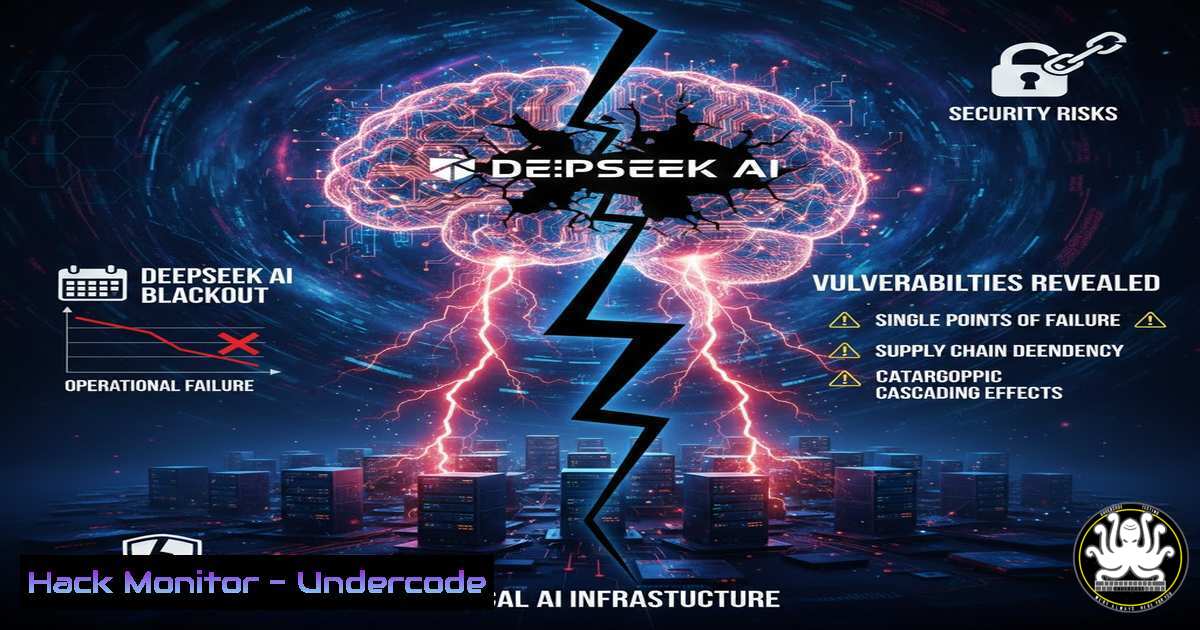
On January 27, 2025, DeepSeek experienced a significant service disruption that left users unable to access the platform for several hours. While the company officially attributed this to a “technical malfunction,” the incident raises serious questions about the resilience and security posture of large language model (LLM) infrastructures. As AI becomes deeply embedded in global workflows, even minor outages can cascade into major operational crises. This article dissects the potential root causes of such failures, provides technical methodologies for diagnosing similar issues, and outlines hardening strategies to prevent them.
Learning Objectives:
- Understand the common failure points in large-scale AI service architectures.
- Learn command-line techniques for monitoring and diagnosing API and infrastructure health.
- Implement proactive security and load-balancing measures to mitigate downtime risks.
You Should Know:
- Diagnosing the “Technical Malfunction”: A Root Cause Analysis Framework
When a service like DeepSeek goes dark, the generic label of “technical malfunction” is rarely sufficient. Based on the patterns of the outage—widespread inaccessibility followed by a gradual restoration—we can hypothesize several technical vectors: DNS propagation failures, API gateway overload, database connection pool exhaustion, or even a network-layer DDoS attack.
To investigate such an event in real-time (or post-mortem), security engineers and system administrators rely on a set of diagnostic tools. If you were troubleshooting the DeepSeek outage, your workflow would look like this:
Step 1: Verify Network Layer (Is the host reachable?)
Start with basic ICMP checks to rule out routing issues.
 Linux/macOS
ping -c 10 api.deepseek.com

Windows
ping -n 10 api.deepseek.com
If pings fail or show high latency, the issue lies at the network or infrastructure level.
Step 2: Check Service Availability via Port Scanning
Determine if the service ports (typically 443 for HTTPS) are open.
 Using netcat
nc -zv api.deepseek.com 443

Using Nmap for a quick check
nmap -p 443 --script ssl-cert api.deepseek.com
A closed port despite a successful ping suggests a firewall rule change or that the application server is down.
Step 3: Analyze HTTP Response Codes
A “Service Unavailable” (503) error points to server overload, while a “Bad Gateway” (502) implicates the upstream servers or proxies.
 Using cURL to capture headers
curl -I https://api.deepseek.com/v1/chat/completions -H "Authorization: Bearer YOUR_API_KEY"
2. API Rate Limiting and Gateway Congestion
AI services rely heavily on API gateways to manage traffic. An unexpected surge in users (or a coordinated attack) can saturate these gateways. Misconfigured rate limiting can turn a manageable load into a total outage by incorrectly blocking legitimate traffic.
Step‑by‑step guide: Simulating and Testing Rate Limits
To ensure your own AI services are resilient, you must test their breaking points.
 Install Apache Bench (ab) for load testing
sudo apt-get install apache2-utils  Debian/Ubuntu
 OR for Windows, use WSL or tools like Postman's collection runner.

Simulate 1000 requests with 50 concurrent connections
ab -n 1000 -c 50 -H "Authorization: Bearer YOUR_API_KEY" \
https://api.deepseek.com/v1/chat/completions
What this does: It bombards the endpoint to see at what point the server starts returning 429 (Too Many Requests) or 503 errors. This helps define proper backoff strategies for clients.
3. DNS Propagation and Failover Failures
If the “technical malfunction” involved switching traffic to a backup data center, DNS (Domain Name System) often becomes the bottleneck. If TTL (Time to Live) values are too high, users will continue hitting the dead IP address even after the failover is complete.
Step‑by‑step guide: Auditing DNS Health
 Check current DNS resolution and TTL
nslookup api.deepseek.com
dig api.deepseek.com

Trace the DNS path to find misconfigurations or hijacking
dig +trace api.deepseek.com

Check for proper SPF/DKIM if email alerts are failing
 (Relevant for SOC alerts during outages)
Windows Command Equivalent:
Resolve-DnsName api.deepseek.com
Recommendation: Set critical A/AAAA record TTLs to 300 seconds (5 minutes) or lower to facilitate rapid failover.
4. Database Connection Pool Exhaustion
LLMs often rely on vector databases for RAG (Retrieval-Augmented Generation). A common “technical malfunction” is the exhaustion of database connection pools. When too many queries wait for a connection, the entire service hangs.
Step‑by‑step guide: Monitoring PostgreSQL Connections (Linux)
If DeepSeek used PostgreSQL, an admin would check:
-- Check active connections
SELECT count() FROM pg_stat_activity;
-- Kill idle connections if necessary
SELECT pg_terminate_backend(pid) FROM pg_stat_activity WHERE state = 'idle';
System-level check:
 Check open file descriptors (connections count as files)
lsof -u postgres | wc -l
 Increase connection limits in postgresql.conf
 max_connections = 500
5. Cloud Infrastructure Hardening (AWS/GCP/Azure)
Assuming a cloud-based deployment, the outage could stem from auto-scaling group failures or Availability Zone (AZ) outages.
Step‑by‑step guide: Ensuring Multi-AZ Resilience (AWS CLI)
To prevent a single-AZ failure from taking down your AI service:
 Check the health of your load balancer targets
aws elbv2 describe-target-health --target-group-arn YOUR_TG_ARN

Force a failover test (simulate AZ failure by detaching instances)
aws autoscaling detach-instances --instance-ids i-1234567890abcdef0 \
--auto-scaling-group-name MyASG --should-decrement-desired-capacity
What this does: It tests whether your application can survive the loss of a specific instance or zone.
6. Web Application Firewall (WAF) and DDoS Mitigation
Sometimes, the “malfunction” is a legitimate security response. A WAF might have incorrectly blocked a wave of traffic, mistaking it for an attack.
Step‑by‑step guide: Analyzing AWS WAF Logs
 Query CloudWatch Logs for blocked requests during the outage window
aws logs filter-log-events --log-group-name "/aws/waf/MyAILog" \
--start-time 1706400000 --end-time 1706486400 \
--filter-pattern "BLOCK"
Linux/Wireshark alternative:
If you control the server, you can inspect raw traffic for anomalies:
 Capture live traffic to see if SYN floods are occurring
tcpdump -i eth0 -n tcp port 443 and 'tcp[bash] & (tcp-syn) != 0'
7. Container Orchestration Failures (Kubernetes)
If the AI service runs on Kubernetes, a simple container misconfiguration or resource quota limit can crash the pod.
Step‑by‑step guide: Kubernetes Debugging
 Check pod status and restart counts
kubectl get pods -n deepseek-namespace
 Describe a failing pod to see recent events (OOMKill, CrashLoopBackOff)
kubectl describe pod deepseek-api-xxxxx -n deepseek-namespace
 View real-time logs
kubectl logs -f deployment/deepseek-api -n deepseek-namespace
 Check resource usage
kubectl top pod -n deepseek-namespace
What Undercode Say:
The DeepSeek outage is a stark reminder that the AI industry is not immune to classic infrastructure failures. The opacity of the “technical malfunction” label should concern enterprises integrating these models into critical operations.
- Key Takeaway 1: Resilience is a feature, not an afterthought. AI providers must adopt battle-tested DevOps practices—circuit breakers, retry logic with exponential backoff, and multi-region redundancy—to maintain trust.
- Key Takeaway 2: Security teams must treat AI API endpoints as critical infrastructure. This means implementing robust monitoring (Prometheus/Grafana stacks), chaos engineering (simulating failures proactively), and strict rate limiting to prevent cascading failures.
Ultimately, the reliability of AI will define its utility. An intelligent model that is frequently unavailable is just a broken tool. Organizations must demand transparency from vendors regarding their Service Level Agreements (SLAs) and incident response protocols.
Prediction:
This incident will accelerate the move toward federated AI architectures and edge-based LLM inference. To avoid single points of failure, we will see a rise in “AI mesh” designs where workloads are distributed across multiple providers and data centers, making a single “technical malfunction” far less impactful on the global user base. Expect regulatory bodies to start investigating such outages as potential systemic risks to critical digital infrastructure.
▶️ Related Video (80% Match):
🎯Let’s Practice For Free:
IT/Security Reporter URL:
Reported By: Maria Gharib – Hackers Feeds
Extra Hub: Undercode MoN
Basic Verification: Pass ✅


