Listen to this Post
Introduction:
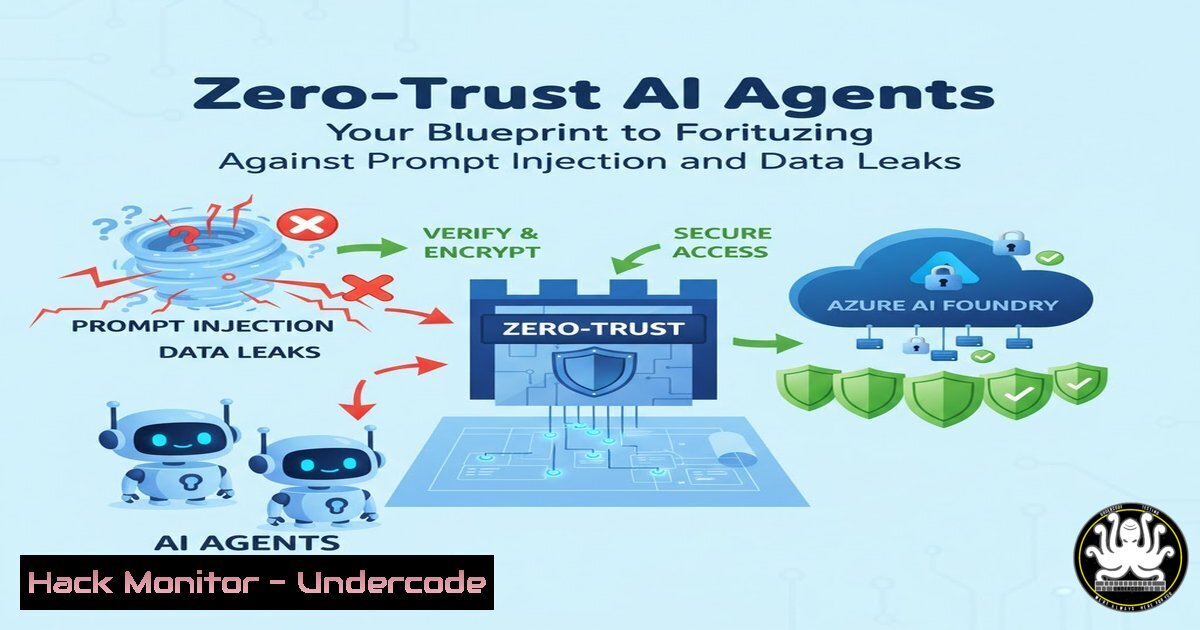
The advent of autonomous AI agents represents a paradigm shift in enterprise automation, but it also introduces a new frontier of cybersecurity threats. As these agents gain access to critical tools and sensitive data, applying a zero-trust security model—”never trust, always verify”—becomes non-negotiable. This article deconstructs the practical application of zero-trust principles within Azure AI Foundry to build resilient AI systems capable of defending against sophisticated attacks like prompt injection and agent hijacking.
Learning Objectives:
- Understand and implement the core pillars of zero-trust security within an AI agent architecture.
- Apply practical configurations in Azure AI Foundry to secure tool access, protect secrets, and enforce content safety.
- Develop a battle-tested checklist for auditing and hardening AI agents against common exploitation techniques.
You Should Know:
- Securing AI Agent Tool Access with Managed Identities
Autonomous AI agents often require access to other cloud services, such as databases, storage accounts, or APIs. Hard-coded credentials are a critical vulnerability. The zero-trust approach mandates that the agent’s identity must be explicitly verified and granted the least privilege necessary to perform its task.
Step-by-step guide explaining what this does and how to use it:
1. Create a User-Assigned Managed Identity: Instead of using a connection string with a secret, create a managed identity in Azure. This provides the AI agent with an Azure Active Directory (AAD) identity.
Azure CLI Command:
az identity create --resource-group "MyResourceGroup" --name "MyAIAgentIdentity"
2. Grant the Identity Access to a Resource: Assign the appropriate role to the managed identity on the target resource, such as a Storage Account.
Azure CLI Command:
az role assignment create --assignee "MyAIAgentIdentity" --role "Storage Blob Data Contributor" --scope "/subscriptions/{subscription-id}/resourceGroups/MyResourceGroup/providers/Microsoft.Storage/storageAccounts/mystorageaccount"
3. Configure the AI Agent in Foundry: Within your AI Foundry project, when connecting to the Azure Storage Account, select the authentication method “Managed Identity” and specify the User-Assigned Managed Identity you created. The agent will now use this identity to request access tokens at runtime, eliminating the need to manage secrets in your code.
- Protecting Secrets and Context with Azure Key Vault
The context passed to an AI agent, including prompts and system instructions, can contain sensitive information. Furthermore, agents may need to use API keys or other secrets. Storing these in plaintext within the agent’s code is a severe data leak risk.
Step-by-step guide explaining what this does and how to use it:
1. Provision an Azure Key Vault: Create a Key Vault to act as a secure repository for all secrets, certificates, and keys.
Azure CLI Command:
az keyvault create --name "MySecureVault" --resource-group "MyResourceGroup" --enable-rbac-authorization true
2. Grant the AI Agent Access to the Vault: Using Azure RBAC, grant the managed identity (from the previous section) the “Key Vault Secrets User” role on the vault.
3. Integrate Key Vault with AI Foundry: In your agent’s code, use the Azure SDK to retrieve secrets from the Key Vault at runtime.
Python Code Snippet:
from azure.identity import ManagedIdentityCredential
from azure.keyvault.secrets import SecretClient

credential = ManagedIdentityCredential(client_id="<managed-identity-client-id>")
secret_client = SecretClient(vault_url="https://MySecureVault.vault.azure.net/", credential=credential)
database_password = secret_client.get_secret("database-password").value
This ensures secrets are never embedded in the application code or its configuration files.
- Enforcing Real-Time Content Filters to Block Prompt Injection
Prompt injection is a primary attack vector where a malicious user manipulates the agent’s input to subvert its intended function, potentially leading to data exfiltration or unauthorized actions. Azure AI Foundry’s built-in content safety filters are a critical first line of defense.
Step-by-step guide explaining what this does and how to use it:
1. Navigate to Safety in AI Foundry: Within your Azure AI Foundry project, locate the “Safety” section under your model deployments.
2. Configure Content Filter Levels: Azure allows you to set filters for Hate & Fairness, Self-Harm, Sexual, and Violence content. Set these to the appropriate level (“Medium” or “High” for a strict security posture) to block outputs that could be triggered by a malicious prompt.
3. Enable Protected Material: Activate the option to filter out content that may infringe on copyrighted material, adding another layer of output control. These filters work in real-time, analyzing both the user’s input (prompt) and the model’s output, effectively blocking many common prompt injection attempts from propagating.
4. Implementing Auditable Traces for Forensic Analysis
A zero-trust architecture requires comprehensive logging and monitoring. Without a detailed trace of an AI agent’s decision-making process, it is impossible to detect an attack, understand its impact, or prove compliance.
Step-by-step guide explaining what this does and how to use it:
1. Utilize Azure AI Foundry’s Built-in Tracing: The platform inherently captures traces of agent execution, including the steps taken, tools called, and tokens used.
2. Export Logs to Azure Log Analytics: Configure diagnostic settings to stream these traces and all other platform logs to a Log Analytics workspace.
Azure CLI Command:
az monitor diagnostic-settings create --resource "/subscriptions/{sub-id}/resourceGroups/MyRG/providers/Microsoft.MachineLearningServices/workspaces/MyAIWorkspace" --name "AIAuditing" --workspace "/subscriptions/{sub-id}/resourcegroups/MyRG/providers/microsoft.operationalinsights/workspaces/MyLaw" --logs '[{"category": "AmlOnlineEndpointConsoleLog", "enabled": true}]'
3. Create Alert Rules: Within Azure Monitor, set up alerts for suspicious activities, such as an unusually high number of tool calls, access to specific sensitive resources, or content filter triggers. This creates an auditable trail for post-incident investigation.
- Hardening the Agent Chain with Input/Output Schema Validation
Beyond content filters, strictly defining what data an agent can receive and return can prevent many forms of manipulation. By validating the structure and type of all inputs and outputs, you can reduce the attack surface.
Step-by-step guide explaining what this does and how to use it:
1. Define Strict Pydantic Models: In your Python-based agent code, use Pydantic models to enforce a schema for any data the agent processes.
Python Code Snippet:
from pydantic import BaseModel, constr

class UserQuery(BaseModel):
question: constr(strip_whitespace=True, min_length=1, max_length=500)
category: constr(regex='^(sales|support|billing)$')
2. Integrate with the Agent Tool: Use this model to validate the input parameters before the main agent logic is executed. If the input does not conform to the expected schema (e.g., the `category` is not “sales”, “support”, or “billing”), the tool will throw a validation error and the agent will not proceed with a potentially malformed or malicious input.
What Undercode Say:
- Identity is the New Perimeter for AI. The most critical shift is moving from secret-based authentication to identity-based access control for AI agents, using Managed Identities to eliminate entire classes of credential-based attacks.
- Proactive Filtering is Non-Optional. Relying solely on prompt engineering to prevent attacks is naive; robust, model-agnostic content safety and input validation must be enforced at the platform level to mitigate threats like prompt injection.
The analysis underscores that securing AI agents is not merely an extension of traditional application security. The dynamic and non-deterministic nature of LLMs introduces unique risks, making a proactive, defense-in-depth strategy essential. The integration of zero-trust at the identity, data, and control plane levels, as demonstrated with Azure’s native tools, provides a tangible framework for managing these risks. Failure to implement these controls from the outset significantly increases the likelihood of operational and reputational damage from a compromised agent.
Prediction:
The techniques for attacking AI agents will rapidly evolve in sophistication, moving beyond basic prompt injection to include complex multi-step “jailbreaks” and indirect prompt injections hidden within retrieved documents. In response, the future of AI security will see the rise of dedicated “AI Firewalls” that act as a secure gateway, analyzing all inputs and outputs for malicious patterns, enforcing security policies, and providing a centralized point for monitoring and threat intelligence specific to AI workloads. Hardening measures, like those outlined for Azure AI Foundry, will become standardized requirements in enterprise AI governance frameworks.
🎯Let’s Practice For Free:
IT/Security Reporter URL:
Reported By: David O – Hackers Feeds
Extra Hub: Undercode MoN
Basic Verification: Pass ✅


