Listen to this Post
Introduction:
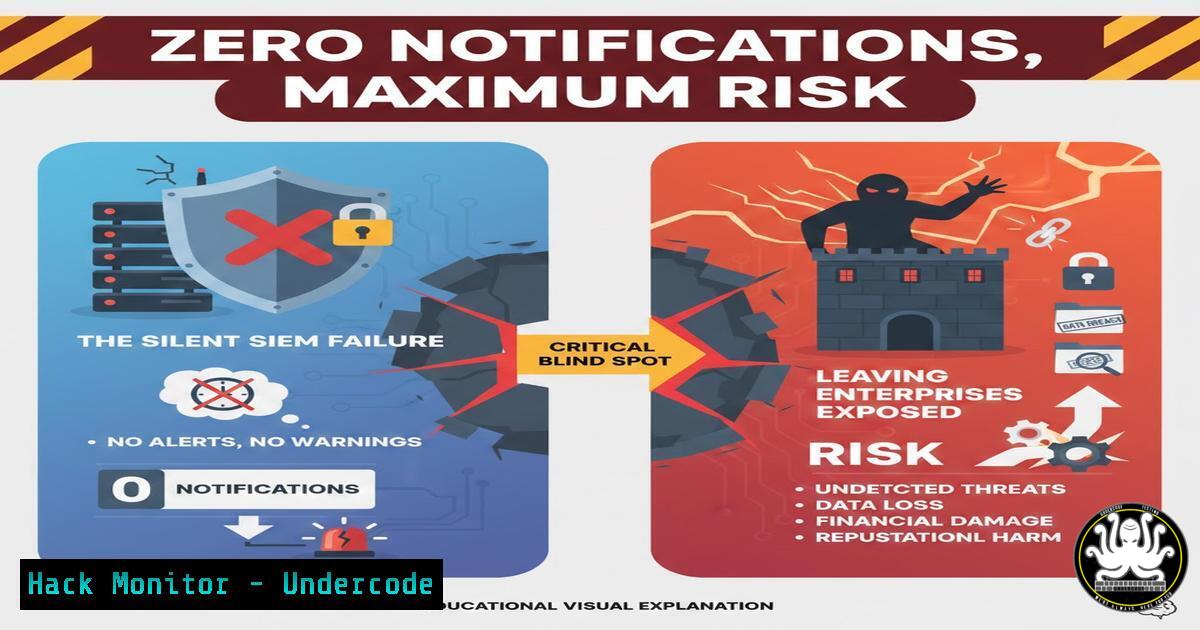
In the high-stakes realm of cybersecurity, a quiet Security Information and Event Management (SIEM) console is not a sign of peace—it’s a screaming red alert. The state of “0 notifications total” often signifies a catastrophic breakdown in log ingestion, detection rule efficacy, or overall monitoring posture, leaving organizations blind to active intrusions. This article deconstructs the illusion of quiet and provides a technical blueprint for validating, hardening, and stress-testing your monitoring infrastructure to ensure it’s strategically silent, not broken.
Learning Objectives:
- Diagnose common root causes of SIEM and log pipeline failures across agent, network, and platform layers.
- Implement verification commands and scripts to proactively test detection logic and data flow.
- Harden log collection configurations and architect resilient, multi-path ingestion for critical security data.
You Should Know:
- Diagnosing the Silent SIEM: From Agent to Dashboard
A “0 notifications” state is a symptom with multiple potential pathogens. The failure chain can exist at the endpoint agent, the network transport, the parsing engine, or the detection rule itself. Systematic diagnosis is required to isolate the layer at which your data is dying.
Step-by-step guide:
1. Endpoint Agent Health Check (Linux & Windows):
Linux (Auditd/Wazuh/ELK Agent):
 Check agent status
systemctl status wazuh-agent
 Check for errors in the agent log
tail -f /var/ossec/logs/ossec.log
 Verify auditd is generating logs (if used)
ausearch -m LOGIN --start recent
Windows (Windows Event Forwarding/Sysmon):
 Check WinRM service for WEF
Get-Service WinRM
 Query the local forwarder subscription status
wecutil get-subscription "SecurityForwarded"
 Verify Sysmon is running and logging
Get-WinEvent -LogName "Microsoft-Windows-Sysmon/Operational" -MaxEvents 5
2. Network and Firewall Verification:
Use `tcpdump` or Wireshark on the SIEM collector to confirm data is being sent from the source.
sudo tcpdump -i any port 514 -v
Verify firewall rules are not blocking traffic (e.g., TCP 514, 6514, 5000).
3. SIEM Ingestion Pipeline Test:
Manually send a test log message via `logger` (Linux) or a test event (Windows) and trace its journey to the dashboard.
 Linux: Send a test syslog message
logger -p local4.warn "UNDERCODE_TEST: SIEM Pipeline Verification"
 Then immediately search for this string in your SIEM.
- The Detection Rule Paradox: Why “Working” Rules Catch Nothing
Your SIEM may be receiving terabytes of logs, but poorly tuned or logically flawed detection rules yield zero alerts. This creates a dangerous false sense of security. Rules must be tested, baselined against normal activity, and updated to match evolving TTPs (Tactics, Techniques, and Procedures).
Step-by-step guide:
- Rule Syntax and Logic Audit: Review key detection rules (e.g., excessive failed logins, suspicious process creation) for correct field mappings, time windows, and threshold values. A misplaced parenthesis or incorrect field name silences a rule.
- Proactive Rule Testing via Atomic Red Team: Use safe, open-source tools to simulate adversary activity and trigger your alerts.
Example: Simulate a suspicious process execution (Linux)
curl -s https://raw.githubusercontent.com/redcanaryco/atomic-red-team/master/atomics/T1059.004/src/hello.sh | bash
Immediately check your SIEM for alerts related to curl piping to bash or unusual process lineage.
- Implement Continuous Rule Validation: Create a scheduled task that injects benign test events daily (e.g., a specific fake failed login) and confirms an alert is generated. Failure of this test indicates a broken pipeline or rule.
3. Hardening Log Collection: Beyond Default Configurations
Default agent configurations are often insufficient. They may miss critical security logs or fail under load. Hardening involves configuring audit policies, sysmon, and cloud trail logs to capture the necessary forensic depth.
Step-by-step guide:
1. Windows Audit Policy & Sysmon:
Deploy a robust Sysmon configuration (like SwiftOnSecurity’s) via GPO.
Enable advanced audit policies via `auditpol` or Group Policy:
 Enable detailed process creation tracking
auditpol /set /subcategory:"Process Creation" /success:enable /failure:enable
2. Linux Auditd Configuration:
Modify `/etc/audit/audit.rules` to monitor key files, directories, and syscalls.
 Monitor for changes to /etc/passwd
-w /etc/passwd -p wa -k identity_management
 Monitor socket creation
-a always,exit -F arch=b64 -S bind -S connect -k network_activity
3. Cloud Logging (AWS CloudTrail / Azure Activity Log):
Ensure trails/logs are enabled in ALL regions and configured for multi-region aggregation.
Enable log file validation (AWS) and send logs to a secured, non-public S3 bucket or Log Analytics workspace.
4. Architecting for Resilience: Multi-Path Ingestion and Validation
A single failure point in your log pipeline can cause the “0 notifications” scenario. Design for resilience by implementing dual shipping, health checks, and alternative network paths.
Step-by-step guide:
- Dual Shipping Agents: Configure agents (like Winlogbeat or Fluentd) to send logs to two separate collectors or a secondary cold storage path. This ensures data persists if the primary SIEM fails.
- Implement Health Check APIs and Dashboards: Most modern agents and forwarders offer health check endpoints. Monitor these alongside SIEM heartbeat alerts.
Query the Elastic Agent status API
curl -X GET "localhost:6791/status?pretty" --key agent-key --cert agent-cert
- Leverage SCP or File-Based Fallback: For the most critical logs (e.g., firewall, domain controllers), configure a scheduled task to `scp` or copy raw log files to a secure bastion host as a last-resort backup.
-
Proactive Threat Hunting in the Absence of Alerts
When alerts are silent, proactive hunting becomes your primary defense. Use your SIEM’s query language to search for indicators of compromise (IoCs) and anomalous behavior that may have bypassed static rules.
Step-by-step guide:
- Establish a Hunting Hypothesis: E.g., “An attacker may be using living-off-the-land binaries (LOLBins) for execution.”
- Craft a Proactive Query (Example for Splunk/SQL-like SIEM):
index=windows_event_logs EventCode=4688
| search (ProcessName="cmd.exe" OR ProcessName="powershell.exe")
| search CommandLine=" -Enc" OR CommandLine="IEX" OR CommandLine="bypass"
| stats count by host, user, CommandLine
- Schedule and Automate Hunts: Convert high-value queries into scheduled reports or dashboards for recurring review by the security team.
What Undercode Say:
Silence is a Critical Alert: Treat “0 notifications” as a P1 incident. It is more likely a failure in observation than a perfect security state.
Trust, but Verify Continuously: Your detection ecosystem requires the same rigorous testing as your production applications. Implement automated, daily validation of the entire pipeline—from log generation to alert generation.
The “zero notifications” paradox represents a fundamental operational risk. It lulls teams into complacency while adversaries operate unimpeded. The future of effective security operations lies in adopting an “observability engineering” mindset for the security stack itself. This involves instrumenting the monitoring tools, implementing SLOs (Service Level Objectives) for log delivery and alerting fidelity, and using automation to constantly challenge detection capabilities. Organizations that fail to engineer this resilience will find their most significant breaches are discovered not by their SIEM, but by external third parties, after months of dwell time in a dark environment.
Prediction:
Within the next 2-3 years, regulatory frameworks and cyber insurance questionnaires will explicitly mandate proving the positive health and efficacy of detection systems, moving beyond checkbox compliance. “Logging and monitoring” controls will require demonstrable, automated tests that prove the system can detect standardized attack simulations. This will shift the industry from passive log collection to actively validated cyber defense postures, making the silent SIEM failure a reportable and insurable event.
▶️ Related Video (84% Match):
🎯Let’s Practice For Free:
IT/Security Reporter URL:
Reported By: Shivam Mittal2023 – Hackers Feeds
Extra Hub: Undercode MoN
Basic Verification: Pass ✅


