Listen to this Post
Introduction:
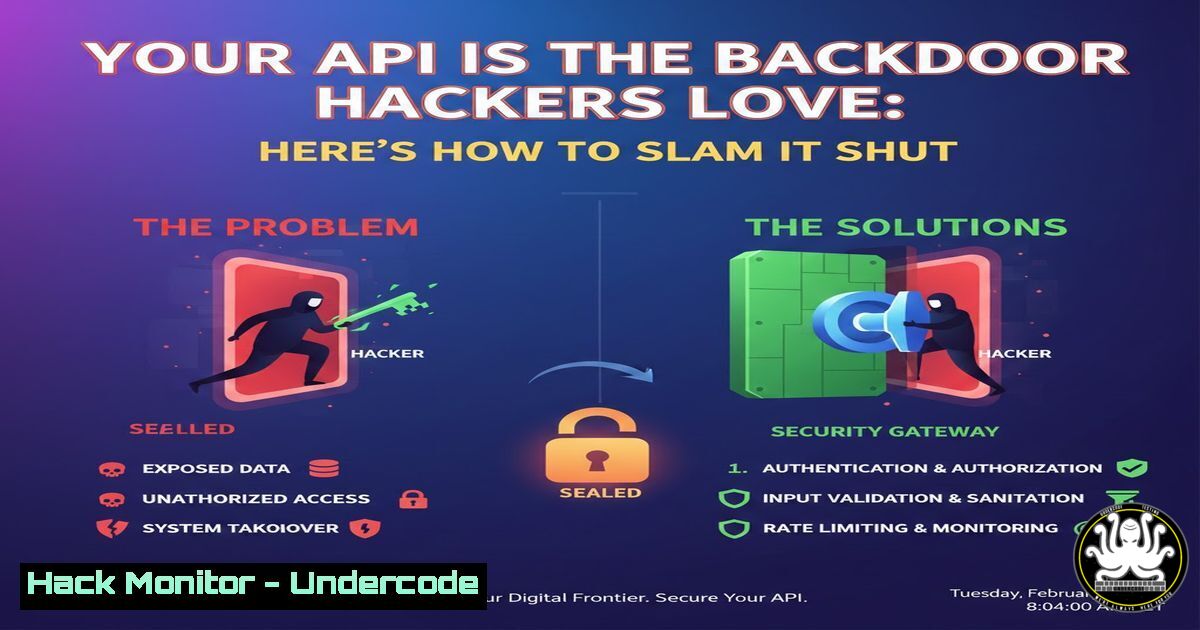
APIs are the critical connectors in modern digital infrastructure, yet they are frequently exploited due to misconfigurations and inherent vulnerabilities. This article delves into practical strategies to fortify API security across cloud and on-premises environments, blending offensive techniques with defensive hardening to safeguard your assets.
Learning Objectives:
- Identify and exploit common API vulnerabilities like injection flaws and broken authentication.
- Implement robust security controls including rate limiting, encryption, and monitoring.
- Integrate automated security testing into DevOps pipelines for proactive defense.
You Should Know:
1. API Vulnerability Scanning with OWASP ZAP
OWASP ZAP (Zed Attack Proxy) is an open-source tool for automated security testing of web applications and APIs. It helps discover vulnerabilities such as SQL injection, cross-site scripting, and insecure API endpoints.
Step‑by‑step guide:
- Step 1: Install ZAP on Linux: `sudo apt update && sudo apt install zaproxy` or download from https://www.zaproxy.org/download/.
- Step 2: Launch ZAP and configure the API scan target. For a REST API, use the “Automated Scan” and input the API base URL (e.g., `https://api.example.com/v1`).
- Step 3: Import an OpenAPI/Swagger definition file to map endpoints. In ZAP, go to “Import” and upload your
swagger.json. - Step 4: Run the active scan. Analyze results for vulnerabilities like “SQL Injection” or “Missing Security Headers.” For critical findings, ZAP provides remediation advice, such as implementing input validation.
2. Implementing Rate Limiting and JWT Authentication
Rate limiting prevents brute-force attacks, while JWT (JSON Web Tokens) ensures secure authentication. This combo mitigates credential stuffing and unauthorized access.
Step‑by‑step guide:
- Step 1: Set up rate limiting in Nginx on Linux. Edit `/etc/nginx/nginx.conf` and add:
limit_req_zone $binary_remote_addr zone=api:10m rate=10r/s; location /api/ { limit_req zone=api burst=20 nodelay; proxy_pass http://backend_server; } - Step 2: Implement JWT in a Node.js API. Install packages:
npm install jsonwebtoken express. Use this code snippet to issue tokens:const jwt = require('jsonwebtoken'); const token = jwt.sign({ user: 'admin' }, 'your_secret_key', { expiresIn: '1h' }); - Step 3: Validate tokens on each request and log failed attempts. Monitor logs for unusual patterns.
3. Securing API Endpoints with Cloudflare WAF
Cloudflare’s Web Application Firewall (WAF) provides rule-based protection against OWASP Top 10 threats, including API-specific attacks like credential stuffing and data exfiltration.
Step‑by‑step guide:
- Step 1: Sign up at https://www.cloudflare.com/ and add your domain. Update DNS nameservers as instructed.
- Step 2: Navigate to “Security” > “WAF” and create a custom rule. For example, block requests with suspicious User-Agents: set expression `http.user_agent contains “sqlmap”` and action to “Block.”
- Step 3: Enable managed rulesets like “Cloudflare API Shield” to validate API keys and schemas. Regularly review firewall events in the dashboard.
4. Logging and Monitoring with ELK Stack
The ELK (Elasticsearch, Logstash, Kibana) stack aggregates and visualizes API logs, enabling real-time threat detection and forensic analysis.
Step‑by‑step guide:
- Step 1: Install ELK on Ubuntu Linux. Follow the official guide from https://www.elastic.co/guide/index.html. Use commands:
wget -qO - https://artifacts.elastic.co/GPG-KEY-elasticsearch | sudo apt-key add -
sudo apt install elasticsearch logstash kibana
- Step 2: Configure Logstash to ingest API logs. Create a config file `/etc/logstash/conf.d/api.conf` with input from file beats or syslog, and filters to parse JSON logs.
- Step 3: Create Kibana dashboards to monitor failed login attempts, high request rates, and geographic anomalies. Set alerts for thresholds like 500 errors per minute.
5. Exploiting and Mitigating Injection Attacks
Injection attacks, such as SQL or NoSQL injection, exploit unsanitized input in API requests to manipulate databases. Understanding exploitation is key to mitigation.
Step‑by‑step guide:
- Step 1: Exploit a vulnerable API endpoint. Using curl on Linux, test for SQL injection:
curl -X GET "https://vulnerable-api.com/users?id=1' OR '1'='1"
If the response returns extra data, the API is vulnerable.
- Step 2: Mitigate by using parameterized queries. In a Python Flask app with SQLite, code:
import sqlite3 conn = sqlite3.connect('database.db') cursor = conn.cursor() cursor.execute("SELECT FROM users WHERE id=?", (user_id,)) - Step 3: Deploy a WAF like ModSecurity on Apache to block injection patterns. Install via `sudo apt install libapache2-mod-security2` and enable OWASP Core Rule Set.
6. Container Security for API Microservices
APIs often run in containers, which introduce risks like image vulnerabilities and runtime exploits. Hardening involves scanning images and enforcing least privilege.
Step‑by‑step guide:
- Step 1: Scan Docker images for vulnerabilities using Trivy. On Linux, install: `sudo apt install trivy` and run:
trivy image your-api-image:latest
- Step 2: Harden containers by running as non-root. In Dockerfile, add:
USER nobody
- Step 3: Use Kubernetes security contexts. In a pod spec, set:
securityContext:
runAsUser: 1000
capabilities:
drop: ["ALL"]
7. Automated Security Testing in CI/CD
Integrating security tests into CI/CD pipelines ensures vulnerabilities are caught early, reducing breach risks. Tools like GitLab CI or Jenkins can automate scans.
Step‑by‑step guide:
- Step 1: Set up a GitLab CI pipeline. In
.gitlab-ci.yml, add a stage for API testing:stages:</li> <li>security zap_scan: image: owasp/zap2docker-stable script:</li> <li>zap-api-scan.py -t https://api.example.com/v1 -f openapi -r report.html
- Step 2: Archive reports and fail the pipeline on critical findings. Use exit codes to block deployments.
- Step 3: Complement with SAST (Static Application Security Testing) tools like SonarQube for code analysis. Integrate via webhooks for continuous feedback.
What Undercode Say:
- Key Takeaway 1: API security is not a one-time fix but a continuous process requiring scanning, hardening, and monitoring. Tools like OWASP ZAP and ELK stack are essential for visibility and response.
- Key Takeaway 2: Automation in CI/CD pipelines shifts security left, preventing vulnerable APIs from reaching production. Combining rate limiting, WAFs, and container hardening creates defense-in-depth.
Analysis: The increasing adoption of microservices and cloud-native architectures has made APIs a sprawling attack surface. Many organizations prioritize functionality over security, leaving APIs exposed to simple exploits. By adopting the steps outlined—from active scanning to pipeline integration—teams can build resilient systems. However, human oversight remains crucial; automated tools can miss business logic flaws, requiring manual penetration testing and threat modeling. Emerging threats like API dumping (mass data extraction) underscore the need for behavioral analytics and zero-trust principles.
Prediction:
In the next 2-3 years, API breaches will escalate as AI-driven attacks automate vulnerability discovery and exploitation, particularly against poorly secured IoT and mobile APIs. Conversely, AI-powered security tools will evolve to detect anomalies in real-time, leading to a cat-and-mouse game. Regulatory frameworks like GDPR and CCPA will mandate stricter API security controls, pushing organizations to adopt standardized protocols like OpenAPI Security Schemes. The rise of service mesh technologies (e.g., Istio) will integrate security at the network layer, but skill gaps in DevSecOps may hinder implementation, emphasizing the need for targeted training courses in API security and cloud hardening.
▶️ Related Video (82% Match):
🎯Let’s Practice For Free:
IT/Security Reporter URL:
Reported By: Jeremy Green – Hackers Feeds
Extra Hub: Undercode MoN
Basic Verification: Pass ✅


