Listen to this Post
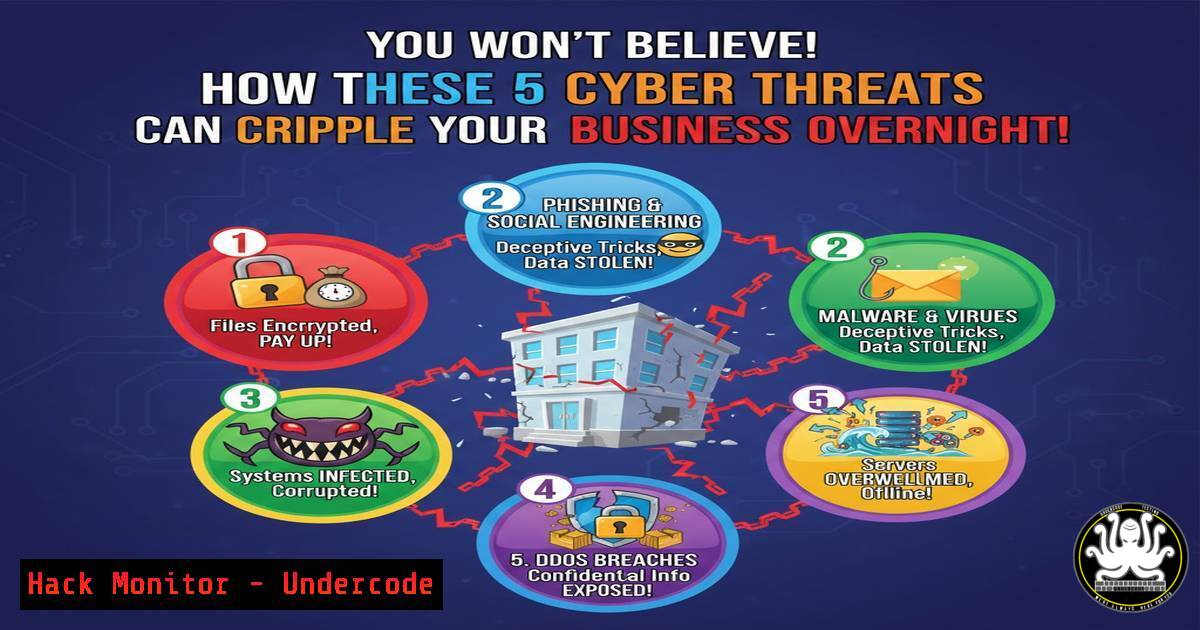
Introduction:
Cyber threats are malicious activities targeting digital systems to steal data, cause damage, or disrupt operations. From malware to insider risks, these threats evolve rapidly, posing significant challenges to individuals and organizations globally. Understanding their mechanics and mitigations is essential for robust cybersecurity defense.
Learning Objectives:
- Identify and categorize common cyber threats like malware, phishing, and DDoS attacks.
- Apply practical steps to detect and mitigate threats using OS commands and security tools.
- Implement hardening techniques for APIs, cloud environments, and networks to prevent exploits.
You Should Know:
- Malware: Detection and Removal on Windows and Linux
Malware includes viruses, worms, and trojans that compromise system integrity. Early detection is key to preventing data loss or system lockouts.
Step‑by‑step guide explaining what this does and how to use it:
– Step 1: Scan for Malware – Use built-in and third-party tools. On Windows, run Microsoft Defender via PowerShell: Start-MpScan -ScanType FullScan. On Linux, use ClamAV: Install with `sudo apt-get install clamav` and scan with clamscan -r /home.
– Step 2: Analyze Running Processes – Identify suspicious activity. On Windows, use Task Manager or `Get-Process` in PowerShell to list processes. On Linux, use `ps aux | grep suspicious_name` or `top` for real-time monitoring.
– Step 3: Remove and Quarantine – Isolate infected files. On Linux, move files to quarantine: mv infected_file /quarantine/. On Windows, use Defender to quarantine: Remove-MpThreat -ThreatID <ID>.
– Step 4: Harden Systems – Update regularly and use least-privilege principles. On Linux, set strict permissions: chmod 750 critical_files. On Windows, enable controlled folder access via Group Policy.
2. Phishing: Simulation and Prevention with Email Security
Phishing uses deceptive emails to steal credentials; it often exploits human error. Training and technical controls can reduce risk.
Step‑by‑step guide explaining what this does and how to use it:
– Step 1: Simulate Phishing Attacks – Use tools like Gophish to test employee awareness. Set up a campaign: Configure sending profile via SMTP and clone login pages to monitor clicks.
– Step 2: Implement DNS Filtering – Block malicious domains. On Linux, configure DNS with Pi-hole: Install via `curl -sSL https://install.pi-hole.net | bash` and blacklist phishing URLs. On Windows, use DNS policies via PowerShell: Add-DnsServerClientSubnet -Name "PhishingBlock" -IPv4Subnet "192.168.1.0/24".
– Step 3: Enable Multi-Factor Authentication (MFA) – Protect accounts even if credentials are stolen. Use Azure AD for Office 365 or OpenIAM for Linux systems.
– Step 4: Educate Users – Conduct training sessions using platforms like KnowBe4 to recognize phishing signs, such as suspicious sender addresses and urgent requests.
3. Ransomware: Mitigation and Recovery Strategies
Ransomware encrypts data for extortion; proactive measures like backups and endpoint security are critical.
Step‑by‑step guide explaining what this does and how to use it:
– Step 1: Isolate Infected Systems – Disconnect from network to prevent spread. On Windows, disable NIC via netsh interface set interface "Ethernet" admin=disable. On Linux, use sudo ifconfig eth0 down.
– Step 2: Restore from Backups – Ensure regular, offline backups. On Linux, use `rsync` for incremental backups: rsync -avz /data/ backup_server:/backup/. On Windows, use WBAdmin: wbadmin start backup -backupTarget:D: -include:C:.
– Step 3: Use Antivirus Tools – Deploy endpoint protection. On Linux, install Rkhunter for rootkits: sudo rkhunter --check. On Windows, configure Defender Advanced Threat Protection (ATP) via Set-MpPreference -DisableRealtimeMonitoring $false.
– Step 4: Patch Management – Apply updates promptly. On Linux, use sudo apt update && sudo apt upgrade. On Windows, use `wuauclt /detectnow` to force update checks.
4. DoS/DDoS Attacks: Network Hardening and Monitoring
DoS/DDoS floods services with traffic, causing downtime. Mitigation involves network controls and traffic analysis.
Step‑by‑step guide explaining what this does and how to use it:
– Step 1: Configure Firewalls and Rate Limiting – Use iptables on Linux: `sudo iptables -A INPUT -p tcp –dport 80 -m limit –limit 25/minute –limit-burst 100 -j ACCEPT` to limit connections. On Windows, use Windows Firewall with Advanced Security to set inbound rules.
– Step 2: Deploy DDoS Protection Services – Utilize cloud-based solutions like AWS Shield or Cloudflare. For on-prem, install ModSecurity on Apache: `sudo apt-get install libapache2-mod-security2` and configure rules to block flood attacks.
– Step 3: Monitor Network Traffic – Use tools like Wireshark or netstat. On Linux, analyze with netstat -an | grep :80 | awk '{print $5}' | cut -d: -f1 | sort | uniq -c | sort -n. On Windows, use Performance Monitor to track TCP connections.
– Step 4: Set Up Redundancy – Use load balancers like HAProxy: Configure backend servers in `/etc/haproxy/haproxy.cfg` to distribute traffic and prevent single points of failure.
5. Insider Threats: Detection with User Behavior Analytics
Insider threats involve malicious or negligent employees; monitoring access patterns and enforcing policies can reduce risk.
Step‑by‑step guide explaining what this does and how to use it:
– Step 1: Implement Least Privilege Access – Use IAM tools. On Linux, manage permissions with `sudo visudo` to restrict commands. On Windows, use Active Directory Groups to assign minimal privileges via dsmod group.
– Step 2: Monitor Logs and Audits – Centralize logs with SIEM solutions. On Linux, use Auditd: `sudo auditctl -w /etc/passwd -p wa` to watch file changes. On Windows, enable auditing via auditpol /set /subcategory:"File System" /success:enable /failure:enable.
– Step 3: Deploy User Behavior Analytics (UBA) – Use AI-driven tools like Splunk UBA to detect anomalies, such as unusual login times or data downloads.
– Step 4: Conduct Regular Training – Educate staff on security policies and whistleblower mechanisms to report suspicious activity.
6. API Security: Hardening Against Exploits
APIs are common attack vectors; securing them involves authentication, encryption, and input validation.
Step‑by‑step guide explaining what this does and how to use it:
– Step 1: Use API Gateways and Rate Limiting – Deploy Kong or AWS API Gateway to control traffic. Configure Kong with `curl -i -X POST http://localhost:8001/apis/ –data ‘name=my-api&uris=/api&upstream_url=http://backend’` and add rate-limiting plugins.
– Step 2: Implement OAuth 2.0 and JWT – Secure endpoints with tokens. For Node.js, use `jsonwebtoken` library to sign tokens: jwt.sign(payload, secret, { expiresIn: '1h' }).
– Step 3: Validate and Sanitize Inputs – Prevent injection attacks. In Python Flask, use `Werkzeug` to sanitize: from werkzeug.security import safe_str_cmp.
– Step 4: Monitor API Logs – Use tools like ELK Stack; ingest logs with Logstash and set alerts for unusual patterns, such as repeated failed auth attempts.
7. Cloud Hardening: Securing AWS and Azure Environments
Cloud misconfigurations lead to data breaches; applying best practices for identity, storage, and networking is crucial.
Step‑by‑step guide explaining what this does and how to use it:
– Step 1: Enforce IAM Policies – In AWS, use least privilege: Create policies via JSON and attach to roles. In Azure, use RBAC: az role assignment create --assignee <user> --role "Reader" --scope <resource>.
– Step 2: Encrypt Data at Rest and Transit – Enable AWS S3 encryption: aws s3api put-bucket-encryption --bucket my-bucket --server-side-encryption-configuration '{"Rules": [{"ApplyServerSideEncryptionByDefault": {"SSEAlgorithm": "AES256"}}]}'. In Azure, use Storage Service Encryption.
– Step 3: Secure Network Configurations – Use VPCs and NSGs. In AWS, configure security groups to allow only necessary ports. In Azure, set NSG rules: az network nsg rule create --nsg-name MyNSG --name AllowSSH --priority 100 --source-address-prefixes --destination-port-ranges 22 --access Allow.
– Step 4: Automate Compliance Checks – Use tools like AWS Config or Azure Policy to audit configurations and remediate deviations automatically.
What Undercode Say:
- Proactive defense through layered security—combining technical controls, user training, and AI-driven monitoring—is essential to mitigate evolving cyber threats.
- Regular updates, backups, and least-privilege access form the backbone of resilience against ransomware, insider risks, and API exploits.
Analysis: The article highlights that cyber threats are not just technical issues but also human-centric, requiring a holistic approach. While tools and commands provide immediate mitigation, long-term security depends on culture and continuous adaptation. Integrating AI for anomaly detection can enhance response times, but over-reliance on automation without oversight may create blind spots. Ultimately, cybersecurity is a dynamic field where education and innovation must go hand-in-hand.
Prediction:
Cyber threats will increasingly leverage AI for sophisticated attacks, such as AI-generated phishing content or autonomous malware, making detection harder. As IoT and cloud adoption grow, attack surfaces will expand, leading to more large-scale DDoS and supply chain compromises. However, advancements in quantum encryption and decentralized security models may offer future defenses, emphasizing the need for ongoing investment in research and training to stay ahead of malicious actors.
▶️ Related Video (82% Match):
🎯Let’s Practice For Free:
IT/Security Reporter URL:
Reported By: Palagani Jaswanth – Hackers Feeds
Extra Hub: Undercode MoN
Basic Verification: Pass ✅


