Listen to this Post
Introduction:
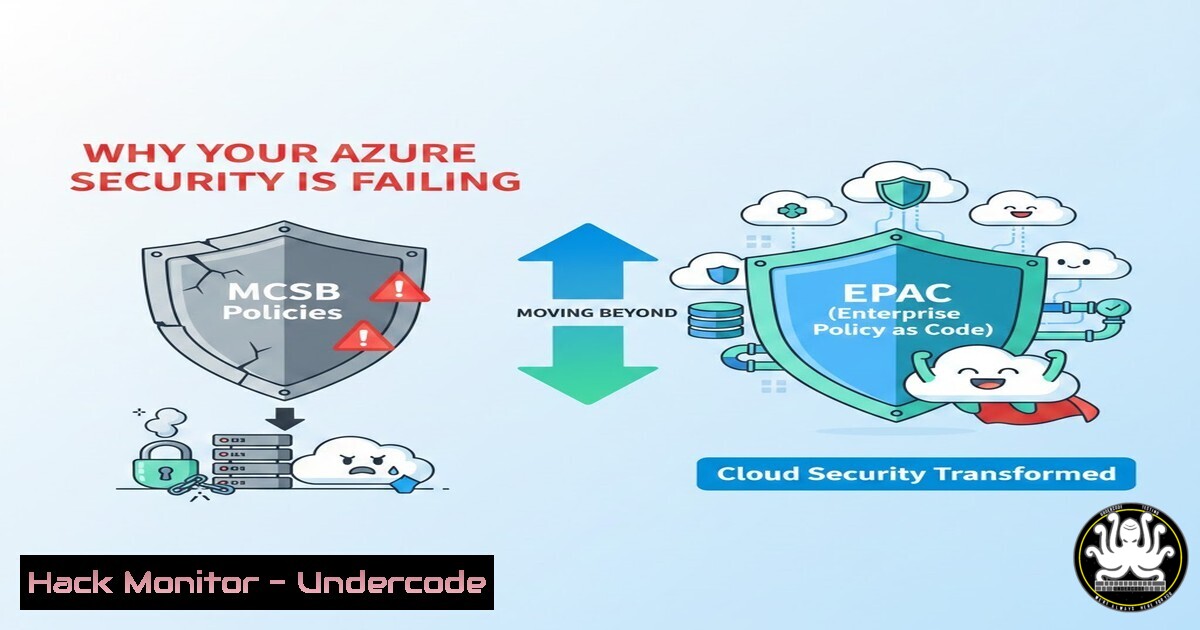
The Microsoft Cloud Security Benchmark (MCSB) provides a comprehensive set of security recommendations for Azure environments. However, a critical misconception persists: that simply applying MCSB recommendations via Azure Policy equates to a secure posture. This is a dangerous oversimplification. True security requires the operationalization of these policies through continuous compliance and Infrastructure as Code (IaC), a gap that the Enterprise Policy as Code (EPAC) framework is designed to fill. This article explores the limitations of relying solely on the Azure portal and dives into how EPAC transforms policy management from a static checklist into a dynamic, secure, and auditable DevOps process.
Learning Objectives:
- Understand the fundamental difference between the MCSB guidance and its implementation via Azure Policy.
- Identify the security gaps created by manual, non-version-controlled policy assignments.
- Learn how to deploy and manage Azure Policy at scale using the EPAC framework and Infrastructure as Code.
You Should Know:
- The MCSB vs. Azure Policy: Understanding the Gap
The Microsoft Cloud Security Benchmark is a set of high-level security best practices (e.g., “Enable network encryption”). Azure Policy is the service used to enforce these practices (e.g., “Audit storage accounts that do not require secure transfer”). The gap appears when organizations assign policies manually through the portal. These manual assignments are brittle, unversioned, and prone to configuration drift. They lack the rigor of code reviews, automated testing, and disaster recovery capabilities.
2. Introducing EPAC (Enterprise Policy as Code)
EPAC is an open-source framework that allows you to manage the entire Azure Policy lifecycle—including Policy Definitions, Initiatives (Set Definitions), and Assignments—as code. It bridges the gap between the MCSB’s intent and your actual security enforcement.
Step‑by‑step guide to setting up EPAC:
- Prerequisites: Install Azure CLI, Git, and PowerShell on your management machine (Linux/macOS/Windows).
Example for Linux (Ubuntu/Debian) to install Azure CLI
curl -sL https://aka.ms/InstallAzureCLIDeb | sudo bash
2. Clone the Repository:
git clone https://github.com/Azure/enterprise-azure-policy-as-code.git
cd enterprise-azure-policy-as-code
3. Set Up Environment: The framework uses a `Definitions` folder for policy files and a `Pipeline` folder for deployment scripts. You will define your desired state (which MCSB policies to apply) in JSON files within these folders, rather than clicking through the portal.
4. Deploy with PowerShell: Use the provided PowerShell script to push your policy definitions and assignments to Azure. This ensures every change is tracked in Git.
 From the root of the EPAC repo
cd Scripts
.\Deploy-EnterprisePolicyAsCode.ps1 -DefinitionsRootFolder ..\Definitions
3. Hardening Your Environment: Manual Remediation Commands
While EPAC automates policy definition, sometimes you need to manually harden a resource to make it compliant with an MCSB control (e.g., NS-1: Establish network segmentation boundaries). This is where CLI commands become essential.
Remediating a Non-Compliant Storage Account (MCSB control NS-2):
 Azure CLI: Disable public network access on a storage account
az storage account update \
--name <YourStorageAccountName> \
--resource-group <YourResourceGroup> \
--public-network-access Disabled
Windows PowerShell (Az module) Equivalent:
 PowerShell: Update storage account network rules
Set-AzStorageAccount -ResourceGroupName "YourResourceGroup" -Name "YourStorageAccountName" -PublicNetworkAccess Disabled
- Advanced Threat Detection and Monitoring (MCSB control LT-1)
MCSB emphasizes enabling threat detection. This often involves configuring Diagnostic Settings to send logs to a Log Analytics workspace. Doing this via code ensures consistency across all subscriptions.
Deploying Diagnostic Settings via Azure CLI:
 Create Diagnostic Setting for a Key Vault to send logs to Log Analytics
$logAnalyticsWorkspaceId = (az monitor log-analytics workspace show --resource-group "rg-mgmt" --workspace-name "law-security" --query id -o tsv)

az monitor diagnostic-settings create \
--resource <YourKeyVaultID> \
--name "send-to-security-law" \
--workspace $logAnalyticsWorkspaceId \
--logs '[
{
"category": "AuditEvent",
"enabled": true,
"retentionPolicy": {
"enabled": true,
"days": 365
}
}
]' \
--metrics '[
{
"category": "AllMetrics",
"enabled": true,
"retentionPolicy": {
"enabled": true,
"days": 365
}
}
]'
- Custom Azure Policy Initiatives: Exceeding the MCSB Baseline
The MCSB is a baseline. Your organization likely has stricter security requirements (e.g., requiring a specific antivirus solution on all VMs). Using EPAC, you can create custom policy initiatives (sets of policies) that enforce both MCSB standards and your company-specific controls in a single, auditable JSON file.
Linux Command to Check for CIS Compliance (on a VM):
To manually verify a system against a standard (which your custom policy might enforce), you can use tools like Lynis:
 On your Linux VM, install and run a security audit
sudo apt-get install lynis -y
sudo lynis audit system
This doesn’t directly interact with Azure Policy but helps you understand the state of a resource before writing a custom policy to enforce that state.
6. CI/CD Integration for Policy Management
The true power of EPAC is its integration with CI/CD pipelines (GitHub Actions or Azure DevOps). Every time a developer updates a policy definition in the `main` branch, the pipeline automatically deploys the changes to Azure. This prevents configuration drift and ensures that the security posture defined in your repo is always the one enforced in the cloud.
Example GitHub Action Workflow Snippet (`.github/workflows/deploy-policy.yml`):
jobs:
deploy-policy:
runs-on: ubuntu-latest
steps:
- name: Checkout code
uses: actions/checkout@v3
- name: Login to Azure
uses: azure/login@v1
with:
creds: ${{ secrets.AZURE_CREDENTIALS }}
- name: Deploy EPAC Policies
shell: pwsh
run: |
cd Scripts
.\Deploy-EnterprisePolicyAsCode.ps1 -DefinitionsRootFolder ../Definitions
7. Auditing with Azure Resource Graph
Finally, to verify that your policies are working as intended (and to see the “gaps” Andrew Ybarra mentions), you must query Azure Resource Graph. This allows you to see exactly which resources are non-compliant across your entire tenant.
KQL (Kusto Query Language) Query for Non-Compliant Resources:
policyresources
| where type == "microsoft.policyinsights/policystates"
| where properties.complianceState == "NonCompliant"
| project subscriptionId, resourceId = properties.resourceId, policyAssignmentName = properties.policyAssignmentName
| limit 10
What Undercode Say:
- Key Takeaway 1: The Microsoft Cloud Security Benchmark is a list of what to do; Azure Policy is the how. EPAC is the bridge that turns this into a reliable, version-controlled, and automated process.
- Key Takeaway 2: Manual security configurations are vulnerabilities. By managing Azure Policy as code, you apply the same rigor to your security posture that you do to your application code, enabling peer reviews, audit trails, and rapid rollback.
The misconception highlighted by Andrew Ybarra is critical: assuming a benchmark is implemented simply because policies exist. In reality, a secure cloud environment is not a destination achieved by ticking boxes, but a continuous state managed through code. EPAC transforms Azure Policy from a static compliance reporting tool into a dynamic, proactive security enforcement engine. By integrating this into your DevOps pipeline, you don’t just “set and forget” security; you embed it into the very fabric of your cloud infrastructure lifecycle.
Prediction:
As cloud environments become more complex and multi-tenant, manual policy management will become entirely obsolete. We will see a future where security benchmarks like the MCSB are not just implemented, but are continuously validated and enforced by AI-driven policy engines that automatically remediate non-compliant resources. The shift toward frameworks like EPAC is the first step in this evolution, moving security from a reactive, post-deployment audit to a proactive, pre-deployment code gate. The “Security Architect” role will increasingly focus on defining the logic of these policy-as-code rules rather than manually clicking through compliance dashboards.
▶️ Related Video (84% Match):
🎯Let’s Practice For Free:
IT/Security Reporter URL:
Reported By: Andrewybarra Epac – Hackers Feeds
Extra Hub: Undercode MoN
Basic Verification: Pass ✅


