
Listen to this Post
Introduction:
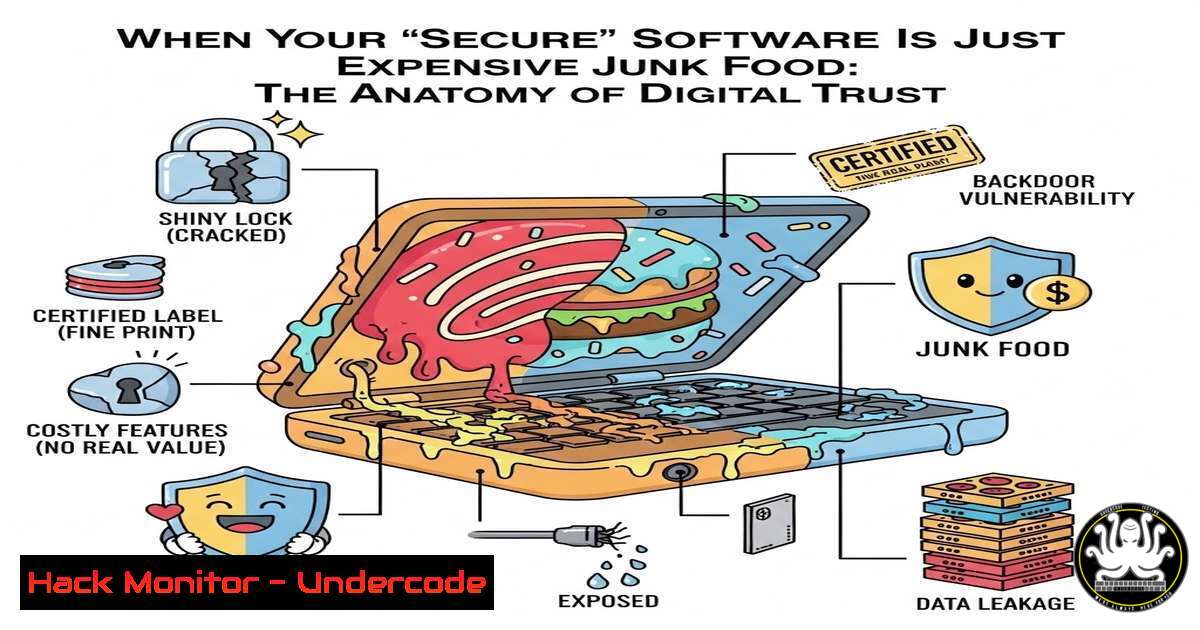
In a world where brand names often dictate our security posture, a simple lesson from an AI Summit food court serves as a perfect metaphor for cybersecurity. Just because a piece of software comes from a tech giant or a widely recognized vendor doesn’t mean it is secure, patched, or fit for purpose. This article deconstructs the concept of “Digital Trust,” providing a technical roadmap for verifying the integrity, security, and performance of your tools rather than relying on reputation alone.
Learning Objectives:
- Understand the concept of Supply Chain attacks and the importance of verifying software provenance.
- Learn practical command-line techniques to validate software integrity and identify vulnerabilities.
- Develop a methodology for “taste-testing” applications and configurations in a sandboxed environment.
You Should Know:
1. Verify the Ingredients: Checksums and Digital Signatures
Just as you check the ingredients and expiry date of food, you must verify the cryptographic integrity of your downloads. Reputation is not integrity; a compromised website can serve malicious installers.
Step‑by‑step guide: Verifying an Official Tool (Using Linux/macOS)
Assume you are downloading a tool like `hashcat` or a patch from a vendor. Never trust the file blindly.
1. Download the file and the checksum file:
wget https://example.com/software.tar.gz
wget https://example.com/software.tar.gz.sha256
2. Verify the SHA256 hash:
 Linux
sha256sum -c software.tar.gz.sha256
 macOS
shasum -a 256 -c software.tar.gz.sha256
What this does: It compares the hash of the downloaded file against the official hash. If it fails, the file is corrupted or tampered with.
Step‑by‑step guide: Verifying Code Signatures (Windows PowerShell)
For Windows executables, check the digital signature to ensure the binary is signed by the legitimate developer and hasn’t been altered.
 Check the signature of a .exe or .msi
Get-AuthenticodeSignature -FilePath "C:\Downloads\ImportantSoftware.exe" | Format-List
What this does: It displays the SignerCertificate, Status, and TimeStamper. A status of `Valid` means the chain of trust is intact. A status of `HashMismatch` means the file has been modified since signing.
2. Surface Area Mapping: The Port Scan
The post mentioned “testing the surface.” In cybersecurity, the attack surface consists of open ports and running services. A “big brand” application might install unnecessary services, opening you up to risk.
Step‑by‑step guide: Scanning Your Environment (Linux)
After installing new software, immediately check what ports are now listening.
 Check all listening ports and the associated processes
sudo netstat -tulpn | grep LISTEN
What this does: `-tulpn` shows TCP (t), UDP (u), listening (l) ports, with numeric addresses (n) and the program name/PID (p). If you see an unfamiliar service like `:3306` (MySQL) or `:5432` (PostgreSQL) running when you only installed a text editor, the “dish” has unwanted ingredients.
- Dynamic Analysis: The “Taste Test” in a Sandbox
You wouldn’t eat food that looks suspicious without a small taste. Similarly, run unknown or untrusted code in a sandbox or virtual machine to observe its behavior.
Step‑by‑step guide: Monitoring File System and Registry Changes (Windows)
Use Sysinternals Tools (acquired by Microsoft, but must be verified!) to monitor what an installer changes.
1. Download Process Monitor (ProcMon) from the official Microsoft Sysinternals page.
2. Run ProcMon before running the installer.
- Set Filters: Filter for `Process Name`
isyour_installer.exe.
4. Run the installer.
- Analyze: Look for writes to `HKLM\Software\Microsoft\Windows\CurrentVersion\Run` (persistence) or unexpected drops of executables in
C:\Windows\System32. This is the “real performance” test the post refers to. -
The “Zepto Café” Approach: Open Source Intelligence (OSINT)
Just as the user checked reviews for a new café, you must check the “reviews” for your code and libraries.
Step‑by‑step guide: Checking Dependency Safety (DevOps/DevSecOps)
If you are pulling a Docker image or an NPM package, check its “freshness” and vulnerabilities.
 For Docker Images
docker scout quickview myapp:latest
 or using Trivy (Open Source)
trivy image --severity HIGH,CRITICAL myapp:latest

For NPM Projects
npm audit
What this does: These commands scan your dependencies against public vulnerability databases (CVEs). A high number of critical vulnerabilities means the “food” is stale and potentially dangerous.
5. API Security: Testing the Vending Machine
Modern applications rely heavily on APIs. A “big brand” API might have rate limiting or authentication flaws.
Step‑by‑step guide: Manual API Probing with cURL
Interact with the API endpoint to see if it leaks information or behaves unexpectedly.
 Check for missing security headers
curl -I https://api.example.com/endpoint

Attempt a simple path traversal on an API parameter
curl "https://api.example.com/download?file=../../etc/passwd"
What this does: The first command checks for headers like `Strict-Transport-Security` or Content-Security-Policy. The second is a penetration testing technique to see if the API validates input properly.
6. Cloud Configuration: The Expired Food Analogy
Misconfigured cloud S3 buckets or databases are like expired food—publicly accessible and dangerous. You must audit your own cloud “kitchen.”
Step‑by‑step guide: Auditing AWS Buckets (Cloud Security)
Using the AWS CLI, check if your storage is exposed.
 Check bucket ACLs
aws s3api get-bucket-acl --bucket your-bucket-name

Check if public access is blocked
aws s3api get-public-access-block --bucket your-bucket-name
What this does: It reviews the permissions. If the ACL grants access to “Everyone” or “AllUsers,” your data is being served to the entire internet—the digital equivalent of leaving your food out for anyone to grab.
What Undercode Say:
- Trust is a Vulnerability: Relying on brand reputation alone is a form of complacency that attackers exploit. The SolarWinds and 3CX supply chain attacks prove that even trusted vendors can distribute malicious code.
- Verification is a Continuous Process: Security is not a one-time check. It requires constant monitoring (ingredient checking) and adaptation, much like choosing a reliable food vendor over a name-brand one that has let its standards slip.
Analysis:
The cybersecurity industry is currently suffering from a “brand-name fatigue” syndrome. Enterprises often purchase expensive, well-known EDR or SIEM solutions assuming they are impenetrable, while ignoring the basic hygiene of configuration and patch management. This anecdote from the AI Summit serves as a perfect allegory for Zero Trust architecture: “Never trust, always verify.” The underdog (Zepto Café) provided better service because they focused on execution (security posture) rather than brand legacy. In the coming years, the market will shift toward measurable security outcomes and verifiable software bills of materials (SBOMs), forcing even the giants to prove their “freshness” rather than resting on their logos.
Prediction:
We predict a rise in “Reputation Scoring” services for software vendors. Much like food hygiene ratings, we will see real-time security rating platforms (like SecurityScorecard or BitSight) become the deciding factor for procurement. This will force legacy vendors to either patch their “stale” architectures or lose market share to agile, more transparent underdogs who can prove their security integrity through automation and verifiable builds.
▶️ Related Video (80% Match):
🎯Let’s Practice For Free:
IT/Security Reporter URL:
Reported By: Mkumarcyber Aisummit – Hackers Feeds
Extra Hub: Undercode MoN
Basic Verification: Pass ✅


