Listen to this Post
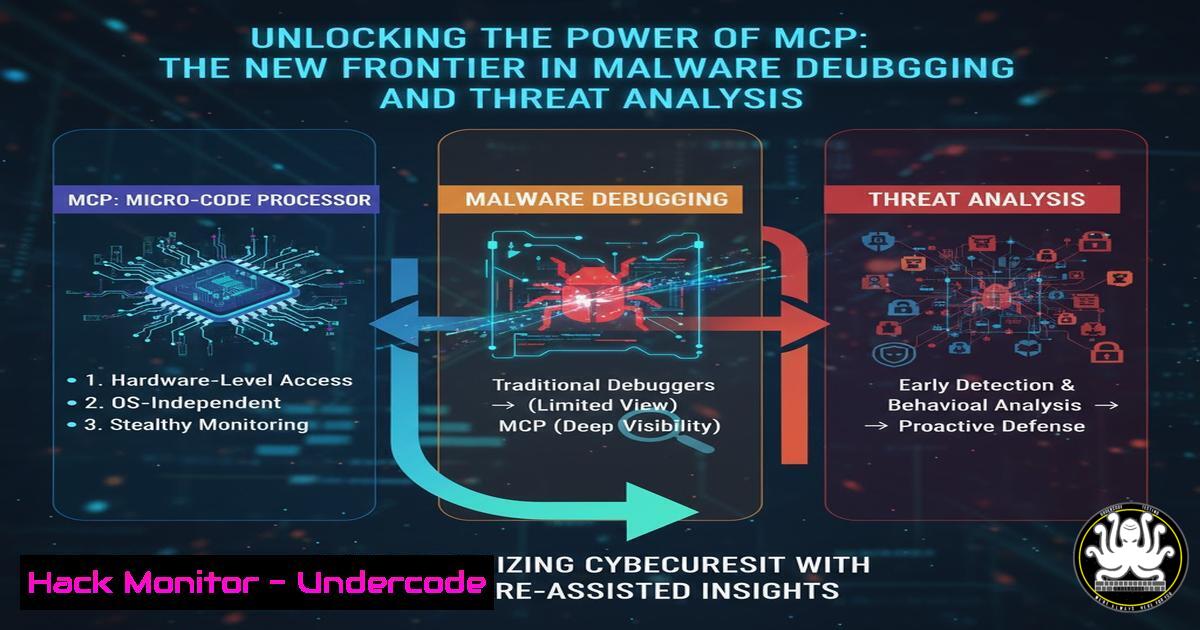
Introduction:
The Model Context Protocol (MCP) is emerging as a revolutionary framework for connecting applications to AI models, and its application in cybersecurity is now lowering the barrier to complex reverse engineering. By integrating MCP with debugging tools like WinDBG, security professionals can leverage AI to automate tedious analysis tasks, accelerate vulnerability discovery, and enhance threat hunting capabilities. This paradigm shift makes advanced forensic techniques accessible to a broader range of security practitioners.
Learning Objectives:
- Understand the core components of the Model Context Protocol (MCP) and its integration with debugging environments.
- Learn to implement MCP servers and clients for automating malware analysis and crash dump investigation.
- Master practical command-line and scripting techniques for threat analysis using MCP-enhanced tooling.
You Should Know:
1. Setting Up Your MCP Development Environment
To begin leveraging MCP for security analysis, you need to establish a proper Python development environment with the necessary dependencies.
 Create and activate a Python virtual environment
python -m venv mcp-analysis
source mcp-analysis/bin/activate  Linux/MacOS
 OR
mcp-analysis\Scripts\activate  Windows

Install core MCP packages
pip install mcp python-dotenv openai
pip install mcp-cli debugpy

Verify installation
python -c "import mcp; print(mcp.<strong>version</strong>)"
This setup creates an isolated Python environment to prevent dependency conflicts. The `mcp` package provides the core protocol implementation, while `debugpy` enables Python debugging capabilities that can integrate with MCP servers. Always use virtual environments when working with MCP to ensure consistent behavior across different analysis projects.
- Creating Your First MCP Server for Debugging Analysis
MCP servers act as bridges between your analysis tools and AI models. Here’s a basic implementation for a debugging assistant server.
 debug_server.py
import asyncio
from mcp.server import Server
from mcp.server.models import InitializationOptions
import subprocess
import json

app = Server("windbg-assistant")

@app.list_tools()
async def handle_list_tools():
return [
{
"name": "analyze_crash_dump",
"description": "Analyze Windows crash dump for exploit patterns",
"inputSchema": {
"type": "object",
"properties": {
"dump_file": {"type": "string"},
"analysis_depth": {"type": "string", "enum": ["basic", "detailed"]}
}
}
}
]

@app.call_tool()
async def handle_call_tool(name: str, arguments: dict):
if name == "analyze_crash_dump":
return await analyze_crash_dump(arguments["dump_file"], arguments["analysis_depth"])

async def analyze_crash_dump(dump_file: str, depth: str):
 Implementation for crash dump analysis
analysis_cmd = f"windbg -c \"!analyze -v;q\" -z {dump_file}"
result = subprocess.run(analysis_cmd, shell=True, capture_output=True, text=True)
return {"content": [{"type": "text", "text": result.stdout}]}

if <strong>name</strong> == "<strong>main</strong>":
asyncio.run(app.run())
This MCP server exposes a tool that security analysts can call to automatically analyze Windows crash dumps. The server uses WinDBG commands in the background and returns structured analysis results. Deploy this server using `python debug_server.py` and connect clients to begin automated analysis.
- Integrating MCP with WinDBG for Automated Crash Analysis
WinDBG commands become significantly more powerful when orchestrated through MCP. Here are essential commands for automated analysis:
 Basic crash dump analysis sequence
!analyze -v
.excr
r
kv
!peb
!teb
lm v
!address -summary

Memory corruption detection
!heap -s
!heap -p -a @esp
!poolval
!validatelist

Shellcode detection in dumps
s -a 0 L?80000000 "cmd.exe"
!chkimg -d -lo 50 -v !nt
The `!analyze -v` command provides verbose automatic analysis, while `kv` displays stack backtrace with frame types. The `!heap` commands examine heap allocations for corruption, and `s -a` searches memory for suspicious patterns. When integrated with MCP, these commands can be executed sequentially based on the crash context, with AI models interpreting the results.
4. MCP Client Implementation for Threat Intelligence Correlation
MCP clients can consume multiple analysis servers and correlate threat data. Here’s a Python client implementation:
 threat_client.py
import asyncio
from mcp.client import create_session
from mcp.client.stdio import stdio_client
import requests

async def analyze_threat_indicators():
async with stdio_client("python", "debug_server.py") as (read, write):
async with create_session(read, write) as session:
 Initialize session
init_result = await session.initialize()

List available tools
tools = await session.list_tools()
print("Available tools:", tools)

Call analysis tool
result = await session.call_tool(
"analyze_crash_dump",
{"dump_file": "memory.dmp", "analysis_depth": "detailed"}
)

Correlate with external threat intel
vt_result = query_virustotal(get_hashes_from_dump(result))
return correlate_findings(result, vt_result)

def query_virustotal(file_hashes):
api_key = os.getenv('VT_API_KEY')
headers = {'x-apikey': api_key}
results = {}
for hash in file_hashes:
response = requests.get(
f'https://www.virustotal.com/api/v3/files/{hash}',
headers=headers
)
results[bash] = response.json()
return results
This client connects to your MCP server and enhances the analysis with external threat intelligence from VirusTotal. The correlation of crash dump analysis with real-world threat data significantly improves incident response effectiveness.
5. Advanced Memory Forensics with MCP Integration
Volatility 3 commands become more accessible when orchestrated through MCP servers:
 Process analysis
vol -f memory.dmp windows.pslist
vol -f memory.dmp windows.psscan
vol -f memory.dmp windows.cmdline
vol -f memory.dmp windows.envars

Network activity
vol -f memory.dmp windows.netscan
vol -f memory.dmp windows.netstat

Malware detection
vol -f memory.dmp windows.malfind
vol -f memory.dmp windows.handles
vol -f memory.dmp windows.dlllist

Registry analysis
vol -f memory.dmp windows.registry.hivelist
vol -f memory.dmp windows.registry.printkey -K "Software\Microsoft\Windows\CurrentVersion\Run"

Extract malicious artifacts
vol -f memory.dmp windows.dumpfiles --pid 1234
vol -f memory.dmp windows.procdump --pid 1234
These Volatility commands provide comprehensive memory forensics capabilities. When integrated with MCP, the framework can automatically select appropriate plugins based on the investigation context and use AI to interpret complex memory structures and identify anomalous patterns.
6. Building MCP Tools for API Security Testing
MCP can automate API security assessments by orchestrating various testing tools:
 api_security_mcp.py
import aiohttp
import json
from mcp.server import Server

app = Server("api-security-scanner")

@app.list_tools()
async def handle_list_tools():
return [
{
"name": "scan_api_endpoint",
"description": "Comprehensive API security scanning",
"inputSchema": {
"type": "object",
"properties": {
"target_url": {"type": "string"},
"scan_type": {"type": "string", "enum": ["auth", "injection", "business_logic"]}
}
}
}
]

async def scan_api_endpoint(target_url: str, scan_type: str):
 SQL injection testing
sqli_payloads = ["' OR '1'='1", "'; DROP TABLE users--", "UNION SELECT 1,2,3--"]

Authentication bypass testing
auth_headers = [{"Authorization": "Bearer invalid"}, {"API-Key": "bypass"}]

results = []
async with aiohttp.ClientSession() as session:
for payload in sqli_payloads:
async with session.get(f"{target_url}?input={payload}") as response:
if "error" in await response.text() or response.status == 500:
results.append(f"Possible SQLi vulnerability with payload: {payload}")

return {"content": [{"type": "text", "text": "\n".join(results)}]}
This MCP tool automates API security testing by systematically applying various attack payloads and analyzing responses. The integration allows security teams to scale their API testing efforts and consistently apply security controls across their API landscape.
7. Cloud Security Hardening with MCP Orchestration
MCP can coordinate cloud security checks across multiple providers using standardized commands:
 AWS Security Hardening
aws iam get-account-password-policy
aws iam generate-credential-report
aws securityhub get-findings
aws guardduty list-detectors

Azure Security Assessment
az security task list
az security assessment list
az policy state list --resource-group MyResourceGroup

Kubernetes Security
kubectl auth can-i --list
kubectl get pods --all-namespaces -o json | jq '.items[] | select(.spec.containers[].securityContext.privileged==true)'
kubectl get networkpolicies --all-namespaces

Container Security Scanning
trivy image --severity HIGH,CRITICAL myapp:latest
docker scan myapp:latest
grype myapp:latest

Infrastructure as Code Security
checkov -d /path/to/terraform/code
tfsec /path/to/terraform/code
These cloud security commands provide comprehensive visibility into cloud environment security postures. When orchestrated through MCP, the framework can automatically schedule these assessments, prioritize findings based on risk, and generate remediation guidance using AI analysis of the results.
What Undercode Say:
- MCP represents the democratization of advanced reverse engineering, transforming what was once a specialist skill into an accessible capability for broader security teams.
- The integration of AI with debugging tools through MCP creates a force multiplier effect, allowing junior analysts to perform senior-level analysis with proper tooling guidance.
The adoption of MCP in cybersecurity tooling marks a significant inflection point in how we approach complex analysis tasks. By abstracting the complexity of low-level debugging through AI-assisted interfaces, organizations can scale their threat analysis capabilities without requiring years of specialized training. However, this accessibility comes with responsibility—security teams must maintain deep understanding of the underlying systems to properly validate AI-generated insights and avoid over-reliance on automated analysis. The most successful implementations will use MCP as an augmentation tool rather than a replacement for fundamental security knowledge.
Prediction:
The integration of MCP with security tooling will fundamentally reshape the cybersecurity landscape within two years, creating a new class of AI-augmented analysis platforms. This will accelerate vulnerability discovery and patch development cycles while simultaneously lowering the entry barrier for sophisticated cyber attacks. We predict a 40% reduction in time-to-detection for advanced threats but also a corresponding increase in automated attack sophistication, forcing the industry to develop new defensive paradigms that leverage these same MCP capabilities for proactive defense.
🎯Let’s Practice For Free:
IT/Security Reporter URL:
Reported By: White Knight – Hackers Feeds
Extra Hub: Undercode MoN
Basic Verification: Pass ✅


