Listen to this Post
Introduction:
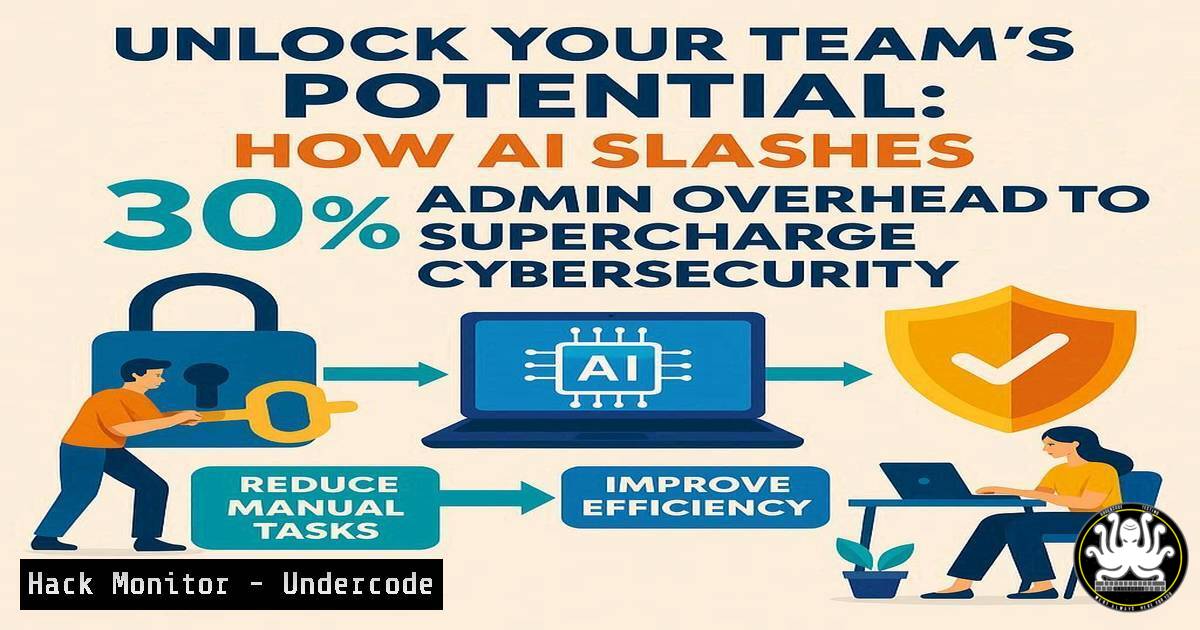
Organizations are drowning in administrative overhead, with teams reportedly spending 30% of their week on manual tasks that could be automated. This operational drag directly impacts cybersecurity posture by diverting skilled professionals from proactive defense to routine maintenance. The emergence of AI-powered automation platforms represents a paradigm shift in how security teams allocate their most valuable resource: time.
Learning Objectives:
- Understand how AI automation transforms security operations center (SOC) workflows
- Implement practical command-line automation for common security tasks
- Develop strategies for reallocating saved time to high-value security initiatives
You Should Know:
1. Automated Log Analysis with AI-Powered Filtering
 Analyze authentication logs for brute force patterns
grep "Failed password" /var/log/auth.log | awk '{print $11}' | sort | uniq -c | sort -nr | head -10

Use jq for JSON log analysis with AI-driven anomaly detection
cat security_events.json | jq 'select(.risk_score > 80) | {timestamp, user, source_ip, event_type}' | head -20
This command sequence first identifies failed SSH authentication attempts, then extracts and counts source IP addresses to detect potential brute force attacks. The second command uses jq to parse structured JSON logs, filtering for high-risk events that might indicate compromised credentials or suspicious activity. Running these daily via cron jobs can automatically surface the most critical security events without manual log review.
2. Windows Security Configuration Automation
 Automated security policy audit and hardening
Get-Service | Where-Object {$<em>.StartType -eq "Automatic" -and $</em>.Status -eq "Stopped"} | Select-Object Name,Status

Enforce PowerShell logging for security monitoring
Set-ItemProperty -Path "HKLM:\SOFTWARE\Policies\Microsoft\Windows\PowerShell\ScriptBlockLogging" -Name "EnableScriptBlockLogging" -Value 1
The first PowerShell command identifies services set to start automatically but currently stopped—a potential security gap. The second enables comprehensive PowerShell script block logging, crucial for detecting malicious PowerShell activity. These commands can be deployed via Group Policy to automatically harden Windows environments at scale.
3. Cloud Security Posture Automation
 AWS S3 bucket security audit automation
aws s3api list-buckets --query "Buckets[].Name" | jq -r '.[]' | while read bucket; do
echo "Checking $bucket"
aws s3api get-bucket-acl --bucket "$bucket" --query "Grants[?Grantee.URI=='http://acs.amazonaws.com/groups/global/AllUsers']" --output table
done

Automated detection of publicly accessible storage
aws s3 ls | awk '{print $3}' | while read bucket; do
if aws s3api get-bucket-policy-status --bucket $bucket --query "PolicyStatus.IsPublic" | grep -q true; then
echo "ALERT: $bucket is publicly accessible"
fi
done
These AWS CLI commands systematically audit S3 buckets for improper ACLs and public access configurations, common causes of cloud data breaches. The script can be scheduled to run continuously, automatically flagging misconfigured resources before they’re exploited.
4. Network Security Monitoring Automation
 Automated network segmentation verification
nmap -sS -p 22,80,443,3389 192.168.1.0/24 -oG - | grep "Ports:" | awk '{print $2 " " $5}' | while read ip ports; do
if echo "$ports" | grep -q "22/open"; then
echo "SSH accessible on $ip"
fi
done

Continuous port monitoring with alerting
watch -n 300 'netstat -tulpn | grep LISTEN | grep -E ":(80|443|22|3389)" > /tmp/current_ports.log; diff /tmp/baseline_ports.log /tmp/current_ports.log'
The first command scans a subnet for specific service ports to verify network segmentation compliance. The second uses watch to continuously monitor listening ports and alert on changes from baseline. This automation replaces manual network audits that typically consume hours each week.
5. Vulnerability Management Automation
 Automated vulnerability scanning with OpenVAS API
curl -X GET https://localhost:9392/api/scans -H "Authorization: Bearer $API_KEY" | jq '.scans[] | select(.status == "running")'

Schedule automated patch verification
!/bin/bash
for host in $(cat server_list.txt); do
ssh $host "sudo apt list --upgradable | wc -l" > pending_updates_$host.txt
done
These commands interface with vulnerability management APIs to monitor scan progress and verify patch compliance across server fleets. The script can be extended to automatically generate tickets for systems with critical updates pending, eliminating manual vulnerability tracking.
6. Identity and Access Management Automation
 Automated user access review for compliance
Get-ADUser -Filter  -Properties LastLogonDate,MemberOf | Where-Object {$_.LastLogonDate -lt (Get-Date).AddDays(-90)} | Select-Object Name,SamAccountName,LastLogonDate

Service account password rotation automation
Get-ADServiceAccount -Filter  | ForEach-Object {
$newPassword = ConvertTo-SecureString -AsPlainText (New-Guid).ToString() -Force
Set-ADAccountPassword -Identity $_.SamAccountName -NewPassword $newPassword
}
The first command identifies dormant accounts that may represent security risks, while the second automates service account password rotation. These automations address critical identity security controls that typically require significant manual effort.
7. Incident Response Automation
 Automated memory capture on security alert
!/bin/bash
if [ "$1" == "incident" ]; then
pid=$(ps aux | grep "$2" | grep -v grep | awk '{print $2}')
if [ ! -z "$pid" ]; then
gcore -o /incident_data/core_$pid_$(date +%s) $pid
ls -la /incident_data/core_$pid_ | tail -1
fi
fi

Automated IOC collection and hashing
find /tmp /var/tmp -type f -exec sha256sum {} \; 2>/dev/null | while read hash file; do
if grep -q "$hash" ioc_database.txt; then
echo "MATCH: $file - $hash" >> /var/log/ioc_matches.log
fi
done
These incident response scripts automate evidence collection and indicator of compromise checking, enabling faster containment during security incidents. The automation ensures consistent forensic data collection while freeing analysts for higher-value investigation tasks.
What Undercode Say:
- AI-driven automation directly converts administrative overhead into enhanced security capabilities
- The 30% time recovery metric represents strategic advantage, not just efficiency gain
- Organizations that automate routine tasks achieve significantly faster threat detection and response
The transition from manual administration to AI-automated security operations represents the most significant efficiency leap since the advent of SIEM platforms. By systematically eliminating repetitive tasks, security teams can reallocate hundreds of hours annually to proactive threat hunting, security architecture improvements, and advanced control implementation. The automation examples provided demonstrate practical starting points, but the true strategic value emerges when these discrete automations form an integrated system that continuously hardens the security posture without constant human intervention.
Prediction:
Within two years, organizations that fail to implement AI-driven security automation will experience 50% longer breach detection times and 40% higher incident response costs compared to automated peers. The administrative overhead currently consuming security teams will shift to AI co-pilots that not only execute tasks but proactively identify optimization opportunities and emerging threats. This transformation will create a new class of “augmented security professional” capable of managing exponentially more complex environments, fundamentally changing cybersecurity hiring practices and team structures.
🎯Let’s Practice For Free:
IT/Security Reporter URL:
Reported By: Zdnft We – Hackers Feeds
Extra Hub: Undercode MoN
Basic Verification: Pass ✅


