
Listen to this Post
Introduction:
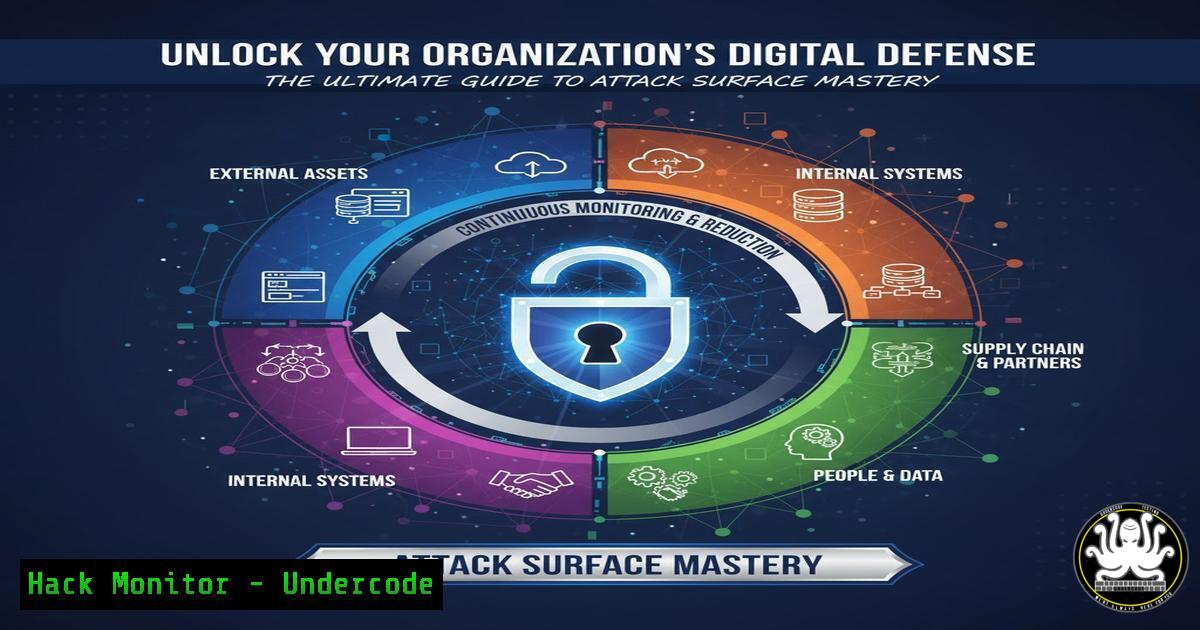
In today’s hyper-connected digital landscape, an organization’s attack surface—the sum of all potential entry points for a cyber threat—is expanding exponentially. Proactive security is no longer a luxury but a necessity, requiring defenders to leverage sophisticated reconnaissance tools to identify and harden vulnerabilities before attackers can exploit them. This guide delves into the core techniques and commands that power modern attack surface scanning, empowering you to take control of your external security posture.
Learning Objectives:
- Understand the fundamental reconnaissance methodologies used to map a digital attack surface.
- Master essential command-line tools for DNS interrogation, network intelligence gathering, and WHOIS lookups.
- Learn how to automate and integrate these techniques into a continuous security monitoring workflow.
You Should Know:
- DNS Reconnaissance: The First Step in Mapping Your Footprint
The Domain Name System (DNS) is a foundational protocol that translates human-readable domain names into machine-readable IP addresses. Attackers use DNS reconnaissance to discover all assets associated with a target domain, and defenders must do the same to secure them.
Command (Linux/macOS – `dig`):
dig example.com ANY
Step-by-step guide:
The `dig` (Domain Information Groper) command is a powerful tool for querying DNS servers.
1. Open your terminal.
2. Type `dig example.com ANY` and press Enter.
- The `ANY` parameter requests all known DNS record types for the domain.
- Analyze the output for records like `A` (IPv4 address), `AAAA` (IPv6 address), `MX` (Mail Exchange), `TXT` (text records, often used for verification or SPF), `NS` (Name Servers), and `CNAME` (Canonical Name alias).
This provides a comprehensive view of all publicly declared services linked to the domain.
2. Automating Subdomain Enumeration
Subdomains often host development, testing, or forgotten applications that can be less secure than the main website. Discovering them is critical for a complete attack surface assessment.
Command (Using `subfinder`):
subfinder -d example.com -o subdomains.txt
Step-by-step guide:
`Subfinder` is a passive subdomain discovery tool designed to be fast and reliable.
1. Install `subfinder` (e.g., `go install -v github.com/projectdiscovery/subfinder/v2/cmd/subfinder@latest`).
- In your terminal, run
subfinder -d example.com -o subdomains.txt.
3. The `-d` flag specifies the target domain.
- The `-o` flag writes the discovered subdomains to a file named
subdomains.txt. - Use this list for further scanning and analysis of each discovered subdomain.
3. Network Intelligence with ASN Lookups
An Autonomous System Number (ASN) identifies a network or group of networks under a single administrative control. Identifying the ASN for your target can reveal other networks and IP ranges owned by the same organization.
Command (Linux/macOS – `whois`):
whois -h whois.radb.net -- '-i origin AS15169'
Step-by-step guide:
This command queries the Route Views database to find all IP ranges announced by a specific ASN (e.g., AS15169, which is Google).
1. Open your terminal.
- Use the command
whois -h whois.radb.net -- '-i origin ASNUMBER'. - Replace `ASNUMBER` with the actual ASN you are investigating.
- The output will list the IP prefixes (CIDR ranges) associated with that ASN. You can then scan these ranges to find all assets belonging to the organization.
4. Uncovering Ownership History with WHOIS
WHOIS databases contain registration details for domain names and IP addresses, including owner contact information, creation dates, and registrar data. This is vital for attribution and understanding the history of a digital asset.
Command (Windows):
whois example.com
Step-by-step guide:
On Windows, the `whois` command is available natively.
1. Open Command Prompt or PowerShell.
2. Simply type `whois example.com` and press Enter.
- The output will display the domain’s registrant, administrative, and technical contacts, name servers, and registration dates. Note that privacy protection services often mask this data, but historical WHOIS archives can sometimes reveal older, unmasked information.
5. Active Service Discovery with Nmap
Once you have a list of IP addresses and hostnames, the next step is to identify which services are running on them. Nmap is the industry-standard tool for network discovery and security auditing.
Command (Linux/macOS/Windows):
nmap -sV -sC -O -p- 192.168.1.1
Step-by-step guide:
This Nmap command performs a comprehensive scan.
- Install Nmap from https://nmap.org/.
2. Run `nmap -sV -sC -O -p- `.
-sV: Probes open ports to determine service/version info.-sC: Runs scripts from the Nmap Scripting Engine (NSE) for default vulnerability checks.
5. `-O`: Enables OS detection.
6. `-p-`: Scans all 65,535 ports.
This reveals the exact software versions and configurations, which can be checked against known vulnerabilities.
6. Leveraging Threat Intelligence for IP Abuse Checking
An IP address’s reputation is a key signal. Checking if an IP has been associated with malicious activity helps in identifying compromised infrastructure or outright malicious hosts.
Command (Using `curl` with AbuseIPDB API):
curl -G https://api.abuseipdb.com/api/v2/check \
--data-urlencode "ipAddress=192.0.2.1" \
-H "Key: $YOUR_API_KEY" \
-H "Accept: application/json"
Step-by-step guide:
This command programmatically checks an IP’s reputation using the AbuseIPDB API.
1. Sign up for a free API key at AbuseIPDB.
2. Set your API key as an environment variable: export YOUR_API_KEY=yourapikeyhere.
3. Run the `curl` command, replacing `192.0.2.1` with the target IP.
4. The JSON response will contain a confidence score and a count of how many times the IP has been reported. A high score and count indicate a likely malicious host.
7. Integrating Scans into a Security Pipeline
For ongoing defense, these reconnaissance tasks should be automated and integrated into a continuous security monitoring pipeline. This ensures new assets and vulnerabilities are detected as soon as they appear.
Bash Script Snippet:
!/bin/bash
DOMAIN="example.com"
OUTPUT_DIR="./scan_results_$(date +%Y%m%d_%H%M%S)"
mkdir -p $OUTPUT_DIR

echo "[+] Starting reconnaissance for $DOMAIN"
subfinder -d $DOMAIN -o $OUTPUT_DIR/subdomains.txt
cat $OUTPUT_DIR/subdomains.txt | while read sub; do
dig $sub A +short >> $OUTPUT_DIR/ips.txt
done
sort -u $OUTPUT_DIR/ips.txt -o $OUTPUT_DIR/ips.txt

echo "[+] Running Nmap service discovery"
nmap -sV -iL $OUTPUT_DIR/ips.txt -oA $OUTPUT_DIR/nmap_scan
Step-by-step guide:
This simple bash script automates the first stages of attack surface scanning.
1. Create a new file named `recon_scan.sh`.
- Copy the script above, replacing `example.com` with your target.
3. Make it executable: `chmod +x recon_scan.sh`.
4. Run it: `./recon_scan.sh`.
- The script will create a dated output directory, discover subdomains, resolve them to IPs, and perform a service version scan on all discovered hosts, saving the results for analysis.
What Undercode Say:
- Democratization of Advanced Reconnaissance is Key. Tools like the HCTIT scanner lower the barrier to entry for sophisticated attack surface management, putting powerful defensive capabilities into the hands of organizations of all sizes.
- Automation is the Force Multiplier. The true power for defenders lies not in running these commands once, but in scripting and scheduling them to create a living, breathing map of their digital footprint that updates continuously.
The evolution of free, accessible attack surface scanners signals a strategic shift in cybersecurity. It represents a move from reactive, vulnerability-centric defense to proactive, intelligence-driven security posture management. By leveraging the same fundamental techniques that threat actors use for reconnaissance, defenders can now preemptively discover and secure shadow IT, misconfigured cloud buckets, and forgotten subdomains. This levels the playing field, forcing attackers to work harder and making it significantly more likely that breaches will be prevented rather than simply reacted to. The future belongs to those who know their external network as well as they know their internal one.
Prediction:
The widespread adoption of automated, free attack surface scanning tools will fundamentally alter the cyber threat landscape. As these tools become more integrated into DevOps and cloud provisioning cycles (Shifting Left security), the “low-hanging fruit” that attackers have relied on will rapidly diminish. This will force threat actors to develop more sophisticated, zero-day reliant attacks and increase their focus on social engineering and software supply chain compromises. Ultimately, this technology will catalyze a broader industry-wide transition towards outside-in security, making comprehensive external risk management a standard practice for every organization with an online presence.
🎯Let’s Practice For Free:
IT/Security Reporter URL:
Reported By: Simonehaddad Most – Hackers Feeds
Extra Hub: Undercode MoN
Basic Verification: Pass ✅


