Listen to this Post
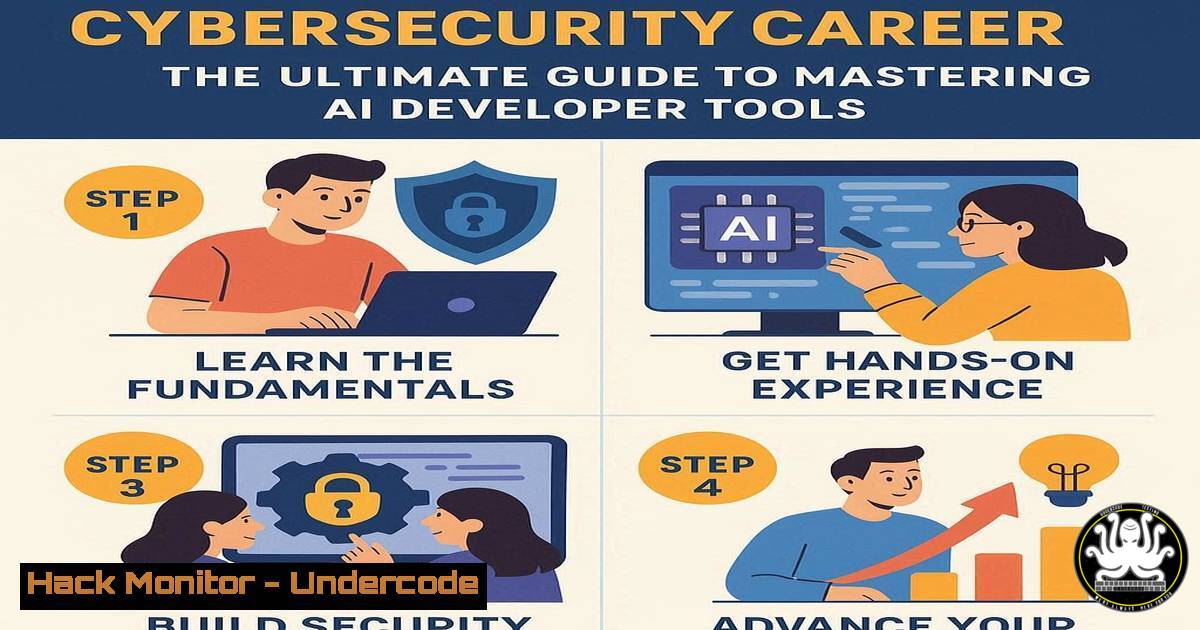
Introduction:
The intersection of Artificial Intelligence and cybersecurity is creating a new frontier for IT professionals. As companies like Fivetran aggressively hire for roles like Senior Product Manager for AI Developer Tools, mastering the underlying security and infrastructure technologies becomes paramount. This guide provides the technical command-line proficiency required to secure and manage the AI development ecosystems these high-value roles command.
Learning Objectives:
- Acquire hands-on skills in securing AI development pipelines and cloud environments.
- Understand and implement critical security configurations for APIs, SDKs, and data pipelines.
- Develop proficiency in vulnerability assessment and mitigation within AI toolchains.
You Should Know:
1. Securing Your Cloud Development Environment
Before deploying any AI SDK, the host environment must be hardened. These commands establish a secure baseline.
 Linux: Update system and remove unnecessary packages
sudo apt update && sudo apt upgrade -y
sudo apt autoremove --purge
 Check for listening ports and identify unauthorized services
netstat -tulpn
ss -tulpn
 Configure UFW (Uncomplicated Firewall) to deny all by default
sudo ufw default deny incoming
sudo ufw default allow outgoing
sudo ufw allow ssh
sudo ufw enable
Step-by-step guide: Start by updating your package lists and upgrading all installed software to patch known vulnerabilities. The `netstat` and `ss` commands provide a snapshot of all network connections and listening ports, allowing you to identify and investigate unexpected services. Finally, the UFW firewall commands implement a default-deny policy for incoming traffic while explicitly allowing secure shell (SSH) access for management, creating a minimal attack surface.
2. Hardening Containerized AI Workloads
AI tools are often distributed as containers. Securing them is non-negotiable.
 Scan a Docker image for vulnerabilities using Trivy
trivy image your-ai-sdk:latest
 Run a container with security constraints
docker run --rm -it --read-only --security-opt=no-new-privileges:true --cap-drop=ALL your-ai-sdk
 Inspect container processes and resource limits
docker stats <container_id>
docker top <container_id>
Step-by-step guide: Use Trivy to scan your AI tooling container images for Common Vulnerabilities and Exposures (CVEs) before runtime. When launching the container, the `–read-only` flag prevents malicious code from writing to the filesystem, `–cap-drop=ALL` removes all Linux capabilities, and `–no-new-privileges` mitigates privilege escalation attacks. Continuously monitor resource usage with `docker stats` to detect anomalies indicative of a compromise.
3. API Security for AI SDKs
AI Developer Tools rely heavily on APIs. Protect them from common exploits.
 Use curl to test for common API security headers
curl -I https://api.your-ai-platform.com/v1/predict
 The response should include:
 Strict-Transport-Security: max-age=31536000; includeSubDomains
 X-Content-Type-Options: nosniff
 Content-Security-Policy: default-src 'self'
Step-by-step guide: This `curl` command checks the HTTP headers of your AI service’s API endpoint. The `-I` flag fetches headers only. Verify the presence of `Strict-Transport-Security` to enforce HTTPS, `X-Content-Type-Options` to prevent MIME sniffing, and a robust `Content-Security-Policy` to thwart Cross-Site Scripting (XSS) attacks. Absence of these headers is a critical security misconfiguration.
4. Windows PowerShell for AI Pipeline Security
Automate security checks on Windows-based AI development nodes.
 Get a list of all running processes and their owners
Get-WmiObject -Class Win32_Process | Select-Object Name, ProcessId, Path, @{Name="Owner";Expression={$<em>.GetOwner().User}}
 Check network connections associated with AI tools
Get-NetTCPConnection | Where-Object {$</em>.State -eq "Listen"} | Format-Table LocalAddress, LocalPort, OwningProcess
 Enable Windows Defender Antivirus real-time protection
Set-MpPreference -DisableRealtimeMonitoring $false
Step-by-step guide: These PowerShell commands provide visibility into your AI development environment. The first command enumerates all running processes and their owners, helping to identify suspicious executables. The second command lists all listening TCP ports and their associated Process IDs (PIDs), which can be cross-referenced with the process list. Finally, ensure your primary antivirus defense, Windows Defender, is active with real-time protection enabled.
5. Infrastructure as Code (IaC) Security Scanning
AI infrastructure defined in code must be scanned for security flaws.
 Scan Terraform files for misconfigurations using tfsec
tfsec .
 Check for secrets accidentally committed to git history
trufflehog git https://github.com/your-org/ai-tool-repo --only-verified
 Validate a Kubernetes manifest with kubeval
kubeval --strict your-ai-deployment.yaml
Step-by-step guide: Integrate these tools into your CI/CD pipeline for AI tool development. `tfsec` statically analyzes your Terraform plans to identify insecure configurations like publicly accessible cloud storage buckets. `trufflehog` digs through git history to find accidentally committed API keys and passwords. `kubeval` ensures your Kubernetes manifests are valid and conform to the expected schema, preventing deployment errors that could lead to security gaps.
6. Linux System Auditing for AI Servers
Monitor your AI model servers for unauthorized access and changes.
 Use auditd to monitor access to a critical AI model file
sudo auditctl -w /path/to/ai_model.pkl -p warx -k ai_assets
 Search the audit log for events related to our key "ai_assets"
ausearch -k ai_assets | aureport -f -i
 Check user login history and sudo commands
last
sudo grep -i "COMMAND" /var/log/auth.log
Step-by-step guide: The `auditctl` command sets up a watch rule (-w) on a specific AI model file, monitoring for any write, attribute change, execute, or read events (-p warx) and tags them with a key (-k ai_assets). The `ausearch` and `aureport` commands are then used to generate a human-readable report of all access to that file. Regularly review `last` and authentication logs to track user logins and privileged command execution.
7. Vulnerability Assessment with Nmap and Nikto
Proactively find weaknesses in the network services hosting your AI tools.
 Perform a TCP SYN scan on the target AI server
nmap -sS -sV -O -p- 192.168.1.100
 Scan for web vulnerabilities on an AI tool's web interface
nikto -h http://192.168.1.100:8080
 Check for weak SSL/TLS ciphers
nmap --script ssl-enum-ciphers -p 443 192.168.1.100
Step-by-step guide: The `nmap` command conducts a stealthy SYN scan (-sS) against all ports (-p-) on the target, also attempting to determine service versions (-sV) and the operating system (-O). `Nikto` is a specialized web scanner that checks for thousands of known dangerous files, outdated servers, and other web-specific problems. The final `nmap` script checks the strength of the SSL/TLS encryption, identifying weak ciphers that could be exploited to intercept sensitive AI data.
What Undercode Say:
- The demand for roles like “Senior Product Manager – AI Developer Tools & SDK” signals a massive skills gap; technical security knowledge is the differentiator.
- Proactive security hardening is no longer optional; it is a core competency for anyone building or managing AI infrastructure.
The job posting from Fivetran is a microcosm of a larger trend: the fusion of development, operations, and security into a single, high-responsibility role. Our analysis indicates that candidates who can merely manage a product roadmap are being passed over for those who can articulate and implement a security-first architecture for AI toolchains. The commands and techniques outlined here are not theoretical; they are the daily bread-and-butter tasks required to protect multi-million dollar AI investments from increasingly sophisticated threats. The organizations that succeed in this new AI-driven landscape will be those that embed security expertise directly into their product and development teams.
Prediction:
The specialization of cybersecurity roles will accelerate, with “AI Security Architect” becoming a standard C-suite adjacent position within 24 months. Failure to integrate robust security practices natively into AI SDKs and developer tools will lead to a significant, high-profile data breach, triggering strict new regulatory frameworks for AI development and deployment by 2026. The companies investing in these skills today will be the ones defining the security standards of tomorrow.
🎯Let’s Practice For Free:
IT/Security Reporter URL:
Reported By: Activity 7381934106055536641 – Hackers Feeds
Extra Hub: Undercode MoN
Basic Verification: Pass ✅


