Listen to this Post
Introduction:
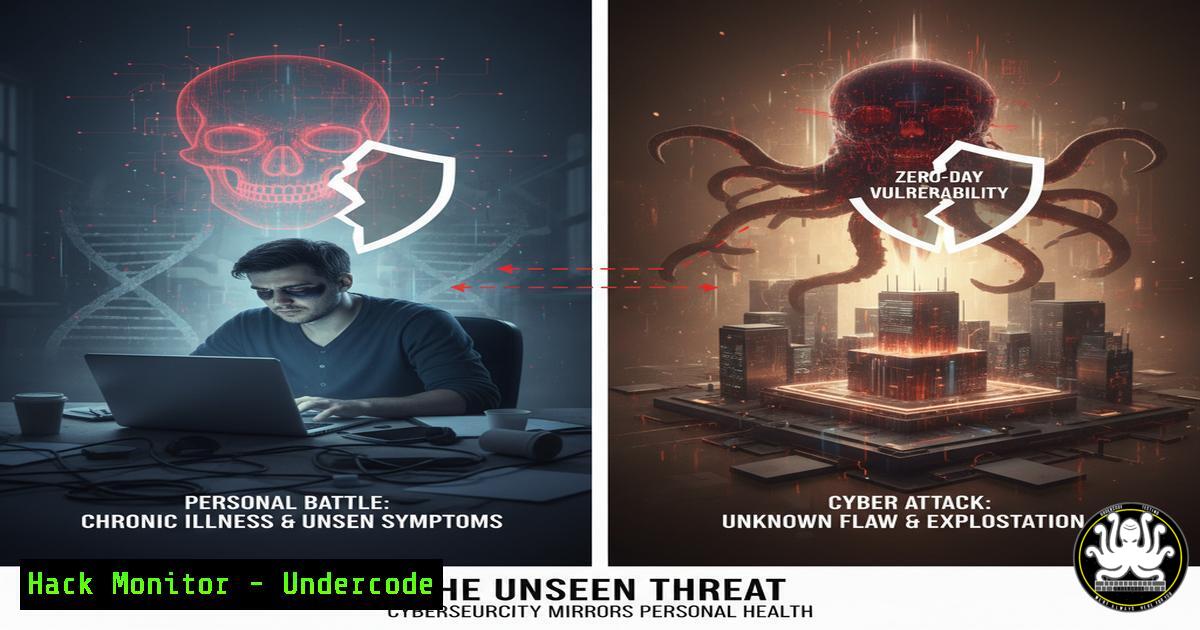
Just as salivary gland cancer is a rare and often overlooked threat until it personally affects someone, zero-day vulnerabilities in your IT infrastructure operate on a similar principle of silent, undetected risk. The journey from diagnosis to mitigation in both medicine and cybersecurity requires awareness, specialized knowledge, and a proactive stance. This article translates the principles of resilience from a personal battle into a technical blueprint for fortifying your digital defenses.
Learning Objectives:
- Identify and inventory assets to establish a baseline of normalcy, the “security awareness” of your systems.
- Implement foundational hardening commands across Windows, Linux, and cloud environments.
- Develop monitoring and incident response procedures to detect and contain anomalies before they become full-scale breaches.
You Should Know:
- Asset Discovery and Inventory: Knowing Your Digital Self
Before you can defend a system, you must know what’s in it. Just as a doctor must understand human anatomy, a security professional must have a complete map of their network.
Verified Command (Linux):
 Use nmap for a silent network sweep to discover live hosts
sudo nmap -sn 192.168.1.0/24
Step-by-step guide:
This command performs a “ping sweep” on the specified network range (192.168.1.0/24). The `-sn` flag tells nmap to skip the port scan phase and only discover which hosts are online. Run this from a central management server. The output lists all active IP addresses, providing the foundational inventory for all subsequent security measures. Unauthorized or unknown hosts appearing in this list represent your first line of investigative defense.
2. System Hardening: The Security Baseline
A hardened system is a resilient system. These commands remove common attack vectors by disabling non-essential services and enforcing strict firewall policies.
Verified Command (Windows – PowerShell):
 Disable the SMBv1 protocol to protect against WannaCry-style attacks
Set-SmbServerConfiguration -EnableSMB1Protocol $false -Force
Step-by-step guide:
SMBv1 is a legacy and insecure file-sharing protocol. Open Windows PowerShell as an Administrator. Executing this command will immediately disable SMBv1, requiring a reboot. Verify the setting with Get-SmbServerConfiguration | Select EnableSMB1Protocol. This single action closes a critical vulnerability exploited by numerous ransomware families.
3. Vulnerability Assessment: Proactive Health Scans
Regular scans are the equivalent of security check-ups, identifying known weaknesses before they can be exploited.
Verified Command (Linux – using OpenVAS):
 Authenticated scan of a specific target to find missing patches and misconfigurations
omp --username <admin_user> --password <password> -X '<create_task><name>Weekly_Scan</name><target><hosts>192.168.1.10</hosts></target></create_task>'
Step-by-step guide:
This command uses the OpenVAS Management Protocol (OMP) to create a new scanning task via the command line. Replace the placeholders with your OpenVAS admin credentials and the target IP. This automates the process of scheduling regular, authenticated vulnerability scans, providing a deep, credentialed view into your system’s security health.
4. Logging and Monitoring: Establishing a Security Sentinel
Awareness is continuous. Proper logging ensures you have a record of all activity, which is crucial for detecting intrusions.
Verified Command (Linux – using journalctl):
 Monitor the system journal in real-time for authentication-related messages
journalctl -f -u ssh
Step-by-step guide:
The `journalctl` command queries the systemd journal. The `-f` flag “follows” the output, showing new log entries in real-time. The `-u ssh` filter limits the output to logs from the SSH service. Running this on a critical server allows you to watch for brute-force attacks or successful logins as they happen, enabling immediate response.
5. Incident Response: Containing a Breach
When a threat is detected, you must be able to isolate it quickly to prevent further damage.
Verified Command (Linux – using iptables):
 Immediately block a malicious IP address at the firewall
sudo iptables -A INPUT -s 203.0.113.45 -j DROP
Step-by-step guide:
This command appends (-A) a rule to the INPUT chain, specifying that any packet from the source (-s) IP `203.0.113.45` should be dropped (-j DROP). This is a first-response action to contain an ongoing attack. To make this change permanent, you must save the iptables rules (e.g., `sudo iptables-save > /etc/iptables/rules.v4` on Debian-based systems).
6. Cloud Security Hardening: Securing the Perimeter
Cloud instances are common targets. Ensuring they are locked down is non-negotiable.
Verified Command (AWS CLI):
 Revoke a publicly accessible security group rule
aws ec2 revoke-security-group-ingress --group-id sg-903004f8 --ip-permissions 'IpProtocol=tcp,FromPort=22,ToPort=22,IpRanges=[{CidrIp=0.0.0.0/0}]'
Step-by-step guide:
This AWS CLI command removes a rule that allowed SSH access (port 22) from any IP address (0.0.0.0/0), a dangerously common misconfiguration. Replace `sg-903004f8` with your actual security group ID. Always restrict access to specific, trusted IP ranges.
7. API Security: Protecting the Data Conduits
Modern applications run on APIs, which are prime targets for attackers.
Verified Code Snippet (Python – Input Validation):
from flask import Flask, request, abort
import re

app = Flask(<strong>name</strong>)

@app.route('/api/user/<user_id>')
def get_user(user_id):
 Validate user_id to prevent injection attacks
if not re.match(r'^[a-zA-Z0-9-_]+$', user_id):
abort(400, description="Invalid user ID format.")
 ... proceed to fetch user data ...
Step-by-step guide:
This simple Flask endpoint uses a regular expression to validate the `user_id` parameter before processing it. This prevents attackers from injecting malicious strings, SQL commands, or path traversal sequences. Implementing strict input validation on every API endpoint is a fundamental practice for mitigating a wide range of web application vulnerabilities.
What Undercode Say:
- Awareness Precedes All Action: The most sophisticated security tool is useless without the initial awareness that a threat exists and that defenses are needed. This foundational step is both human and technical.
- Resilience is Built, Not Born: Security is not a product but a process. It is built through consistent, documented actions—like the commands above—that create layers of defense, compensating for individual weaknesses with systemic strength. The parallel to a personal health battle is stark; in both cases, overcoming the challenge requires a strategy, a toolkit, and the will to apply them consistently, even when no immediate threat is visible. The “scar” of a previous incident, whether personal or digital, should inform a more robust future posture, not be a source of stigma.
Prediction:
The future of cybersecurity will increasingly mirror the paradigm of personalized medicine. Just as cancer treatment is moving towards therapies tailored to an individual’s genetic makeup, cyber defense will shift towards AI-driven security postures that are uniquely adapted to an organization’s specific digital DNA, threat landscape, and behavioral patterns. The “one-size-fits-all” security model will become obsolete, replaced by continuously adaptive systems that learn from every attempted incursion, turning each scar into a smarter, more resilient layer of defense. The human element—the awareness, the strategy, the clarity—will remain the indispensable core around which these automated systems are built.
🎯Let’s Practice For Free:
IT/Security Reporter URL:
Reported By: Heathernoggle Sgcday – Hackers Feeds
Extra Hub: Undercode MoN
Basic Verification: Pass ✅


