Listen to this Post
Introduction:
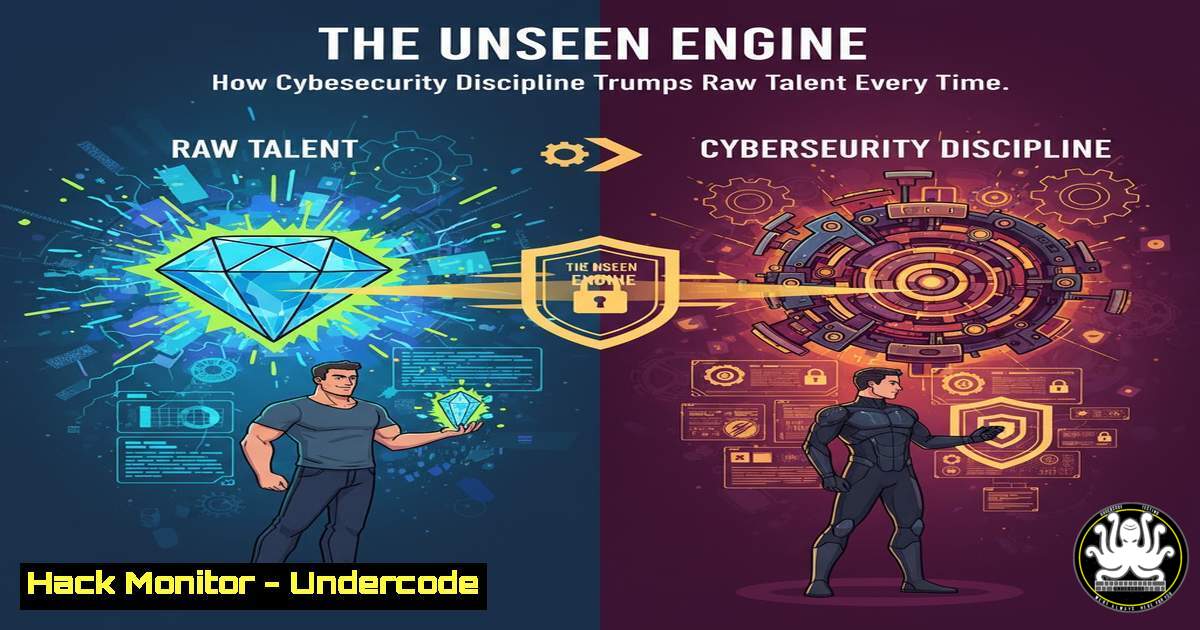
In the high-stakes world of cybersecurity, the myth of the lone genius hacker is pervasive but dangerously misleading. True security resilience is not born from sporadic bursts of brilliance but from the unglamorous, consistent application of disciplined processes and protocols. This article deconstructs the mindset of discipline as the core tenet of a robust security posture, translating abstract principles into actionable technical commands and configurations that form the bedrock of any successful defense strategy.
Learning Objectives:
- Understand and implement foundational command-line controls for Linux and Windows security hardening.
- Configure critical cloud security services and automate compliance checks.
- Develop a methodology for continuous vulnerability assessment and mitigation.
You Should Know:
1. Linux System Hardening Fundamentals
A disciplined security posture begins with locking down the front door. These Linux commands are the first line of defense.
 Check for failed login attempts
sudo grep "Failed password" /var/log/auth.log

List all files with SUID/SGID bits set (potential privilege escalation vectors)
find / -type f ( -perm -4000 -o -perm -2000 ) -exec ls -l {} \; 2>/dev/null

Set strict permissions on the shadow password file
sudo chmod 600 /etc/shadow

Verify and install critical security updates
sudo apt update && sudo apt list --upgradable
sudo apt upgrade -y

Configure the UFW firewall to deny all incoming by default
sudo ufw default deny incoming
sudo ufw enable
Step-by-step guide: Start by auditing failed logins to identify brute-force attempts. Next, hunt for SUID/SGID files, which allow users to run executables with the file owner’s privileges; this is a common post-exploitation technique. Always ensure the `/etc/shadow` file, which contains password hashes, is not world-readable. Automating updates closes known vulnerabilities, and a default-deny firewall policy is a foundational network control.
2. Windows Security Posture Management
Windows environments require an equally disciplined approach to configuration and monitoring.
 Get a list of all running processes
Get-Process | Format-Table Name, Id, CPU

Check the status of the Windows Defender antivirus service
Get-Service -Name WinDefend

Enable Windows Defender Application Guard for isolation (requires compatible hardware)
Enable-WindowsOptionalFeature -Online -FeatureName Windows-Defender-ApplicationGuard

Audit local user accounts
Get-LocalUser | Format-Table Name, Enabled, LastLogon

Check PowerShell execution policy
Get-ExecutionPolicy -List
Step-by-step guide: Regularly enumerating running processes helps identify malicious software. Ensuring core security services like Windows Defender are active is critical. Application Guard provides hardware-based isolation for Microsoft Edge, containing potential browser-based attacks. Auditing local accounts prevents unauthorized access, and a restrictive PowerShell execution policy can block malicious scripts.
3. Cloud Security Configuration & Compliance
Discipline in the cloud means relentlessly enforcing security best practices through automation.
 AWS CLI: Check for public S3 buckets
aws s3api list-buckets --query "Buckets[].Name" --output text | xargs -I {} aws s3api get-bucket-acl --bucket {} --output text

AWS CLI: Ensure MFA is enabled for the root user
aws iam get-account-summary | grep "AccountMFAEnabled"

Azure CLI: List all VMs to assess exposure
az vm list -o table

GCloud CLI: Check if Cloud Storage buckets are publicly accessible
gcloud storage buckets list --format="value(name)" | xargs -I {} gcloud storage buckets describe {} --format="value(acl.entity)" | grep -E "allUsers|allAuthenticatedUsers"
Step-by-step guide: These commands automate critical compliance checks. Public S3 buckets are a leading cause of data breaches. The root AWS account is the most privileged; it must be protected with MFA. Regularly listing VMs in Azure helps manage the attack surface, and checking Google Cloud Storage for public access prevents accidental data exposure.
4. API Security Testing with cURL
APIs are a primary attack vector. Disciplined testing is non-negotiable.
 Test for common API security misconfigurations
curl -H "Authorization: Bearer <token>" https://api.example.com/v1/users

Fuzz an endpoint for SQL Injection
curl -X GET "https://api.example.com/v1/users?id=1' OR '1'='1'--"

Check for insecure HTTP methods (e.g., PUT, DELETE)
curl -X OPTIONS -I http://api.example.com/v1/users

Test for mass assignment vulnerabilities
curl -X POST https://api.example.com/v1/users -H "Content-Type: application/json" -d '{"username":"test","role":"admin"}'
Step-by-step guide: Use cURL to manually probe APIs. Test authentication by sending requests with and without valid tokens. Fuzzing parameters with SQL payloads can reveal injection flaws. The OPTIONS method can disclose enabled HTTP methods, which should be limited. Testing for mass assignment by sending elevated privileges in a POST request can reveal if the backend properly filters user input.
5. Vulnerability Scanning & Analysis
A disciplined team continuously hunts for weaknesses before attackers do.
 Basic Nmap scan for open ports and services
nmap -sV -sC -O <target_IP>

Use Nikto to scan a web server for known vulnerabilities
nikto -h http://<target_IP>

Scan a container image for vulnerabilities using Trivy
trivy image <your_image:tag>

Perform a credentialed Nessus scan (command to launch, typically run from CLI)
nessuscli scan launch --policy "Basic Network Scan" --targets <target_IP_range>
Step-by-step guide: Nmap provides a network-level view of exposed services. Nikto is a specialized web application scanner. Trivy integrates into CI/CD pipelines to scan container images for known CVEs as they are built. Nessus performs deep, credentialed scans that authenticate to systems to find misconfigurations and missing patches.
6. Network Defense & Traffic Analysis
Monitoring and controlling network traffic is a fundamental discipline.
 Capture the first 100 packets to a file for analysis
tcpdump -c 100 -w packet_capture.pcap

Use Wireshark's command-line tool (tshark) to filter for HTTP traffic
tshark -r packet_capture.pcap -Y "http"

Block an IP address using iptables (Linux)
sudo iptables -A INPUT -s <malicious_IP> -j DROP

Check established network connections on Windows
netstat -an | findstr ESTABLISHED
Step-by-step guide: Tcpdump is the first tool to reach for when analyzing suspicious network activity. Save a packet capture and analyze it with tshark or the Wireshark GUI. Iptables rules can be used to dynamically block malicious IP addresses. On Windows, `netstat` helps identify unexpected established connections that could indicate a compromise.
7. Incident Response & Forensic Triage
When a breach occurs, a disciplined response is critical to containment and recovery.
 Create a cryptographic hash of a suspicious file for integrity/analysis
sha256sum suspicious_file.exe

Create a memory dump of a running system for forensic analysis (using LiME)
insmod lime.ko "path=/tmp/memdump.lime format=lime"

On Windows, use Sysinternals PsList to list detailed process information
PsList -t -x

Timeline file system activity to understand the incident
fls -r -m / /dev/sda1 > timeline.body
Step-by-step guide: Hashing files preserves evidence integrity. Memory analysis can uncover stealthy malware that doesn’t touch the disk. Tools from the Sysinternals suite, like PsList, provide deep visibility into Windows processes. Creating a timeline of file system activity using forensic tools like `fls` (from The Sleuth Kit) helps reconstruct the attacker’s actions.
What Undercode Say:
- Consistency Over Intensity: A single, perfectly configured firewall rule is more valuable than a hundred rules that are inconsistently applied and rarely audited. The cumulative effect of small, daily disciplined actions—like log review and patch application—creates an insurmountable barrier for most attackers.
- Process is the True Control: The most sophisticated security tool is useless without the disciplined process to manage it. The commands and configurations are merely instruments; the real security is the human system that reliably wields them. Automation enforces this discipline, removing the variability of human execution.
The core insight is that the “5% days” are where real security is tested. It’s not the day you feel motivated and build a new SIEM query; it’s the day you’re exhausted but still complete the mandatory log review. This discipline creates a security culture that is resilient to burnout and adaptable to change. The technical commands are the “what,” but the unwavering commitment to their execution is the “how” that separates a vulnerable organization from a resilient one.
Prediction:
The future of cybersecurity will see a decisive stratification between organizations that have institutionalized security discipline and those that rely on reactive, talent-dependent models. As AI-powered attacks become more automated and pervasive, human-led, ad-hoc defense will become obsolete. The organizations that survive and thrive will be those that have successfully encoded their security knowledge into automated, continuously enforced pipelines and protocols, making disciplined security practice the default, non-negotiable state of their entire digital ecosystem. The human role will evolve from manual implementer to overseer of these autonomous security systems.
🎯Let’s Practice For Free:
IT/Security Reporter URL:
Reported By: Zinetkemal Discipline – Hackers Feeds
Extra Hub: Undercode MoN
Basic Verification: Pass ✅


