Listen to this Post
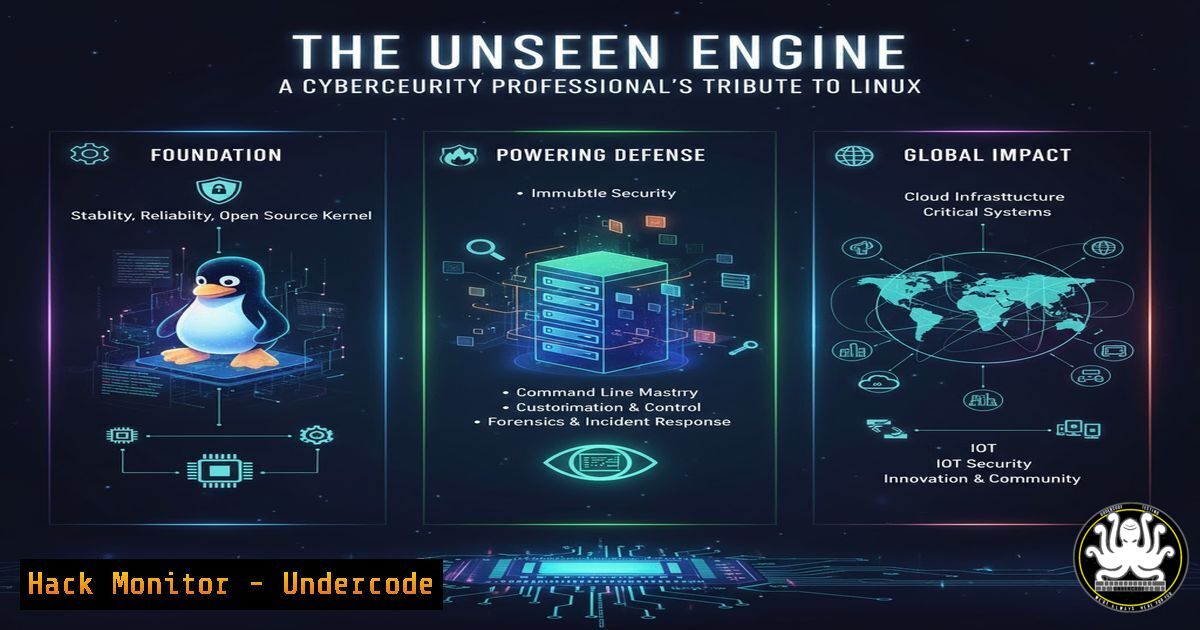
Introduction:
Linux is the silent, ubiquitous powerhouse running the global digital infrastructure, from web servers and cloud platforms to industrial control systems. Its dominance makes proficiency in its command-line interface and security configurations not just a skill, but a fundamental requirement for defending modern enterprises. This article deconstructs the core components of a Linux-powered world from a security perspective, providing the essential commands to navigate, secure, and troubleshoot this critical environment.
Learning Objectives:
- Master fundamental Linux commands for system reconnaissance, file manipulation, and process management.
- Implement critical security hardening techniques for user management, network services, and firewall configurations.
- Develop advanced skills in log analysis, intrusion detection, and automated scripting for security monitoring.
You Should Know:
1. System Reconnaissance and Integrity Checking
Verified Linux command list:
uname -a, hostname, cat /etc/os-release, df -h, free -m, ps aux, ss -tulnpe, `rpm -Va` (Red Hat-based), `dpkg –verify` (Debian-based)
Step-by-step guide explaining what this does and how to use it.
Understanding your system’s baseline is the first step in security. Begin by gathering system information with `uname -a` and `hostname` to identify the kernel version and system name. Check disk and memory usage with `df -h` and `free -m` to ensure no resource exhaustion attacks are underway. The `ps aux` command lists all running processes; look for anomalies. Use `ss -tulnpe` to see all open network ports and the processes listening on them, which is crucial for identifying unauthorized services. Finally, periodically verify the integrity of installed packages against the distribution’s database using `rpm -Va` or `dpkg –verify` to detect potential tampering.
2. Mastering File System Permissions and Security
Verified Linux command list:
ls -l, chmod, chown, chgrp, find / -type f -perm /4000 2>/dev/null, find / -type f -perm /2000 2>/dev/null, setfacl, `getfacl`
Step-by-step guide explaining what this does and how to use it.
Incorrect file permissions are a common attack vector. Use `ls -l` to view permissions, ownership, and group for files. The `chmod` command changes file modes (e.g., `chmod 600 secret.key` removes group/other read access). Use `chown` and `chgrp` to correct file ownership. A critical security task is hunting for SUID/SGID binaries—files that run with elevated privileges. The `find` commands listed will locate all SUID (4000) and SGID (2000) files. Audit these lists and remove the bit from any that don’t absolutely require it using chmod u-s file. For complex permission needs, use `setfacl` and `getfacl` to manage Access Control Lists.
3. User and Access Control Hardening
Verified Linux command list:
cat /etc/passwd, cat /etc/shadow, cat /etc/group, passwd -l <user>, usermod -e YYYY-MM-DD <user>, last, lastb, faillock --user <user> --reset, `pam_tally2 -u
Step-by-step guide explaining what this does and how to use it.
Controlling user access is paramount. Audit user accounts by examining `/etc/passwd` and /etc/shadow; ensure no accounts have a blank password field in the shadow file. Lock compromised or unused accounts with passwd -l. For temporary accounts, set an expiry date with usermod -e. Monitor login activity with `last` (successful logins) and `lastb` (failed logins). To combat brute-force attacks, use the `faillock` command (or `pam_tally2` on older systems) to view and reset failure counters for users, which are managed by the PAM (Pluggable Authentication Modules) subsystem.
4. Network Security and Firewall Fundamentals
Verified Linux command list:
iptables -L -n -v, iptables -A INPUT -s 192.168.1.0/24 -p tcp --dport 22 -j ACCEPT, ufw status, ufw allow from 192.168.1.0/24 to any port 22, `netstat -rn` (or ip route), `cat /etc/hosts.deny`
Step-by-step guide explaining what this does and how to use it.
Isolating your system is key. While `iptables` is the underlying netfilter framework, `ufw` (Uncomplicated Firewall) provides a simpler interface. Check your firewall status with ufw status. A basic rule to only allow SSH from a specific subnet would be ufw allow from 192.168.1.0/24 to any port 22. For more granular control with iptables, the command `iptables -A INPUT -s 192.168.1.0/24 -p tcp –dport 22 -j ACCEPT` accomplishes the same. Always deny all other traffic by default. Additionally, use TCP Wrappers by adding `ALL: ALL` to `/etc/hosts.deny` and explicitly allowing trusted networks in `/etc/hosts.allow` as a secondary layer of defense.
5. Proactive Log Analysis and Intrusion Detection
Verified Linux command list:
journalctl -u ssh.service --since "1 hour ago", grep "Failed password" /var/log/auth.log, tail -f /var/log/syslog, auditctl -w /etc/passwd -p wa -k user_account_change, `aureport –start today –event -i`
Step-by-step guide explaining what this does and how to use it.
Logs are your primary witness to system events. Use `journalctl` to query the systemd journal for specific service logs, like SSH. To quickly find SSH brute-force attempts, grep the auth log for “Failed password”. For real-time monitoring, use tail -f. For advanced auditing, use the Linux Audit Daemon (auditd). The `auditctl` command adds a watch rule to monitor the `/etc/passwd` file for any write or attribute change (-p wa), tagging it with a key for easy searching. Generate reports on these events with `aureport` to track sensitive file modifications.
6. Secure Automation with Bash Scripting
Verified Linux command list:
!/bin/bash, set -euo pipefail, readonly SCRIPT_DIR="$(cd "$(dirname "${BASH_SOURCE[bash]}")" && pwd)", gpg --decrypt secrets.gpg, ssh -i /path/to/private_key user@host, `logger -t “myscript” “Task completed”`
Step-by-step guide explaining what this does and how to use it.
Automation is a force multiplier, but it must be secure. Start every script with the shebang !/bin/bash. The line `set -euo pipefail` is a critical security and robustness measure: it makes the script exit on errors (-e), undefined variables (-u), and pipe failures. Use `readonly` for constants and calculate paths dynamically using `SCRIPT_DIR` to avoid path manipulation attacks. Never store credentials in scripts; instead, use encrypted files (GPG) or SSH keys. Log script actions to syslog using the `logger` command for audit trails.
7. Container and Cloud Security Primer
Verified Linux command list:
docker image ls, docker scan <image_name>, docker run --user 1000:1000 -v /host/path:/container/path:ro alpine, kubectl get pods --all-namespaces, kubectl auth can-i create pod, aws iam list-users, `gcloud iam service-accounts list`
Step-by-step guide explaining what this does and how to use it.
The cloud runs on Linux containers. Start by inventorying your local Docker images with `docker image ls` and scan them for vulnerabilities using docker scan. When running containers, adopt the principle of least privilege: use the `–user` flag to run as a non-root user and mount host volumes as read-only (:ro). In Kubernetes, use `kubectl get pods` to see what’s running and `kubectl auth can-i` to check your permissions. In cloud environments, regularly audit identities using the respective IAM commands (aws iam list-users, gcloud iam service-accounts list) to ensure no stale, over-privileged accounts exist.
What Undercode Say:
- Key Takeaway 1: Linux’s omnipresence is its greatest security strength and weakness. Its open-source nature allows for deep inspection and hardening, but its complexity and default configurations in many distributions create a vast attack surface that requires constant, knowledgeable vigilance.
- Key Takeaway 2: The true power of Linux for security professionals lies not in the GUI, but in the scriptable, auditable, and automatable command-line interface. Mastery of the CLI is what enables rapid response, consistent enforcement of security policy, and deep forensic analysis.
The romanticized view of Linux as a reliable workhorse obscures the intense operational security burden it places on organizations. Its flexibility is a double-edged sword; a misconfigured permission or an unpatched service on a single Linux host can serve as the initial breach point for a catastrophic network-wide compromise. The future of cybersecurity is inextricably linked to securing the Linux stack, from the kernel and containerized applications to the cloud control planes it hosts. The commands outlined are not just tasks; they are the daily rituals of defense in a world built upon this unseen engine.
Prediction:
As critical infrastructure, IoT, and AI development continue to be dominated by Linux-based systems, the attack surface will expand exponentially. We will see a rise in firmware-level and supply-chain attacks targeting the Linux kernel and core libraries. Furthermore, the complexity of container orchestration (Kubernetes) will lead to more sophisticated “container escape” and cluster-level exploits. The professionals who can automate security hardening, continuously monitor compliance against immutable baselines, and respond to incidents within these complex Linux environments will become the most valuable assets in the cybersecurity labor market.
🎯Let’s Practice For Free:
IT/Security Reporter URL:
Reported By: Gershon Avital – Hackers Feeds
Extra Hub: Undercode MoN
Basic Verification: Pass ✅


