Listen to this Post
Introduction:
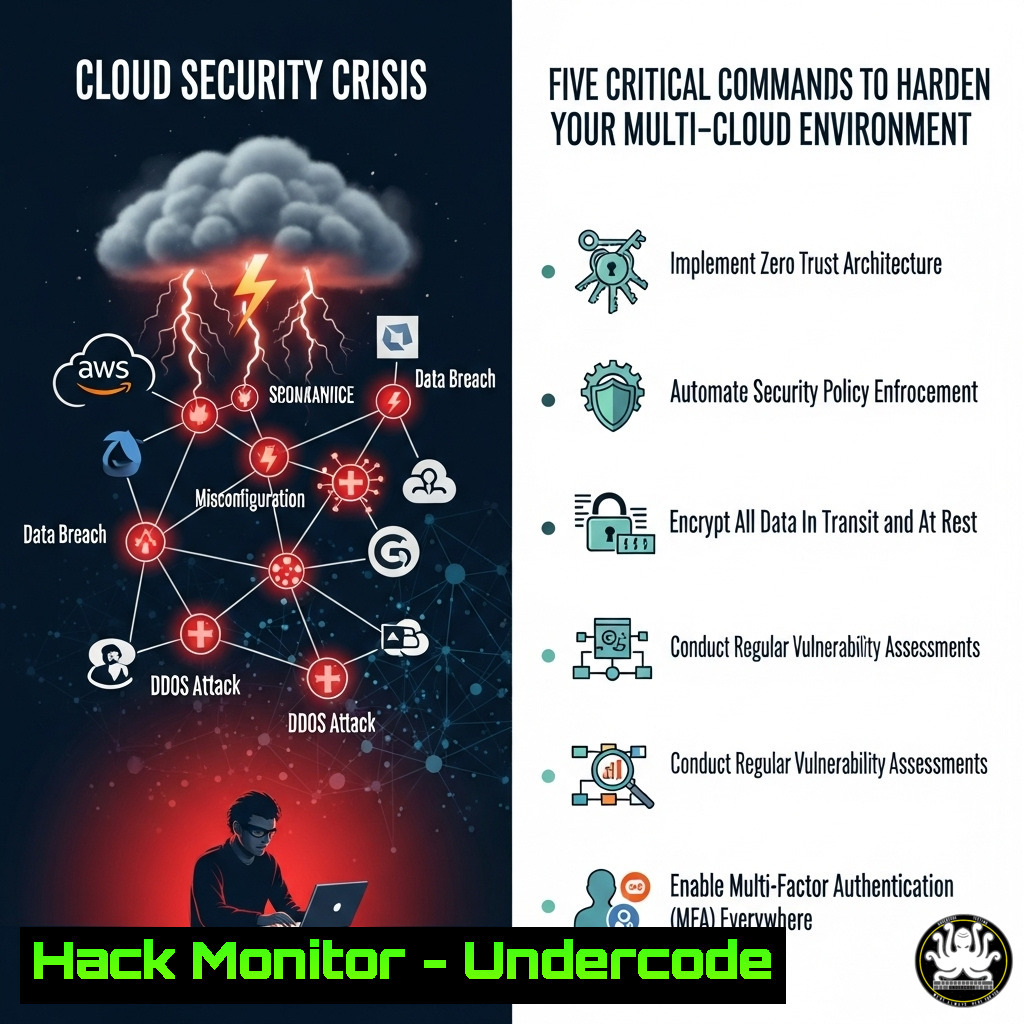
Cloud security is a dynamic and ever-evolving battlefield where misconfigurations are the primary attack vector. As organizations accelerate their multi-cloud adoption, the complexity of managing security postures across AWS, Azure, and GCP has skyrocketed, creating a massive attack surface. This article provides a technical deep dive into essential commands and practices to immediately bolster your cloud defenses.
Learning Objectives:
- Master critical CLI commands for auditing security posture across AWS, Azure, and GCP.
- Implement automated remediation scripts for common high-severity misconfigurations.
- Understand how to leverage CSPM (Cloud Security Posture Management) principles to prioritize risks.
You Should Know:
1. Auditing Publicly Exposed S3 Buckets
A foundational step in cloud security is identifying storage services mistakenly configured for public access.
`aws s3api list-buckets –query “Buckets[].Name”`
`aws s3api get-bucket-policy –bucket `
Step-by-step guide:
First, list all S3 buckets in your AWS account. For each bucket, retrieve its access policy. A policy containing `”Effect”: “Allow”` and `”Principal”: “”` indicates public read access. For critical data, this is a severe misconfiguration. Immediately change the policy using `aws s3api put-bucket-policy` to restrict access to specific IAM roles or IP ranges.
2. Hardening Cloud Storage (GCP)
Google Cloud Storage requires similar vigilance to prevent data leakage.
`gsutil list`
`gsutil iam get gs://`
Step-by-step guide:
List all your GCS buckets. Then, inspect the IAM policy binding for each. The presence of `allUsers` or `allAuthenticatedUsers` as a member with a role like `roles/storage.objectViewer` signifies public access. Revoke this access with `gsutil iam set` to apply a more restrictive policy document.
3. Detecting Open Security Groups in AWS
Overly permissive security groups are a common entry point for attackers.
`aws ec2 describe-security-groups –filters Name=ip-permission.cidr,Values=’0.0.0.0/0′ –query “SecurityGroups[].[GroupId,GroupName]”`
Step-by-step guide:
This command filters and lists all security groups with rules allowing inbound traffic from any IP address (0.0.0.0/0). This is particularly dangerous for rules allowing SSH (port 22) or RDP (port 3389). For any non-critical services, modify these groups to restrict source IPs to specific corporate or VPN ranges using aws ec2 revoke-security-group-ingress.
4. Azure Network Security Group Audit
The Azure CLI provides powerful tools for auditing network security.
`az network nsg list –query “[].name”`
`az network nsg rule list –nsg-name
Step-by-step guide:
After listing all Network Security Groups (NSGs), this command queries for any inbound allow rules with a source prefix of `”` (which translates to 'any'). This is the Azure equivalent of an open security group rule. Remediate by updating the rule with `az network nsg rule update` to specify a required source address prefix.
5. Automating Compliance Checks with AWS Config
Proactive compliance checking is key to maintaining a hardened state.
`aws configservice describe-config-rules –query “ConfigRules[].ConfigRuleName”`
`aws configservice list-discovered-resources –resource-type AWS::S3::Bucket`
Step-by-step guide:
Ensure AWS Config is enabled to track resource configurations and compliance. The first command lists your active config rules. The second lists resources of a specific type that Config is tracking. Create custom Config rules using AWS Lambda to automatically flag resources that deviate from your security baselines, enabling automated remediation workflows.
6. Querying CloudTrail for API Anomalies
Monitoring management API calls is critical for detecting intrusion attempts.
`aws cloudtrail lookup-events –lookup-attributes AttributeKey=EventName,AttributeValue=ConsoleLogin –start-time 2023-11-01T00:00:00Z –end-time 2023-11-01T23:59:59Z –query “Events[].CloudTrailEvent”`
Step-by-step guide:
This command retrieves all console login events for a given day. The JSON output for each event includes key details like userIdentity.arn, sourceIPAddress, and responseElements.ConsoleLogin. Pipe this output to `jq` to filter for failed logins ("responseElements.ConsoleLogin": "Failure") from unfamiliar IPs, which could indicate a brute-force attack.
7. Kubernetes Pod Security Context Enforcement
Misconfigured pods are a primary Kubernetes attack vector.
<
h2 style=”color: yellow;”>kubectl get pods --all-namespaces -o jsonpath='{.items[].spec.containers[?(@.securityContext.runAsUser<1000)].name}'
Step-by-step guide:
This `kubectl` command lists all pods running a container as a root user (UID < 1000), a significant security risk. Best practice is to run containers with a non-root user defined in the Dockerfile (USER 1000) or enforced via the PodSecurityContext (runAsUser: 1000). Use Pod Security Admission policies to enforce this at the namespace level.
What Undercode Say:
- Automation is Non-Negotiable: The scale of cloud environments makes manual security checks utterly futile. Mastery of the CLI and scripting is the baseline skill for modern cloud security.
- Context is King: Finding a misconfiguration is only 10% of the battle. The other 90% is understanding its business impact, which requires correlating data across services, a core tenet of CNAPP platforms.
The meteoric growth of integrated cloud security platforms like Plerion signals a massive industry shift. Companies are no longer satisfied with point solutions that create alert fatigue; they demand integrated platforms that provide prioritized risk, automated remediation, and deep contextual analysis. This evolution, powered by AI teammates like Pleri, is moving the industry from reactive alerting to proactive and automated security management. The future belongs to platforms that can simplify the immense complexity of cloud-native environments.
Prediction:
The convergence of AI and Cloud Security Posture Management (CSPM) will lead to the rise of fully autonomous remediation systems. Within two years, AI-driven security agents will not just flag misconfigurations but will have the contextual awareness and approval to automatically execute safe remediations without human intervention. This will drastically reduce the mean time to resolution (MTTR) for common vulnerabilities from days to seconds, fundamentally changing the cloud security landscape and forcing a re-evaluation of the DevOps-SecOps workflow. However, this will also introduce new attack surfaces targeting the AI models and their decision-making pipelines.
🎯Let’s Practice For Free:
IT/Security Reporter URL:
Reported By: Keith Davison – Hackers Feeds
Extra Hub: Undercode MoN
Basic Verification: Pass ✅


