
Listen to this Post
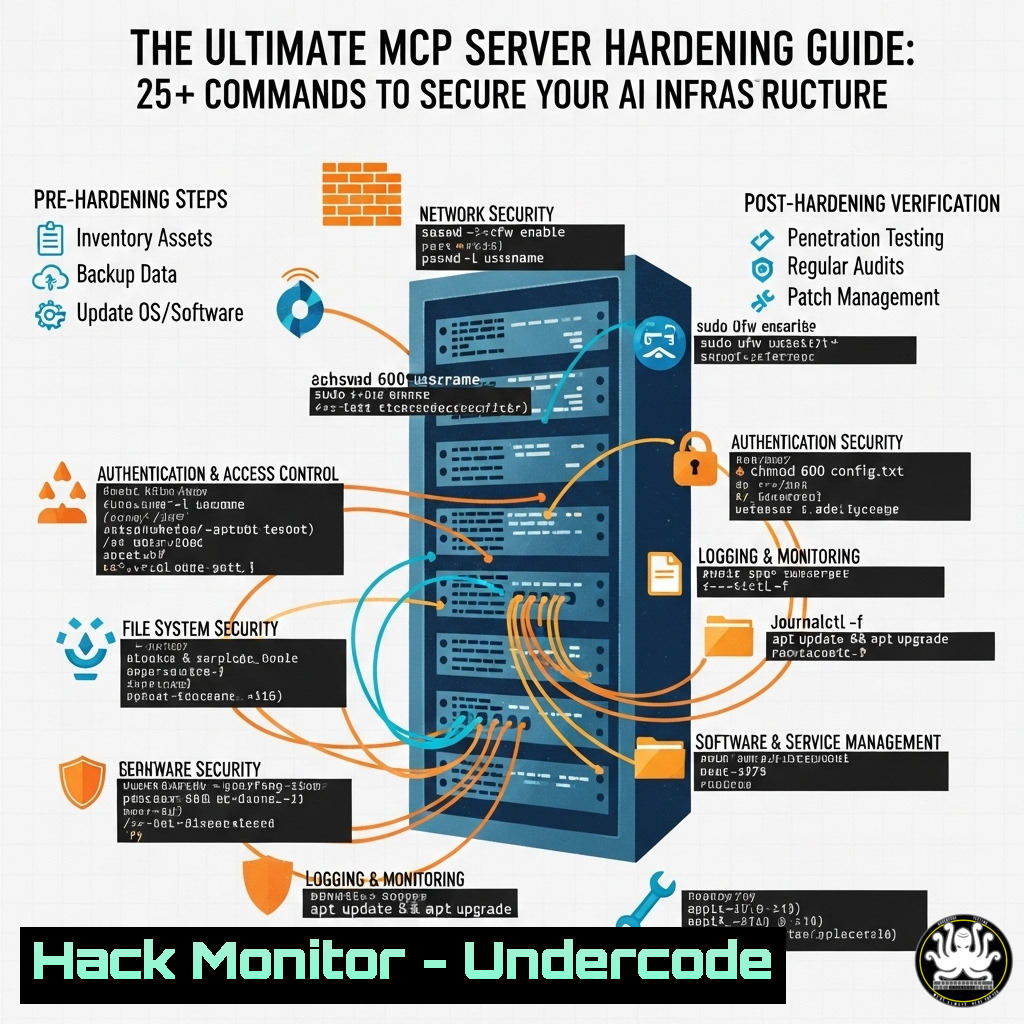
Introduction:
The Model Context Protocol (MCP) enables AI systems to interact with external tools and data sources, creating powerful capabilities alongside significant attack surfaces. Securing these servers in production environments requires a multi-layered approach combining traditional infrastructure hardening with AI-specific security measures.
Learning Objectives:
- Implement authentication and authorization controls for MCP servers
- Harden network configurations and prevent common web vulnerabilities
- Establish monitoring and logging for MCP server activities
You Should Know:
1. Authentication Layer Enforcement
 MCP server with authentication enabled (snippet from config)
"authentication": {
"required": true,
"methods": [
{
"type": "api_key",
"header_name": "X-API-KEY",
"env_var": "MCP_API_KEY"
}
]
}
Step-by-step guide: Enable authentication on your MCP server by modifying the configuration file to require API keys. Generate a strong API key using `openssl rand -hex 32` and set it as an environment variable. Ensure the server validates this key on every connection attempt and reject unauthenticated requests immediately.
2. Network Segmentation and Firewall Rules
 Linux iptables rules for MCP server isolation
iptables -A INPUT -p tcp --dport 8080 -s 10.0.1.0/24 -j ACCEPT
iptables -A INPUT -p tcp --dport 8080 -j DROP
iptables -A OUTPUT -p tcp --dport 443 -d api.example.com -j ACCEPT
iptables -A OUTPUT -p tcp --dport 80 -d updates.mcptools.net -j ACCEPT
iptables -A OUTPUT -p tcp --dport 0:65535 -j DROP
Step-by-step guide: Restrict MCP server network access using firewall rules. Allow incoming connections only from specific subnets (e.g., your application servers) and limit outgoing connections to whitelisted destinations. This prevents unauthorized access and contains potential breaches.
3. Vulnerability Mitigation for Common Web Attacks
 Nginx configuration to prevent SSRF and other attacks
server {
listen 8080;
server_name mcp-internal.example.com;

location / {
deny 169.254.169.254;
deny 10.0.0.0/8;
deny 172.16.0.0/12;
deny 192.168.0.0/16;
proxy_set_header Host $host;
proxy_pass http://localhost:3000;
}
}
Step-by-step guide: Configure reverse proxy rules to block access to internal IP ranges and metadata services. This prevents Server-Side Request Forgery (SSRF) attacks where attackers might try to access internal resources through your MCP server.
4. API Security and Input Validation
 Python example for input validation
import re
from typing import Any

def validate_tool_input(input_data: Any, pattern: str = r'^[a-zA-Z0-9_-.]+$') -> bool:
if not isinstance(input_data, str):
return False
if not re.match(pattern, input_data):
return False
return True

Usage in tool handler
def handle_tool_request(tool_name: str, parameters: dict):
if not validate_tool_input(tool_name):
raise ValueError("Invalid tool name")
for param, value in parameters.items():
if not validate_tool_input(str(value)):
raise ValueError(f"Invalid parameter value: {param}")
Step-by-step guide: Implement strict input validation for all MCP tool parameters. Use allowlisting rather than blocklisting, and validate both tool names and parameter values against strict patterns to prevent injection attacks.
5. Least Privilege Execution Environment
 Dockerfile for minimal MCP server deployment
FROM python:3.11-slim

RUN useradd -m -s /bin/bash mcpuser
WORKDIR /app
COPY requirements.txt .
RUN pip install --no-cache-dir -r requirements.txt
COPY . .
USER mcpuser

EXPOSE 8080
CMD ["python", "-m", "mcp_server"]
Step-by-step guide: Create a minimal Docker image for your MCP server using a non-root user. This reduces the impact of potential compromises by limiting filesystem and system access.
6. Comprehensive Logging and Monitoring
 Linux systemd service with enhanced logging
[bash]
Description=MCP Server
After=network.target

[bash]
Type=simple
User=mcpuser
Group=mcpuser
Environment=MCP_LOG_LEVEL=debug
Environment=LOG_FILE=/var/log/mcp/server.log
ExecStart=/usr/bin/python3 -m mcp_server --log-file ${LOG_FILE} --log-level ${MCP_LOG_LEVEL}
Restart=on-failure

[bash]
WantedBy=multi-user.target
Step-by-step guide: Configure detailed logging for your MCP server, capturing authentication attempts, tool executions, and errors. Use systemd for process management and log rotation to maintain audit trails for security investigations.
7. Regular Security Auditing and Updates
 Automated security scan script
!/bin/bash
 Scan for vulnerabilities in MCP dependencies
trivy image your-mcp-server:latest
 Check for configuration drifts
docker exec mcp-server cat /etc/passwd | grep mcpuser
 Verify network rules
iptables -L -n | grep 8080
 Check authentication logs
tail -100 /var/log/mcp/server.log | grep "authentication"
Step-by-step guide: Create automated scripts to regularly audit your MCP server security posture. Scan for vulnerabilities in dependencies, verify configuration compliance, and review logs for suspicious activities.
What Undercode Say:
- MCP security requires defense in depth with multiple overlapping controls
- Traditional web vulnerabilities remain the primary threat vector
- Authentication and input validation are non-negotiable foundations
- Network segmentation limits potential damage from compromises
- Comprehensive logging enables detection and investigation
The discussion reveals that MCP server security is currently in its early stages, with professionals adapting traditional security practices to this new paradigm. The absence of standardized security frameworks means organizations must implement layered defenses combining authentication, network controls, input validation, and monitoring. The most critical insight is that MCP servers introduce AI-specific attack surfaces while still being vulnerable to classic web security issues, requiring a comprehensive approach that addresses both dimensions.
Prediction:
As MCP adoption grows in production environments, we will see increased targeting of these systems by attackers, leading to standardized security frameworks and specialized security tools. Within 12-18 months, expect regulatory guidance and industry best practices to emerge, with security becoming a core requirement rather than an afterthought in MCP implementations.
🎯Let’s Practice For Free:
IT/Security Reporter URL:
Reported By: Fredrikalexandersson I – Hackers Feeds
Extra Hub: Undercode MoN
Basic Verification: Pass ✅


