
Listen to this Post
Introduction:
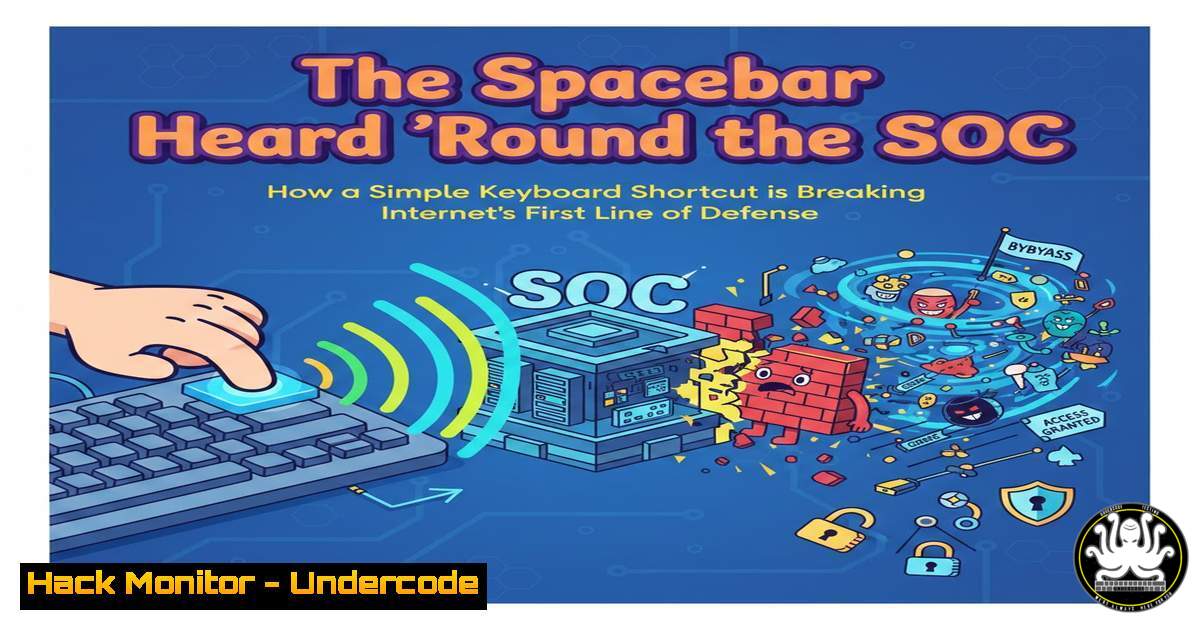
In the endless arms race between user experience and security, the humble CAPTCHA has long stood as a digital bouncer, tasked with distinguishing humans from bots. However, a seemingly innocuous user comment regarding the “I am not a robot” checkbox—specifically, “So I don’t need to click it. Just spacebar”—highlights a critical vulnerability in the perception and implementation of these security measures. This behavior exploits the underlying accessibility and DOM (Document Object Model) event structures of modern browsers, revealing that the barrier between human and automated bypass is often just a thin layer of client-side JavaScript.
Learning Objectives:
- Analyze the client-side mechanics of the reCAPTCHA v2 checkbox and how it responds to different user input events.
- Understand how to simulate human-like interactions (keyboard events) using browser automation frameworks like Selenium and Puppeteer.
- Examine the limitations of “passive” CAPTCHA challenges and the shift toward invisible, behavior-based analysis.
- Explore mitigation techniques using server-side verification and Web Application Firewall (WAF) rules to detect automation.
You Should Know:
- The Anatomy of the Click: Why the Spacebar Works
The “I am not a robot” checkbox is not a simple image; it is a complex iframe loaded by Google. When a user presses the spacebar while the checkbox is focused, the browser generates a `keydown` event. The reCAPTCHA script listens for this specific event on the focused element, treating it as a legitimate human interaction (an accessibility feature). When the spacebar is pressed, the script triggers the same `click` event listener as a mouse click, toggling the checkbox state and initiating the challenge.
To understand this from a developer’s perspective, one can inspect the event listeners attached to the element using browser developer tools:
// In Chrome DevTools Console (F12) on the reCAPTCHA iframe:
// Monitor events on the checkbox element
var checkbox = document.querySelector('.recaptcha-checkbox-border');
monitorEvents(checkbox, ['keydown', 'click', 'mousedown']);
This command reveals that the `keydown` event is handled, allowing the spacebar to act as a functional proxy for a click.
2. Automating the “Human” Interaction (Linux/macOS)
For penetration testers assessing CAPTCHA resilience, this behavior can be leveraged to test if a site relies solely on client-side verification. Using Selenium, we can script the automated pressing of the spacebar to bypass the initial checkbox gate.
Step-by-step guide using Python and Selenium:
First, install the required libraries:
pip install selenium webdriver-manager
Then, execute the following script to target the checkbox via keyboard input:
from selenium import webdriver
from selenium.webdriver.common.by import By
from selenium.webdriver.common.keys import Keys
from selenium.webdriver.support.ui import WebDriverWait
from selenium.webdriver.support import expected_conditions as EC
from webdriver_manager.chrome import ChromeDriverManager
from selenium.webdriver.chrome.service import Service

Setup driver
driver = webdriver.Chrome(service=Service(ChromeDriverManager().install()))
driver.get("https://www.google.com/recaptcha/api2/demo")  Google's demo page

try:
 Wait for the iframe and switch to it
wait = WebDriverWait(driver, 10)
iframe = wait.until(EC.presence_of_element_located((By.CSS_SELECTOR, "iframe[title='recaptcha']")))
driver.switch_to.frame(iframe)

Find the checkbox container and send the SPACE key
checkbox = wait.until(EC.element_to_be_clickable((By.CLASS_NAME, "recaptcha-checkbox-border")))
checkbox.send_keys(Keys.SPACE)  Simulate the spacebar press
print("Spacebar sent to checkbox.")

Switch back and check for success (usually triggers an image challenge)
driver.switch_to.default_content()
print("Bypass attempted. Check for subsequent challenges.")

except Exception as e:
print(f"Error: {e}")
finally:
 Keep browser open for observation, then close manually or add sleep/driver.quit()
input("Press Enter to close...")
driver.quit()
What this does: It locates the reCAPTCHA iframe, focuses the checkbox, and sends a spacebar key event, mimicking the user behavior mentioned in the original post.
3. Analyzing the Challenge: Windows Automation with PowerShell
On a Windows environment, security analysts can simulate user input to test form endpoints without a browser, though CAPTCHAs usually require a browser environment. For testing the preceding form fields, PowerShell can be used for basic keystroke injection, but for the CAPTCHA itself, tools like Playwright are superior.
Using Playwright (Cross-Platform) for deeper inspection:
// Save as cap.js and run with: npx playwright test cap.js
const { chromium } = require('playwright');

(async () => {
const browser = await chromium.launch({ headless: false }); // Watch the magic
const page = await browser.newPage();
await page.goto('https://www.google.com/recaptcha/api2/demo');

// Locate the iframe
const frameElement = await page.frameLocator('iframe[title="recaptcha"]');

// Press space on the checkbox
await frameElement.locator('.recaptcha-checkbox-border').press('Space');

console.log('Space pressed. Observing response...');
await page.waitForTimeout(5000); // Wait to see if image challenge appears
await browser.close();
})();
This script demonstrates that a bot can programmatically trigger the “human” event, proving that the initial checkbox offers negligible protection against a determined attacker.
- The Hidden Trap: The “Badge” and the Token
What many users don’t see is that pressing spacebar (or clicking) doesn’t just toggle a box; it triggers a background request to Google’s servers. The reCAPTCHA script generates a `g-recaptcha-response` token. This token is a encrypted string proving the user passed the challenge. If a site only checks for the presence of this token (and not its validity or source), it is vulnerable to replay attacks.
Linux command to inspect the token (using cURL to a test endpoint):
Assuming you have the token from the browser’s network tab:
 Hypothetical verification request
curl -X POST https://example.com/verify_captcha \
-H "Content-Type: application/json" \
-d '{"token": "YOUR_EXTRACTED_TOKEN_HERE"}'

A proper server-side check should look like this (conceptual PHP/Node)
 file_get_contents('https://www.google.com/recaptcha/api/siteverify?secret=YOUR_SECRET&response=' . $token);
Security Insight: The checkbox is a “proof of work” for the browser. The real security lies server-side, where the site secret must verify the token with Google. If developers skip this step, the spacebar trick is irrelevant because any submission (even without interaction) would be accepted.
5. Mitigation: Detecting Automated Spacebar Presses
While you cannot stop a user from using accessibility features, you can detect anomalies in behavior. A human pressing the spacebar has a variable dwell time (how long the key is held). A bot usually sends a uniform, instantaneous press. Advanced bot mitigation uses AI to analyze these behavioral biometrics.
WAF Rule Example (using ModSecurity conceptual syntax):
 Detect rapid successive submissions that might indicate automation
SecRule RESPONSE_TIME "@gt 0" "chain,id:1001,phase:5,t:none,block,msg:'Potential Bot Activity'"
SecRule REQUEST_HEADERS:User-Agent "!@pm Googlebot" "chain"
SecRule ARGS:g-recaptcha-response "!@rx ^[A-Za-z0-9_-]+$"
This rule attempts to block submissions that have malformed tokens or suspicious timing, though it is a cat-and-mouse game.
What Undercode Say:
- User Experience vs. Security: The spacebar shortcut is a necessary accessibility feature, but it highlights the fragility of client-side-only checks. Security controls must never rely solely on the client to determine humanity.
- The Arms Race is Lost: The simple checkbox CAPTCHA is effectively dead for high-value targets. Attackers have moved to solving farms and AI-powered image recognition. The spacebar trick is just a reminder of the low-hanging fruit.
- Defense in Depth: Relying on a third-party script like reCAPTCHA is not a “set it and forget it” solution. Organizations must implement server-side verification, monitor for token reuse, and layer behavioral analytics to detect session anomalies.
Prediction:
We are witnessing the final death rattle of the interactive CAPTCHA. As Large Language Models (LLMs) and Computer Vision AI become sophisticated enough to solve image and audio challenges with higher accuracy than humans, the security industry will fully pivot to “invisible” mechanisms. Future authentication will rely on passive signals—mouse movement entropy, typing cadence, WebGL fingerprinting, and network-level telemetry—analyzed in real-time by AI. The spacebar will no longer be a “bypass,” but just another data point in a probabilistic score that determines if you are a human or a bot, making the checkbox itself a relic of the past.
▶️ Related Video (70% Match):
🎯Let’s Practice For Free:
IT/Security Reporter URL:
Reported By: Jmetayer Vendredicpermis – Hackers Feeds
Extra Hub: Undercode MoN
Basic Verification: Pass ✅


