
Listen to this Post
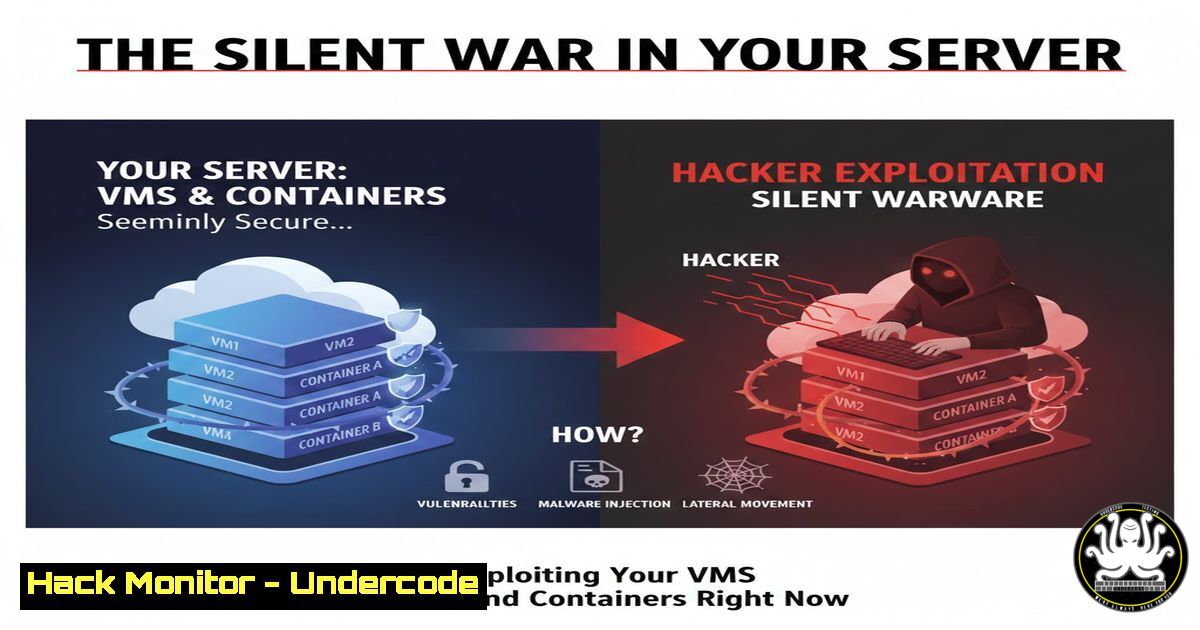
Introduction:
In the race for agility and scalability, Virtual Machines (VMs) and Docker containers have become the bedrock of modern IT infrastructure. However, this shift has opened a new, complex front in cybersecurity. The very technologies that drive innovation—with their shared kernels, orchestration layers, and automated deployments—are now prime targets for attackers seeking to compromise entire environments through a single, overlooked vulnerability.
Learning Objectives:
- Understand the fundamental security differences and shared risks between VMs and containerized environments.
- Learn the primary attack vectors hackers use to exploit virtualized and containerized infrastructure.
- Implement practical, actionable hardening steps for both VMs and containers across Linux and Windows systems.
You Should Know:
1. The Architecture Divide: Isolation vs. Efficiency
The core security difference lies in the isolation model. A VM provides hardware-level isolation via a hypervisor, making a compromise largely contained to that instance. Containers, however, share the host OS kernel, meaning a kernel exploit from one container can jeopardize all containers on the host.
Step-by-step guide explaining what this does and how to use it:
For VMs (using KVM/QEMU on Linux): Verify isolation by checking process separation.
 List running VMs
sudo virsh list
 Check the QEMU process for a specific VM. Note its isolated PID.
ps aux | grep qemu-system | grep <vm-name>
 The VM's processes run under this isolated hypervisor process, not directly on the host.
For Containers: Understand the shared kernel.
 Run a container
docker run -d --name test-container nginx:alpine
 On the host, check processes. The container's Nginx runs as a host process (but in a namespace).
ps aux | grep nginx
 This demonstrates kernel sharing. A privilege escalation in the container can affect the host.
- Assault Vector 1: Compromising Weak Credentials and Access
Default or weak credentials for management interfaces (VMware ESXi, vCenter, Docker daemon, Kubernetes API) are a top entry point. Attackers use brute-force and credential-stuffing attacks.
Step-by-step guide explaining what this does and how to use it:
Hardening SSH Access for Linux Hosts (VM Host/Container Host):
 1. Disable root login via SSH. Edit /etc/ssh/sshd_config:
PermitRootLogin no
 2. Use key-based authentication only:
PasswordAuthentication no
 3. Restrict user access:
AllowUsers your_admin_user
 4. Restart SSH service:
sudo systemctl restart sshd
Securing the Docker Daemon (Linux):
 1. Create a docker group (if not exists) and add your user.
sudo groupadd docker
sudo usermod -aG docker $USER
 2. Ensure the daemon uses TLS authentication for remote access (not just TCP socket).
 This involves generating CA and server/client keys. Default local socket is safe if not exposed.
 3. NEVER run `docker -H tcp://0.0.0.0:2375 ...` without TLS on a production host.
- Assault Vector 2: Exploiting Unpatched Systems and Images
Outdated hypervisors, host OSes, and container images are treasure troves of known CVEs. Automated scanners constantly probe for these weaknesses.
Step-by-step guide explaining what this does and how to use it:
Automated Patching for Linux Hosts:
 For apt-based systems (Ubuntu/Debian):
sudo apt update && sudo apt upgrade -y
 Enable automatic security updates:
sudo apt install unattended-upgrades
sudo dpkg-reconfigure --priority=low unattended-upgrades

For yum-based systems (RHEL/CentOS):
sudo yum update -y
 Enable and configure the dnf-automatic service for auto-updates.
sudo dnf install dnf-automatic
sudo systemctl enable --now dnf-automatic.timer
Scanning Docker Images for Vulnerabilities:
 Use Trivy, a simple, comprehensive scanner.
 Install Trivy (example for Linux):
sudo apt-get install wget apt-transport-https gnupg lsb-release
wget -qO - https://aquasecurity.github.io/trivy-repo/deb/public.key | sudo apt-key add -
echo deb https://aquasecurity.github.io/trivy-repo/deb $(lsb_release -sc) main | sudo tee -a /etc/apt/sources.list.d/trivy.list
sudo apt-get update
sudo apt-get install trivy

Scan an image:
trivy image <your-image:tag>
 Integrate this into your CI/CD pipeline to block vulnerable images.
- Assault Vector 3: Leveraging Misconfigurations & Excessive Privileges
Overly permissive configurations are the silent killer. This includes containers running as root, host network/path mounts, and privileged capabilities.
Step-by-step guide explaining what this does and how to use it:
Running a Secure Docker Container:
 BAD PRACTICE: Container with excessive privileges
docker run --privileged --network host -v /:/hostfs myapp

GOOD PRACTICE: Least privilege container
docker run \
--user 1001:1001 \  Run as non-root user
--cap-drop ALL \  Drop all capabilities
--read-only \  Use a read-only root filesystem
--tmpfs /tmp \  Provide writeable /tmp if needed
-p 8080:80 \  Explicit port mapping, not host network
myapp
Implementing Network Segmentation for VMs (Using firewalld on Linux Host):
 Create a zone for your VMs (e.g., 'trusted-vms')
sudo firewall-cmd --permanent --new-zone=trusted-vms
 Allow only necessary traffic (e.g., SSH from management subnet)
sudo firewall-cmd --permanent --zone=trusted-vms --add-source=10.0.1.0/24
sudo firewall-cmd --permanent --zone=trusted-vms --add-service=ssh
 Default deny all other traffic
sudo firewall-cmd --permanent --zone=trusted-vms --set-target=DROP
 Assign the VM's bridge interface (e.g., virbr1) to this zone
sudo firewall-cmd --permanent --zone=trusted-vms --add-interface=virbr1
sudo firewall-cmd --reload
- Assault Vector 4: Targeting Insecure APIs and Orchestration Layers
The Kubernetes API server, cloud metadata APIs (like AWS EC2 Instance Metadata Service), and management APIs are high-value targets for credential theft and lateral movement.
Step-by-step guide explaining what this does and how to use it:
Hardening Kubernetes API Server Access:
 Use kubectl to check if default ServiceAccounts are overly permissive.
kubectl get serviceaccounts --all-namespaces
kubectl get roles,rolebindings,clusterroles,clusterrolebindings --all-namespaces -o yaml | grep -A5 -B5 "system:serviceaccount"

Mitigation: Ensure ServiceAccounts have least-privilege roles and avoid wildcard permissions.
 Use Network Policies to restrict pod-to-pod communication, limiting lateral movement.
Protecting Against Cloud Metadata Service Attacks (AWS EC2 Example):
Attackers can access the Instance Metadata Service from within a compromised container/VM to steal IAM roles.
 Test the vulnerability from inside a container (simulating an attacker):
curl http://169.254.169.254/latest/meta-data/
curl http://169.254.169.254/latest/meta-data/iam/security-credentials/

Mitigation for Docker: Block container access to the host's network namespace for metadata.
docker run --network none myapp  If no external network needed
 Or, use iptables on the host to block the metadata IP from container networks:
sudo iptables -A FORWARD -d 169.254.169.254 -j DROP
What Undercode Say:
- The Shared Kernel is Your Single Greatest Point of Failure. Container security is ultimately host kernel security. An uncompromising focus on host hardening, minimal base images, and runtime security tools (like Falco) is non-negotiable.
- Automation is a Double-Edged Sword. While CI/CD enables rapid deployment, it also automates the propagation of misconfigurations and vulnerable images. Security checks must be automated, immutable, and placed left of the deploy button.
The post correctly frames governance and discipline as the ultimate controls. The most sophisticated technical controls fail without a culture of security. The future of these attacks lies in automation—attackers will use the same orchestration tools (Terraform, Ansible) to deploy their malware at scale, turning our efficiency against us. The defense must be equally automated, continuous, and baked into the development lifecycle itself.
Prediction:
The next wave of major breaches will not originate from a single server compromise but from the automated takeover of entire containerized environments through poisoned pipelines or compromised orchestration tools. As service mesh and serverless architectures built on containers mature, attackers will shift focus to the control plane, aiming to manipulate traffic routing and function execution at scale. The line between infrastructure security and application security will vanish entirely, forcing a convergence of DevOps, SecOps, and GRC roles into a unified defense front.
▶️ Related Video (76% Match):
🎯Let’s Practice For Free:
IT/Security Reporter URL:
Reported By: Sujitkumar Itmanager – Hackers Feeds
Extra Hub: Undercode MoN
Basic Verification: Pass ✅


