
Listen to this Post
Introduction:
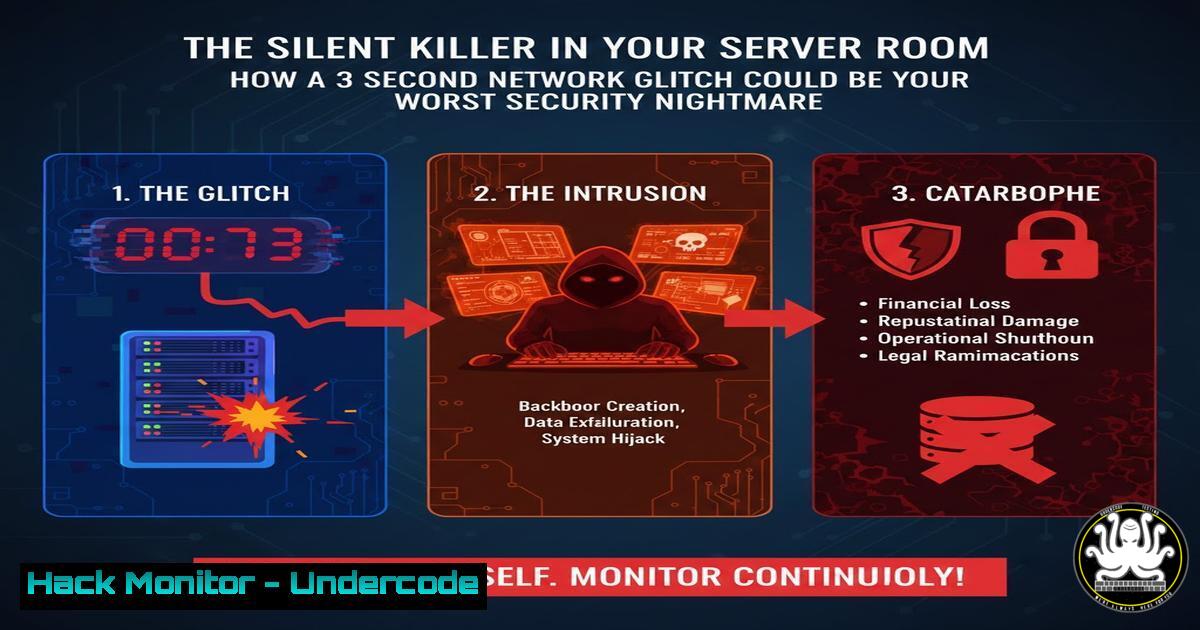
A seemingly innocuous, intermittent SSH freeze on a remote machine was traced back to a faulty Network Interface Card (NIC) auto-negotiating with a switch. While TCP resilience prevented a full disconnect, this “weird thing” highlights a critical axiom in cybersecurity: transient performance anomalies are often the earliest, faintest signal of underlying hardware failure or active compromise. In an era where sophisticated attackers leverage low-and-slow techniques, dismissing such glitches can leave you blind to data exfiltration, command-and-control traffic, or a prelude to a major system failure.
Learning Objectives:
- Learn to systematically diagnose intermittent network issues from the application layer down to the physical layer.
- Understand how to harden network interface configurations to prevent instability that can mask malicious activity.
- Develop a security-oriented response playbook for operational anomalies, treating them as potential incidents.
You Should Know:
- Systematic Monitoring and Baselining: The First Line of Defense
The initial symptom was a sporadic shell freeze. Proactive monitoring is crucial to catch these events before they become crises. You must establish a performance baseline to identify deviations.
Step‑by‑step guide:
Linux (using `ping`, `mtr`, and `sar`):
 1. Continuous ping logging to identify packet loss patterns.
ping -D -i 5 <target_host> | tee -a /var/log/ping_monitor.log

<ol>
<li>Use MTR (Matt's Traceroute) for a combination of ping and traceroute.
mtr --report --report-cycles 100 <target_host> > /var/log/mtr_report.log</p></li>
<li><p>Use System Activity Reporter (sar) to log network interface metrics.
Install sysstat: `sudo apt install sysstat` / `sudo yum install sysstat`
 Enable collection: Edit /etc/default/sysstat, set ENABLED="true"
View network stats: `sar -n DEV 1 3`
Windows (using PowerShell):
 1. Continuous ping test with timestamp.
1..288 | ForEach-Object { $time = Get-Date -Format "yyyy-MM-dd HH:mm:ss"; "$time - $(Test-Connection -ComputerName <target_host> -Count 1 -Quiet)" | Out-File -FilePath C:\Logs\ping_log.txt -Append; Start-Sleep -Seconds 10 }

<ol>
<li>Query network interface performance counters.
Get-Counter "\Network Interface()\Bytes Total/sec" -Continuous -SampleInterval 5
Regular review of these logs creates a baseline. Sudden increases in latency (ping), packet loss at a specific hop (mtr), or drops in throughput (sar/Get-Counter) are investigation triggers.
2. Diagnostic Triage: Isolating the Layer of Failure
As described in the thread, diagnosis involved eliminating higher layers first. Follow a structured OSI model approach.
Step‑by‑step guide:
- Application/Layer 7: Check application logs (
/var/log/securefor SSH, `journalctl -u sshd` on Linux, Event Viewer on Windows). Look for authentication failures or unexpected disconnections. - Transport/Layer 4: Use `netstat` or `ss` to check connection state. A stuck connection in `ESTABLISHED` despite a freeze is a clue.
ss -tpn | grep <ssh_port>
- Network/Layer 3: Check the ARP table and routing. A fluctuating ARP entry for the default gateway can indicate a local link problem.
arp -a
ip route show
- Data Link/Layer 2: This is where the fault was found. Check NIC interface statistics for errors.
Linux
ethtool -S eth0 | grep -E "error|drop|fail"
ip -s link show eth0

Windows (PowerShell)
Get-NetAdapterStatistics -Name "Ethernet" | Select-Object Name, ReceivedErrors, SentErrors
- Physical/Layer 1: Finally, as the user did, check the link status light. Use `ethtool` (Linux) or device manager (Windows) to view negotiated link speed and duplex.
3. Hardening Network Interface Configuration
Auto-negotiation is convenient but can be a source of instability. For critical servers, a manual, fixed configuration is often recommended to prevent intermittent re-negotiation that can be exploited or cause downtime.
Step‑by‑step guide (Linux):
 1. View current settings.
ethtool eth0

<ol>
<li>Install if needed (ethtool package).</li>
<li>Disable auto-negotiation and set speed/duplex manually (CAUTION: Must match switch port config).
sudo ethtool -s eth0 autoneg off speed 1000 duplex full</p></li>
<li><p>To make changes persistent across reboots on systems using netplan (Ubuntu 18.04+):
Edit /etc/netplan/.yaml and add:
ethernets:
eth0:
link-local: []
optional: true
addresses: [...]
routes: [...]
nameservers: {...}
PERSISTENT ETHTOOL CONFIG
ethtool:
features:
gso: false
ring-buffer:
rx: 4096
tx: 4096
link:
autonegotiate: false
duplex: full
speed: 1000</p></li>
<li><p>Apply: sudo netplan apply
Windows: Configure via Device Manager > Network Adapters > Properties > Advanced tab. Set “Speed & Duplex” to a fixed value matching your switch.
4. Firewall and Security Implications
While one commenter correctly noted stateful firewalls should handle TCP retransmits, persistent link flapping can cause issues. More critically, an unstable link can be used to mask malicious traffic. Attackers might time data exfiltration during a flap, hoping the noise is dismissed as a known hardware issue.
Step‑by‑step guide:
Inspect Firewall/IDS Logs for Correlation: Query your perimeter firewall (e.g., pfSense, Palo Alto) or IDS (e.g., Suricata) logs for events timestamped around the network glitches.
 Example searching Suricata eve.json log
grep "2023-11-.T.:$(echo $glitch_time)" /var/log/suricata/eve.json | jq '.alert.signature'
Correlate with NetFlow/SIEM: If you have NetFlow data or a SIEM, create a correlation rule: (Network Interface Errors > Threshold) AND (Outbound Connection Volume > Baseline).
5. Building an Anomaly Response Playbook
The post’s core lesson: “Weird things aren’t always performance issues, sometimes they’re an indication of an underlying security issue.” Formalize the response.
Step‑by‑step guide:
- Document: Immediately document the exact time, duration, and symptom of the anomaly.
- Contain: If on a critical system, consider isolating it temporarily from sensitive network segments while diagnosing.
- Investigate: Follow the layered diagnostic process outlined in Section 2.
- Forensic Snapshot: Before making changes, capture volatile data.
sudo netstat -anp > /var/forensics/network_connections_$(date +%s).log
sudo lsof -i > /var/forensics/open_ports_$(date +%s).log
sudo ip addr show > /var/forensics/interface_config_$(date +%s).log
- Remediate & Report: Fix the issue (replace hardware, adjust configuration) and file a security incident report, even if the root cause was benign. This builds institutional knowledge.
What Undercode Say:
- Key Takeaway 1: There is no such thing as a “benign” anomaly in a secured environment. All operational weirdness must be investigated through a dual lens of performance and security, as both roots can have severe consequences.
- Key Takeaway 2: Security hardening extends to physical and data-link layers. Inconsistent NIC behavior is not just a support ticket; it’s a potential vulnerability that can degrade monitoring efficacy and provide cover for adversarial action.
The analysis underscores a shift-left mentality for infrastructure security. The boundary between ops and secops is artificial; the engineer who notices a shell freeze must be empowered to think like an attacker. This incident was a hardware fault, but the same symptom could be caused by a NIC driver exploit, a malicious rootkit throttling connectivity for cover, or a power-saving feature being weaponized. Treating infrastructure stability as a security control is no longer optional—it’s fundamental to defense-in-depth.
Prediction:
In the next 3-5 years, we will see the widespread integration of AI-driven performance baselining directly into Security Orchestration, Automation, and Response (SOAR) platforms. Anomalies like micro-outages, CRC error spikes, or TCP retransmission surges will automatically generate low-fidelity security alerts, triggering automated diagnostics and initial containment workflows. Hardware Health Monitoring will become a standard feed in Security Information and Event Management (SIEM) systems. Furthermore, supply chain attacks targeting network device firmware will make automated validation of NIC and switch behavior a critical control in zero-trust architectures, moving the threat horizon from the software stack down to the silent, physical chips on the board.
▶️ Related Video (72% Match):
🎯Let’s Practice For Free:
IT/Security Reporter URL:
Reported By: Gwlongsine Last – Hackers Feeds
Extra Hub: Undercode MoN
Basic Verification: Pass ✅


