
Listen to this Post
Introduction:
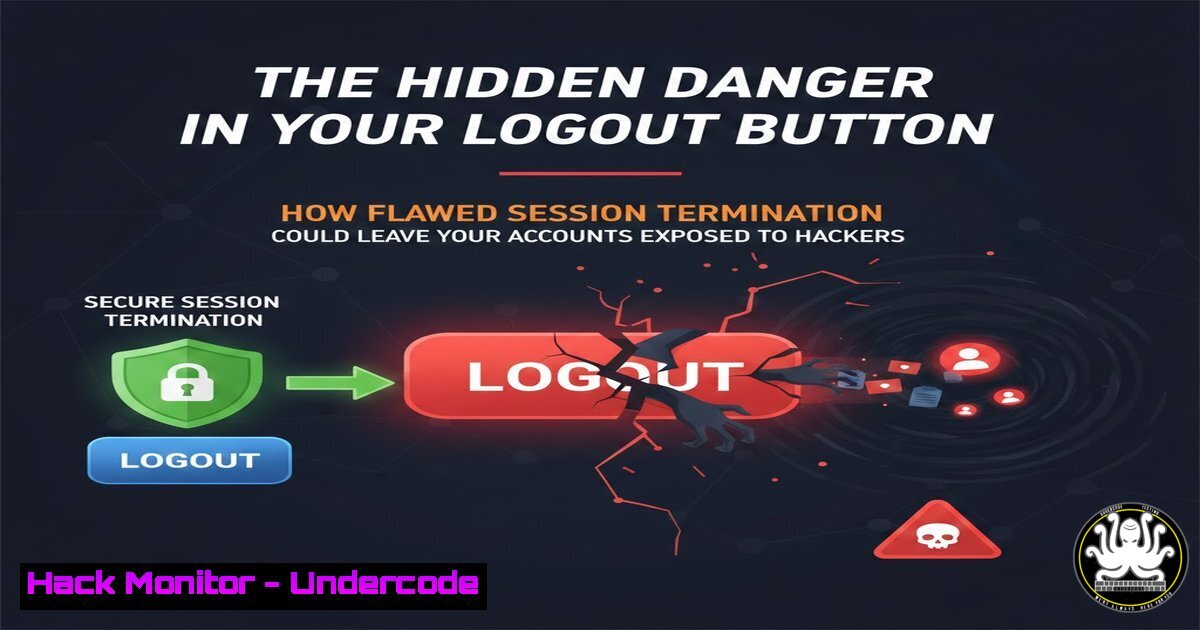
A recent incident involving Google’s account security settings reveals a critical, often overlooked vulnerability in authentication systems: unreliable session termination. When a user attempts to secure a potentially compromised account by logging out of all devices, server errors can prevent complete sign-out, leaving active sessions open to attackers. This flaw transforms a fundamental security feature into a point of failure, highlighting systemic issues in session management and error handling that extend far beyond a single platform.
Learning Objectives:
- Understand the security risks of persistent sessions and unreliable logout mechanisms.
- Learn to verify active sessions and force logouts across major platforms and custom applications.
- Implement robust session management and monitoring to detect and prevent unauthorized access.
You Should Know:
- The Myth of the “Secure Logout” and Session Persistence
The core principle is that changing a password should not automatically invalidate existing sessions. This is by design for user convenience, preventing immediate lockout from other legitimate devices. However, this creates a window of vulnerability where stolen session tokens remain valid until they expire or are explicitly revoked. The security challenge is ensuring the revocation mechanism—the “log out of all devices” function—works flawlessly every time.
Step-by-step guide:
Concept: Authentication relies on tokens (like cookies or OAuth tokens). A password change generates a new token key but doesn’t delete the old tokens already issued to devices.
Risk: An attacker with a active session token maintains access until that session is terminated on the server-side.
Action: Always use the explicit “Log out of all other sessions” feature after a password reset. Do not assume a password change alone secures the account.
2. Testing for Session Termination Vulnerabilities
The reported “400 Malformed Request” error after sequential logouts suggests poor server-side state handling or rate-limiting on revocation requests. This is a testable security flaw.
Step-by-step guide:
Manual Test: Attempt to revoke 10+ sessions in rapid succession. Note any errors, timeouts, or partial successes.
Automated Test with cURL: Simulate multiple revocation requests to test an API’s robustness.
 Example concept for a batch session revocation test
for i in {1..15}; do
curl -X POST "https://api.example.com/v1/sessions/revoke-all" \
-H "Authorization: Bearer $USER_TOKEN" \
-H "Content-Type: application/json"
echo "Attempt $i completed."
sleep 1
done
Observation: Monitor if the server correctly invalidates all sessions or if it fails after a certain number, leaving some active.
- How to Audit and Force Logout of Active Sessions
Proactively manage sessions across platforms.
Step-by-step guide:
Google Account:
1. Navigate to `myaccount.google.com/security`.
2. Under “Your devices,” click “Manage all devices.”
- Review devices and locations. Click any suspicious device and select “Sign out.”
Microsoft/Windows:
1. For Microsoft accounts, visit `account.microsoft.com/security`.
- Review “Recent activity” and “Sign out” of unfamiliar sessions.
- On Windows Command Line (to check local sessions):
query session
This lists active local and RDP sessions on that specific machine.
Linux Systems (SSH Sessions):
 View all active login sessions
who -a
 View processes by user (helps identify unauthorized access)
ps -u <username>
 Terminate a specific user's SSH session (by killing their process)
sudo pkill -KILL -u <username>
4. Implementing Secure Session Management in Your Applications
Developers must build systems where logout is absolute and reliable.
Step-by-step guide:
Backend Logic: Maintain a server-side blacklist of invalidated tokens (using a fast store like Redis) until their natural expiry time.
Critical Code Practice: When a user initiates “Log out everywhere,” add all their current session tokens to the blacklist, not just the one making the request.
Example Secure Invalidation Middleware (Node.js/Express concept):
const sessionBlacklist = require('./redisClient'); // Your Redis client

async function verifyToken(req, res, next) {
const token = req.headers.authorization?.split(' ')[bash];
if (!token) return res.sendStatus(401);

// Check if token is blacklisted BEFORE validating
const isBlacklisted = await sessionBlacklist.get(<code>bl_${token}</code>);
if (isBlacklisted) {
return res.status(401).json({ message: "Session terminated." });
}

// ... proceed to validate token JWT signature, etc.
next();
}

// Route to log out of all sessions
app.post('/api/auth/logout-all', async (req, res) => {
const userId = req.user.id;
const userSessions = await getUserSessionTokens(userId); // Fetch all user's tokens
const blacklistPromises = userSessions.map(token =>
sessionBlacklist.set(<code>bl_${token}</code>, 'true', 'EX', 86400) // Blacklist for 24h
);
await Promise.all(blacklistPromises);
res.json({ success: true });
});
- API Security: Avoiding “400 Malformed Request” Errors in Batch Operations
The error suggests the server couldn’t handle the sequential logout requests, possibly due to missing idempotency keys, bad state management, or lacking transaction integrity.
Step-by-step guide:
Design for Idempotency: Use a unique request ID for the “logout-all” action so retries don’t cause errors.
curl -X POST "https://api.example.com/v1/sessions/revoke-all" \
-H "Idempotency-Key: $(uuidgen)" \
-H "Authorization: Bearer $TOKEN"
Use a Single Atomic Operation: Instead of iterating through devices client-side, the frontend should call a single `POST /sessions/revoke-all` endpoint. The backend handles the batch revocation in a single database transaction.
Implement Proper Rate Limiting and Error Messaging: Distinguish between a user doing a legitimate bulk action and a DoS attack. Return `429 Too Many Requests` with a `Retry-After` header instead of a `400` for rate limits.
What Undercode Say:
- The Logout Function is a Critical Security Control, Not a Convenience Feature. Its failure directly enables account takeover. Security teams must demand the same rigor for testing logout flows as login flows, including stress, concurrency, and recovery testing.
- Error Handling Reveals Architectural Debt. A `400` error on a sequential security action points to deeper issues in state and session management. This is often where technical debt accumulates, creating exploitable gaps.
Analysis: This incident is a microcosm of a major security anti-pattern: prioritizing seamless user experience over guaranteed security outcomes. The system allowed the user to start a critical security process but failed to ensure its completion, providing a false sense of security. In penetration testing, we consistently find that authentication edges—password reset, multi-factor authentication setup, and session termination—are where logic flaws thrive. Organizations must treat these flows as high-value attack surfaces, subjecting them to rigorous abuse-case testing (e.g., “What happens if we send 20 revocation requests in 2 seconds?”). The fix is not just correcting one error message, but adopting a principle of positive security confirmation, where the system must provide verifiable proof that all sessions were terminated.
Prediction:
This specific flaw highlights a broader trend towards “Session Hijacking 2.0,” where attackers will increasingly focus on maintaining persistent access after a password change or breach detection. As MFA adoption grows, stealing active session cookies/tokens becomes more valuable than stealing credentials. We will see a rise in automated tools that continuously validate stolen session tokens against services and, upon detecting invalidation, immediately trigger account recovery or phishing workflows to regain access. Security posture must evolve from “changing passwords” to “continuous session attestation,” where devices and sessions are continuously evaluated for risk, and automated, guaranteed revocation becomes the standard response to any anomaly.
▶️ Related Video (72% Match):
🎯Let’s Practice For Free:
IT/Security Reporter URL:
Reported By: Kevin Rutkowski – Hackers Feeds
Extra Hub: Undercode MoN
Basic Verification: Pass ✅


