Listen to this Post
Introduction:
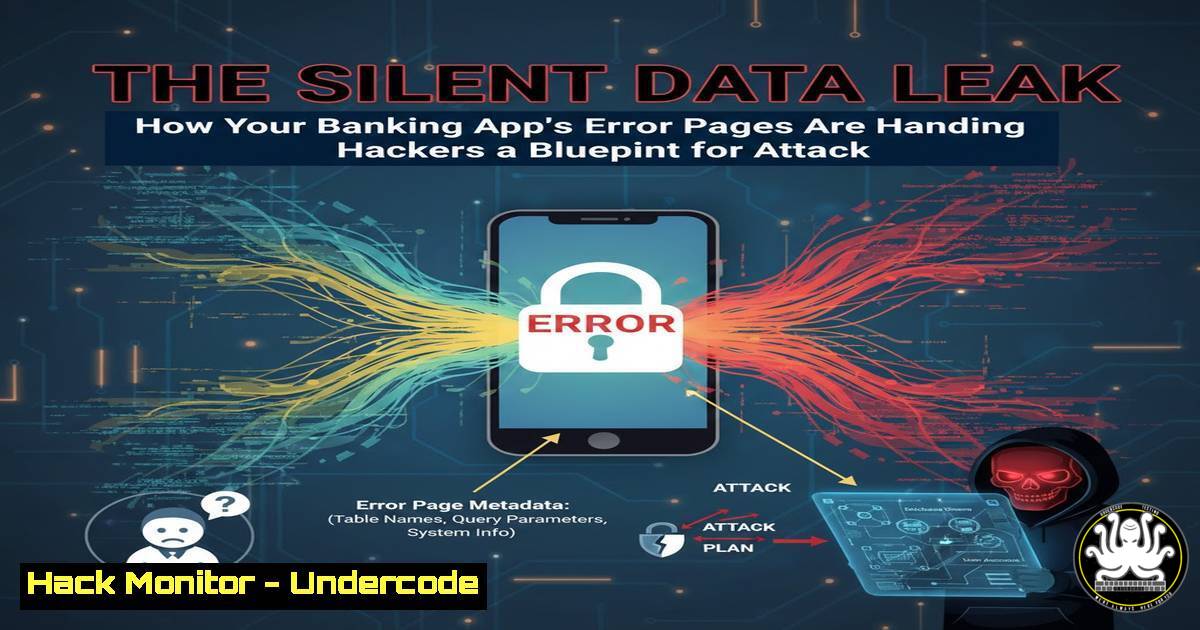
In the high-stakes world of financial technology, every pixel presented to the user is a potential security control—or a critical vulnerability. A recent observation of a banking application’s error page, which disclosed detailed server infrastructure data, underscores a pervasive but often overlooked threat: information disclosure. This incident is not merely a cosmetic failure but a direct breach of security-first design principles, offering attackers a roadmap to exploit backend systems. For cybersecurity professionals, it serves as a stark reminder that defense-in-depth must extend to every layer, including the messages displayed during system failures.
Learning Objectives:
- Understand the specific security risks posed by verbose error messages in production financial applications.
- Learn to implement secure, branded error pages across major web servers and cloud platforms.
- Master the configuration of supporting controls like Web Application Firewalls (WAF), HTTPS enforcement, and secure logging to mitigate attack surface exposure.
You Should Know:
1. The Anatomy of a Dangerous Error Message
The offending error page likely displayed information akin to: Apache/2.4.54 (Debian) Server at secure.bank-example.com Port 80. This single line is a goldmine for an attacker.
Step‑by‑step guide explaining what this does and how to use it.
What it Does: This disclosure allows for precise fingerprinting. The attacker now knows:
Web Server & Version: Apache 2.4.54. They can search for known vulnerabilities (CVEs) specific to this version.
Operating System: Debian. This informs exploit payload construction.
Server Hostname: secure.bank-example.com. Useful for spear-phishing or DNS-based attacks.
Port 80 on a “secure” subdomain: Indicates a potential misconfiguration where HTTP traffic is not forcibly redirected to HTTPS, risking traffic interception.
How to Mitigate It (Linux/Apache):
The primary fix is to suppress detailed errors in the production configuration.
1. Edit your Apache configuration file (e.g., `/etc/apache2/apache2.conf` or a site-specific config).
2. Ensure the directives are set globally or within the relevant `
 Turn off detailed error messages
ServerSignature Off
ServerTokens Prod
 Ensure this is set for all directories
<Directory />
Options FollowSymLinks
AllowOverride None
 Custom error document (see next section)
ErrorDocument 403 /error/403.html
ErrorDocument 404 /error/404.html
ErrorDocument 500 /error/500.html
</Directory>
3. Test the configuration and restart Apache:
sudo apache2ctl configtest
sudo systemctl restart apache2
2. Crafting Secure, Branded Custom Error Pages
Generic server errors erode trust. A custom page provides guidance without leaking data.
Step‑by‑step guide explaining what this does and how to use it.
What it Does: Replaces technical error codes with a user-friendly, branded page containing a support reference number, general guidance, and reassurance—all while logging the full technical details server-side for admin review.
How to Implement It (Apache & Nginx):
Apache: The `ErrorDocument` directive (shown above) points to a static HTML file. Create `/var/www/html/error/500.html` with branded content.
Nginx: Configure within your `server` block in /etc/nginx/sites-available/your_site:
error_page 500 502 503 504 /error/500.html;
location = /error/500.html {
root /usr/share/nginx/html;
internal;  Prevents direct access by path
}
Content Example (for a 500 error): “We apologize for the inconvenience. Our team has been notified of this issue. Please try again shortly or contact support at [official number] and quote reference ID: {%LOG_ID%}.”
3. Enforcing Encryption and Disabling HTTP
The exposure of Port 80 on a “secure” subdomain is a major red flag.
Step‑by‑step guide explaining what this does and how to use it.
What it Does: Forces all client connections to use the encrypted HTTPS protocol (Port 443), preventing downgrade attacks and eavesdropping on traffic that may contain session cookies or other sensitive data.
How to Implement It (Apache with mod_redirect):
1. Enable the rewrite module: `sudo a2enmod rewrite`.
- In your VirtualHost for Port 80, add a permanent redirect:
<VirtualHost :80>
ServerName secure.bank-example.com
Redirect permanent / https://secure.bank-example.com/
</VirtualHost>
- In your main HTTPS VirtualHost on Port 443, add the HTTP Strict Transport Security (HSTS) header to instruct browsers to always use HTTPS:
Header always set Strict-Transport-Security "max-age=31536000; includeSubDomains; preload"
-
Implementing a Web Application Firewall (WAF) as a Safety Net
A WAF acts as a filter, blocking malicious requests before they reach your application and can trigger revealing errors.
Step‑by‑step guide explaining what this does and how to use it.
What it Does: A WAF analyzes HTTP/HTTPS traffic against rule sets (like OWASP Core Rule Set) to block common attacks such as SQL injection, cross-site scripting, and information leakage via error messages.
How to Configure (ModSecurity on Apache):
- Install ModSecurity and the OWASP CRS:
sudo apt-get install libapache2-mod-security2. - Copy the recommended configuration:
sudo cp /etc/modsecurity/modsecurity.conf-recommended /etc/modsecurity/modsecurity.conf. - Edit the config and set `SecRuleEngine` to
On. - Configure a rule to block information leakage in response bodies. A basic rule in
/etc/modsecurity/rules/:SecRule RESPONSE_BODY "@contains Apache/" \ "id:1001,phase:4,log,deny,status:403,msg:'Server Version Disclosure'"
5. Secure Logging and Alerting for Incident Response
While hiding errors from users, you must capture all details internally for forensic analysis.
Step‑by‑step guide explaining what this does and how to use it.
What it Does: Centralized, secure logging ensures that every error trigger—its timestamp, IP, user-agent, and full stack trace—is recorded in a protected location for security team review, enabling rapid detection and response to probing attacks.
How to Set Up (Linux Rsyslog):
- Configure Apache to log errors to a specific file with a detailed format in the VirtualHost:
ErrorLog "|/usr/bin/logger -t apache_errors -p local6.err" LogFormat "%h %l %u %t \"%r\" %>s %b \"%{Referer}i\" \"%{User-Agent}i\"" secure_combined CustomLog "|/usr/bin/logger -t apache_access -p local6.info" secure_combined - Configure Rsyslog (
/etc/rsyslog.conf) to forward these logs to a secured central SIEM server:For central log server (IP: 10.0.1.100) . @@10.0.1.100:514
- Set up alerts for thresholds of error 403/500 requests from a single IP, which could indicate active scanning.
What Undercode Say:
- Defense-in-Depth is Granular: True security architecture considers every output, including transient error states, as a controlled interface. Neglecting this is akin to building a vault but leaving the blueprint taped to the door.
- Trust is a Technical Control: In financial services, user confidence is a currency. A professional, secure error page maintains trust during failures, while a technical dumpster fire invites doubt and social engineering attacks.
-
Analysis: This case study is a microcosm of a widespread issue: the disconnect between development/debugging and production security postures. Default configurations are designed for utility, not protection. The remediation steps are not complex, but they require procedural rigor—a secure deployment checklist that mandates error page customization, WAF deployment, and encryption validation. The persistence of such vulnerabilities highlights a critical need for “security by default” in frameworks and more robust pre-production security testing that simulates attacker reconnaissance.
Prediction:
The future of application security will see increased automation in identifying such information leaks. AI-driven scanning tools will continuously monitor not just primary application paths but every error state and outlier response from production systems, automatically flagging and even patching configurations in real-time. Furthermore, regulatory frameworks for fintech and digital banking will likely explicitly mandate the control of information disclosure in error handling as part of stringent resilience and security testing requirements, turning this best practice into a compliance imperative.
🎯Let’s Practice For Free:
IT/Security Reporter URL:
Reported By: Vernon Simwinga – Hackers Feeds
Extra Hub: Undercode MoN
Basic Verification: Pass ✅


