
Listen to this Post
Introduction:
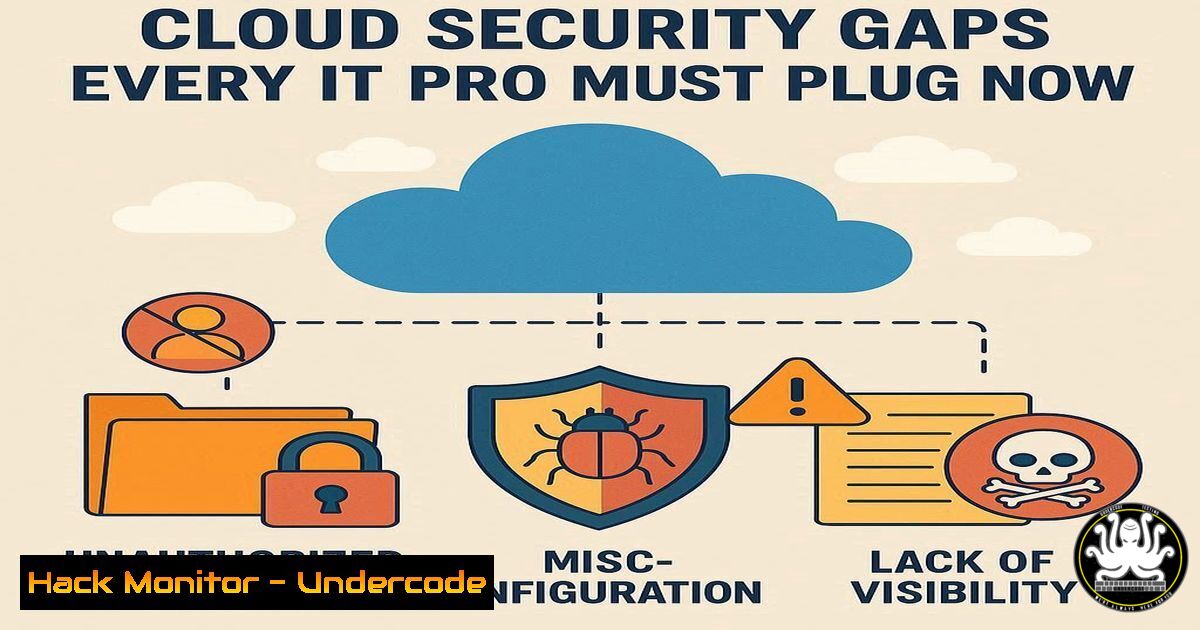
The 2025 State of Cloud Security report from Datadog reveals both significant progress and alarming vulnerabilities across AWS, Azure, and Google Cloud platforms. While adoption of critical security controls is improving, widespread misconfigurations and underutilized native security features continue to expose organizations to substantial risk, making cloud hardening a top priority for cybersecurity teams.
Learning Objectives:
- Identify critical misconfigurations in AWS, GCP, and Azure environments
- Implement and enforce cloud-native security controls like IMDSv2 and SCPs
- Apply command-line and infrastructure-as-code techniques to remediate common cloud vulnerabilities
You Should Know:
1. Enforcing IMDSv2 on EC2 Instances
Verified AWS CLI command to require IMDSv2:
“`aws ec2 modify-instance-metadata-options –instance-id i-1234567890abcdef0 –http-token required –http-endpoint enabled“`
Step-by-step guide: This command modifies the Instance Metadata Service to enforce version 2, which requires a session token and protects against SSRF attacks. First, identify instances using IMDSv1 with aws ec2 describe-instances --query 'Reservations[].Instances[?MetadataOptions.HttpTokens==optional]'. Then apply the enforcement command to each instance ID. Validate with aws ec2 describe-instances --instance-ids i-1234567890abcdef0 --query 'Reservations[].Instances[].MetadataOptions'.
2. Implementing AWS Service Control Policies
Verified AWS Organizations command:
“`aws organizations create-policy –content file://scp.json –name “DenyOutsideRegions” –type SERVICE_CONTROL_POLICY“`
Step-by-step guide: Create a JSON policy document that restricts actions to approved regions. The SCP should include conditions like "Condition": {"StringNotEquals": {"aws:RequestedRegion": ["us-east-1", "eu-west-1"]}}. Attach the policy to OUs using aws organizations attach-policy --policy-id p-1234567890 --target ou-1234-567890. Test the policy in a sandbox OU before broad deployment.
3. Securing GCP Compute Engine Service Accounts
Verified gcloud command to check overprivileged VMs:
“`gcloud compute instances list –format=”table(name,serviceAccounts[].email,zone)”“`
Step-by-step guide: This lists all VMs and their associated service accounts. For each instance, verify the service account follows least privilege using gcloud iam service-accounts get-iam-policy SA_NAME. Remove default service accounts and create custom ones with minimal permissions using gcloud iam service-accounts create
 --description="..."</code>.

<h2 style="color: yellow;">4. Hardening GKE Cluster Security</h2>

<h2 style="color: yellow;">Verified Kubernetes command to check cluster permissions:</h2>

<h2 style="color: yellow;">```kubectl auth can-i --list --all-namespaces```</h2>

Step-by-step guide: Run this command to audit excessive permissions across namespaces. Review RoleBindings and ClusterRoleBindings with <code>kubectl get clusterrolebindings -o yaml | grep -A 5 -B 5 "system:authenticated"</code>. Remove broad permissions and implement namespace-specific roles. Enable Workload Identity with <code>gcloud container clusters update CLUSTER_NAME --workload-pool=PROJECT_ID.svc.id.goog</code>.

<h2 style="color: yellow;">5. Remediating Public Azure Storage Containers</h2>

<h2 style="color: yellow;">Verified Azure CLI command to audit storage security:</h2>

<h2 style="color: yellow;">```az storage container list --account-name mystorageaccount --query "[?properties.publicAccess!='None']"```</h2>

Step-by-step guide: This identifies containers with public access. For each vulnerable container, set private access with <code>az storage container set-permission --name mycontainer --account-name mystorageaccount --public-access off</code>. Enable default encryption and block public access at account level using <code>az storage account update --name mystorageaccount --resource-group myresourcegroup --allow-blob-public-access false</code>.

<h2 style="color: yellow;">6. Implementing Azure Resource Locks</h2>

<h2 style="color: yellow;">Verified Azure PowerShell command:</h2>

<h2 style="color: yellow;">```bash-AzResourceLock -LockName "ReadOnlyLock" -LockLevel CanNotDelete -ResourceGroupName "Production"```</h2>

Step-by-step guide: Apply resource locks to prevent accidental deletion of critical resources. Use `CanNotDelete` for production environments and `ReadOnly` for development. Combine with Azure Policy using `New-AzPolicyDefinition -Name "require-locks" -Policy {policy-rules}` to enforce organizational standards.

<h2 style="color: yellow;">7. AWS Resource Control Policy Enforcement</h2>

<h2 style="color: yellow;">Verified CloudFormation template for RCPs:</h2>

[bash]
Resources:
DataClassificationPolicy:
Type: AWS::Organizations::ResourceControlPolicy
Properties:
Name: DataClassification
Description: Enforce data classification tags
Content: |
{
"tags": {
"DataClassification": {
"@@assign": ["Confidential","Internal","Public"]
}
}
}
Step-by-step guide: Deploy this CloudFormation template to enforce resource tagging standards. Combine with SCPs that deny actions on untagged resources. Monitor compliance with AWS Config rules using aws configservice put-config-rule --config-rule file://tagging-rule.json.
What Undercode Say:
- Immediate enforcement of IMDSv2 is non-negotiable for all new and existing EC2 instances
- Cloud security maturity requires leveraging ALL native control mechanisms, not just the convenient ones
- The 58% Azure public access blocking rate indicates significant room for improvement in default security configurations
The Datadog report reveals a critical disconnect between cloud adoption and security maturity. While organizations rapidly expand their cloud footprints, security controls lag dangerously behind, particularly with foundational protections like service account hardening and metadata security. The 86% AWS Organizations adoption versus 40% SCP usage demonstrates that companies are building the scaffolding but not implementing the actual security measures. The 11-23% overprivileged GCP resources represents a massive attack surface that could lead to catastrophic data breaches. Security teams must shift from reactive compliance to proactive hardening, treating every cloud service as potentially hostile until properly configured.
Prediction:
Within 12-18 months, we will see a major cloud breach originating from unenforced IMDSv1 or overprivileged service accounts, forcing regulatory intervention and mandatory cloud security certifications. Cloud providers will begin enforcing stricter default configurations, and insurance premiums will skyrocket for organizations failing to implement basic controls like SCPs and IMDSv2 enforcement.
🎯Let’s Practice For Free:
IT/Security Reporter URL:
Reported By: Adan %C3%A1lvarez - Hackers Feeds
Extra Hub: Undercode MoN
Basic Verification: Pass ✅


