
Listen to this Post
Introduction:
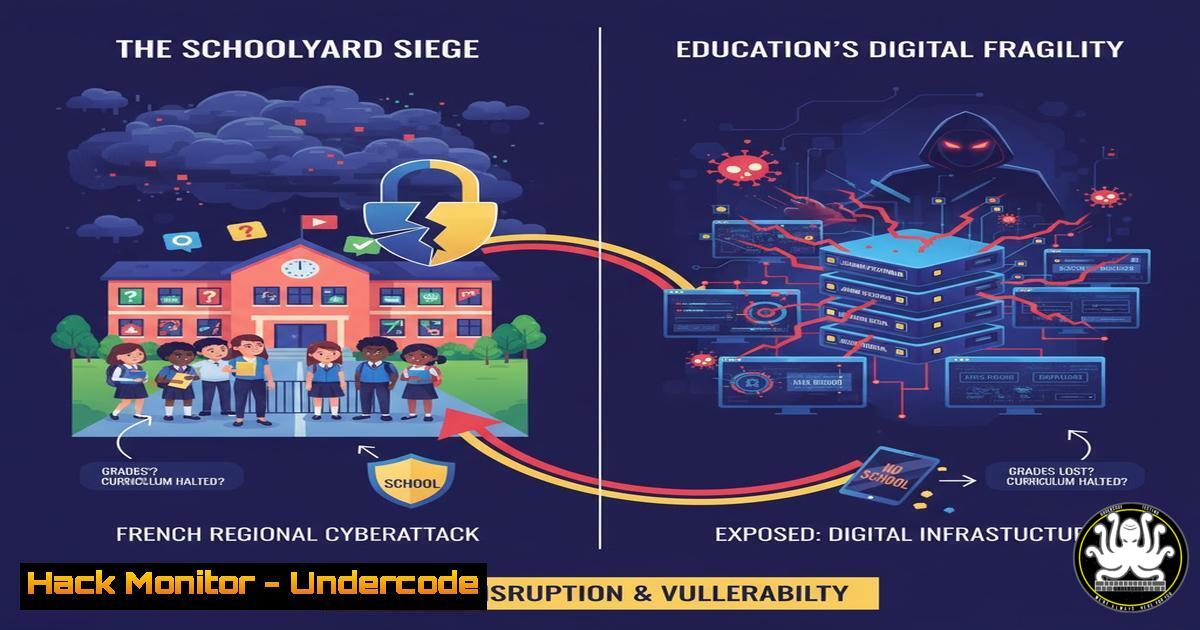
A recent large-scale cyberattack targeted the information systems of high schools in the Hauts-de-France region, compromising nearly 80% of institutions. This incident led to disabled servers, erased services, and a severe risk of exposure for the personal data of students, families, and staff. This event underscores a critical vulnerability in a sector that manages vast amounts of sensitive minor data but often lacks robust cybersecurity infrastructure, turning educational institutions into low-risk, high-reward targets for cybercriminals.
Learning Objectives:
- Understand the common attack vectors used against educational institutions and how to defend against them.
- Learn immediate and mid-term hardening techniques for typical school IT infrastructure.
- Develop a incident response and communication plan tailored for an educational environment.
You Should Know:
1. Mastering Asset Discovery and Network Segmentation
The first line of defense is knowing what you need to protect. Many school networks have grown organically, leading to a flat architecture where a breach in one system (e.g., a student-facing terminal) can easily spread to critical administrative servers holding personal data.
Step-by-step guide:
- Discover Your Assets: Use network scanning tools to build a complete inventory of all connected devices.
On Linux, use `nmap` for a basic sweep:nmap -sP 192.168.1.0/24. This command pings all hosts in the specified network range to identify live devices.
For a more detailed audit, use `nmap -A -T4 192.168.1.0/24` to detect OS and service versions. - Map the Data Flow: Identify where sensitive data (student records, financial information) is stored, processed, and transmitted.
- Implement Segmentation: Create separate network VLANs (Virtual Local Area Networks) for different user groups and systems.
Admin VLAN: For administrative staff and servers containing sensitive data.
Staff VLAN: For teachers and educational software.
Student VLAN: For student devices and lab computers, with heavy restrictions.
Guest VLAN: For public Wi-Fi, completely isolated from internal networks.
This containment strategy ensures that a breach in the student network cannot laterally move to the administrative network.
2. Enforcing Multi-Factor Authentication (MFA) and Least Privilege
Compromised user credentials are a primary attack vector. Enforcing MFA and the principle of least privilege drastically reduces the risk of unauthorized access, even if passwords are stolen.
Step-by-step guide:
- Mandate MFA for All Administrative Accounts: This includes IT staff, principals, and any account with access to sensitive systems. Use an authenticator app (like Google Authenticator or Microsoft Authenticator) or hardware tokens.
2. Apply Least Privilege in Active Directory (Windows):
Use the Principle of Least Privilege (PoLP): Users should only have the permissions absolutely necessary for their role.
Review local administrators: Remove standard users from the local administrators group on their workstations via Group Policy.
Use the command `net localgroup administrators` to view members of the local admin group on a specific machine.
3. Apply Least Privilege on Linux Servers:
Use `sudo` instead of giving out root passwords. Configure the `/etc/sudoers` file carefully to grant specific command privileges. For example: `webadmin ALL=(ALL) /bin/systemctl restart nginx` allows the user ‘webadmin’ to only restart the nginx service.
3. Establishing a Rigorous Patch Management Cycle
Unpatched software is an open door for attackers. Educational IT teams are often understaffed, making automated and scheduled patching critical.
Step-by-step guide:
- Inventory Software: Use tools like `dpkg -l` (Debian/Ubuntu) or `rpm -qa` (RedHat/CentOS) on Linux, or Windows’ built-in “Programs and Features,” to list all installed software.
- Prioritize Patching: Focus on critical and exploitable vulnerabilities (CVSS score 7.0 and above) in internet-facing systems and software handling sensitive data.
3. Automate Where Possible:
Windows: Configure and test Windows Server Update Services (WSUS) or use a third-party patch management solution.
Linux: Set up unattended-upgrades on Debian/Ubuntu or configure `yum-cron` on RHEL-based systems for automatic security updates. Always test updates in a non-production environment first.
4. Implementing Immutable and Verified Backups
The attack in Hauts-de-France involved data deletion. The only true defense against ransomware or destructive attacks is a robust, immutable backup strategy that follows the 3-2-1 rule.
Step-by-step guide:
- Follow the 3-2-1 Rule: Have at least 3 total copies of your data, on 2 different media, with 1 copy stored off-site and offline.
- Automate Backups: Use `rsync` or `BorgBackup` on Linux for efficient, encrypted backups. On Windows, use scheduled tasks with `robocopy` or a professional backup suite.
- Ensure Immutability: Configure backup storage to be immutable (cannot be altered or deleted for a set period). This can be achieved using object storage with WORM (Write Once, Read Many) policies or dedicated backup appliances with immutability features.
- Test Restores Regularly: A backup is only as good as your last successful restore test. Perform quarterly drills to restore files, databases, and even entire servers.
5. Developing an Incident Response and Communication Plan
When an attack occurs, panic and poor communication can amplify the damage. A pre-defined plan is essential.
Step-by-step guide:
- Form a Response Team: Designate roles: Incident Lead, IT Forensics, Legal Counsel, Communications Officer.
- Create a Playbook: Document steps for common scenarios (ransomware, data breach, DDoS).
Step 1: Containment. Isolate affected systems from the network (disable switch ports, change firewall rules).
Step 2: Eradication. Identify and remove the threat. This may require a full wipe and rebuild of systems.
Step 3: Recovery. Restore systems from clean backups.
Step 4: Post-Incident Analysis. Document the root cause and lessons learned. - Prepare Communication Templates: Have pre-drafted (but blank) emails and notices for students, parents, staff, and regulatory bodies like the CNIL to ensure timely, accurate, and compliant communication.
What Undercode Say:
- The Human Firewall is Non-Negotiable. The most advanced technical controls can be bypassed by a single phishing click. Continuous, engaging cybersecurity awareness training for all staff and students is a critical investment, not an optional expense.
- Compliance is a Floor, Not a Ceiling. Merely checking boxes for data protection regulations is insufficient. Adversaries operate beyond compliance frameworks. A proactive, threat-informed defense strategy that assumes breach is necessary to protect our educational communities.
The Hauts-de-France attack is a stark lesson in systemic risk. Schools are nodes in a larger community; a breach doesn’t just disrupt classes, it jeopardizes the personal safety and privacy of minors and erodes trust in public institutions. The focus must shift from reactive cost-cutting to proactive investment in cybersecurity resilience, treating it as a core component of educational infrastructure, as vital as the physical school building itself.
Prediction:
In the next 12-24 months, we will see a significant rise in state-sponsored and eCrime attacks targeting the education sector, specifically for data exfiltration and intellectual property theft. Student data, with its long shelf life, will become a premium commodity on dark web markets for identity fraud and social engineering. Failure to adopt Zero Trust principles and implement advanced endpoint detection and response (EDR) will lead to more catastrophic breaches, potentially forcing the temporary closure of entire school districts and triggering stringent, punitive regulatory actions against educational bodies deemed negligent.
🎯Let’s Practice For Free:
IT/Security Reporter URL:
Reported By: Activity 7393248596940341249 – Hackers Feeds
Extra Hub: Undercode MoN
Basic Verification: Pass ✅


