
Listen to this Post
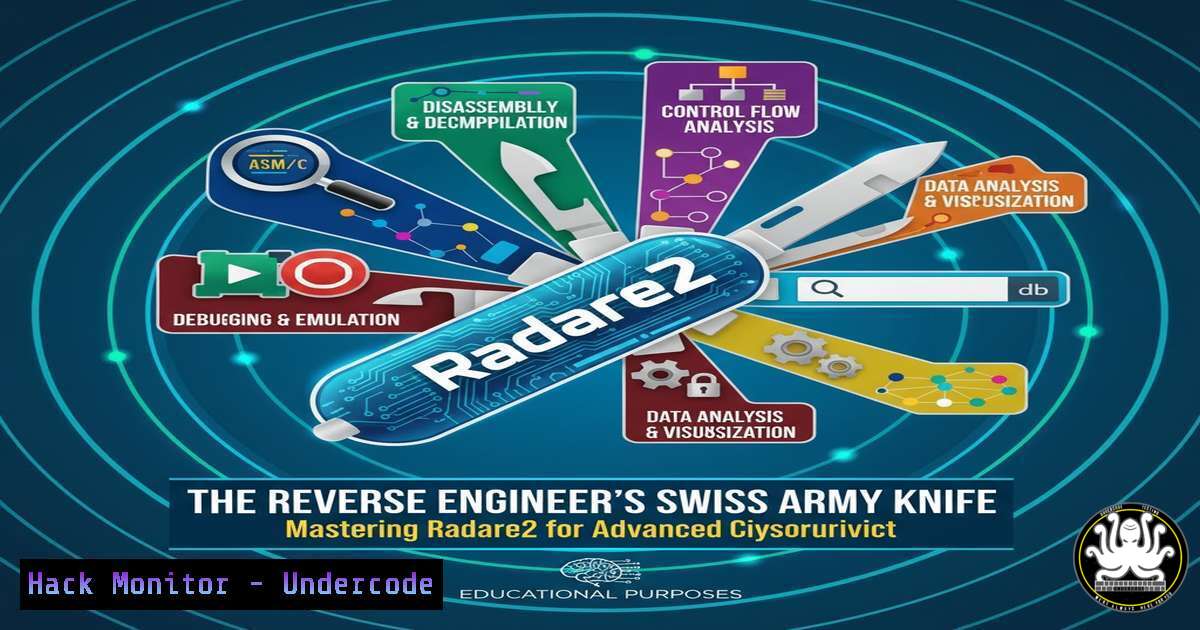
Introduction:
In the ever-evolving landscape of cybersecurity, the ability to dissect and understand malicious software is a critical skill. Reverse engineering forms the backbone of malware analysis, vulnerability research, and exploit development. Radare2 stands out as a powerful, free, and open-source framework that provides a comprehensive suite of command-line tools for this very purpose, offering capabilities that rival, and in some aspects surpass, expensive commercial alternatives.
Learning Objectives:
- Understand the core architecture and philosophy of the Radare2 framework.
- Learn the fundamental commands to open, analyze, and navigate binaries.
- Develop the skills to perform basic disassembly, decompilation, and debugging.
You Should Know:
- What is Radare2? The Philosophy of a Libre Framework
Radare2 (r2) is not merely a tool but a complete ecosystem for reverse engineering. It is built on a core library that is then leveraged by various user interfaces, most notably its own command-line interface. Its philosophy is rooted in the Unix tradition: be a single, powerful program that does one job—analyzing binaries—exceptionally well. It supports a staggering array of architectures, file formats, and operating systems, making it indispensable for analyzing everything from embedded firmware to modern Windows malware and everything in between. Unlike GUI-based tools, its scriptable nature allows for automation of complex analysis tasks, making it a favorite among penetration testers and security researchers.
2. Getting Started: Installation and Basic Workflow
The first step is to install Radare2 on your system. The project recommends installation from source to get the latest features and fixes.
Step-by-Step Guide:
1. Linux/macOS Installation:
Open a terminal and clone the GitHub repository. Compile and install the framework.
 Clone the radare2 repository
git clone https://github.com/radareorg/radare2
 Navigate into the directory
cd radare2
 Run the installation script (this may require sudo)
sys/install.sh
Verify the installation by typing `r2 -v`.
2. Windows Installation:
The easiest method on Windows is to use the pre-built releases. Visit the Radare2 GitHub releases page, download the latest `.zip` file (e.g., radare2-5.8.8-w64.zip), and extract it to a directory like C:\radare2. Add `C:\radare2\bin` to your system’s PATH environment variable.
3. Opening Your First Binary:
In your terminal, simply run `r2` followed by the `-A` flag (for automated analysis) and the path to your binary.
r2 -A /path/to/target_binary
This command opens the binary and performs an initial analysis, which is crucial for populating the internal database with information about functions, strings, and symbols.
3. Core Analysis: Navigating and Inspecting the Binary
Once inside the Radare2 prompt, you enter a powerful interactive environment. Navigation is key to understanding the binary’s structure.
Step-by-Step Guide:
- Seeking and Viewing: Use the `s` command to “seek” to a specific address or function. For example, `s main` seeks to the `main` function.
- Print Disassembly: Use `pd` (print disassembly) to view the assembly instructions at your current location. `pd 20` will print the next 20 instructions.
- Visual Modes: Radare2’s most powerful feature is its visual mode. Type `V` to enter the graph view. Press `p` to cycle through different view modes (e.g., disassembly, hexdump). Press `q` to exit back to the command prompt.
- Listing Functions and Strings: Use `afl` to list all functions found during analysis. Use `izz` to list all strings found in the data sections of the binary.
4. Disassembly and Decompilation with `pd` and `pdc`
Understanding the control flow of a program is the primary goal of static analysis. Radare2 provides both low-level disassembly and a higher-level decompiled output.
Step-by-Step Guide:
- Standard Disassembly: As mentioned, `pd` is your workhorse. You can disassemble a specific function by seeking to it and then using
pd.[bash]> s main [bash]> pd
This will output the raw assembly of the `main` function.
-
Pseudo-C Decompilation: Radare2 integrates decompilers to generate pseudo-C code, which is far easier to read. The primary command is `pdc` (print decompiler comments). For a more robust output, you can use the `af` and `pdf` commands in sequence to analyze and then print the function in a decompiler-friendly format.
[bash]> s main
[bash]> af
[bash]> pdf
This analyzes the function and then prints a more readable, decompiled representation.
5. Dynamic Analysis: Debugging with Radare2
Static analysis can only reveal so much. Radare2 excels at live debugging, allowing you to trace execution, inspect registers, and modify memory.
Step-by-Step Guide:
- Launch in Debug Mode: Use the `-d` flag to open a binary in debug mode.
r2 -d /path/to/target_binary
2. Control Flow: Use standard debugger commands:
dc: Continue execution.dso: Step over a function call.dsi: Step into a function call.db</code>: Set a breakpoint at a specific address (e.g., <code>db main</code>).</li> </ul> <h2 style="color: yellow;">3. Inspect State:</h2> <ul> <li><code>dr</code>: Display the values of all CPU registers.</li> <li><code>pxw @ rsp</code>: Examine the stack (print 4-byte hex words at the stack pointer).</li> </ul> <ol> <li>Analyze at Breakpoint: Set a breakpoint at <code>main</code>, run the program (<code>dc</code>), and when it breaks, use your static analysis commands (<code>pd</code>, <code>pdf</code>) to see the code in context.</li> </ol> <h2 style="color: yellow;">6. Scripting for Power: Automating Analysis with r2pipe</h2> The true power of Radare2 is unlocked through scripting. The r2pipe API allows you to control Radare2 from various programming languages like Python, JavaScript, and Go. <h2 style="color: yellow;">Step-by-Step Guide (Python):</h2> <ol> <li>Install the r2pipe Python package: `pip install r2pipe` 2. Create a Python script to automate a simple analysis task. [bash] !/usr/bin/env python3 import r2pipe Open a connection to a local binary r2 = r2pipe.open('/bin/ls') Perform automatic analysis r2.cmd('aaaa') Get information about the main function main_info = r2.cmdj('pdfj @ main') Print the number of instructions in main if 'ops' in main_info: print(f"Number of instructions in 'main': {len(main_info['ops'])}") Close the connection r2.quit()This script opens the `ls` binary, analyzes it, and prints the number of assembly instructions in its `main` function, demonstrating how repetitive analysis can be automated.
- Radare2 is a force multiplier for security professionals, transforming complex reverse engineering tasks into scriptable, repeatable processes.
- Its steep learning curve is a significant investment, but the payoff in terms of deep, customizable binary analysis is unparalleled in the open-source world.
What Undercode Say:
Radare2 represents a fundamental shift from point-and-click reverse engineering to a methodology based on command-line precision and automation. While the initial barrier to entry is non-trivial, mastery of its workflow allows an analyst to move with a speed and depth that GUI tools often inhibit. Its plugin architecture and active community ensure it remains on the cutting edge, constantly integrating new analysis techniques for emerging threats. For any serious professional in vulnerability research or malware analysis, Radare2 is not just a tool to learn; it is a core component of a modern technical skillset.
Prediction:
The demand for robust, libre reverse engineering tools like Radare2 will only intensify as software becomes more complex and interconnected. With the rise of AI-generated code and sophisticated state-sponsored malware, the ability to automatically analyze and characterize binaries at scale will be paramount. Radare2's scriptable nature positions it perfectly to be the engine underneath future AI-powered security analysis platforms, automating vulnerability discovery and threat classification in ways that are only beginning to be imagined. Its philosophy ensures it will remain adaptable and relevant in the face of these future challenges.
🎯Let’s Practice For Free:
IT/Security Reporter URL:
Reported By: Olivier Poncet - Hackers Feeds
Extra Hub: Undercode MoN
Basic Verification: Pass ✅


