
Listen to this Post
Introduction:
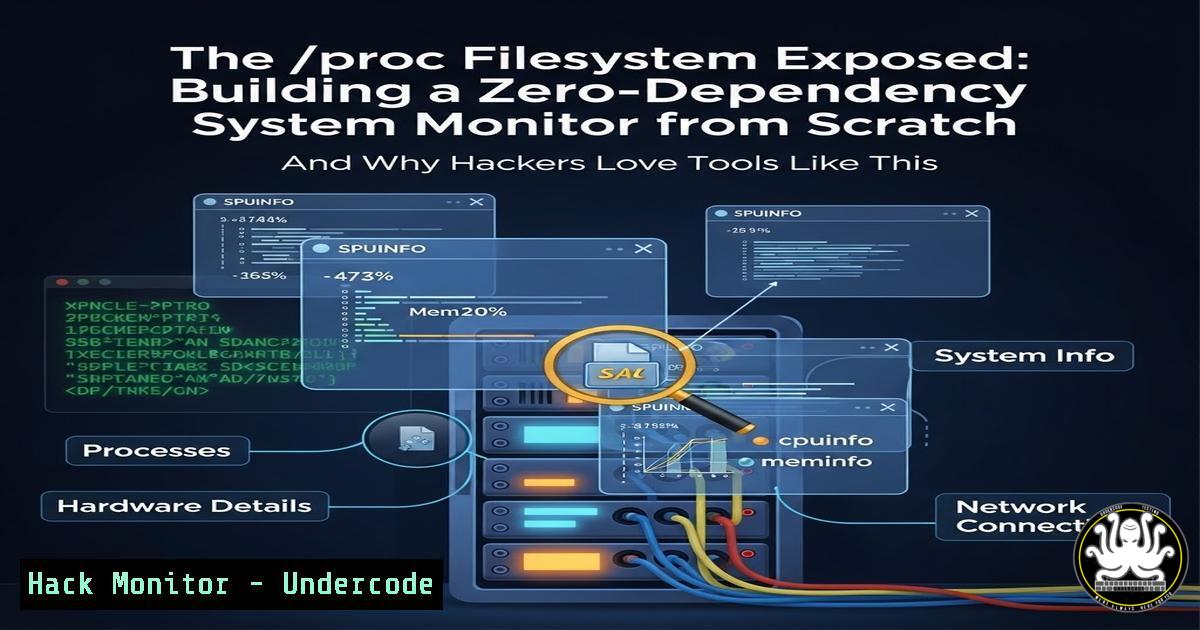
In the realm of Linux system administration and security monitoring, visibility is paramount. The `/proc` virtual filesystem serves as a real-time portal into the kernel’s inner workings, exposing critical data on processes, memory, and hardware. By building a custom tool to parse this data, we not only demystify system resource monitoring but also create a lightweight, portable artifact that can be invaluable for incident response, forensic analysis, and hardening assessments on any Linux system, no matter how minimal.
Learning Objectives:
- Understand the structure and security significance of the Linux `/proc` filesystem.
- Learn how to programmatically extract and calculate real-time CPU and memory utilization.
- Master techniques for process enumeration and terminal-based UI rendering using ANSI escape sequences.
You Should Know:
1. Decoding the Kernel’s Ledger: The /proc/stat File
The `/proc/stat` file is the kernel’s cumulative ledger of CPU time, measured in jiffies (typically centiseconds). To get a useful percentage, you must measure delta over time. This is fundamental for baselining “normal” system behavior and detecting anomalies indicative of malware or resource exhaustion attacks.
Step-by-step guide:
- Read the file: Open and read the first line of
/proc/stat. It looks like: `cpu user nice system idle iowait irq softirq …`
2. Extract values: Sum all values to gettotal_time. Sum everything except `idle` and `iowait` (often) to getactive_time. - Wait and sample again: Sleep for a precise interval (e.g., 1 second), then take a second sample.
4. Calculate usage: For each sample set, compute:
`total_delta = total_time_sample2 – total_time_sample1`
`active_delta = active_time_sample2 – active_time_sample1`
`cpu_usage_percentage = (active_delta / total_delta) 100.0`
Verified Linux Command:
You can manually observe this data using:
cat /proc/stat | head -2
sleep 1 && cat /proc/stat | head -2
- The Philosophy of “Everything is a File” and Security Implications
Linux’s design treats system and process data as files in/proc. This provides a uniform interface but also a potential attack surface. Sensitive information like command-line arguments (/proc//cmdline</code>) or environment variables (<code>/proc/[bash]/environ</code>) is exposed here, making it a primary target for post-exploitation enumeration.</li> </ol> <h2 style="color: yellow;">Step-by-step guide to parsing memory info:</h2> <h2 style="color: yellow;">1. Locate the file: Read `/proc/meminfo`.</h2> <ol> <li>Parse key lines: The file contains lines like `MemTotal: 16333848 kB` and <code>MemAvailable: 10204376 kB</code>.</li> <li>Extract values: `MemAvailable` is the most accurate metric for unused memory, as it accounts for caches and buffers that can be instantly reclaimed. This is crucial for detecting memory-based DoS conditions.</li> </ol> <h2 style="color: yellow;">4. Calculate usage:</h2> <h2 style="color: yellow;">`used_memory = MemTotal - MemAvailable`</h2> <h2 style="color: yellow;">`memory_usage_percentage = (used_memory / MemTotal) 100.0`</h2> <h2 style="color: yellow;">Verified Linux Command:</h2> [bash] grep -E '^(MemTotal|MemAvailable)' /proc/meminfo
3. Process Crawling: Forensic Enumeration via /proc
The `/proc` directory contains numerical subdirectories for each running process (PID). Crawling these is how tools like `ps` and `htop` work. From a security standpoint, this is how you hunt for suspicious processes, analyze their resource consumption, or inspect their open file descriptors.
Step-by-step guide to process discovery:
- List PIDs: List all numerical directories in `/proc` (e.g.,
ls -d /proc/[0-9]). - Read /proc/
/stat: This file contains a single line with over 50 fields describing the process state. The second field (in parentheses) is the process name.</li> <li>Extract name and state: Parsing requires handling the parentheses. The process state (e.g., R=Runnable, S=Sleeping) is the 3rd field. A `Z` state indicates a zombie process, a potential sign of buggy or malicious code.</li> <li>Calculate CPU per process: This is more advanced and requires reading `utime` and `stime` from `/proc/[bash]/stat` and comparing deltas, similar to the system-wide CPU calculation.</li> </ol> <h2 style="color: yellow;">Sample Command to View Process Info:</h2> [bash] View command line of a specific process (PID 1234) cat /proc/1234/cmdline | xargs -0 echo List all processes with their PID and name ls -1 /proc/[0-9]/comm | xargs -I {} sh -c 'echo -n "{}: " && cat {}'- The Power of Zero Dependencies for Offensive & Defensive Tooling
The author's choice to avoid GPU monitoring underscores a critical principle for security tools: portability and stealth. A tool with no external dependencies can be cross-compiled as a static binary and deployed onto any compatible system—a compromised server, a docker container, or an embedded IoT device—without triggering package manager alerts or leaving a broad audit trail. This makes such tools equally valuable for red teamers deploying persistence monitors and blue teamers deploying incident response scripts in constrained environments. -
Crafting a Stealthy Terminal Dashboard with ANSI Escape Codes
For command-line tools, avoiding screen flicker is key for usability. ANSI escape sequences allow in-place screen updates, which is how tools like `top` and `nmon` work. This technique can also be used to create persistent, updating dashboards for monitoring command and control (C2) servers or live forensic analysis.
Step-by-step guide to basic terminal painting:
- Move Cursor Home: Send `\033[H` to move the cursor to the top-left corner of the terminal.
- Clear Screen from Cursor Down: Send `\033[J` to clear everything from the cursor position onward.
3. Print your updated dashboard.
- Loop: Wait for your sampling interval, then repeat from step 1.
Example in a Bash Script:
while true; do echo -e "\033[H\033[J" Move and clear echo "===== SYSTEM MONITOR =====" echo "CPU: $(grep 'cpu ' /proc/stat | awk '{usage=($2+$4)100/($2+$4+$5)} END {print usage "%"}')" sleep 1 doneWhat Undercode Say:
- Key Takeaway 1: The `/proc` filesystem is a goldmine for both offensive security (post-exploitation reconnaissance, living-off-the-land) and defensive monitoring (building custom detectors, forensic analysis). Understanding its layout is non-negotiable for serious Linux professionals.
- Key Takeaway 2: Prioritizing zero dependencies is a hallmark of robust, deployable security tooling. It reduces attack surface, increases portability across diverse Linux environments, and minimizes operational footprint—a philosophy that scales from simple system monitors to sophisticated implants.
Analysis:
This project elegantly demonstrates core security engineering principles: using built-in OS interfaces for maximum compatibility, parsing raw data for accuracy, and prioritizing operational efficiency. In a security context, a tool derived from this concept could be modified to not just monitor but to flag specific signatures—for instance, detecting a process consuming 100% CPU (
Rstate consistently), a sudden drop inMemAvailable, or the presence of a process with a name matching a known malware pattern. The terminal painting technique ensures it can run in minimal SSH sessions without needing complex screen management software. This approach is foundational; the next evolution would be adding network socket enumeration from `/proc/[bash]/net/` or file descriptor listing from `/proc/[bash]/fd/` for a truly comprehensive host-based intrusion detection script.Prediction:
The methodology showcased—lightweight,
/proc-based introspection—will see increased adoption in next-generation, agent-light security monitoring and forensics. As containerization and serverless platforms mature, the ability to quickly deploy a single-binary monitor that can profile behavior from inside a namespace will be crucial for runtime security. Furthermore, adversarial toolkits will continue to evolve using these same principles to create more stealthy and pervasive Linux rootkits and persistence mechanisms that operate with minimal forensic footprint, making defender understanding of these fundamentals even more critical.▶️ Related Video (72% Match):
🎯Let’s Practice For Free:
IT/Security Reporter URL:
Reported By: Maini Lotfi - Hackers Feeds
Extra Hub: Undercode MoN
Basic Verification: Pass ✅🔐JOIN OUR CYBER WORLD [ CVE News • HackMonitor • UndercodeNews ]
📢 Follow UndercodeTesting & Stay Tuned:
- The Power of Zero Dependencies for Offensive & Defensive Tooling
- List PIDs: List all numerical directories in `/proc` (e.g.,


